Best NotebookLM (Gemini Notebook) Alternatives in 2026
Gemini Notebook (formerly NotebookLM) lets you collect your own documents into a notebook and ask source-grounded questions across them. If you want a browser-based knowledge base, citation jumps inside PDFs, personal reading highlights, or broader general-purpose project workspaces, the tools below cover similar ground.
Comparing alternatives to
Gemini NotebookFreemiumFrom $7.99/mo
Study and brief from a notebook of your own research sources
Compare AI answers and work with reading material in a browser sidebar
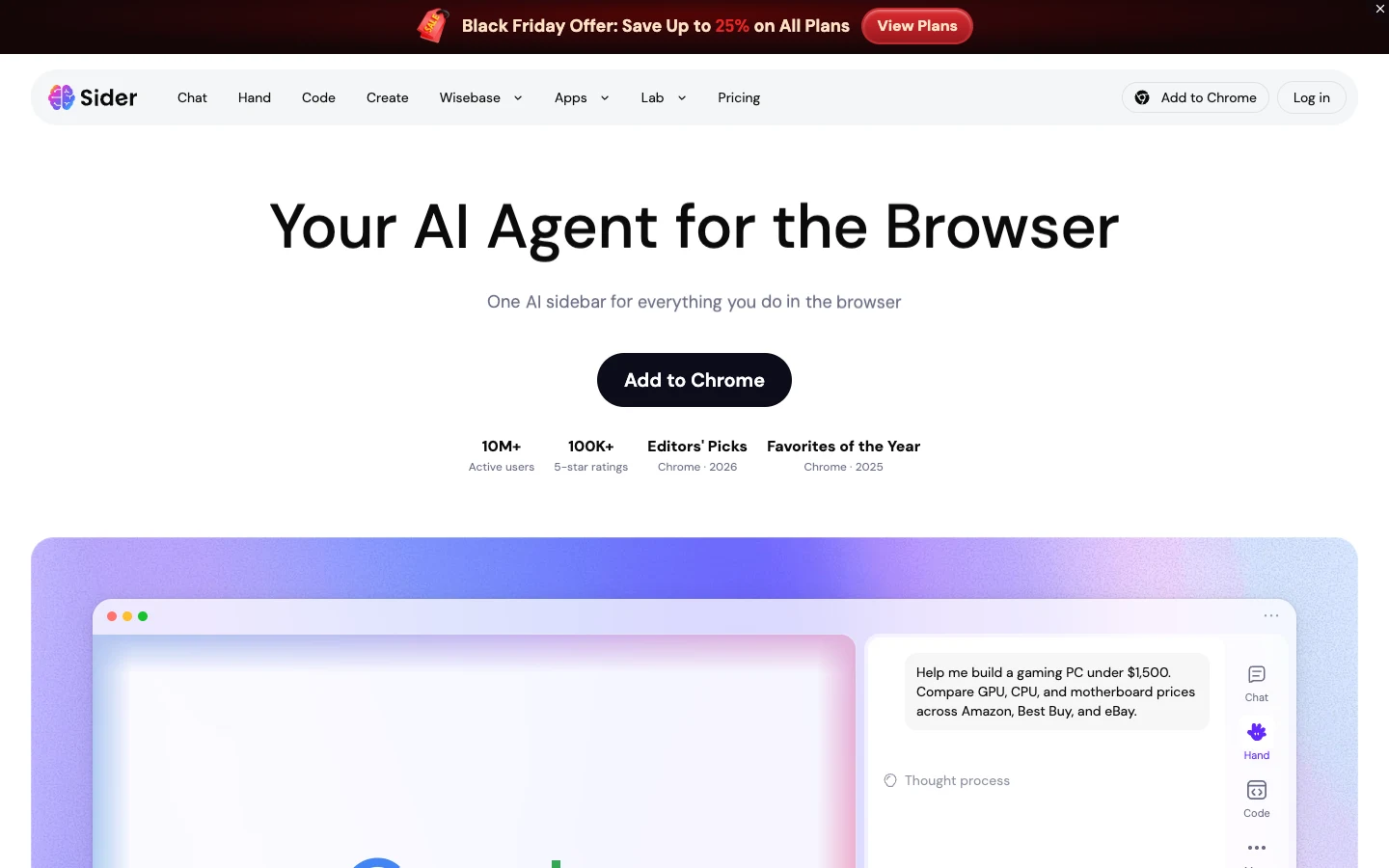
Sider places an AI conversation beside the webpage being used. The chat can work from that page, a screenshot or an uploaded file, keeping a question close to its source. A full-page view offers the same sidebar tools when the conversation needs more room.
Key features
Compare several modelsDiscuss files and pagesTranslate bilingual views
Research questions with answers linked to web sources
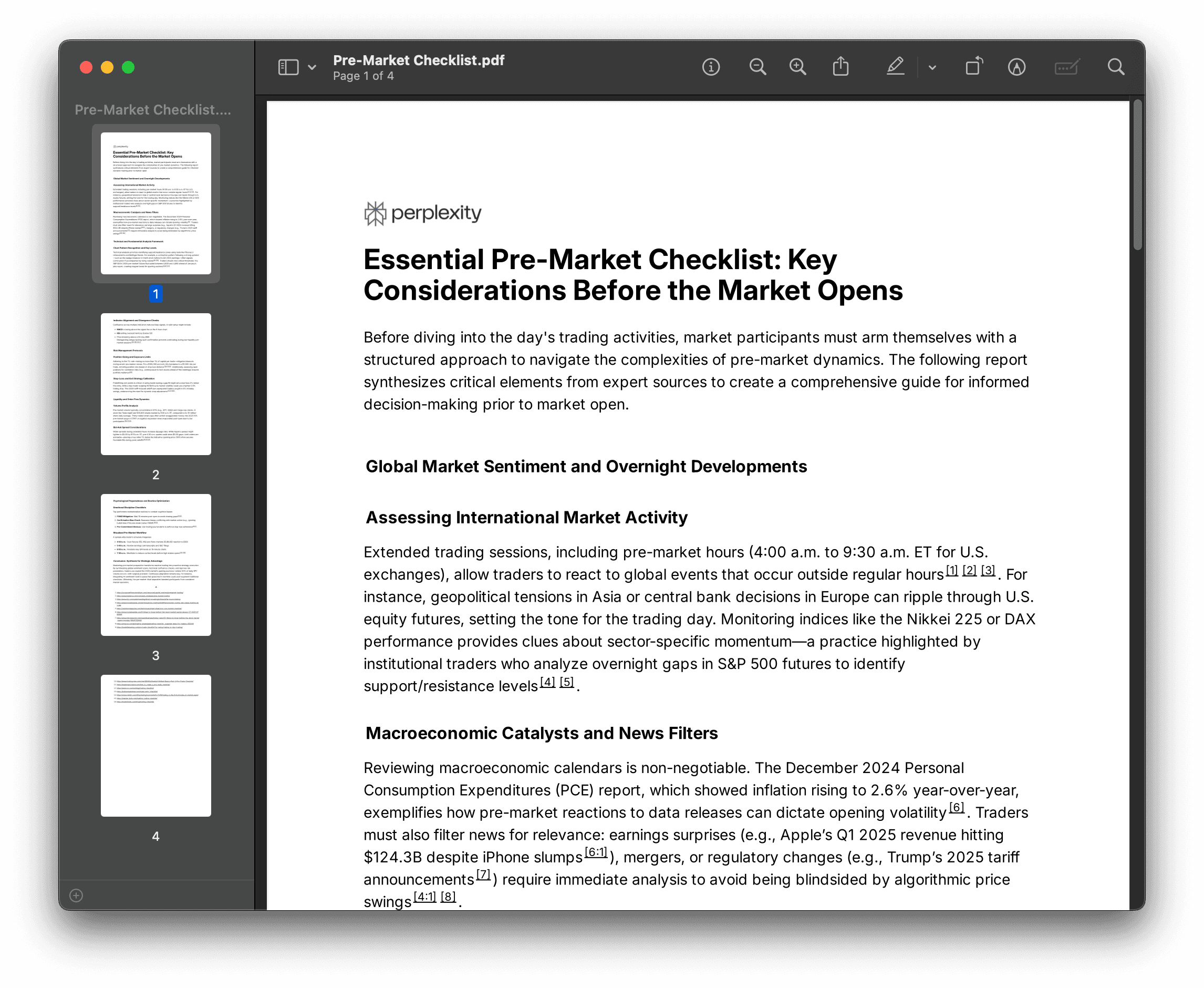
Perplexity answers questions by researching the web and presenting a response with source references. Its answer engine routes requests across several models, while the conversation provides a place to refine the question. Research can begin with a short factual query and continue into a broader investigation without leaving the thread.
Key features
Inspect cited answersAnalyze uploaded filesOrganize research projects
Ask focused questions across documents with references to the source text
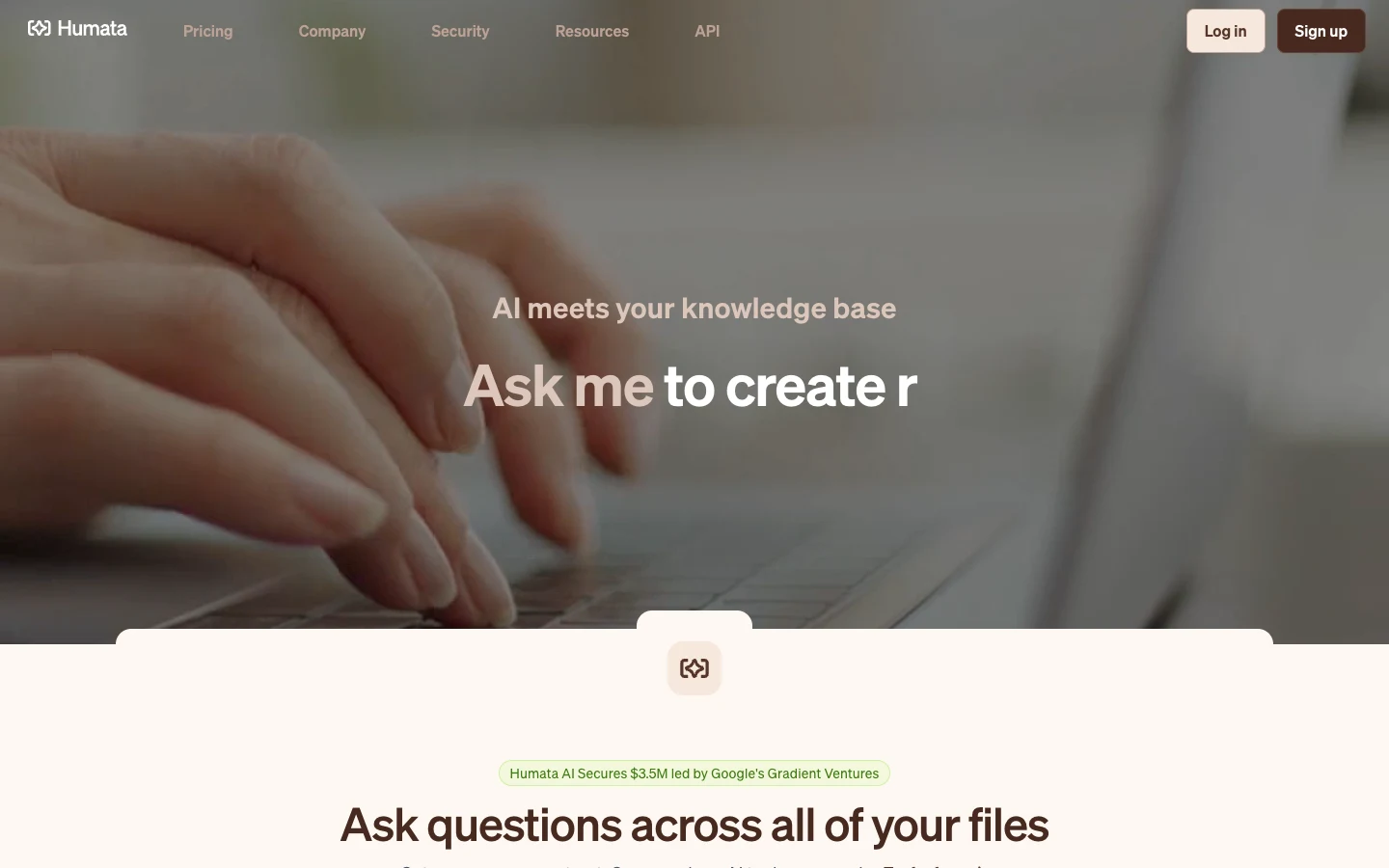
Humata turns uploaded documents into material for a question-and-answer session. A reader can work with a single file or select a group of files for a combined question. Imported website content provides another route for bringing reference material into the collection.
Key features
Ask across uploaded filesAdjust a document summaryFollow source references
Keep reading highlights available for review and later writing
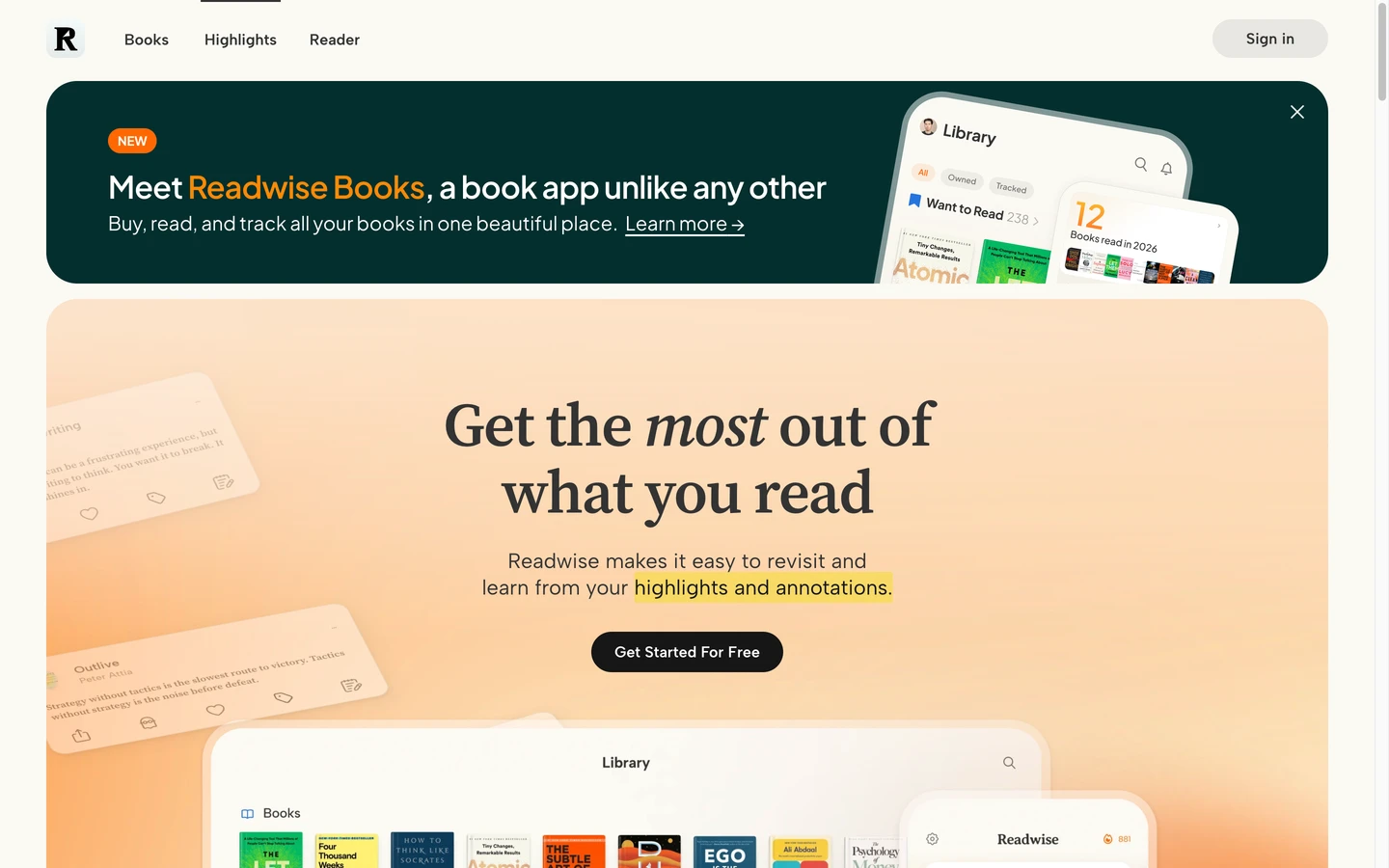
Readwise helps readers retain and reuse what they read by collecting highlights and resurfacing them for daily review. Reader stores articles and documents, with Ghostreader for questions beside the text. Highlights connects those annotations to a longer-term collection that can be exported into note-taking tools.
Key features
Import book highlightsReview saved passages dailyAsk Ghostreader
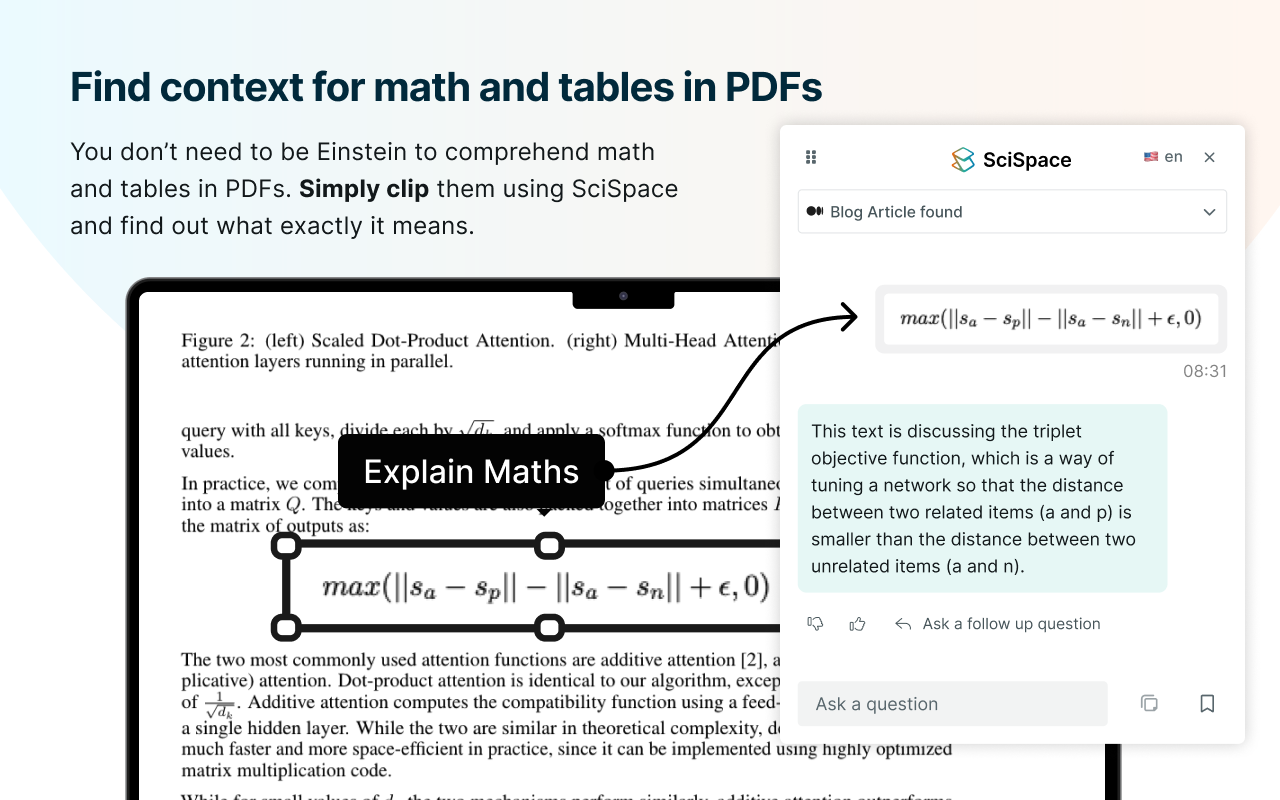
Read scientific papers with explanations of passages, equations and tables
SciSpace is an AI research workspace for discovering literature and working through academic papers. Researchers can ask source-linked questions, clarify technical passages, equations and tables, and compare findings across documents. An uploaded PDF or saved paper collection provides the material for closer reading and extraction.
Key features
Discuss an uploaded PDFExplain technical passagesInterpret equations and tables
Work through questions, files and creative tasks in conversation
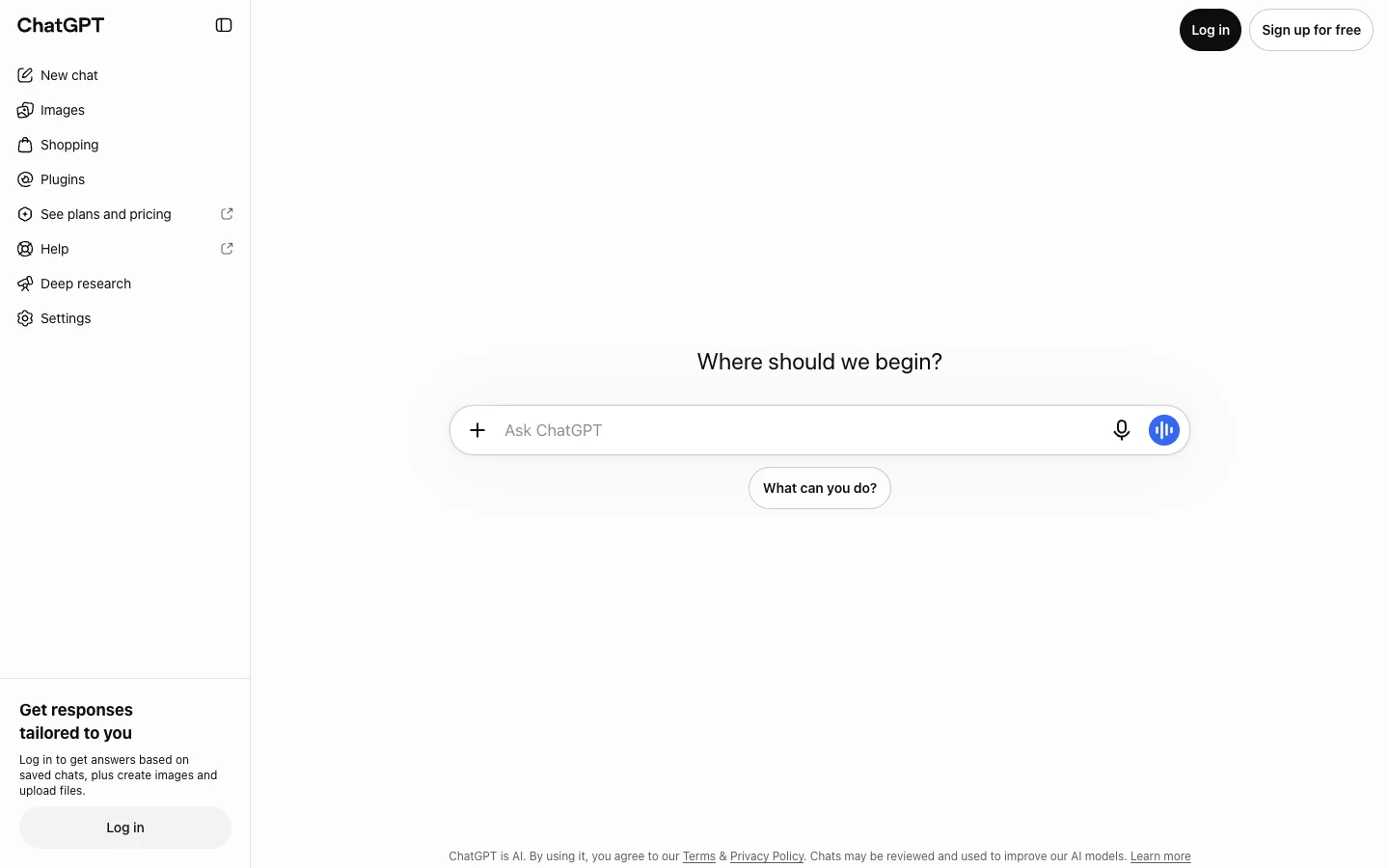
ChatGPT is a conversational assistant that adapts a response to instructions and the preceding discussion. Files, web material and app information can provide context for a task. The result can be refined through follow-up questions or taken into a more structured mode for analysis and research.
Key features
Research a questionAnalyze uploaded materialGenerate and edit images
Pricing
Freemium
Limited file uploads, image generation, voice access and research.
Research, analyze files and create editable work through conversation
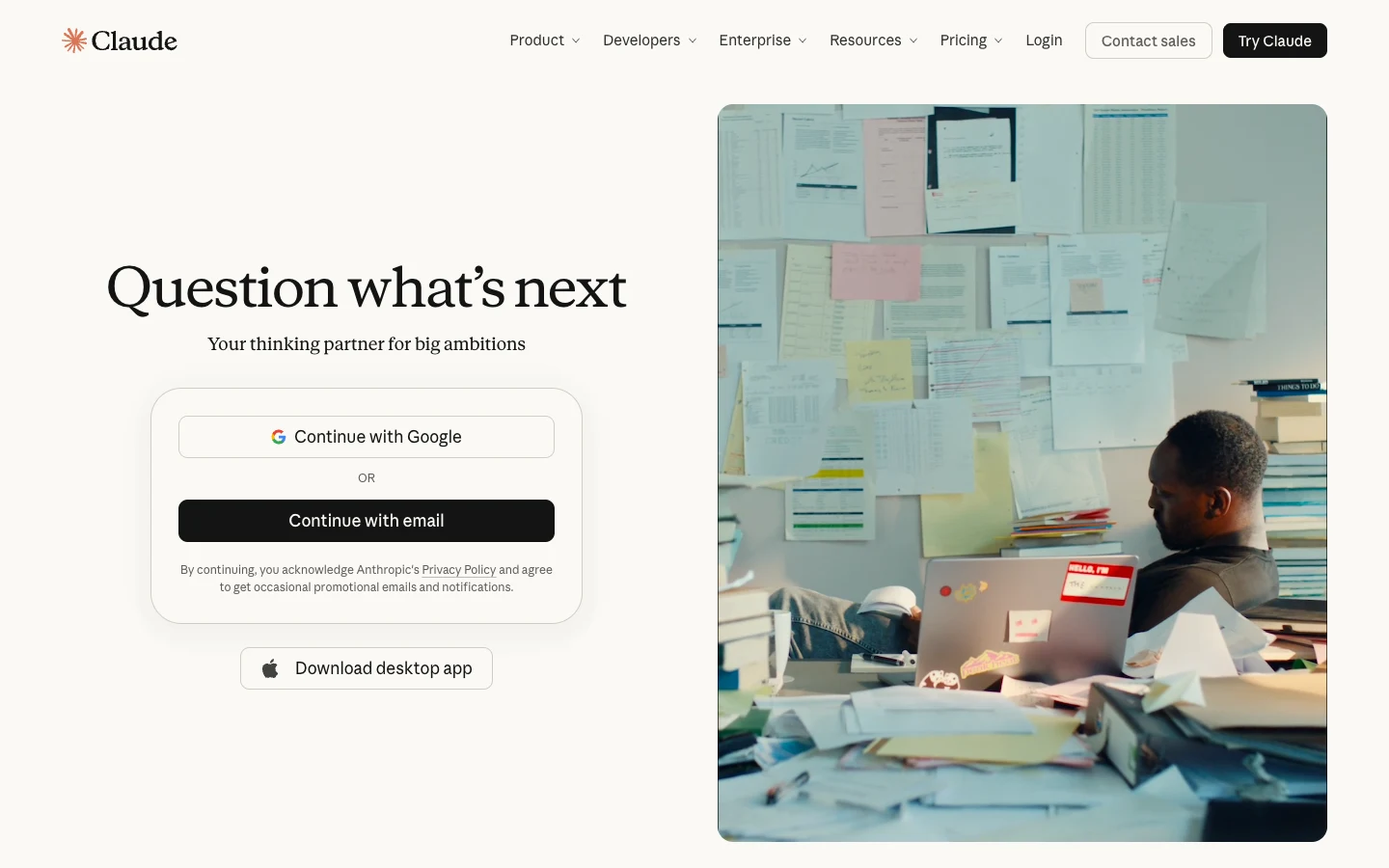
Claude is a conversational assistant for questions, analysis, writing and software work. A request can include supplied documents or retrieve information from another service. The conversation keeps that material alongside follow-up instructions, while projects provide a place for files that should remain relevant across several discussions.
Key features
Research web questionsAnalyze files and dataCreate editable artifacts
Pricing
Freemium
Web search, file uploads, coding and Artifacts, subject to usage limits.
Which Gemini Notebook (NotebookLM) alternative is closest for organizing research sources?
Sider Wisebase and Perplexity Projects are the closest dedicated workspaces for keeping webpages and files together and asking questions across them.
Which option works best for academic papers and technical PDFs?
SciSpace is tailored to academic literature, with tools to explain technical passages, equations and tables directly beside the uploaded PDF.
Can ChatGPT or Claude replace Gemini Notebook for source Q&A?
Both ChatGPT Projects and Claude Projects let you store reference files and ask questions across them, though they focus more on general chat and drafting than a dedicated research notebook.