
Cursor
Implement and review code changes with repository-aware agents
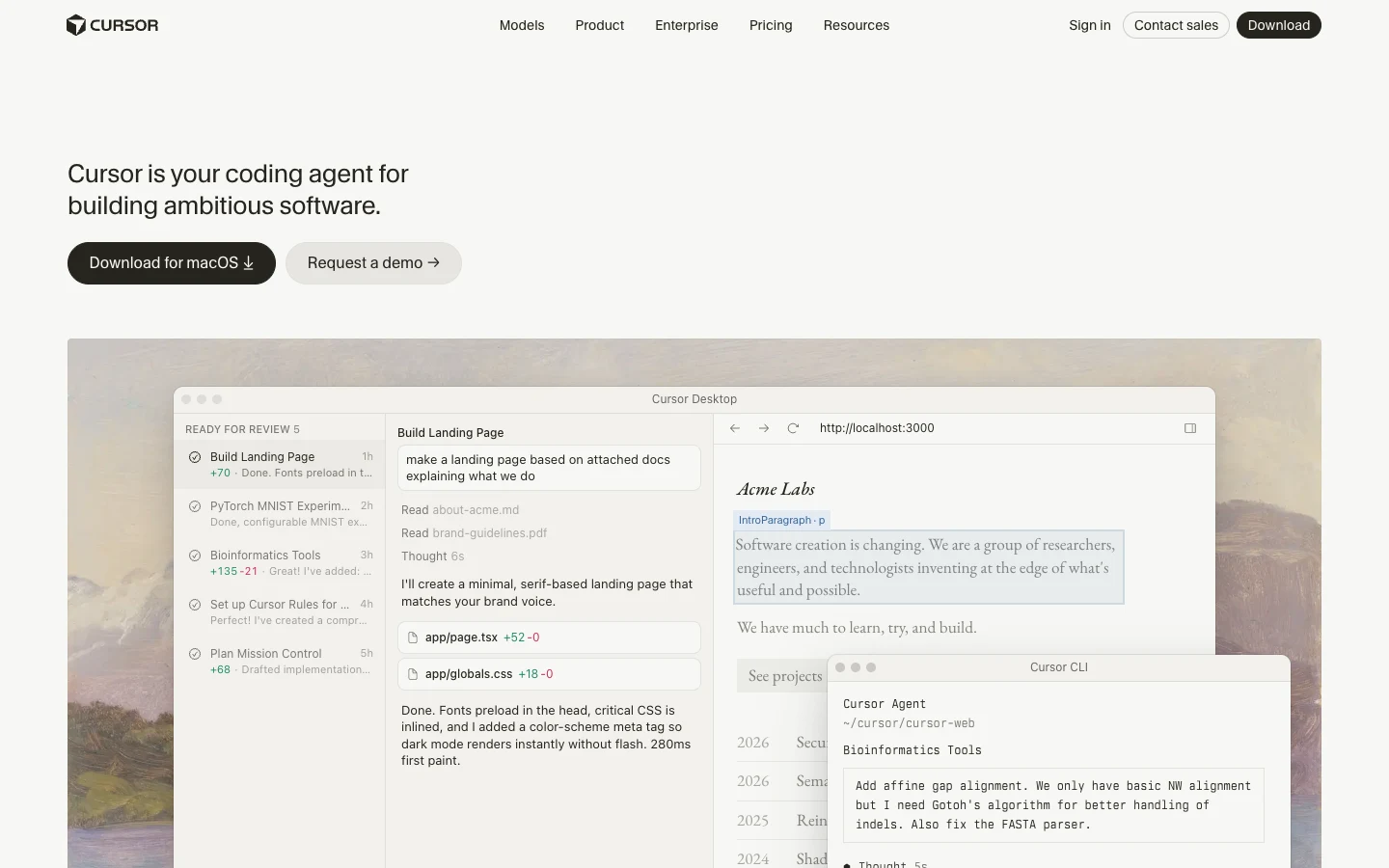
What is Cursor?
Cursor is an AI code editor and coding-agent platform for developers. It combines code completion and project chat with agents that can implement and test changes across a repository. You can make a targeted edit in the editor or hand a larger task to an agent for review.
Understand the project before changing it
Ask about a module, trace how a feature works or investigate a failing test. Cursor searches and reads the repository to ground the explanation in the actual code. Files and folders can narrow the task, giving a change request the relevant project context rather than just a general description of the problem.
Write a small edit or delegate a feature
Inline completion supports work while you type. For a larger task, the agent can plan an implementation, edit several files and run commands. Plan Mode provides a stage for researching the code and resolving requirements before writing the change. Cloud agents offer a separate route for handing off work that runs on their own computers.
Review the patch and its behavior
Inspect the proposed edits and use the project's tests, type checks or build to assess the result. A follow-up request can revise the implementation before you accept it. Cursor also provides terminal and repository-review entry points, so agent work can support coding beyond the desktop editor.
What can Cursor do?
- 01
Find relevant project code
Search the repository and apply configured rules
- 02
Plan and implement changes
Break down a request, edit files and run builds or tests
- 03
Run cloud agents
Execute tasks in isolated environments with logs and visual review artifacts
- 04
Add external tools
Supply context through MCP, plugins and skills
- 05
Direct agents from an iPhone
Manage cloud work and remotely control computer agents
How do I get started with Cursor?
- 1
Install and sign in
Download Cursor, open it and use File > Open Folder to select the project
- 2
Give Agent a small task
Open the Agent panel, describe the change and add @ file references if needed
- 3
Review the result
Inspect the diff, reject unwanted edits and ask Agent to run the project's checks
What does Cursor work with?
- VS Code settings
- VS Code extensions
- VS Code keybindings
Who is Cursor for?
- Software engineers
Investigate bugs and implement features inside a repository
- Engineering reviewers
Inspect agent changes and supporting run artifacts
How much does Cursor cost?
- Free plan · Limited agent and chat requests.
- Grok models included; other models billed separately
What are Cursor's limitations?
Extension registry
Cursor uses Open VSX; not every VS Code Marketplace extension is available or behaves identically
Desktop requirements
MacOS 12 or later, or Windows 10 or later; Linux installers are also provided
Cursor FAQ
Can code be excluded from model training?
Yes. Enabling Privacy Mode prevents Cursor and its model providers from using code data for training.
More tools like Cursor
 GitHub Copilot
Implement and review repository work across editor and agent sessions
 CodeRabbit
Review code changes and prioritize the pull requests that need attention
 Qodo
Review code against repository context and shared engineering rules
 v0
Build web interfaces and full-stack apps from designs or instructions
 Lovable
Build working web apps from requirements written in plain language
 Bolt
Build and publish web applications from a conversational brief