
GitHub Copilot
Implement and review repository work across editor and agent sessions
What is GitHub Copilot?
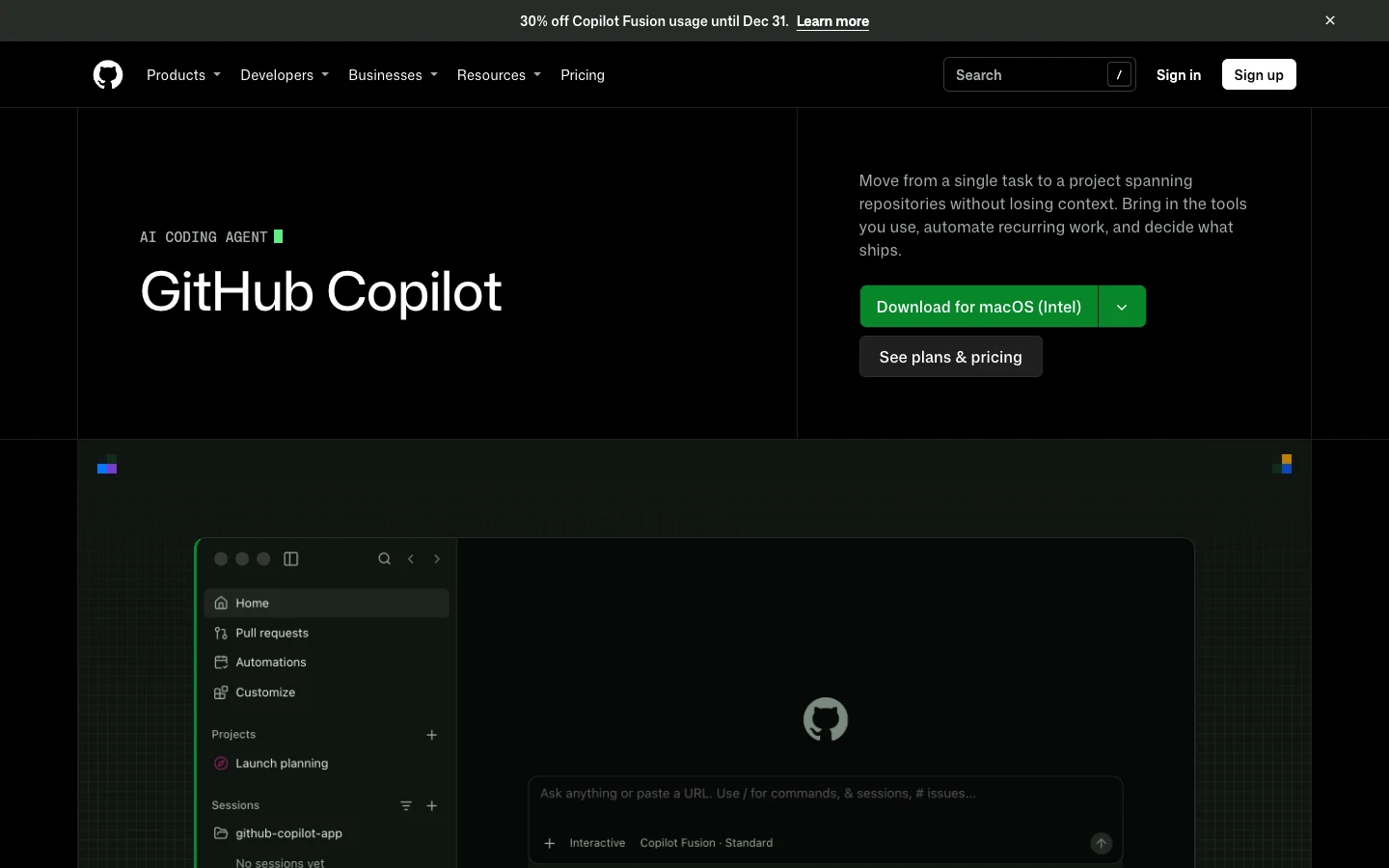
GitHub Copilot is an AI coding assistant for developers working in editors and on GitHub. It provides inline code suggestions and chat, and can take repository tasks through implementation and review. On GitHub.com, a session can investigate a project and propose changes without a local installation.
Get help while editing code
Inline suggestions help complete code as you type, while chat supports questions about the project and requests for changes. Use repository context to understand an unfamiliar module or investigate a failing test, then refine the request around the behavior you want. This keeps short coding tasks close to the files you are already editing.
Delegate a repository task
A larger request can ask the agent to implement a change using code, issue and pull-request context. It investigates the project, makes edits and runs the tools needed for the task. Instructions, skills and authorized tools can supply additional context. On GitHub.com, this work can begin without first setting up a local editor.
Review and revise the proposed change
Inspect the patch and validation results before accepting the work. Copilot can also review changes for quality and security findings. A pull request provides the place for human discussion and further revisions, including requests directed to the agent in review comments. Preparing that proposal and merging it remain distinct parts of the delivery process.
What can GitHub Copilot do?
- 01
Complete code and suggest edits
Receive inline changes while working in the editor
- 02
Delegate repository tasks
Use code, issue and pull-request context for implementation
- 03
Review proposed changes
Inspect local work or pull requests for quality and security findings
- 04
Extend agent context
Add instructions, skills, connectors and MCP tools
- 05
Run reusable tasks
Start agent work on demand, schedules or supported triggers
How do I get started with GitHub Copilot?
- 1
Open a session
Visit the Copilot home page with an account that has Copilot enabled
- 2
Select the repository
Use the Chat session scope picker and choose the project to work on
- 3
Request an edit
Describe the intended result and relevant file, then send your prompt
- 4
Inspect the patch
Open Changes and request any revisions in the same conversation
- 5
Create the PR
Choose Create pull request, then open View PR to review the patch
What does GitHub Copilot work with?
- VS Code
- Visual Studio
- JetBrains
- Microsoft Teams
- Slack
- Linear
- Azure Boards
- Jira
Who is GitHub Copilot for?
- Software contributors
Implement changes and address review feedback
- Open-source maintainers
Delegate follow-up work from issues and pull requests
How much does GitHub Copilot cost?
- Free plan · 2,000 code completions per month, with limited chat and agent use.
What are GitHub Copilot's limitations?
Repository questions
Repository questions require read permission
Code changes
Requesting repository changes requires write permission
Cloud integrations
Cloud-agent integrations require a paid Copilot subscription
GitHub Copilot FAQ
Do code completions use AI credits?
No. Completions and next-edit suggestions are excluded from AI credit usage; chat and agent activity use credits.
Can I choose the model?
Yes. Copilot can select models automatically, or you can choose a specific supported model.
Can individual users disable model-training use of their interactions?
Yes. Individual users can turn off that use of Copilot interaction data in their settings.
More tools like GitHub Copilot
 Cline
Plan and implement repository changes with a configurable coding agent
Usage-based pricing
 Zapier
Automate handoffs between business apps, forms and AI tools
 Make
Map app integrations and AI agents on a visual automation canvas
 n8n
Connect apps, APIs and AI agents with visual automation
 Taskade
Build business apps backed by project data, AI agents and automation
 CodeRabbit
Review code changes and prioritize the pull requests that need attention
 D-ID
Create digital presenters for scripted videos and live conversations
 Dify
Build AI applications from visible logic, knowledge and reusable tools