
Zapier
Automate handoffs between business apps, forms and AI tools
What is Zapier?
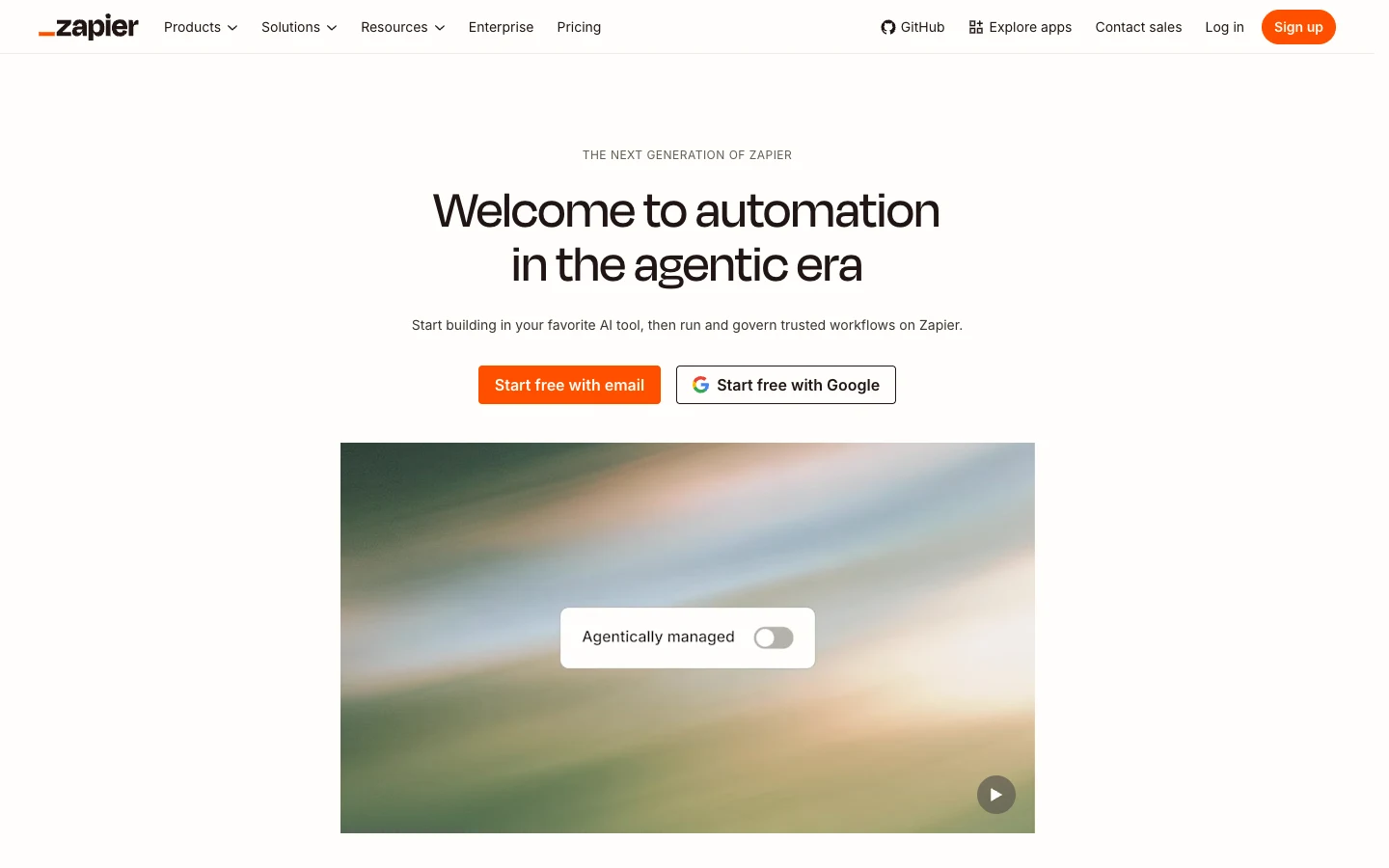
Zapier runs app actions in response to a chosen event. A Zap defines that starting event and the work that follows it, such as delivering a message when a spreadsheet changes. Publishing activates the sequence, while unfinished configuration remains saved as a draft.
Start with a structure you can adapt
A Zap can begin as a blank editor, a template, or steps copied from another Zap. Copilot provides another route by interpreting a plain-language description of the intended process. Templates already contain a trigger and action, but the available events depend on the selected applications. The app directory exposes those choices before the process is assembled.
Decide what should happen to each record
Search steps find data already stored in an app. Filters stop the sequence unless a condition is satisfied, while paths choose different actions for different conditions. Formatting can change text or dates between steps, and delays introduce a pause. These controls determine how an incoming event is handled before information reaches its destination.
Inspect the completed runs
Zap History records activity and the data entering and leaving individual steps. This makes a run inspectable at the point where each action receives or produces information. Teams can also share Zaps for collaborative work, with collaboration access governed by the account plan.
What can Zapier do?
- 01
Build multi-step Zaps
Combine app triggers, actions and webhooks
- 02
Store automation records
Read and update structured information in Tables
- 03
Collect form submissions
Send Forms responses into the next steps
- 04
Add AI processing
Summarize or write within a defined sequence
- 05
Give agents app actions
Connect assistants through Zapier MCP
- 06
Inspect automation activity
Review runs and agent actions with their owners
How do I get started with Zapier?
- 1
Create a Zap
Sign in to Zapier, open the left sidebar and select Create a Zap
- 2
Define the sequence
Choose a trigger event and add the action to run when it occurs
- 3
Activate and inspect
Publish the Zap, then open Zap History to review runs when the chosen event occurs
What does Zapier work with?
- Google Sheets
- Gmail
- Slack
- Google Calendar
- Google Drive
- HubSpot
- Google Forms
- Notion
- Mailchimp
- Microsoft Outlook
- Calendly
- Airtable
- Google Sheets
- Slack
Who is Zapier for?
- Revenue operations specialists
Move form leads into CRM and follow-up steps
- Support operations specialists
Route incoming tickets between service tools
- IT administrators
Govern app access and inspect automated activity
How much does Zapier cost?
- Free plan · 100 tasks per month and two-step Zaps.
- or $19.99/mo billed yearlySave 33%
What are Zapier's limitations?
Multiple actions
Adding more than one action requires a free trial or paid plan
Conditional paths
Paths requires Pro or a higher plan
Team collaboration
Sharing and collaborating on Zaps requires a Team or Enterprise account
More tools like Zapier
 Taskade
Build business apps backed by project data, AI agents and automation
 Superhuman Docs
Build collaborative documents that also run trackers and business processes
 Dify
Build AI applications from visible logic, knowledge and reusable tools
 Jasper
Create marketing campaigns using company knowledge and brand guidance
 Devin
Delegate repository changes and engineering maintenance to coding agents
 Cline
Plan and implement repository changes with a configurable coding agent
Usage-based pricing
 D-ID
Create digital presenters for scripted videos and live conversations
 GitHub Copilot
Implement and review repository work across editor and agent sessions