
Superhuman Docs
Build collaborative documents that also run trackers and business processes
What is Superhuman Docs?
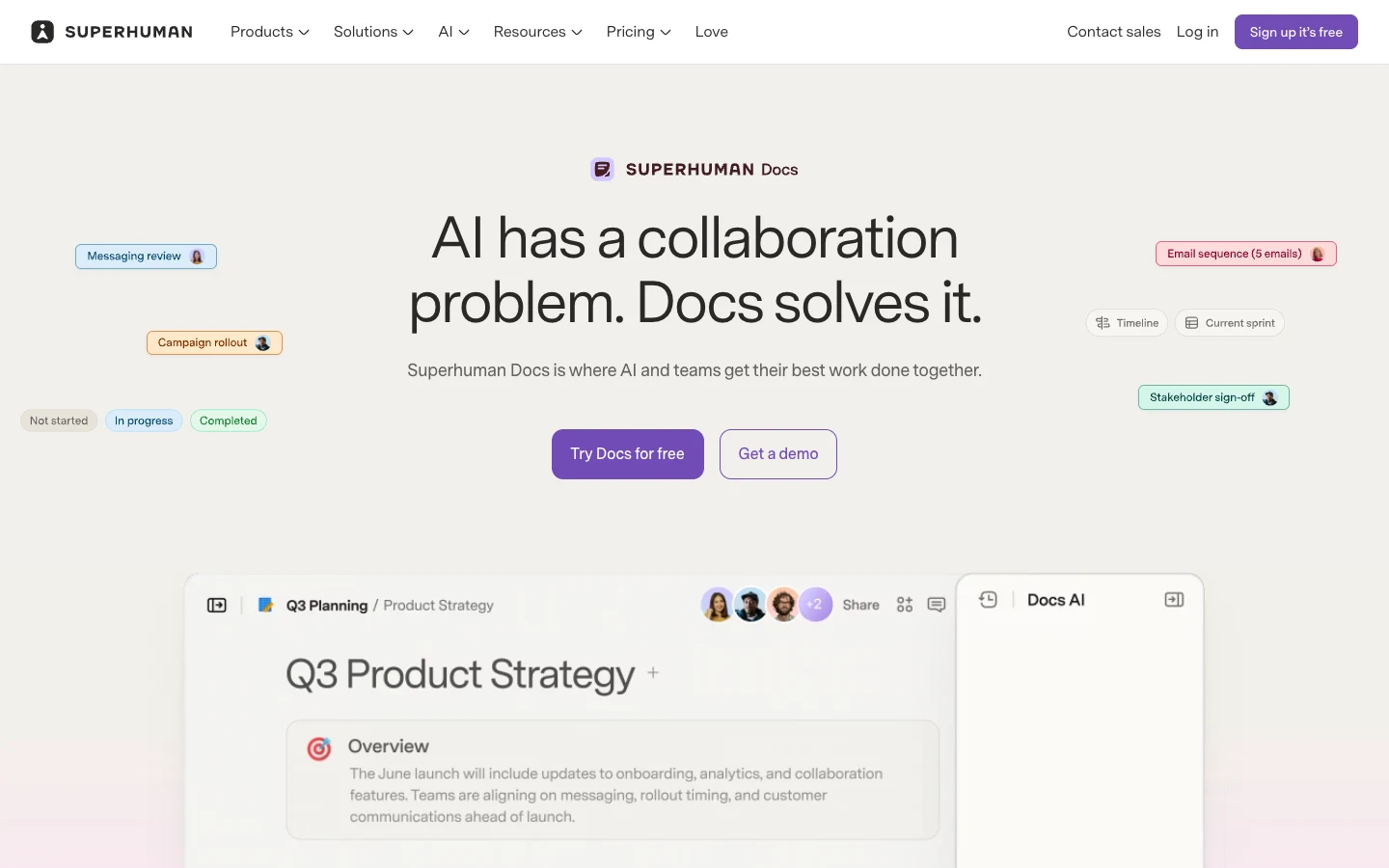
Superhuman Docs combines written pages with tables and controls that people can use to perform work. A document can begin as a brief and grow into a tracker or operational hub. Docs AI works inside that document, changing its content and structure in response to a request.
Point the assistant at the right material
Chat can use a referenced page, table or row, plus attached files. Suggested prompts can be edited before sending. The assistant acts inside the document, and the conversation remains private to its author for later use.
Apply a rule across the records
AI columns apply an instruction to table rows. An author selects the inputs, checks each row’s preview and adjusts the prompt before filling the column. New rows can be processed automatically; an invoice attachment can supply a date.
For a page or table summary, AI blocks produce themes or action items. Length, tone and output type are adjustable, and the block can refresh with its source.
Put the document into circulation
A document can be exported or embedded on another site. An embed reflects later edits to the original, making it useful when the published view needs to stay current.
What can Superhuman Docs do?
- 01
Build interactive tables
Combine records, formulas and buttons for operational tasks
- 02
Collect requests with forms
Create intake and approval processes
- 03
Generate a tracker with AI
Turn instructions into a working document structure
- 04
Connect outside assistants
Use MCP for compatible AI access to document data and actions
How do I get started with Superhuman Docs?
- 1
Open Docs AI
In a document, click the sparkle icon at the lower right to open chat
- 2
Add context and send
Type a request, use @ for a page, table or row or + for a file, then press Enter
- 3
Refine in the document
Highlight text, select its AI sparkle control and give a change request; choose Open chat to continue
What does Superhuman Docs work with?
- Jira
- Salesforce
- Asana
- Zapier
- ChatGPT
- Claude
- PNG
- JPEG
- CSV
- TXT
Who is Superhuman Docs for?
- Operations process owners
Build intake and approvals beside written procedures
- Project leads
Combine briefs, trackers and status in one working document
How much does Superhuman Docs cost?
- Free plan · Collaborative documents, with limited trials of Docs AI and MCP.
- or $12/Doc Maker/mo billed yearlySave 20%
- Only Doc Makers are billed; editors and viewers are free
What are Superhuman Docs's limitations?
Free shared docs
Each document can contain up to 50 objects and 1,000 table rows
Attachment size
Free allows 10 MB per file; Pro, Team and Enterprise allow 250 MB per file
Free sync tables
Each table supports up to 100 rows and requires manual refresh
Superhuman Docs FAQ
Is Superhuman Docs the same product as Coda?
Yes. It is the renamed Coda product, retaining its document and workflow capabilities.
More tools like Superhuman Docs
 Make
Map app integrations and AI agents on a visual automation canvas
 Notion
Keep documents, project records and company knowledge together
 n8n
Connect apps, APIs and AI agents with visual automation
 Gemini Notebook
Study and brief from a notebook of your own research sources
 Readwise
Keep reading highlights available for review and later writing
 Taskade
Build business apps backed by project data, AI agents and automation
 ClickUp
Manage delivery and use project context to answer questions or create work
 Dify
Build AI applications from visible logic, knowledge and reusable tools