
HARPA AI
Read pages, extract web data and automate browser tasks
What is HARPA AI?
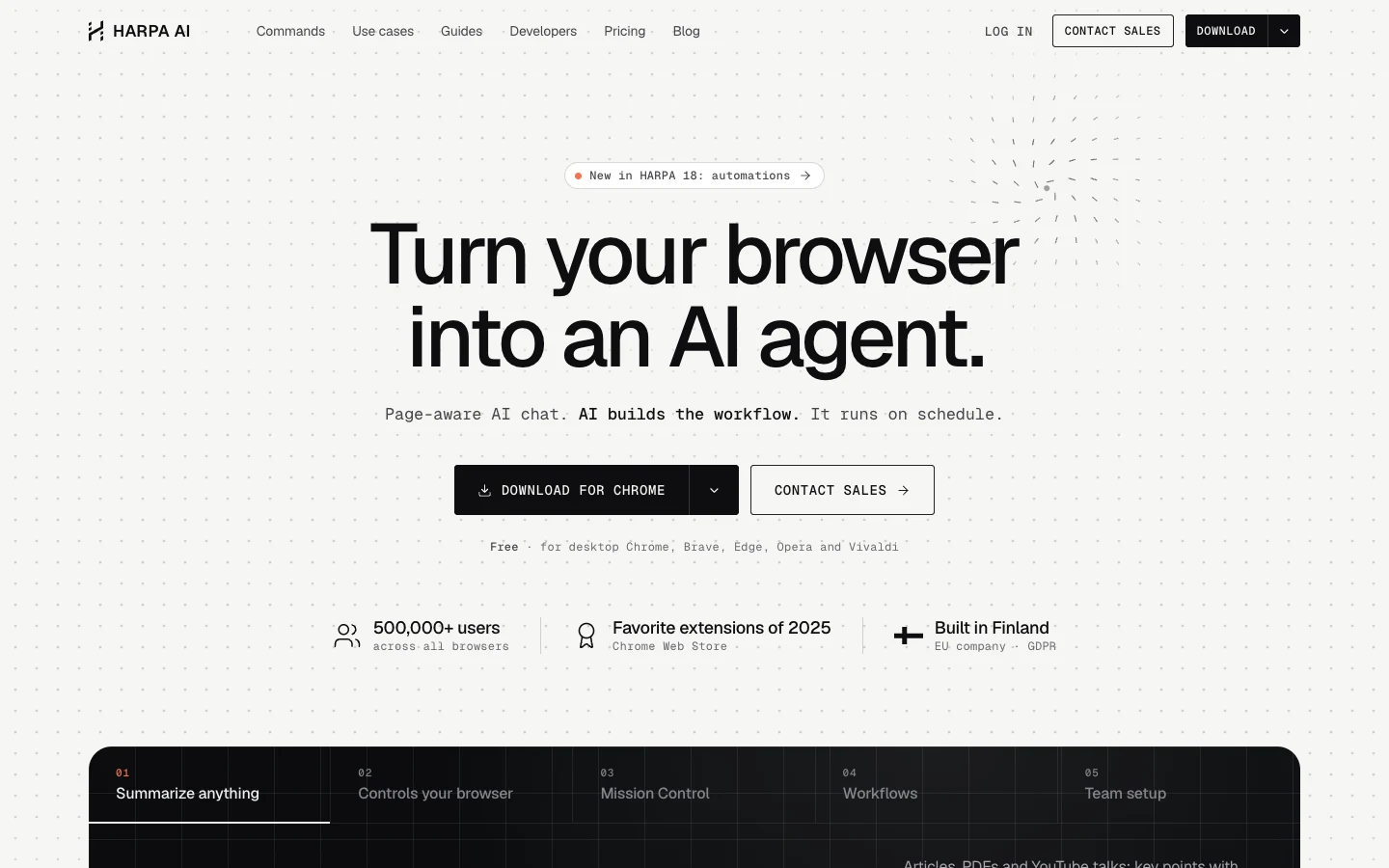
HARPA AI combines a browser-side conversation with commands that can use the open page as context. An AI connection supplies the model, while the extension provides access to page content and browser automation. A request can remain a single question or become a repeatable command with information inserted from the website.
Read and write with webpage context
Page-aware requests use the current website as source material. Summarize an article, extract details from a page or draft a reply informed by the message being answered. Your chosen AI connection supplies the model, while the extension keeps the task beside the material in the browser.
Turn a prompt into a reusable command
Commands are searchable by name or keyword from the chat. Custom commands can contain parameters that are filled when the command runs. For example, the page parameter inserts text from the open website into a summary request. This allows the same instruction to operate on different pages without manually replacing the source text each time.
Observe a changing page
A monitor repeatedly checks a chosen price, text passage or data element in the background. Changes can trigger notifications, and the automation dashboard shows progress and results. That provides a continuing record for tasks such as watching availability or checking a page for updates.
What can HARPA AI do?
- 01
Summarize reading material
Condense articles, PDFs and timestamped YouTube content
- 02
Write beside a page
Draft replies, rephrase passages and translate selected text
- 03
Extract structured web data
Collect information from the page being used
- 04
Monitor page changes
Check updates and product availability and send notifications
- 05
Run browser commands
Combine navigation, clicks, forms and AI operations
How do I get started with HARPA AI?
- 1
Open HARPA
Install the browser extension, sign in to your HARPA account and open it with its icon
- 2
Set the AI connection
Use the model switch at the lower left, choose a connection and select DEFAULT for new chats
- 3
Ask about the page
Enable page-aware mode in the AI tab, send a question and read the response
What does HARPA AI work with?
- Make
- Web page URL
- YouTube
Who is HARPA AI for?
- Competitive-intelligence analysts
Monitor changes to selected company pages
- Browser automation operators
Collect website information and pass it into business tools
How much does HARPA AI cost?
- Free plan · 10 chat messages per day, 50 commands or page actions in total, 2 automations and 2 custom commands.
What are HARPA AI's limitations?
Chat history
Conversations are stored locally and do not transfer between browsers or devices
HARPA AI FAQ
Can HARPA use my existing AI account or API key?
Yes. It supports connections to services such as ChatGPT, Claude, Gemini, and OpenRouter, including supported API keys.
More tools like HARPA AI
 Tidio
Combine an AI support agent with live chat and tickets for online stores
 Zapier
Automate handoffs between business apps, forms and AI tools
 Make
Map app integrations and AI agents on a visual automation canvas
 Merlin
Research and write with webpages, videos and files beside your browser
 Character.AI
Improvise conversations and stories with fictional characters
 n8n
Connect apps, APIs and AI agents with visual automation
 ChatGPT
Work through questions, files and creative tasks in conversation
 Gemini
Research, write and create media with Google’s conversational assistant