
Merlin
Research and write with webpages, videos and files beside your browser
What is Merlin?
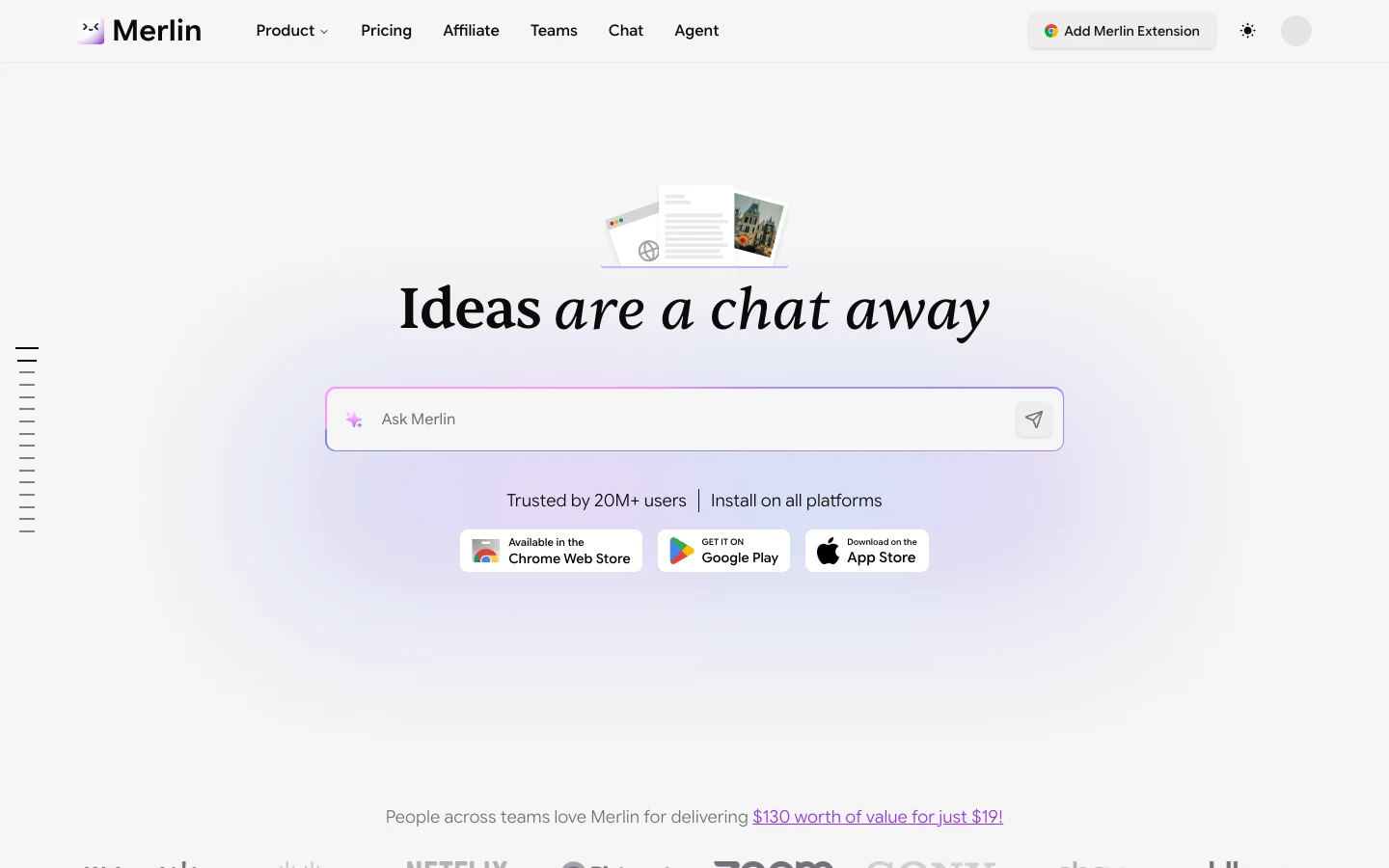
Merlin is a chat assistant available through a web app and a browser extension. It can take context from the page being read, from uploaded documents or from a collection of research material. The browser version places the conversation beside the source, while the web app provides Projects for material that will be used repeatedly.
Turn reading into a focused conversation
A webpage can supply the context for questions about its contents. The response can be a short overview or an answer to a particular detail. A video can also become material for a conversation, with its summary helping the reader identify the themes before asking more. That material can then inform an article or a social post.
Keep reference material for later questions
Projects organize uploaded documents, links and context into a knowledge base for repeated questions. Uploaded guidebooks or lecture material can inform a contract draft or quiz. Instructions can also be combined with reference knowledge in a custom bot, and saved prompts can be reused for later messages.
Continue into a draft or prototype
The result depends on the requested task: a reply can use the preceding email as context, while data can be turned into a diagram or interactive chart. App snippets offer another output, with code that can be edited after generation. Conversation history, custom prompts and bots are available across Merlin's device apps.
What can Merlin do?
- 01
Ask about a webpage
Summarize the content or extract key points
- 02
Work through documents
Ask focused questions, extract PDF text and translate files
- 03
Review YouTube content
Generate highlights and bilingual subtitles
- 04
Revise a draft
Reshape articles or messages for clarity and tone
- 05
Create previewable artifacts
Inspect and edit diagrams, code or apps in Crafts
How do I get started with Merlin?
- 1
Install and sign in
Add Merlin from the Chrome Web Store, open its icon and sign in or create an account
- 2
Open a source page
Visit the website you want to question, then press Ctrl+M or Cmd+M
- 3
Ask about the page
Select Chat with this website and enter a question about its content
What does Merlin work with?
- Gmail
- X
- YouTube
- DOCX
- DOC
- TXT
- Markdown
- RTF
- XLSX
- XLS
- CSV
- JSON
- XML
- HTML
How much does Merlin cost?
- Free plan · Limited access to Basic and Plus models, image generation and more than 70 tools.
- or $6/mo billed yearlySave 40%
- Includes 10,000 queries per month
More tools like Merlin
 Tidio
Combine an AI support agent with live chat and tickets for online stores
 Character.AI
Improvise conversations and stories with fictional characters
 ChatGPT
Work through questions, files and creative tasks in conversation
 Gemini
Research, write and create media with Google’s conversational assistant
 Microsoft Copilot
Draft, research and analyze information across Microsoft 365
 DeepL
Translate business text and documents with consistent terminology
 Consensus
Find scientific studies and compare the evidence behind a question
 Grammarly
Revise grammar, clarity and tone while you write