
Gemini
Research, write and create media with Google’s conversational assistant
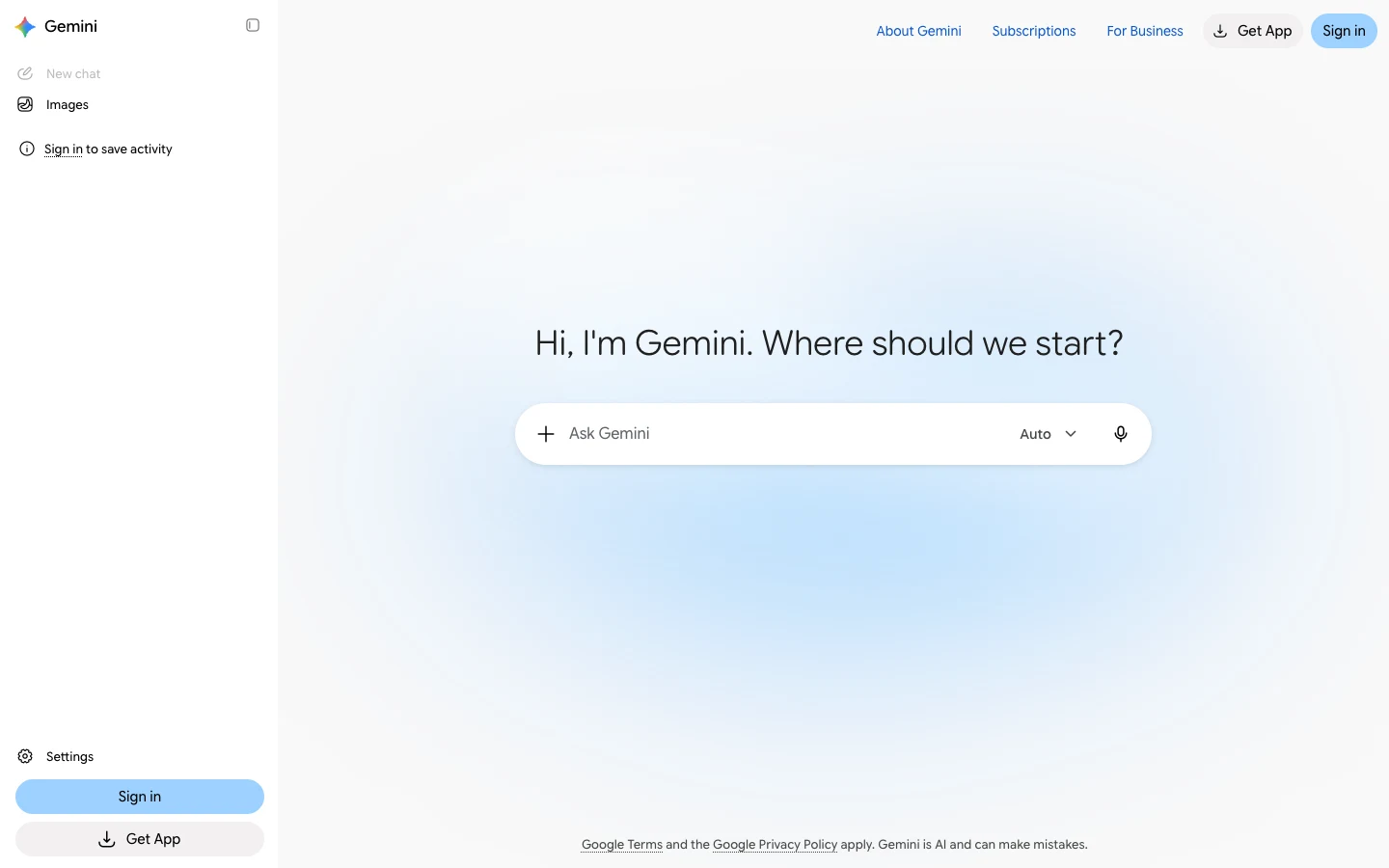
What is Gemini?
Gemini is a conversational assistant that can work from a question, supplied files or information in another app. The response can remain a discussion or become a formatted document, a chart or an editable item. Follow-up requests change the result while keeping the preceding exchange available as context.
Explore a question and refine the answer
Ask a question or supply material, then use follow-up instructions to change the depth, structure or purpose of the answer. Data can become a chart, and a planning request can become an interactive itinerary or other working result. Revising the request lets the conversation move from a broad idea toward something you can use.
Use information from your other apps
Authorized app connections let a task draw on information beyond the conversation and perform supported actions. A planning discussion can therefore use relevant service information and lead to an action such as creating a calendar event. Access to personal material depends on the permissions of the account authorized for that service.
Move from a response to working material
A reply can be generated as a formatted file, downloaded or saved to cloud storage. Other export actions create a document, a draft email or a spreadsheet from the response. Code can be sent into a development tool for further work. A result intended for continued editing can therefore leave the conversation in the tool where the next stage of work happens.
What can Gemini do?
- 01
Investigate with Deep Research
Assemble information from multiple sources
- 02
Edit in Canvas
Draft and refine documents and code beside the conversation
- 03
Create and revise images
Describe a new picture or changes to supplied artwork
- 04
Generate video and music
Turn creative directions into media
- 05
Talk with Gemini Live
Discuss a problem or what is on screen
How do I get started with Gemini?
- 1
Start a chat
Sign in at gemini.google.com and enter your question in the bottom text box
- 2
Add context
Select Add files to attach material if needed, then click Submit
- 3
Refine and use the result
Ask a follow-up, or choose Edit text > Update to revise the prompt; use Share & export for supported outputs
What does Gemini work with?
- Gmail
- Google Calendar
- YouTube Music
- Spotify
- ZIP
- Google Drive
- GitHub
- Google Docs
- Gmail
- Google Sheets
- Google Colab
- Replit
- DOCX
- XLSX
- CSV
- TXT
- RTF
- Markdown
How much does Gemini cost?
- Free plan
- US price; local pricing varies
What are Gemini's limitations?
File uploads
Up to 10 files per prompt, subject to availability; each video can be 2 GB and other supported files 100 MB
Media duration
Standard uploads allow five minutes of video or ten minutes of audio in total; Pro and Ultra raise these limits
Code imports
One folder or GitHub repository per chat, containing at most 5,000 files and 100 MB
Web app connections
Signing in and enabling Keep Activity are required to use Connected Apps at gemini.google.com
Code export
Google Colab and Replit exports are unavailable to work or school accounts
More tools like Gemini
 Tidio
Combine an AI support agent with live chat and tickets for online stores
 Merlin
Research and write with webpages, videos and files beside your browser
 Character.AI
Improvise conversations and stories with fictional characters
 ChatGPT
Work through questions, files and creative tasks in conversation
 Microsoft Copilot
Draft, research and analyze information across Microsoft 365
 Reclaim
Reserve calendar time for tasks, focus work and flexible routines