Descript turns audio and video editing into editing a text document. If you want transcript-based video cuts inside a browser editor or at a lower monthly starting price, the tools below offer similar text-driven workflows.
Comparing alternatives to
DescriptFreemiumFrom $24/person/mo
Edit spoken audio and video by working with the transcript
Edit and caption videos in the browser for publication
VEED is a browser video editor for creating, captioning and translating videos. It combines a timeline for supplied footage with AI-generated media, voice and avatar tools. A project can start with a recording or a written idea, then bring clips, sound and text together before rendering.
Key features
Arrange video clipsGenerate supporting mediaCaption spoken material
Create and localize video in a shared browser timeline
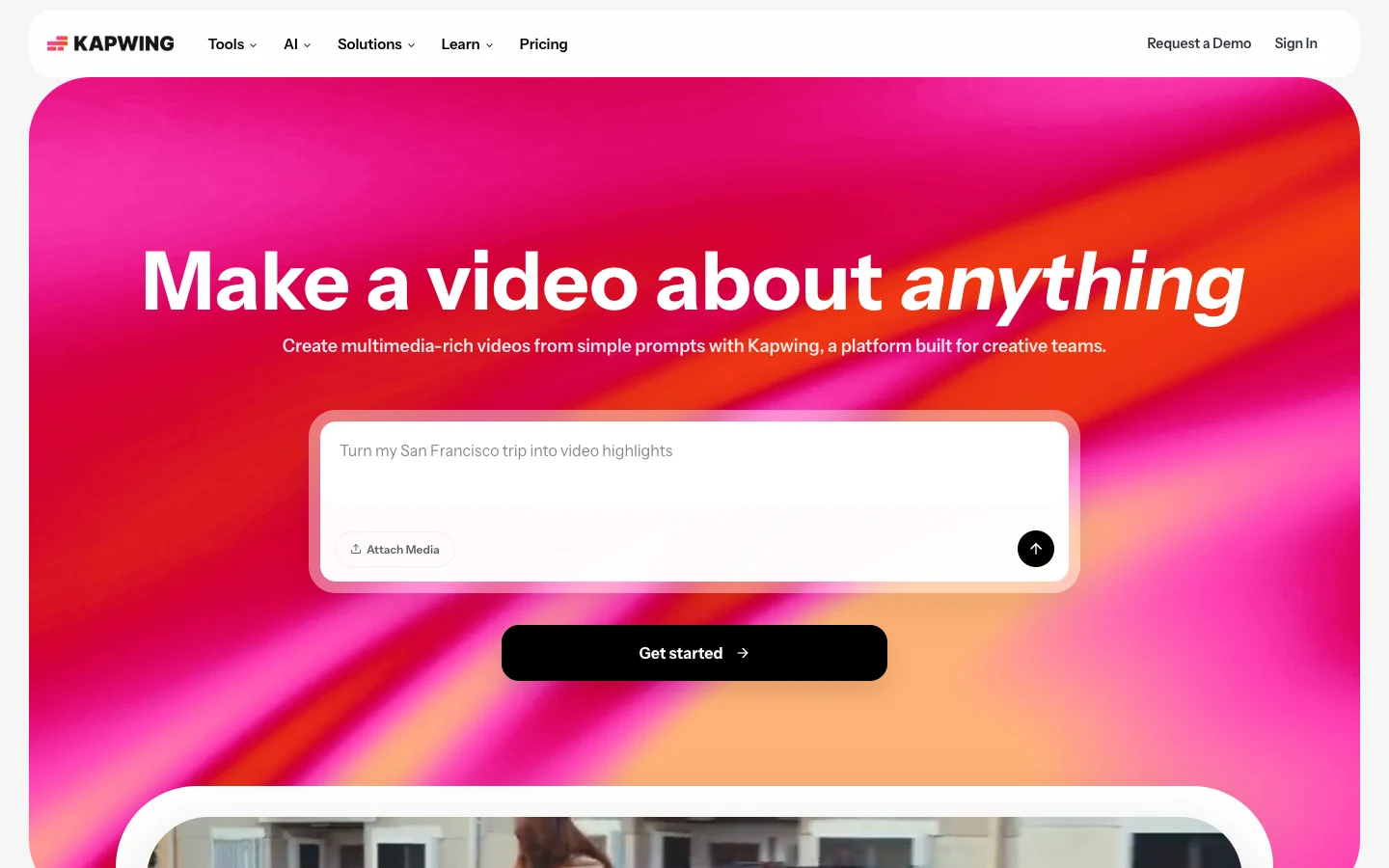
Kapwing is a browser video editor for creators and teams making captioned, localized and repurposed content. It combines a layered timeline with AI-generated drafts, transcript-based cuts and automatic subtitles. A project can start with uploaded media, a link or a prompt and remain editable as its picture, speech and timing change.
Key features
Generate layered video draftsEdit on the timelineCut through the transcript
Best for
Campaign video editors
Training localization producers
Pricing
Freemium
10 credits and watermarked 720p exports for videos up to 4 minutes.
Edit social videos with captions, generated media and voice tools
CapCut is a video editor for assembling clips, captions, sound and effects into finished videos. Creators can edit directly on a timeline or use AI to generate media, clean up speech and translate subtitles. Auto Cut provides an optional first edit based on music beats or speech pauses, while supported desktop versions accept written editing instructions.
Key features
Edit clips on a timelineDirect edits with EditPilotGenerate supporting media
Can these Descript alternatives cut video by deleting words?
Yes. VEED, Kapwing and CapCut each include transcript editing where deleting text removes the corresponding video segment before you refine transitions on the timeline.
Which Descript alternative is easiest on a smaller budget?
CapCut lists a lower per-seat rate on Teams (with a 2-seat minimum), while VEED and Kapwing are priced closer to Descript for teams that need browser-based collaboration.
Do any of these alternatives run fully in the browser?
VEED and Kapwing are browser-first studios, making them practical if you want to edit spoken clips without installing a desktop app.