
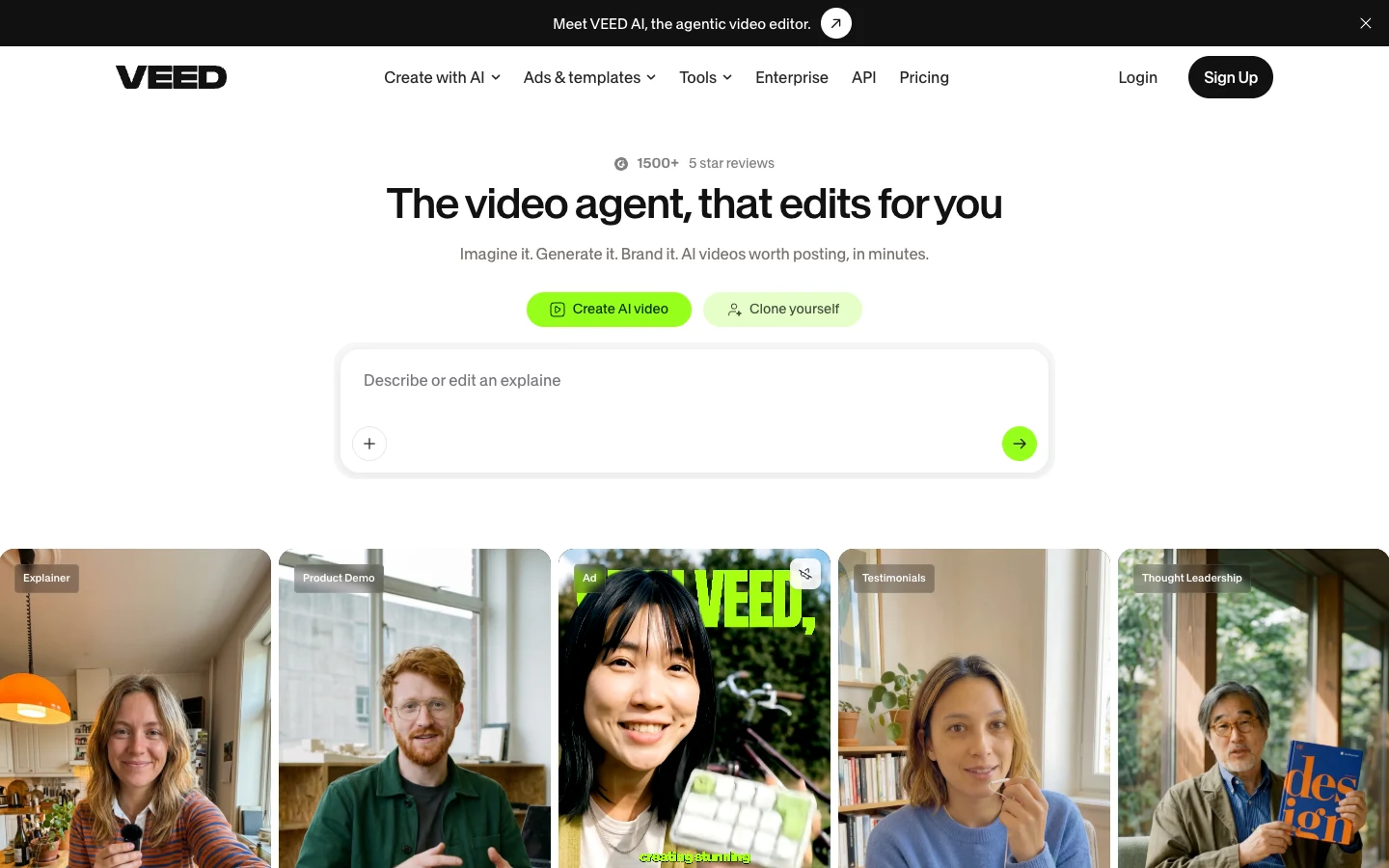
What is VEED?
VEED is a browser video editor for creating, captioning and translating videos. It combines a timeline for supplied footage with AI-generated media, voice and avatar tools. A project can start with a recording or a written idea, then bring clips, sound and text together before rendering.
Build around the supplied media
A new project can begin with a local file, a recording or generated material. Additional video, sound and images join the project from the editor. Uploaded footage appears on the timeline, while the canvas provides a view of the selected element and its settings. Brand material can also be added from the workspace's Brand Kit.
Make the recording ready to watch
Trim and arrange the footage, then add subtitles for spoken passages and supporting text or images. Audio cleanup reduces background noise, while translation and dubbing prepare another language version. Generated visuals and voices can fill material the original recording does not provide.
Animation and clip transitions remain available for finishing the presentation. These affect how elements enter or leave and how adjoining clips change, after the main sequence is in place.
Produce a version for delivery
Export settings establish the output quality before the project is rendered on VEED's servers. The resulting video page shows processing progress and then provides the downloadable version. Project privacy settings govern access to that page, with individual project choices available alongside the workspace default.
What can VEED do?
- 01
Arrange video clips
Cut and join footage with text, images and audio
- 02
Generate supporting media
Create imagery, video, voices and avatar presentations
- 03
Caption spoken material
Transcribe speech and generate subtitles
- 04
Clean up recordings
Reduce audio noise and remove video backgrounds
- 05
Translate video dialogue
Produce translated subtitles and dubbed versions
How do I get started with VEED?
- 1
Create the project
Sign in to VEED, choose Edit video and upload your source media
- 2
Build the edit
Arrange and trim the clips, then add text, subtitles or audio where the video needs them
- 3
Render the video
Choose the export quality and select Done to start rendering
- 4
Download the result
Wait for the finished video page, then use Download to save the MP4
What does VEED work with?
- MP4
- M4V
- MOV
- MKV
- WEBM
- GIF
- MP3
- WAV
- FLAC
- JPEG
- PNG
- WEBP
- MP4
- MP3
- GIF
Who is VEED for?
- Social video editors
Turn recordings into captioned releases
- Product training producers
Prepare narrated demonstrations for different languages
How much does VEED cost?
- Free plan
- or $12/user/mo billed yearlySave 52%
What are VEED's limitations?
Free uploads
Each file has a 1 GB maximum; folders cannot be uploaded as a unit
HDR sources
Uploaded HDR footage is converted to SDR
Clip transitions
Transitions cannot join an image to a video or another element; they apply to video-clip boundaries
Updated downloads
Edits made after export require a new export before the downloaded version reflects them
VEED FAQ
Do AI credits roll over?
No. The allowance refreshes when the subscription renews, and unused credits expire.
Does generating subtitles use translation minutes?
No. Subtitling and translation are counted separately; each translated language uses translation minutes.
How are additional editors billed?
Workspace billing is based on editor seats. Adding an editor increases the number of seats charged.
More tools like VEED
 Kapwing
Create and localize video in a shared browser timeline
 invideo
Direct video edits through conversation while retaining timeline control
 Fireflies.ai
Turn recorded conversations into searchable notes and follow-up material
 HeyGen
Make presenter videos for lessons, product updates and localization
 Otter.ai
Turn meetings and interviews into searchable notes and transcripts
 Notta
Transcribe conversations and turn their findings into working documents
 Fathom
Turn customer calls into notes, CRM follow-up and coaching material
 tl;dv
Analyze meeting collections for customer feedback and sales coaching