Fireflies.ai
Turn recorded conversations into searchable notes and follow-up material
What is Fireflies.ai?
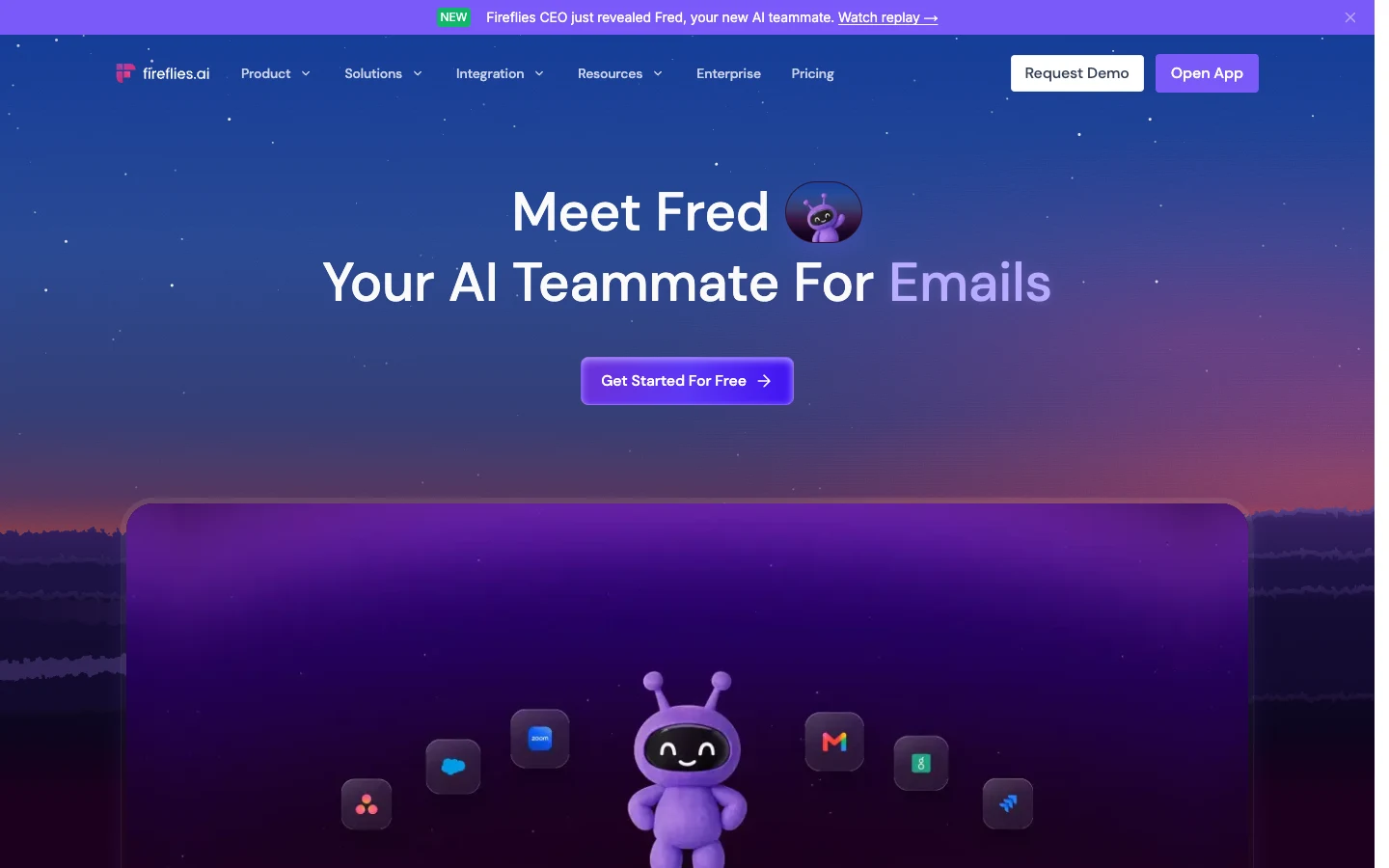
Fireflies is an AI meeting assistant that records, transcribes and summarizes calls, then sends the notes to the apps a team uses afterward. Its assistant, Fred, can join meetings on Zoom, Google Meet and Microsoft Teams, and the desktop app can also capture a conversation from device audio without adding a bot to the call.
Let it join your scheduled calls
After a calendar is linked, auto-join settings decide which meetings the Fireflies Notetaker attends, for example every event with a web-conference link. For an unscheduled call, Invite Notetaker uses the meeting link instead. When the call ends, the meeting page holds the recording, a searchable transcript and a summary of notes, decisions and action items. Recordings made elsewhere can be uploaded and processed the same way.
Ask about past conversations
AskFred answers questions about one meeting or across everything Fireflies has recorded, so you can check what a customer asked for or when a decision was made without replaying the call. Before a meeting, Meeting Prep gathers company, participant and email context into a short brief, and a Daily Brief sums up the last 24 hours of updates and action items.
Send the notes where the work happens
Sales teams can sync call notes and deal updates to HubSpot, Salesforce and other CRMs. Recruiters can send interview notes and scorecards to Ashby, Greenhouse or Gem, and action items can become tasks in Jira, Asana or Trello.
What can Fireflies.ai do?
- 01
Transcribe meetings and files
Turn calls or uploaded audio and video into searchable text
- 02
Ask meeting questions
Use AskFred to find details in the conversation
- 03
Record Meet without a bot
Capture Google Meet through the Chrome extension
- 04
Analyze conversation patterns
Inspect topics and participation across calls
How do I get started with Fireflies.ai?
- 1
Sign up and link a calendar
Create a Fireflies account and connect the calendar that holds your meetings
- 2
Choose meetings to record
In auto-join settings, pick which events the Notetaker joins, such as all meetings with a web-conference link
- 3
Run the meeting
The Notetaker joins the call; for an unscheduled call, select Invite Notetaker and use the meeting link
- 4
Read the notes
Open the meeting for the transcript, summary and action items, or ask AskFred about it
What does Fireflies.ai work with?
- Zoom
- Google Meet
- Microsoft Teams
- Gmail
- Outlook
- Slack
- Notion
- HubSpot
- Salesforce
- Jira
- Asana
- Greenhouse
- MP3
- M4A
- WAV
- MP4
- WEBM
- Dropbox
- Box
- OneDrive
- DOCX
- SRT
- CSV
- JSON
- Markdown
- MP4
- MP3
Who is Fireflies.ai for?
- Account executives
Retain customer commitments and pass notes into a CRM
- Interview recruiters
Share selected candidate responses with hiring managers
- Qualitative researchers
Compare themes across recorded interviews
How much does Fireflies.ai cost?
- Free plan · 400 minutes of storage per team, 20 AI credits and limited meeting summaries.
- or $10/seat/mo billed yearlySave 44%
What are Fireflies.ai's limitations?
Recording uploads
Each file can last up to 150 minutes; audio files have a 500 MB size cap
Video uploads
Free accepts files up to 100 MB; Pro, Business and Enterprise accept files up to 2 GB
Recaps
The recording must exceed three minutes; recordings without detected speech cannot produce a transcript or AI insights
Downloads
Exporting transcripts, summaries or recordings requires Pro or a higher plan
Fireflies.ai FAQ
Is developer access available?
Yes. The API has request limits that vary by plan.
Does it support more than one language?
Yes. Transcription supports more than 100 languages, with automatic language detection.
More tools like Fireflies.ai
 Krisp
Reduce call noise and keep meeting notes without a participant bot
 VEED
Edit and caption videos in the browser for publication
 Notion
Keep documents, project records and company knowledge together
 Descript
Edit spoken audio and video by working with the transcript
 Gemini Notebook
Study and brief from a notebook of your own research sources
 Readwise
Keep reading highlights available for review and later writing
 Beautiful.ai
Build branded presentations with layouts that adapt to the content
 Gamma
Turn ideas and source documents into presentations and visual pages