
Fathom
Turn customer calls into notes, CRM follow-up and coaching material
What is Fathom?
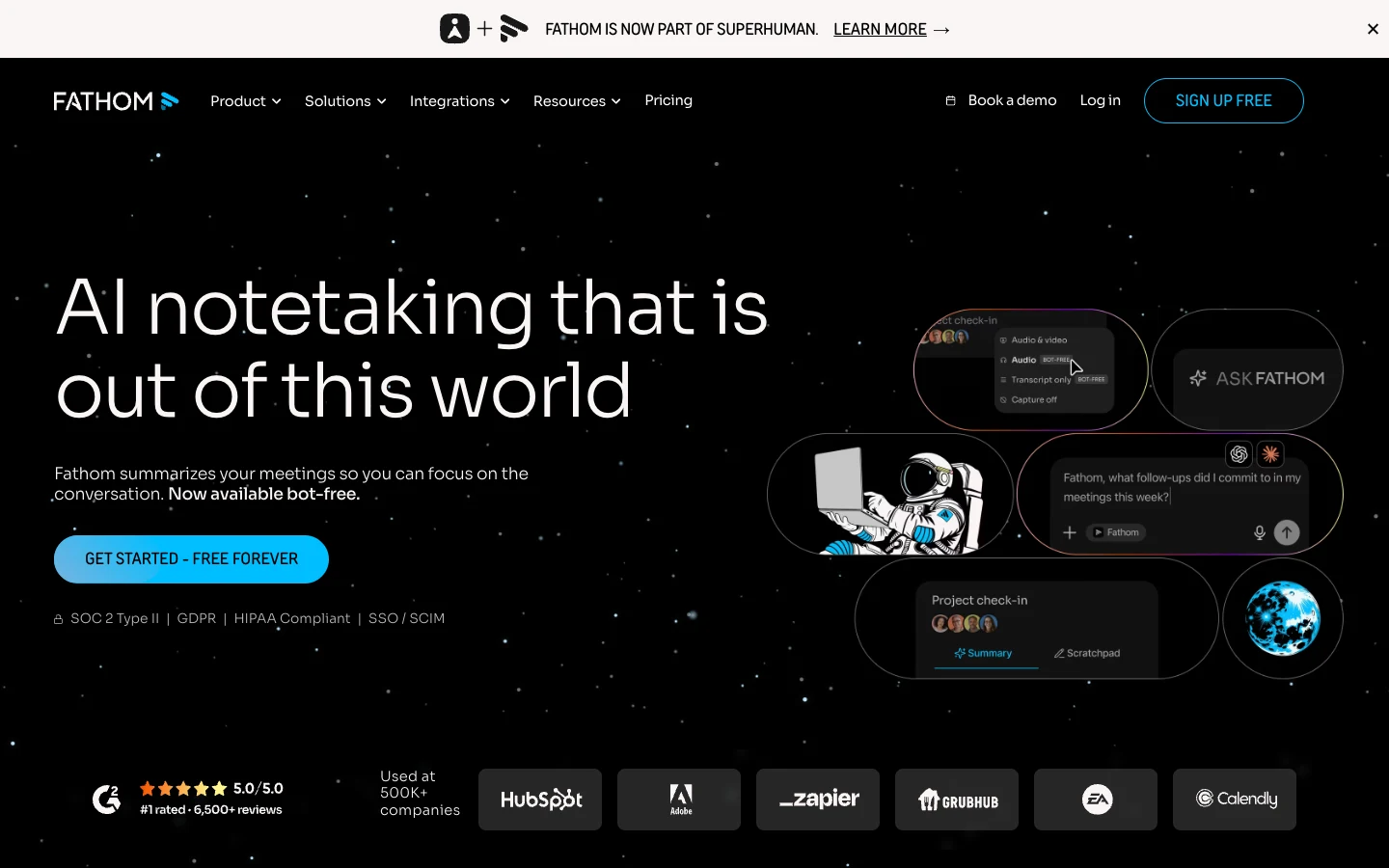
Fathom is an AI meeting notetaker that records calls and produces transcripts, summaries and action items. Calendar authorization brings upcoming meetings into its desktop app, and recording can use a bot or a bot-free mode. Teams can revisit decisions across meeting history and send follow-up information into their work tools.
Leave the call with a usable record
Fathom records meetings and turns the conversation into a transcript, summary and action items. The desktop experience supports bot and bot-free recording, while the phone app covers in-person conversations. Summary instructions can emphasize the subjects your team needs, such as customer requirements or project decisions, so the record is useful for the work after the meeting.
Ask what was decided across calls
Meeting history provides more than an archive of separate recordings. Ask Fathom can retrieve commitments and decisions across conversations, helping you catch up on a customer or check how an issue developed. The underlying calls remain available when a summary needs more context, and teams can share the relevant discussion with colleagues who did not attend.
Put the follow-up into work tools
Notes and action items can move into CRM and collaboration tools, reducing the need to re-enter the conversation after a call. Sales teams can use that material for customer follow-up, while managers use scorecards to inspect conversation patterns for coaching. Mobile and desktop recordings remain part of the same meeting history.
What can Fathom do?
- 01
Capture meeting notes
Produce transcripts, summaries and action items
- 02
Set summary instructions
Adapt templates to the topics and structure needed for the meeting
- 03
Ask about several calls
Retrieve commitments and decisions across meeting history
- 04
Sync CRM follow-up
Send conversation notes and action items into sales and collaboration tools
- 05
Review calls with scorecards
Inspect conversation patterns for coaching
How do I get started with Fathom?
- 1
Create your account
Sign up at fathom.ai and authorize your Google or Microsoft calendar
- 2
Prepare the desktop app
Download it, sign in, and check your meeting-platform and recording settings
- 3
Record a meeting
Join an upcoming call and let your chosen recording settings take effect
- 4
Review and save
Open the meeting from your dashboard; use the three-dot menu > Download Video for a local copy
What does Fathom work with?
- Zoom
- Google Meet
- Microsoft Teams
- Google Calendar
- Microsoft Calendar
- HubSpot
- Salesforce
- Asana
- Zapier
- MP4
Who is Fathom for?
- Account executives
Get customer-call notes and next steps into their CRM
- Sales coaches
Review call examples and scorecards with representatives
- Product interviewers
Locate feedback across customer conversations
How much does Fathom cost?
- Free plan · Unlimited recordings and transcriptions, with instant AI call summaries.
- or $15/user/mo billed yearlySave 21%
- Minimum 2 users
What are Fathom's limitations?
Sign-in accounts
Fathom supports Google- or Microsoft-based email accounts
Google Meet bot-free video
Requires macOS 14.2 or later and the Fathom Chrome extension; Windows is not supported for this mode
Shared video downloads
The call owner must grant standard or admin access
Desktop updates
Automatic app updates cannot be disabled
More tools like Fathom
 Krisp
Reduce call noise and keep meeting notes without a participant bot
 VEED
Edit and caption videos in the browser for publication
 Descript
Edit spoken audio and video by working with the transcript
 Notion
Keep documents, project records and company knowledge together
 Beautiful.ai
Build branded presentations with layouts that adapt to the content
 Gamma
Turn ideas and source documents into presentations and visual pages
 Readwise
Keep reading highlights available for review and later writing
 Reclaim
Reserve calendar time for tasks, focus work and flexible routines