
Beautiful.ai
Build branded presentations with layouts that adapt to the content
What is Beautiful.ai?
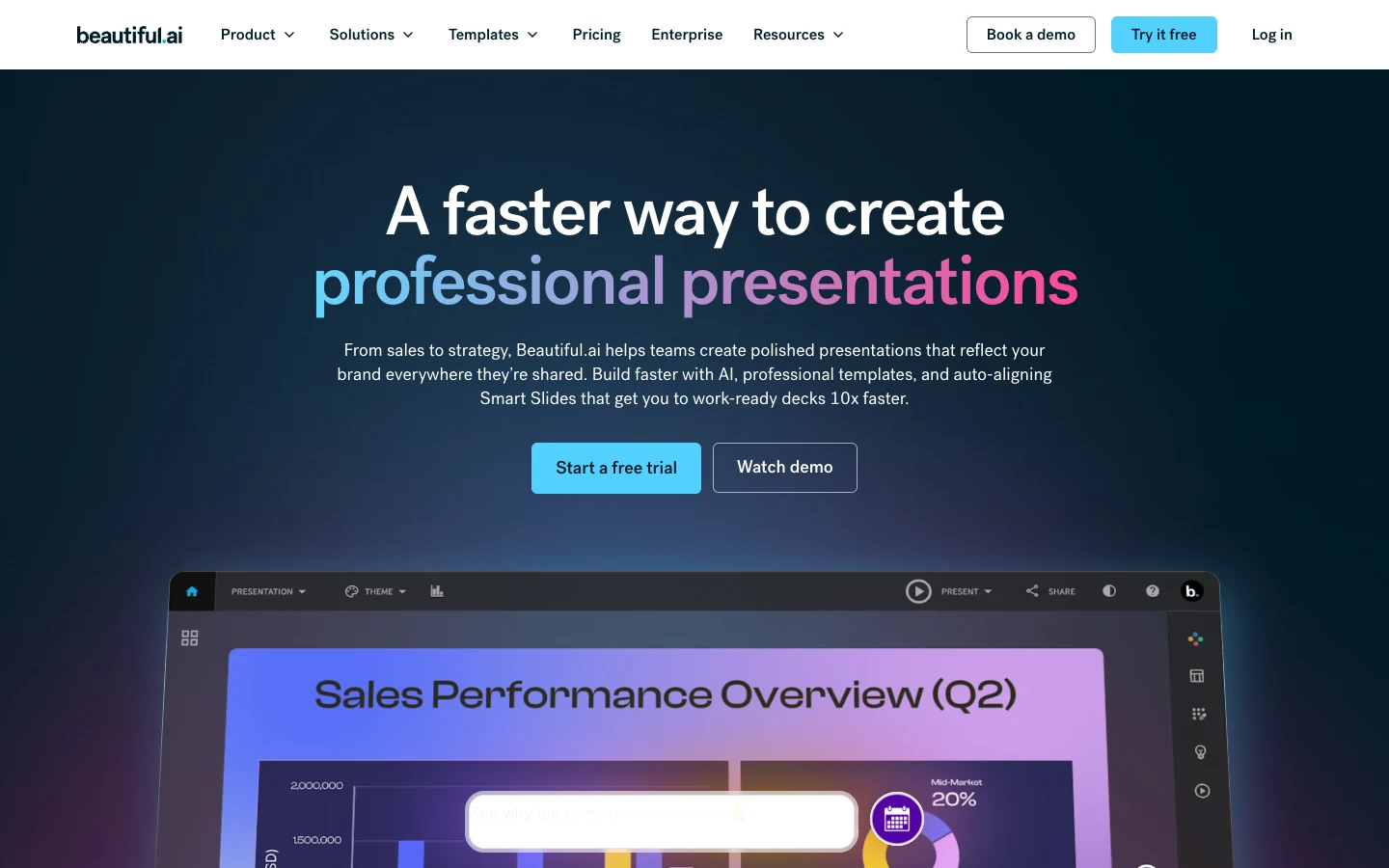
Beautiful.ai is presentation software for people who want help with both the content and layout of a deck. AI can draft a presentation from a prompt, and Smart Slides adjusts alignment and sizing as content changes. Themes keep fonts, colors and logos consistent while individual slides remain open to revision.
Draft the story of a presentation
Begin with a prompt for the deck or use a template as the structure. AI produces an initial presentation that can be revised slide by slide. Supporting files can give a slide more context, and the wording can be kept while its visual treatment changes, letting the author separate the message from the design.
Let the layout follow the content
Smart Slides adapts alignment and sizing as text, images and data change. This helps an author build a comparison, chart or other visual explanation without manually repositioning every element after an edit. Themes apply the organization's fonts, colors and logo across the deck, while image styles give generated visuals a common direction.
Present live or send a narrated version
The finished deck can be presented directly, shared through a link or exported for use elsewhere. Narration adds voice or video context for someone viewing it later. Controlled sharing and engagement information help the team follow how a presentation is received, making the same material useful for a live pitch and subsequent review.
What can Beautiful.ai do?
- 01
Adapt slide layouts
Smart Slides adjusts alignment and sizing as content changes
- 02
Apply brand themes
Reuse fonts, colors, logos and styling
- 03
Present data visually
Build charts and connect spreadsheet information
- 04
Add slide narration
Supply voice or video context for later viewing
- 05
Inspect viewer engagement
Use controlled sharing and presentation analytics
How do I get started with Beautiful.ai?
- 1
Start a deck
Open Beautiful.ai and choose Create Presentation, then Generate with AI
- 2
Provide the brief
Enter the presentation prompt and context, then choose a preset or custom Image Source and Style
- 3
Generate and revise
Save the image style and generate; use Slide AI to change individual slides or preserve their exact text
- 4
Export the deck
Open Presentation, choose Export Presentation, select the output and click Export
What does Beautiful.ai work with?
- Claude Desktop
- ChatGPT
- PowerPoint
- PPT
- PPTX
- Google Slides
- ZIP for Beautiful.ai Offline Player
Who is Beautiful.ai for?
- Presentation authors
Turn pitch, report or training outlines into branded decks
How much does Beautiful.ai cost?
- Free trial · 14-day trial of Pro or Team.
- or $14.50/mo billed yearlySave 68%
What are Beautiful.ai's limitations?
Google Slides export
Embedded video, audio, animations and transitions are not retained
Editable slide exports
PowerPoint and Google Slides editing exports require Pro, Team or Enterprise
Beautiful.ai FAQ
Does the trial require a card?
Yes. A credit card is required, and the subscription starts automatically unless you cancel before the trial ends.
More tools like Beautiful.ai
 Otter.ai
Turn meetings and interviews into searchable notes and transcripts
 Readwise
Keep reading highlights available for review and later writing
 Fathom
Turn customer calls into notes, CRM follow-up and coaching material
 tl;dv
Analyze meeting collections for customer feedback and sales coaching
 Reclaim
Reserve calendar time for tasks, focus work and flexible routines
 Motion
Turn project tasks and deadlines into an adjustable daily schedule
 ClickUp
Manage delivery and use project context to answer questions or create work
 Superhuman Docs
Build collaborative documents that also run trackers and business processes