CapCut is popular for quick timeline edits, captions and social-ready formats. If you prefer a browser-based studio, team collaboration, watermark-free manual exports, or editing talking-head videos through a transcript, the editors below cover the same workflow.
Comparing alternatives to
CapCutFreemiumFrom $12.49/seat/mo
Edit social videos with captions, generated media and voice tools
Edit and caption videos in the browser for publication
VEED is a browser video editor for creating, captioning and translating videos. It combines a timeline for supplied footage with AI-generated media, voice and avatar tools. A project can start with a recording or a written idea, then bring clips, sound and text together before rendering.
Key features
Arrange video clipsGenerate supporting mediaCaption spoken material
Create and localize video in a shared browser timeline
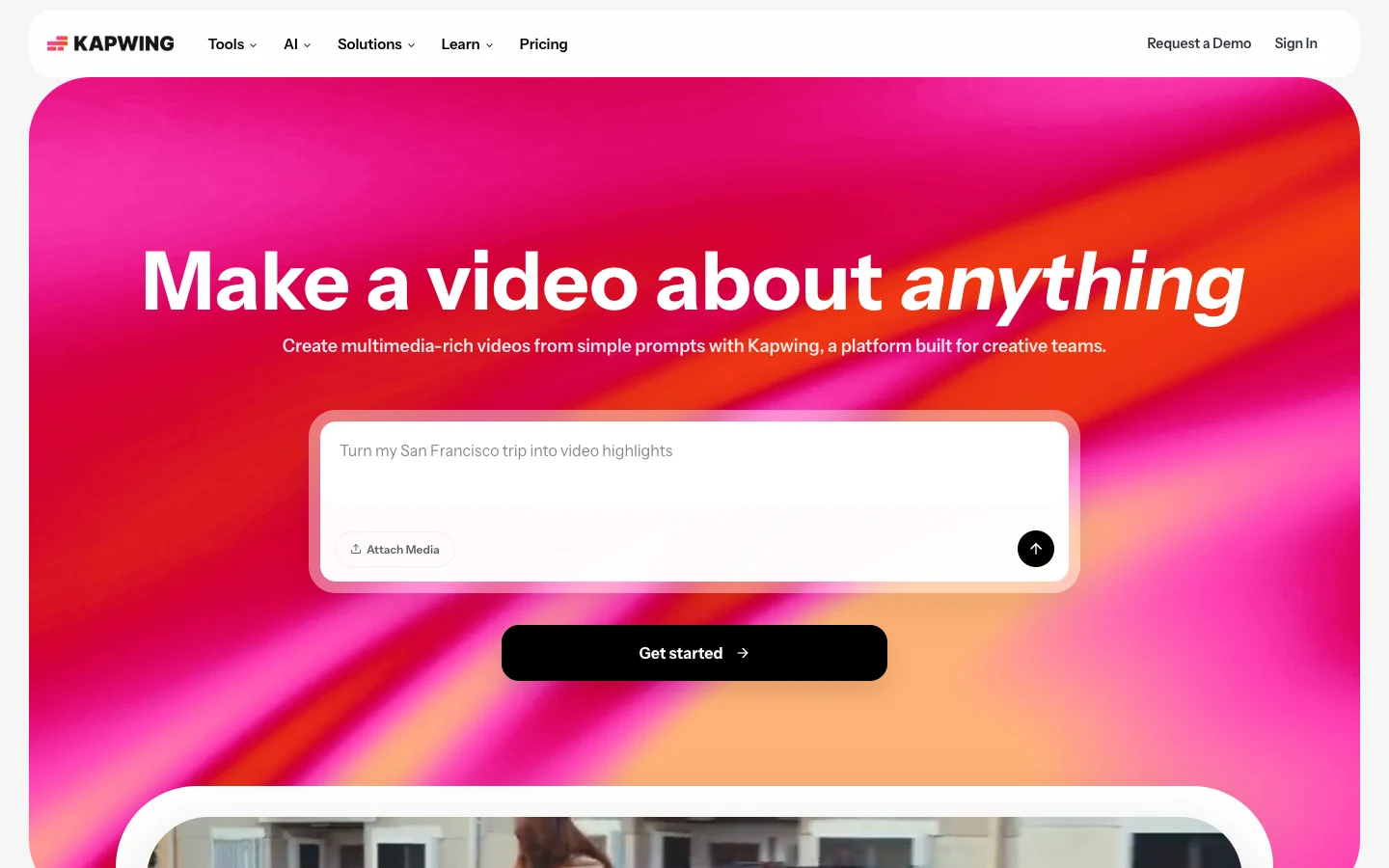
Kapwing is a browser video editor for creators and teams making captioned, localized and repurposed content. It combines a layered timeline with AI-generated drafts, transcript-based cuts and automatic subtitles. A project can start with uploaded media, a link or a prompt and remain editable as its picture, speech and timing change.
Key features
Generate layered video draftsEdit on the timelineCut through the transcript
Best for
Campaign video editors
Training localization producers
Pricing
Freemium
10 credits and watermarked 720p exports for videos up to 4 minutes.
Direct video edits through conversation while retaining timeline control
invideo is an AI-assisted video editor that turns supplied footage and a written editing direction into a reviewable cut. Its agents can find relevant moments, plan scripts and storyboards, and make changes across shots. The multitrack timeline remains available for direct adjustments to the resulting sequence.
Key features
Plan scripts and storyboardsFind moments by descriptionApply edits across shots
Best for
Video production editors
Pricing
Freemium
Manual editing and watermark-free exports; agent and media generation use credits.
Edit spoken audio and video by working with the transcript
Descript is an AI audio and video editor for podcasters, interviewers and teams making demonstrations. Editing the transcript edits the recording: removing a passage cuts its footage, and rearranging the words changes the sequence. A timeline remains available for precise timing and visual work.
Key features
Cut media by editing wordsRecord screens and interviewsClean up speech
Which CapCut alternative works directly in a browser?
VEED, Kapwing and invideo all run in the browser without installing desktop software, so you can trim clips, add captions and resize for social channels from any machine.
Is there a CapCut alternative better suited for talking-head videos?
Descript is built around spoken footage. Instead of scrubbing a timeline for every pause, you edit the generated transcript and the matching video cuts update automatically.
How do paid plans compare with CapCut?
CapCut starts at $12.49 per seat on Teams (2-seat minimum), while browser studios like VEED, Kapwing, invideo and Descript start at $20–$25 per seat when you want cloud collaboration or text-based editing.