
invideo
Direct video edits through conversation while retaining timeline control
What is invideo?
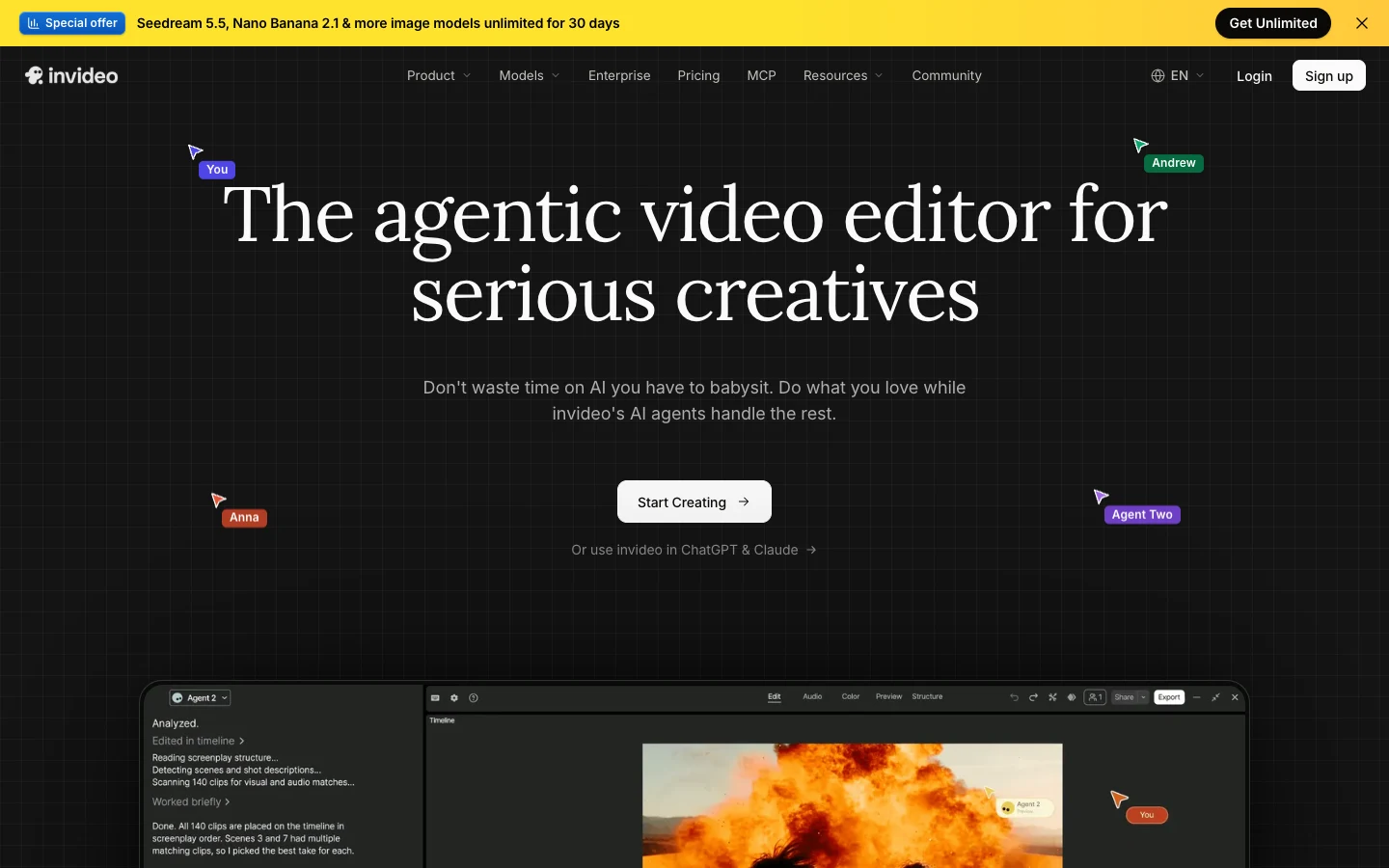
invideo is an AI-assisted video editor that turns supplied footage and a written editing direction into a reviewable cut. Its agents can find relevant moments, plan scripts and storyboards, and make changes across shots. The multitrack timeline remains available for direct adjustments to the resulting sequence.
Find the footage that tells the story
Supply the recordings and describe the moments you need. The editing agent examines the clips so a request can identify action or content without manually searching every recording. A script or idea can also become a shot-by-shot plan, giving the production a structure to revise before assembling the final sequence.
Direct the edit across shots
Written instructions can change several clips, such as removing pauses or matching their look. The agent works on a multitrack timeline, where you can take over for precise adjustments to a particular frame or passage. Custom agents can take roles such as cinematography, sound design or music, while source material can be distinguished from references that only guide the creative direction.
Finish the production and pass it on
Review the sequence with its sound and color treatment, and refine the edit with collaborators. A completed video can be exported for delivery, while an editable project can continue in another editing application. Cloud destinations offer another way to deliver the resulting files when the next stage belongs to someone else.
What can invideo do?
- 01
Plan scripts and storyboards
Break an idea into an adjustable shot sequence
- 02
Find moments by description
Locate relevant action in uploaded footage
- 03
Apply edits across shots
Change several clips from one written direction
- 04
Configure production agents
Assign roles such as cinematography, sound design or music
How do I get started with invideo?
- 1
Add the footage
Sign in to invideo and upload the media for your video
- 2
Describe the edit
Tell the agent the sequence you want and identify footage or references it should use
- 3
Review the cut
Inspect the result and request changes, or refine timing and sound on the timeline
- 4
Export the result
Choose Export, set the output type and settings, then save the finished version
What does invideo work with?
- Google Drive
- Google Drive
- MP4
- WAV
- AAC
- Opus
- PNG
- Premiere Pro
- Final Cut Pro
- OpenTimelineIO
- Google Drive
Who is invideo for?
- Video production editors
Turn shot plans and source footage into finished sequences
How much does invideo cost?
- Free plan · Manual editing and watermark-free exports; agent and media generation use credits.
- Includes 1 seat and 400 credits per month
What are invideo's limitations?
Review comments
Viewers need an invideo account to leave comments on a shared timeline
Drive file access
The save-to-Drive feature works only with files invideo saves inside its invideo AI folder
invideo FAQ
Do unused credits carry into another month?
No. Unused credits expire at the end of the monthly cycle.
More tools like invideo
 CapCut
Edit social videos with captions, generated media and voice tools
 Kapwing
Create and localize video in a shared browser timeline
 AI Rap Duo
Turn two photos into a rap duo video.
 Krea
Explore image and video ideas on a live canvas
 Synthesia
Produce presenter-led training and onboarding videos from source material
 Pika
Generate, revise and score short video scenes
 HeyGen
Make presenter videos for lessons, product updates and localization
 D-ID
Create digital presenters for scripted videos and live conversations