
HeyGen
Make presenter videos for lessons, product updates and localization
What is HeyGen?
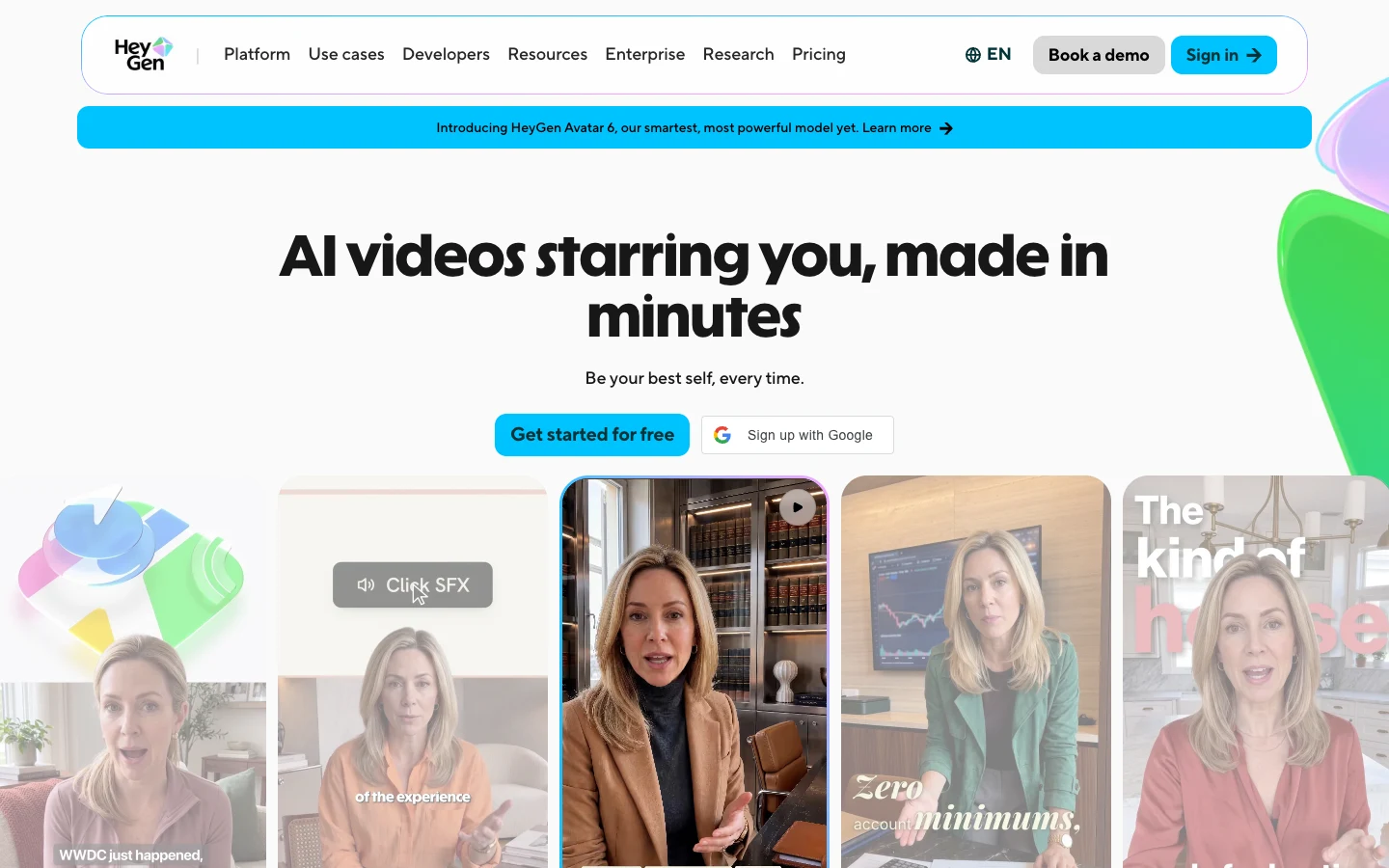
HeyGen makes AI avatar videos for training, product demonstrations and marketing. A stock presenter or custom likeness delivers a script, while scenes combine the spoken message with supporting visuals. Video translation also adapts recorded speech and lip movement for another language.
Turn a script into a presenter video
A training lesson or product explanation begins with the words the presenter should say. Use a stock avatar or your custom likeness, then divide the message into scenes with supporting text and images. The same presenter can introduce a topic, explain its details and deliver the closing message without filming each section separately.
Shape the performance and visuals
AI Studio lets you adjust the voice, pauses and pacing so the delivery fits the material. Visual elements can appear alongside the passage they explain, such as a product image during its introduction. Video Agent offers another route: describe the intended video and let it assemble a first version, then refine the scenes before rendering.
Adapt the message for another audience
Video translation works from recorded speech, producing another language version with corresponding lip movement. This gives a training team a way to adapt a lesson and a marketer a way to reuse a presentation across markets. Finished videos can be downloaded or distributed through a viewing link or embed.
What can HeyGen do?
- 01
Generate avatar presenters
Use a stock character or a custom likeness to deliver a script
- 02
Control delivery in AI Studio
Adjust pacing, gestures and scene timing
- 03
Build from a brief
Video Agent assembles scenes from written instructions
- 04
Translate recorded videos
Adapt speech and lip movement for another language
How do I get started with HeyGen?
- 1
Enter AI Studio
Sign in to HeyGen and choose Create > Create a Video > Create in AI Studio
- 2
Choose the presenter
Use the Avatar Icon and Avatar Name controls to select an avatar for the first scene
- 3
Write the scenes
Enter the script, then use + Scene to add a blank scene or a template
- 4
Check delivery
Choose a voice, use Play to hear the script, and adjust pauses or element timing
- 5
Generate and save
Submit the project, then open its Projects menu and choose Download when the video is ready
What does HeyGen work with?
- WEBP
- MP4
- MOV
- WEBM
- Google Drive
- PPT
- SRT
- SCORM
- Embed URL
Who is HeyGen for?
- Course producers
Turn lesson scripts into presenter-led training
- Video localization specialists
Adapt a recorded announcement for additional language audiences
How much does HeyGen cost?
- Free plan · 3 watermarked videos per month, up to 1 minute each.
What are HeyGen's limitations?
Avatar preview
The animated presenter is visible only after generation; audio can be previewed during editing
SCORM exports
Available only on Business and Enterprise plans
SDR processing
Uploaded video is converted to SDR, and HDR output is not supported
HeyGen FAQ
Does creating a custom avatar require verification?
Yes. A person must verify their identity on camera before HeyGen creates an avatar representing them.
Can one video contain several avatars?
Yes, across different scenes, with one character per scene.
Is there a developer API?
Yes. API access uses separate usage-based billing from the video subscription.
More tools like HeyGen
 VEED
Edit and caption videos in the browser for publication
 Runway
Generate and revise shots for filmmakers and video editors
 CapCut
Edit social videos with captions, generated media and voice tools
 D-ID
Create digital presenters for scripted videos and live conversations
 Animaker
Make character-led explainers and refine their animated scenes
 Kapwing
Create and localize video in a shared browser timeline
 invideo
Direct video edits through conversation while retaining timeline control
 Descript
Edit spoken audio and video by working with the transcript