
What is Pika?
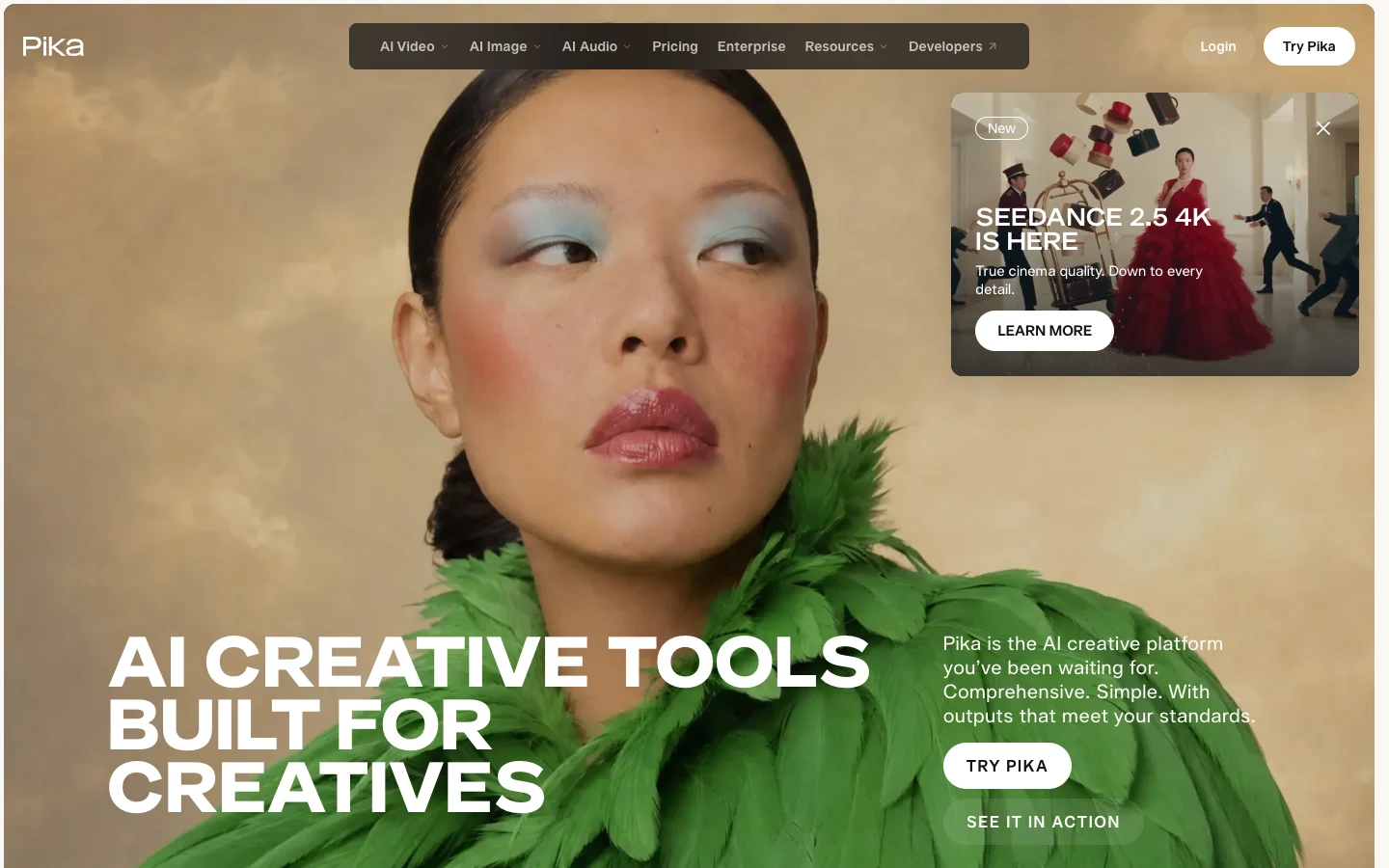
Pika is an AI creative platform for generating and revising video, images and audio. Creators can describe a shot, animate reference images or change supplied footage, then add sound for the finished piece. Its task-specific apps expose the inputs and model settings needed for each operation.
Generate a shot from a scene idea
Describe the subject, action and camera movement, with reference images when appearance matters. Video Studio generates the shot using the chosen model's supported inputs. Pikaframes takes a different route by creating motion between supplied still frames, giving the sequence defined visual points to move through.
Revise footage and preserve a character
A supplied clip can be changed through tasks such as replacing a subject, adjusting lighting or extending the action before or after the original shot. Character Studio produces reference views and expressions for later generations. Reusing those references helps guide related images and shots toward the same intended identity without rebuilding the brief each time.
Build sound around the picture
Pika Soundtrack generates music and ambience from the video's action. Other audio tools provide narration and sound effects, allowing a creator to assemble the sound as well as the visual scene. Supported generations can deliver separate audio stems for further mixing. The finished clips and audio remain available for download and use in the larger production.
What can Pika do?
- 01
Generate clips in Video Studio
Guide a scene with text and reference media
- 02
Animate between still frames
Use Pikaframes to create motion across selected images
- 03
Revise a shot
Swap subjects, change lighting or color, and extend the clip
- 04
Reuse character references
Retain visual identities for later generations
- 05
Score a video
Generate music and ambience from the action with Pika Soundtrack
- 06
Create voice and effects
Add spoken narration and sound through audio apps
How do I get started with Pika?
- 1
Open Video Studio
Go to Pika, describe the scene and add any reference media for the shot
- 2
Choose and generate
Select a model, review its settings and estimated credit cost, then generate the video
- 3
Retrieve the clip
Open Library, select the creation and download the result
What does Pika work with?
- ChatGPT
- Claude
- Claude Code
- Codex
- WAV
Who is Pika for?
- Short-film editors
Revise a shot and build its accompanying sound
- Product-ad producers
Create alternate visual treatments for campaign clips
How much does Pika cost?
- Free plan
What are Pika's limitations?
Video Studio duration
Supported models allow short or multi-shot videos up to 30 seconds; available lengths depend on the model
Pikaframes input
Provide two to five still images in the intended sequence
Pika FAQ
Do subscription credits roll over?
No. Subscription allowances reset monthly, including on annual plans. Purchased top-ups remain usable for 365 days.
Can I use output commercially?
Yes, on Starter, Creator and Fancy, subject to model terms and rights in uploaded material. Free accounts do not include commercial use.
More tools like Pika
 HeyGen
Make presenter videos for lessons, product updates and localization
 CapCut
Edit social videos with captions, generated media and voice tools
 D-ID
Create digital presenters for scripted videos and live conversations
 Animaker
Make character-led explainers and refine their animated scenes
 Kapwing
Create and localize video in a shared browser timeline
 invideo
Direct video edits through conversation while retaining timeline control
 VEED
Edit and caption videos in the browser for publication
 Descript
Edit spoken audio and video by working with the transcript