
Runway
Generate and revise shots for filmmakers and video editors
What is Runway?
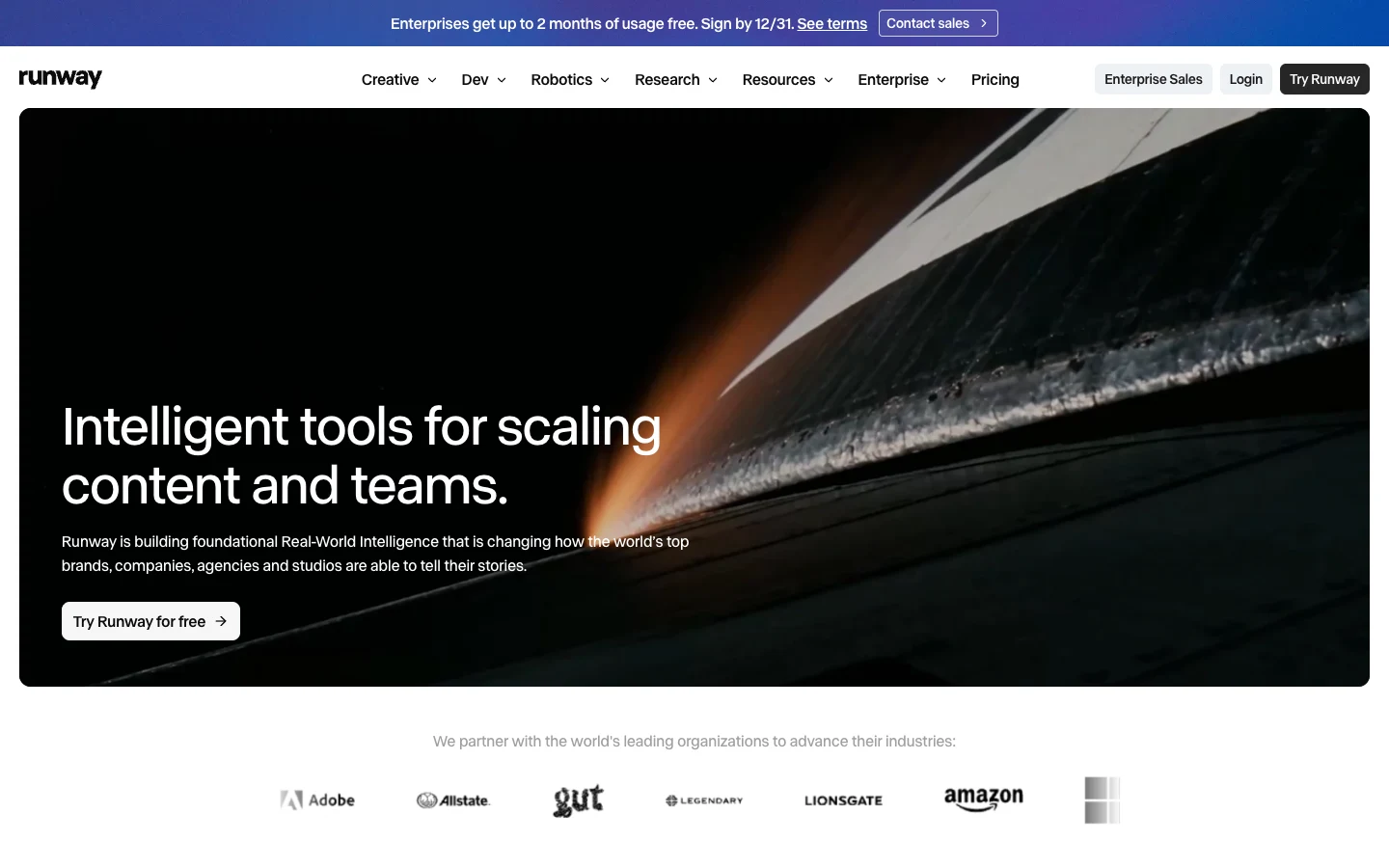
Runway Creative is a cloud environment for generating and editing video, images and audio. A production can start with a visual idea and proceed through successive shot experiments, with the results collected inside a session. Runway Dev provides a separate API entry point for applications that need media generation.
Decide how to direct the creation
Tools mode exposes the inputs and settings directly. Apps package particular creative tasks into more focused experiences. These are different starting points within the creative product: one favors detailed setup, while the other reduces the amount of manual prompting around a specific job.
Use the source image to guide the shot
A supplied image and a text-only brief call for different descriptions. With a still image as the source, the prompt concentrates on movement; the image already establishes what is in view. A text-to-video request also needs the visual scene described. The model selector gives the session a way to change the generation model without starting a separate organizational space.
Continue from a useful take
Generated results remain available as the session grows. A useful take can lead into further work through its Use options, while changes to the prompt provide another route for refining the idea.
What can Runway do?
- 01
Generate video shots
Use prompts and supported reference inputs, including multi-shot creation
- 02
Revise a moving shot
Replace backgrounds or subjects, adjust lighting and remove elements
- 03
Propagate a frame edit
Edit Studio applies the visual change across the video
- 04
Link models with nodes
Connect generation and intermediate processing steps
- 05
Work in Adobe editors
Generate, edit or extend footage through Premiere Pro and After Effects plugins
How do I get started with Runway?
- 1
Open Runway
Sign in at app.runwayml.com and choose Tools to start a generation session
- 2
Set up the shot
Choose a model, upload a reference image if needed, and write the prompt
- 3
Generate a take
Click Generate and review the completed video in the session
- 4
Continue the result
Select Use below a completed generation, or revise the prompt for another take
What does Runway work with?
- Adobe Premiere Pro
- Adobe After Effects
- Meta
- TikTok
- JPEG
- PNG
- WEBP
- MP4
- MOV
- MKV
- WEBM
- MP3
- WAV
- FLAC
- M4A
- GLB
- ProRes
- PNG sequence
Who is Runway for?
- Film directors
Explore shot concepts before assembling a sequence
- Ad video editors
Make alternate versions of campaign footage
How much does Runway cost?
- Free plan · 125 one-time credits and 5 GB of storage.
- or $12/user/mo billed yearlySave 20%
What are Runway's limitations?
Gen-4.5 video
Clips run from 2 to 10 seconds; the model requires Standard or higher and is available on the web
Image and 3D inputs
GIF images are unsupported, as are rigged or animated GLB models
Gen-4.5 ProRes and PNG sequence
Available on Max, Unlimited (Legacy) and Enterprise plans
Runway FAQ
Can paid exports remove watermarks?
Yes. Standard includes watermark-free exports.
More tools like Runway
 HeyGen
Make presenter videos for lessons, product updates and localization
 CapCut
Edit social videos with captions, generated media and voice tools
 D-ID
Create digital presenters for scripted videos and live conversations
 Animaker
Make character-led explainers and refine their animated scenes
 Kapwing
Create and localize video in a shared browser timeline
 invideo
Direct video edits through conversation while retaining timeline control
 VEED
Edit and caption videos in the browser for publication
 Descript
Edit spoken audio and video by working with the transcript