
D-ID
Create digital presenters for scripted videos and live conversations
What is D-ID?
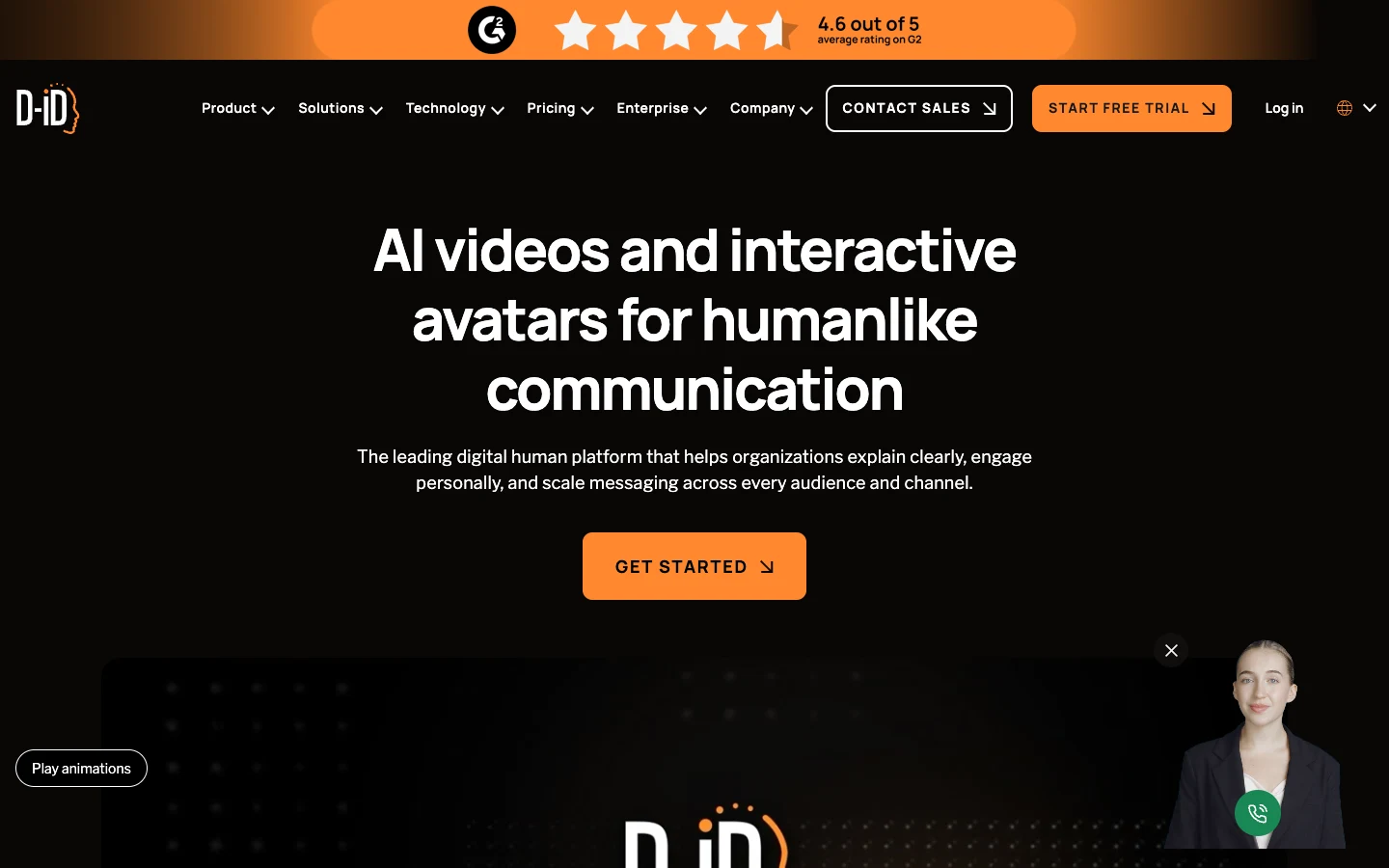
D-ID Studio assembles a presenter, a script, and a scene into a generated video. A project can use an avatar from the library or a supplied portrait. Narration can come from typed text, an uploaded recording, or a voice recorded inside Studio, so the starting material does not have to be a finished video.
Create the presenter for the message
A stock avatar, supplied portrait or generated character provides the face of the video. Audition a voice against the script to establish the delivery. For a custom presenter, a recorded video supplies the appearance and a cloned voice can accompany it. The resulting digital presenter can be used across prepared videos and supported interactive-agent experiences.
Build a video around the explanation
Combine the presenter with text, images and other media to illustrate the subject. The scene can support a training lesson, customer message or product explanation, with the narration providing its spoken structure. Preview the composition and generate the finished video once the message and visuals fit together. Download or share the result, with subtitles available as a separate companion file.
What can D-ID do?
- 01
Generate presenter videos
Turn written sources into avatar-led delivery
- 02
Create a digital presenter
Use images or video for the likeness and voice cloning for its delivery
- 03
Produce language versions
Adapt videos and interactions for different audiences
- 04
Run visual conversations
Respond in real time and trigger configured tasks
How do I get started with D-ID?
- 1
Start a video
Log in to D-ID Studio, click + Create video, and choose an avatar or upload a portrait
- 2
Prepare the speech
Enter text or upload audio in Script; use the voice selector and playback control to audition narration
- 3
Generate the result
Click Generate video and wait for the completion notification
- 4
Download the video
Open its gallery menu using the three dots, then choose Download
What does D-ID work with?
- MP3
- FLAC
- M4A
- MP4
- WAV
- GIF
- Google Drive
- SRT
Who is D-ID for?
- Digital experience designers
Pair presenter-led explanations with interactive subject questions
How much does D-ID cost?
- Free trial · 14-day trial with 3 minutes of video and a full-screen watermark.
- or $4.70/mo billed yearlySave 20%
- Personal-use license; D-ID watermark included
What are D-ID's limitations?
Studio audio uploads
Recordings must be at most 10 MB and five minutes long
Studio portrait uploads
The file limit is 10 MB, and the face must measure at least 200 × 200 pixels
Video downloads
A project must be generated before it can be downloaded; drafts are excluded
Subtitles
Generation requires Pro or above, and the subtitle file stays separate from the video
Custom-avatar consent
The statement must be recorded by webcam with the displayed passcode; uploaded consent recordings are not accepted
D-ID FAQ
How is video duration counted?
Generated video time is rounded upward in fifteen-second increments when deducted from the available minutes.
More tools like D-ID
 Runway
Generate and revise shots for filmmakers and video editors
 HeyGen
Make presenter videos for lessons, product updates and localization
 CapCut
Edit social videos with captions, generated media and voice tools
 Animaker
Make character-led explainers and refine their animated scenes
 Kapwing
Create and localize video in a shared browser timeline
 invideo
Direct video edits through conversation while retaining timeline control
 Devin
Delegate repository changes and engineering maintenance to coding agents
 Zapier
Automate handoffs between business apps, forms and AI tools