Best AI Writing Assistants
Find AI writing assistants for drafting, rewriting and proofreading.
Updated Nov 24, 2026

Read, research and draft beside the page open in your browser

Translate business text and documents with consistent terminology

Research, analyze files and create editable work through conversation

Research and write with webpages, videos and files beside your browser

Revise grammar, clarity and tone while you write

Tailor resumes and track applications throughout a job search

Write academic drafts with a research library and linked citations

Refine English drafts through alternate wording, tone and length

Plan fictional worlds, draft scenes and revise prose
Create marketing campaigns using company knowledge and brand guidance
Related categories
What is an AI writing assistant?
An AI writing assistant drafts, rewrites and proofreads text, producing corrected copy, alternative phrasings and first drafts from a prompt or from text you already have. The tools here work in their own editor or inside apps such as Gmail, Google Docs and Word.
What to look for in an AI writing assistant
- 01
Grammar and tone
Grammarly separates correctness from clarity, engagement and delivery, and DeepL Write revises grammar, phrasing and tone.
- 02
Rewrite scope
Wordtune rewrites one word, a sentence or a paragraph, and Claude revises wording through follow-up messages.
- 03
Academic citations
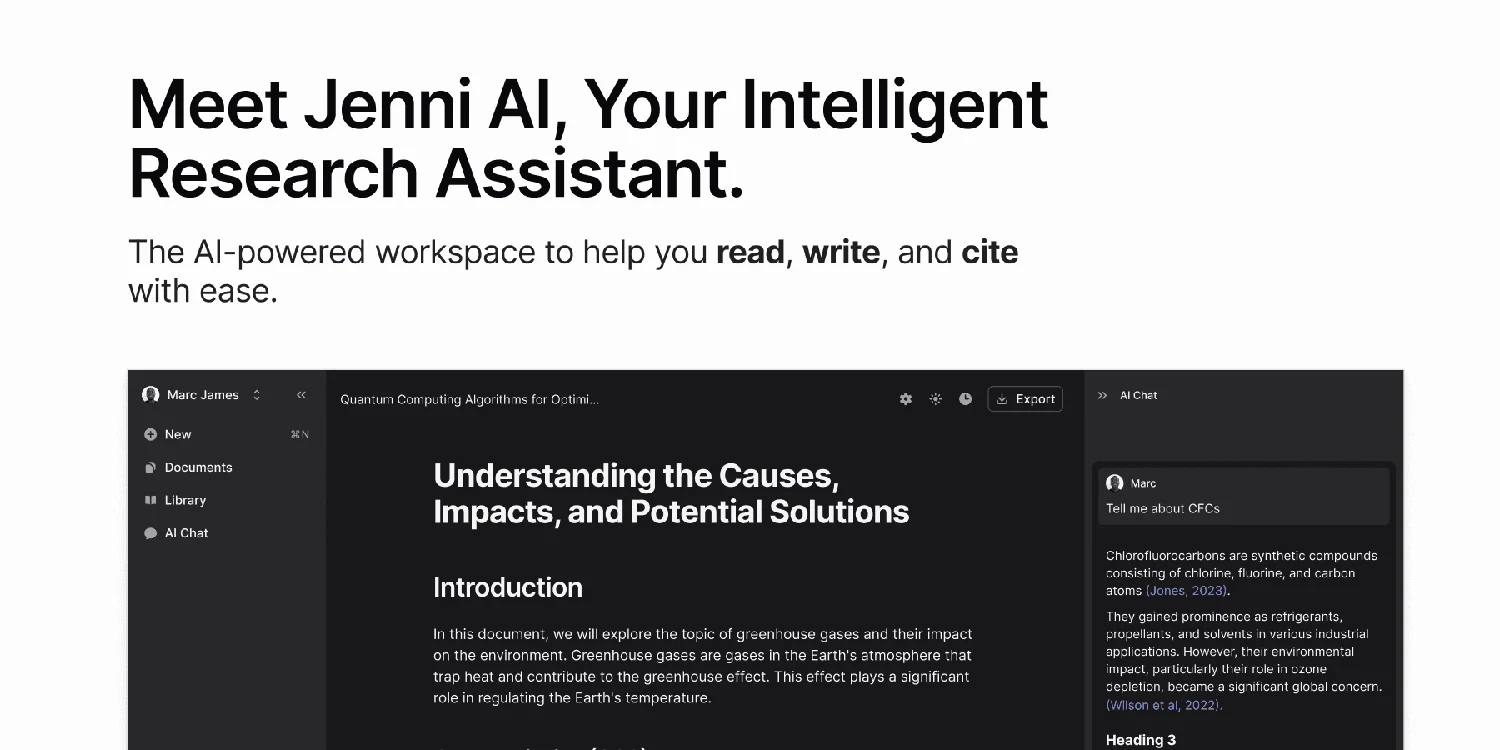
Jenni inserts linked citations, imports Zotero and Mendeley libraries and exports DOCX or LaTeX.
- 04
Translation and glossaries
DeepL keeps document layout and applies a glossary for names and terms, and Monica shows pages and PDFs beside their translation.
- 05
Story context
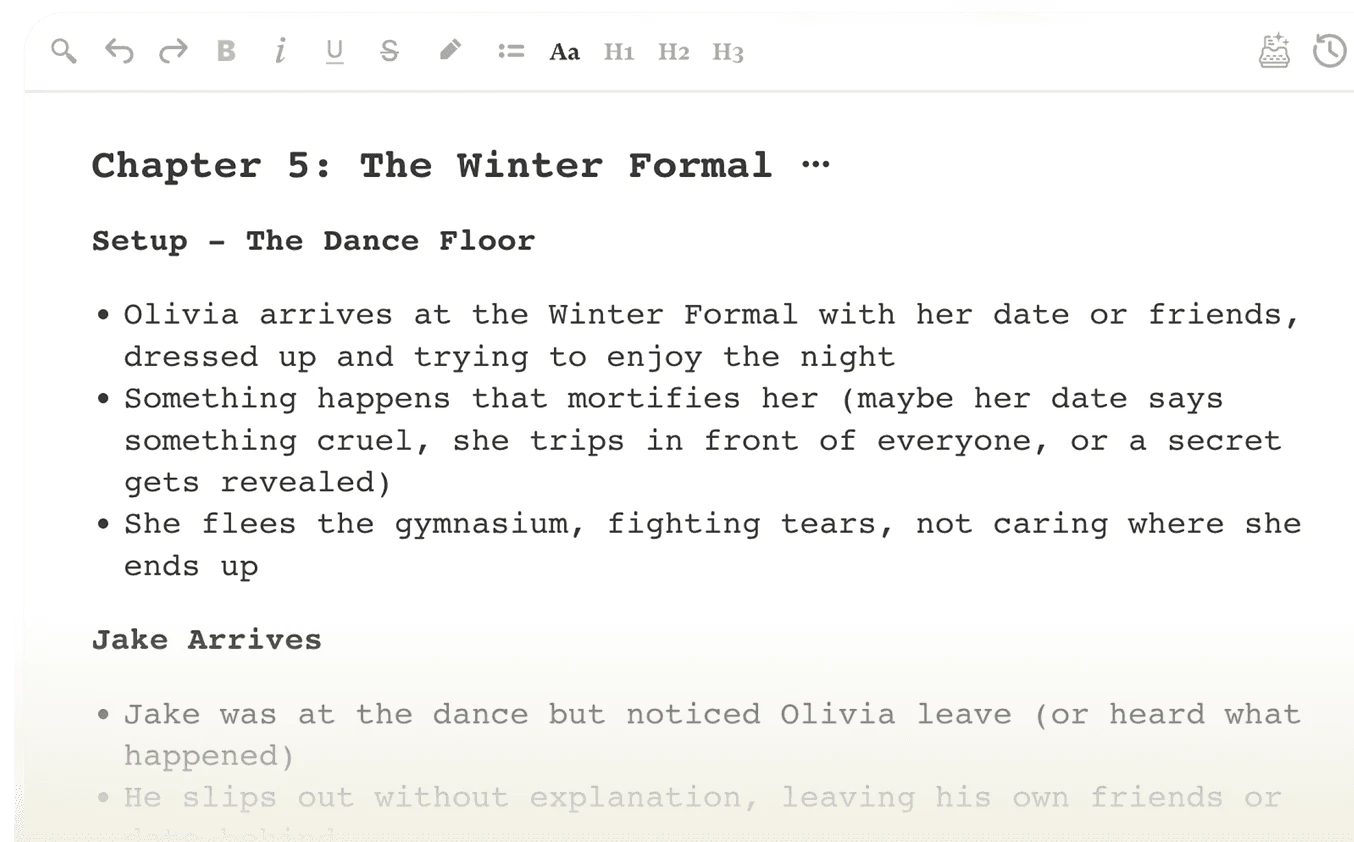
Sudowrite reads the text before the cursor, plus Story Bible and Key Details, to continue a scene.
- 06
Brand voice
Jasper IQ stores approved product facts, voice guidance and style rules, but needs a Business plan.
- 07
Where it runs
Grammarly works in Gmail, Outlook, Google Docs and Word but not offline, and Monica drafts Gmail replies from the message you are answering.
Which AI writing assistant fits your work
Editorial managers
Apply shared terminology and tone across contributor drafts.
GrammarlyAcademic manuscript authors
Compose source-based drafts with traceable citations.
JenniFiction authors
Move from story planning to scene drafts and revisions.
SudowriteMultilingual correspondence writers
Refine English messages for clarity and tone.
WordtuneHow does an AI writing assistant work?
Jenni, DeepL and Grammarly show the usual path, from a prompt to reviewed final text.
- 01
Prompt
InputA topic prompt or a Word draftOutputA document ready to write in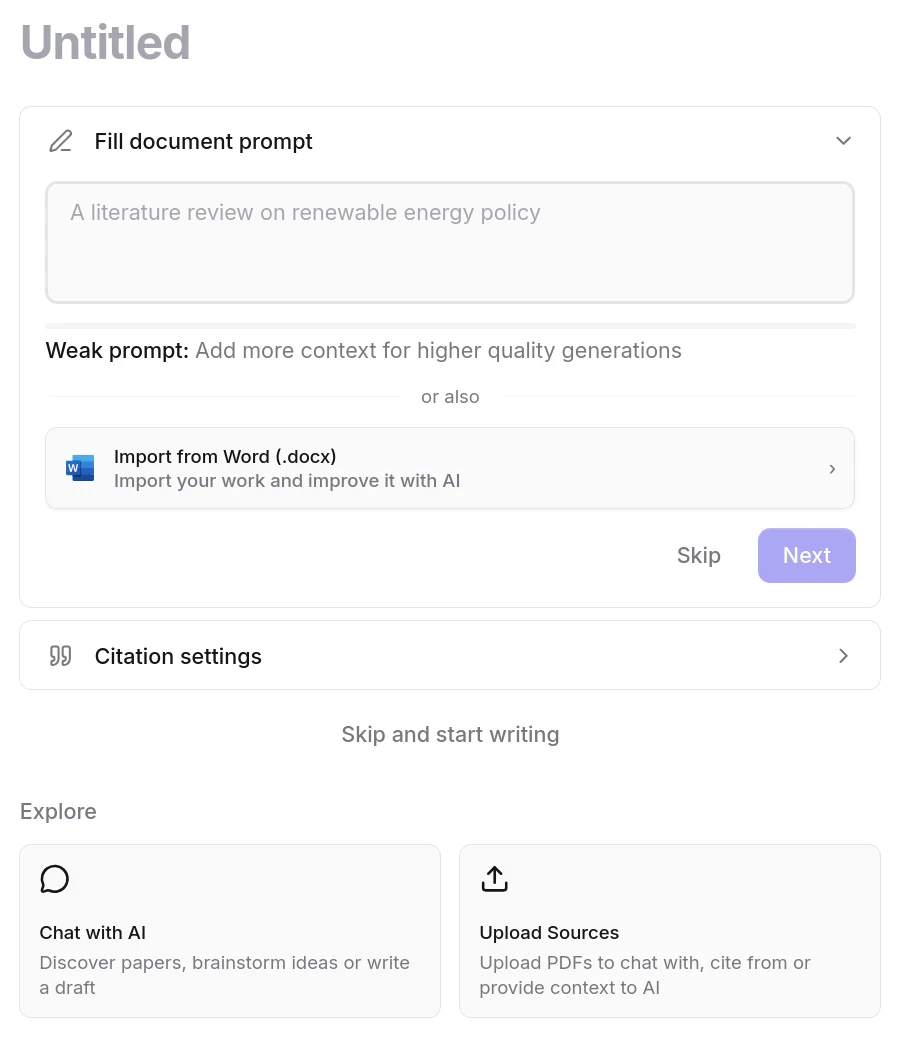 A new-document prompt with Word import in Jenni
- 02
Rewrite
InputRough text in any toneOutputCorrected, reworded text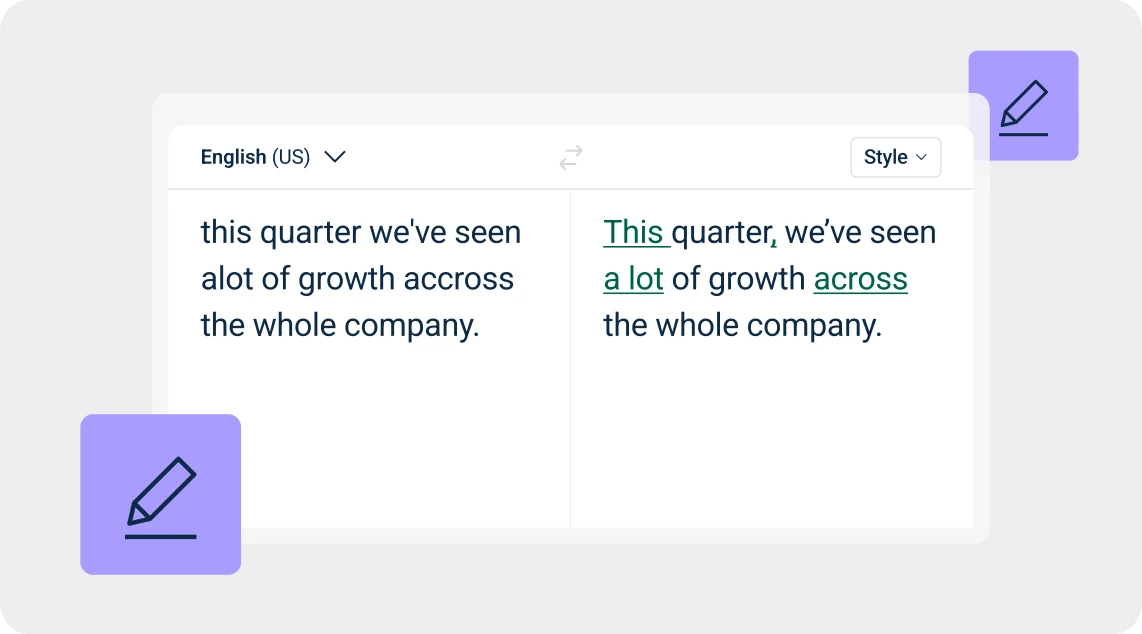 Original and improved text side by side in DeepL
- 03
Accept
InputSuggested changesOutputText with only the edits you kept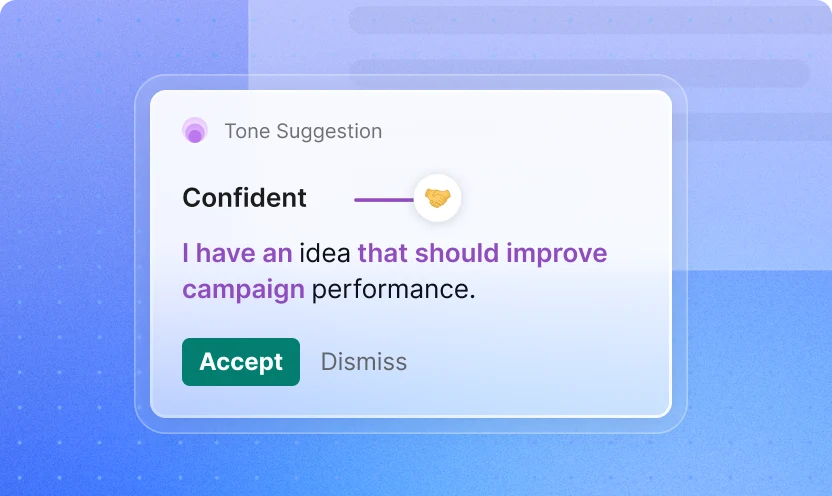 A Confident tone suggestion with Accept and Dismiss in Grammarly
Frequently asked questions
Are there free AI writing assistants?
Yes. 8 listed AI writing assistants offer a free plan, including Monica, DeepL, Claude. Use the Pricing filter to compare free, freemium, and paid options.
Which AI writing assistants have an iOS app?
6 have an iOS app, including Monica, DeepL, Claude. Use the Platform filter to check other platforms.
How are these tools ranked?
Recommended order shows matching Pro listings first, then Basic, then free and editorial listings. Listings within each group are ordered by publication date. You can also sort by newest or by name.