
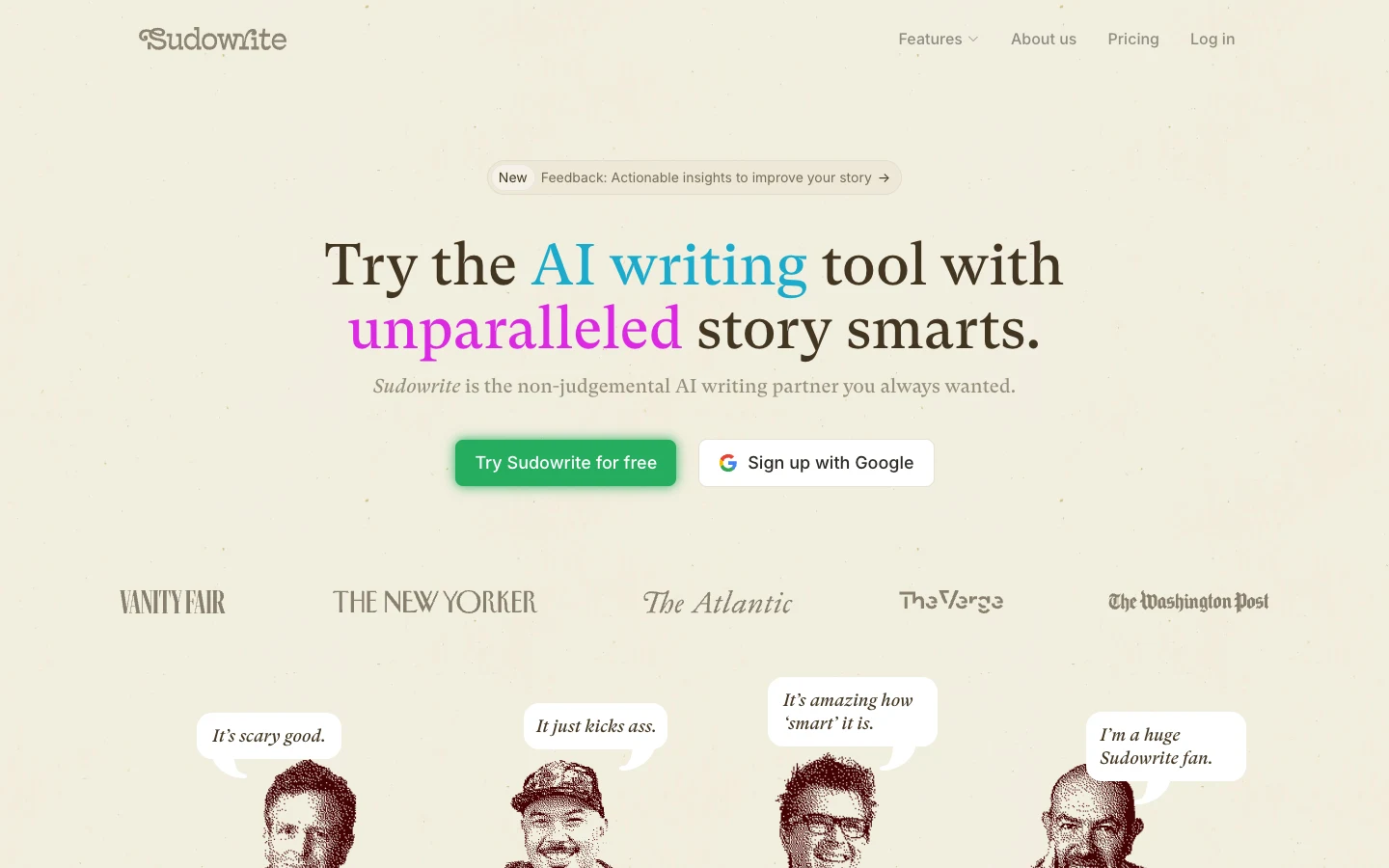
What is Sudowrite?
Sudowrite is a fiction-writing environment where manuscript text and story notes guide AI suggestions. An author can start with a passage, bring in a partial manuscript or import a novel to build a project around it. The writing remains in the editor while proposed additions appear separately for review.
Give the next scene enough context
The Write tool reads the text leading up to the cursor. Key Details can add information that must shape the continuation, and Story Bible supplies broader facts about the story. Guided Write adds a direction for what should happen next; Auto explores a continuation without that extra instruction.
The author can vary the length and creative direction of the continuation, then compare alternatives against the intended scene. Story notes keep character and plot context available as the manuscript grows.
Rewrite a scene without losing your draft
Generated continuations remain proposals until the author uses them. Select a passage to request a revision, refine the instruction and compare the new version with the original. This supports work on a difficult scene while leaving the author in charge of which text enters the manuscript.
Assemble the handoff
Documents can represent chapters and be organized in the project's sidebar. The finished project can leave as separate files or a merged document in that order, including documents inside folders. Individual chapters can also be exported when only part of the manuscript needs an editor's attention.
What can Sudowrite do?
- 01
Brainstorm story directions
Explore characters, names and plot possibilities
- 02
Organize narrative context
Use Story Bible and Canvas for structure and character arcs
- 03
Continue a scene
Generate prose from the surrounding passage and story information
- 04
Add sensory description
Explore details that build atmosphere
- 05
Expand a moment
Give a scene more space for pacing and detail
- 06
Rewrite with instructions
Direct a change to a passage
- 07
Visualize fictional subjects
Create imagery for characters and settings
How do I get started with Sudowrite?
- 1
Import your draft
From the Sudowrite homepage, click Import and choose a manuscript with Browse or drag it into the dialog
- 2
Review the project
Wait for the imported manuscript and Story Bible, then open the document you want to continue
- 3
Generate a continuation
Place the cursor in your text and click Write, or choose Guided Write to give a direction
- 4
Choose and export
Insert a useful History card; open the document’s three-dot menu and select Export (.docx)
What does Sudowrite work with?
- TXT
- DOC
- DOCX
- RTF
- ODT
- CSV
- Scrivener ZIP
- DOCX
- ZIP
- CSV
Who is Sudowrite for?
- Fiction authors
Move from story planning through scene drafting and revision
How much does Sudowrite cost?
- Free trial · No credit card required for the trial.
- or $10/mo billed yearlySave 47%
What are Sudowrite's limitations?
Project exports
Story Bible content is excluded from both ZIP and merged-document exports
Mobile recovery
Deleted items and Document History must be accessed through the web app
More tools like Sudowrite
 Grammarly
Revise grammar, clarity and tone while you write
 Teal
Tailor resumes and track applications throughout a job search
 Jenni
Write academic drafts with a research library and linked citations
 Wordtune
Refine English drafts through alternate wording, tone and length
 Jasper
Create marketing campaigns using company knowledge and brand guidance
 QuillBot
Rephrase drafts, condense source text and prepare citations