
Teal
Tailor resumes and track applications throughout a job search
What is Teal?
Teal organizes a job search around a reusable career history and the individual applications drawn from it. Its Resume Builder treats the main record as a collection of experience, skills and achievements, not just the short document sent to an employer. A particular application selects the parts that belong in that version.
Build the source record once
Career information can come from an uploaded resume, a professional profile or pasted text. The builder places that information into resume sections, where further positions, qualifications and achievement bullets can be added. The main record can hold more detail than any one application needs.
Tailor a resume to a particular role
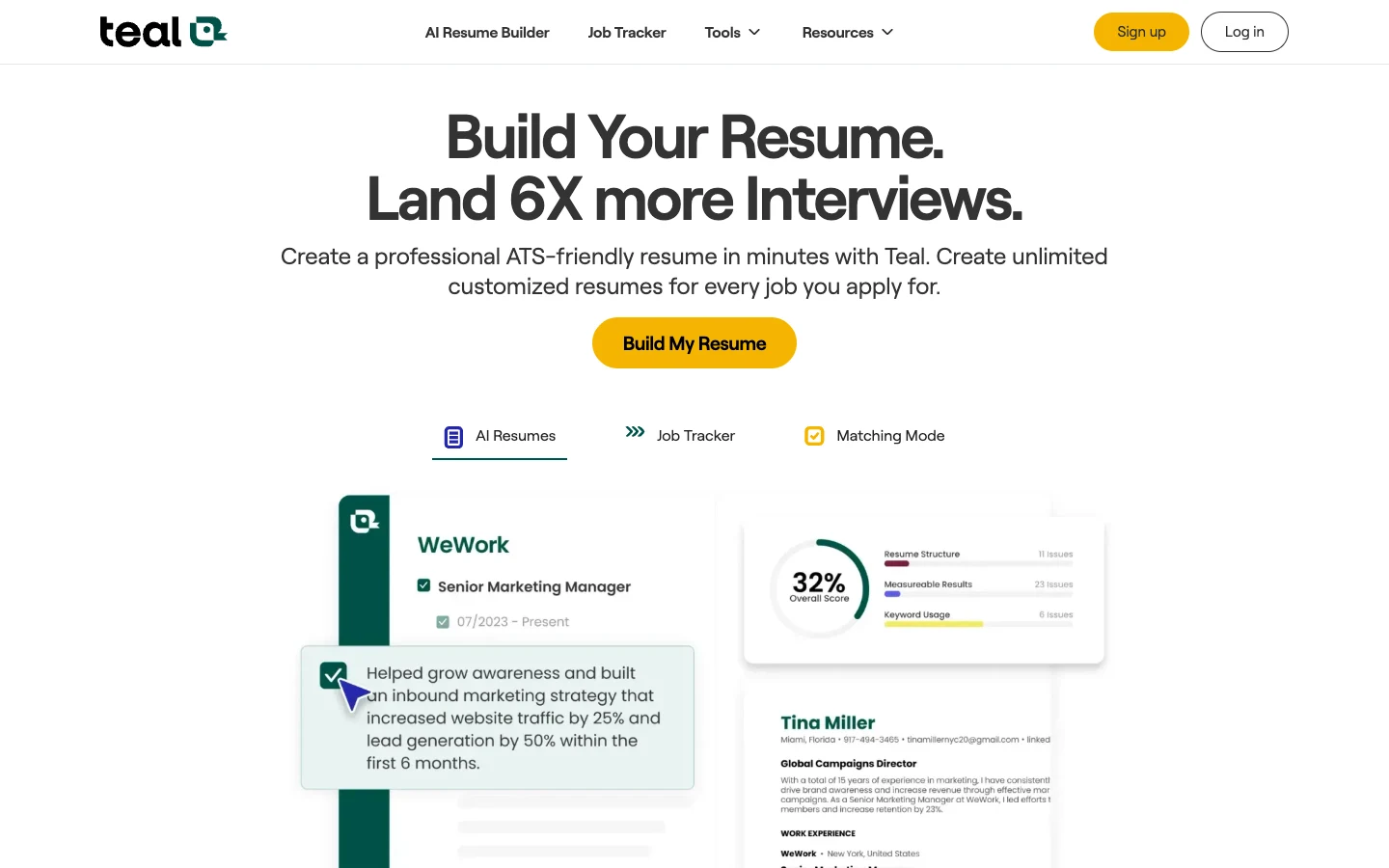
Select the experience and achievements relevant to the job, then compare the resume with its job description. Matching and analysis help identify gaps in the wording or coverage. Changes can be kept for one application or synchronized across versions, allowing a tailored resume to draw from the same career history without forcing every application to say the same thing.
Prepare and track the application
Choose the resume layout and check the document’s completeness before sending it. A cover letter can accompany the tailored resume, while the job tracker keeps the application associated with the opportunity. The result is both the material submitted to the employer and a record of where that application stands.
What can Teal do?
- 01
Tailor resume versions
Maintain separate documents for different openings
- 02
Match a job description
Compare relevant keywords and experience
- 03
Draft application text
Write experience bullets, summaries and cover letters
- 04
Analyze a resume
Review content and structure feedback
- 05
Prepare follow-up messages
Use templates for interview thanks, references and later contact
How do I get started with Teal?
- 1
Open Resume Builder
At app.tealhq.com, import a resume file, use LinkedIn Import or choose Paste Text
- 2
Complete the career record
Add missing positions, skills and achievements, then polish the relevant bullets
- 3
Tailor for a saved job
Check its Match Score and turn the relevant bullets on while hiding the others
- 4
Review and export
Choose Export PDF, inspect the Export Guide and click Export to download the application
What does Teal work with?
- DOCX
- LinkedIn profile
Who is Teal for?
- Job applicants and career changers
Tailor a resume for each opening and track the corresponding follow-up
How much does Teal cost?
- Free plan · Unlimited resumes and job tracking, plus 5 resume bullet credits.
- Billed every 30 days
What are Teal's limitations?
Document export
PDF is the only supported download format
Combined application
Choosing Resume and Cover Letter creates one PDF; use separate export options for separate files