Notion
Keep documents, project records and company knowledge together
What is Notion?
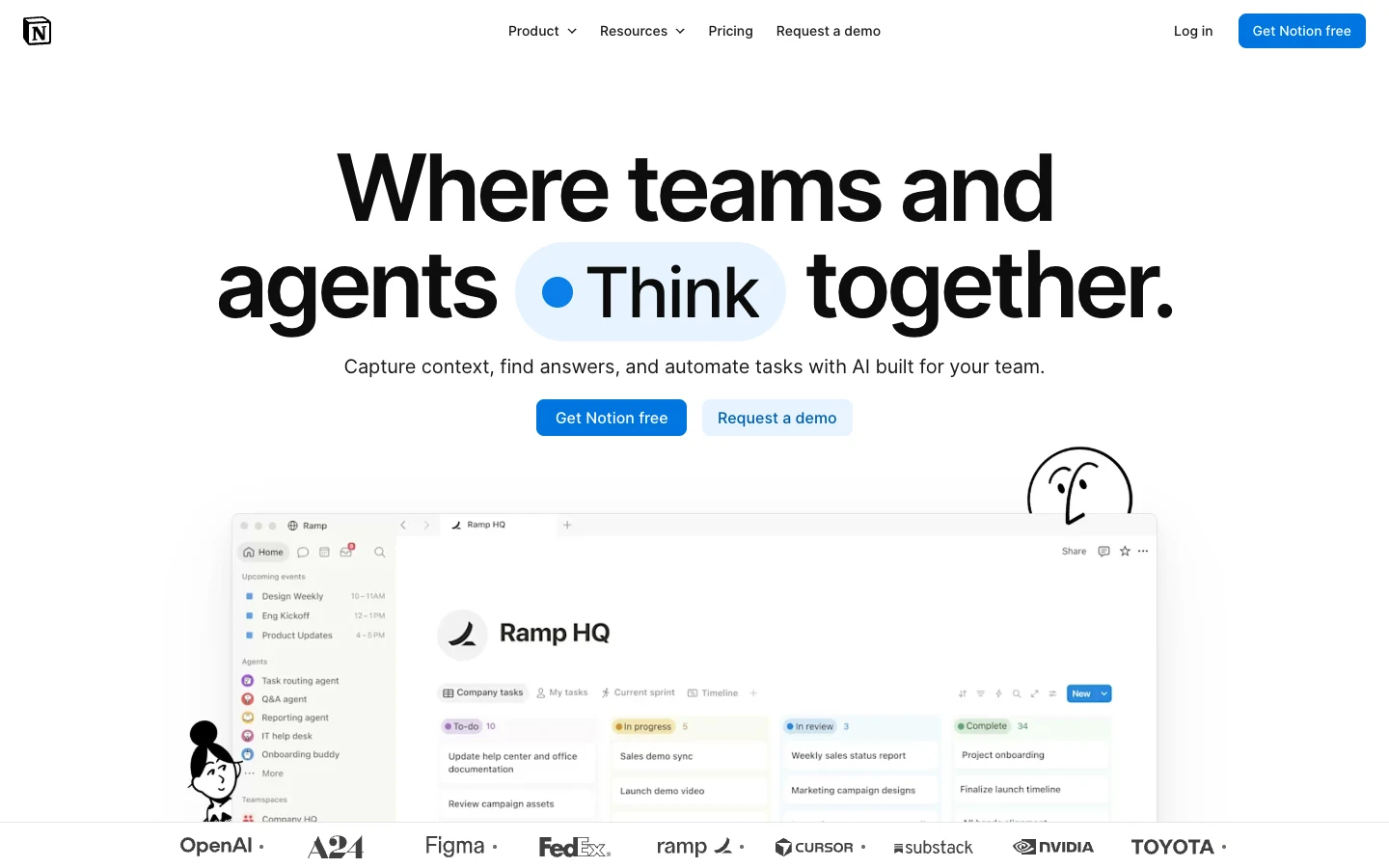
Notion is a workspace for documents, wikis, databases and project work, with AI for finding information and producing drafts from that material. Teams use it to keep written knowledge beside structured records, then ask questions and create new pages using their own context.
Write documents and build a team wiki
Pages hold meeting notes, project plans and reference material. Organize that writing into a wiki so colleagues can find the context behind their work. AI can summarize a long page or turn notes into a draft, with a reference page supplying the facts or writing style for the new document.
Track projects with structured records
Databases organize information such as tasks and project records alongside the documents that explain them. This gives a team a way to manage work and retain its written context in the same product. A project can have both a structured view of what needs attention and pages containing the detail people need to act on it.
Ask questions across the workspace
Notion AI uses workspace material to answer questions and prepare new content. A request can focus on a page or knowledge hub, then turn the answer into a customer email, outline or action plan. Uploaded files add further context. The result becomes working material the team can revise, rather than ending with a search through disconnected notes.
What can Notion do?
- 01
Compose block-based pages
Mix text and other content in a document
- 02
Organize database records
Use properties, filters, relations and multiple views
- 03
Collect form responses
Write incoming information directly into a database
- 04
Capture meeting notes
Keep transcripts and summaries beside project knowledge
- 05
Search across work tools
Answer questions with links to source material
- 06
Automate record work
Use database actions and agents with reusable skills and triggers
- 07
Sync business data
Bring supported Salesforce and Jira information into the workspace
How do I get started with Notion?
- 1
Create a workspace and page
Sign up at notion.com, set up your workspace, and create and title your first page
- 2
Add a database or template
Create a database on a new page, or choose a template to give your content a structure
- 3
Ask or draft with Notion AI
Open Notion AI, ask a question or request a draft, then review and refine the response
What does Notion work with?
- Slack
- Google Drive
- TXT
- Markdown
- DOCX
- CSV
- HTML
- ZIP
- HTML
- Markdown
- CSV
Who is Notion for?
- Knowledge managers
Maintain verified reference pages for colleagues
- Project coordinators
Keep specifications beside task records
- Operations intake owners
Collect requests into a structured database
How much does Notion cost?
- Free plan · Files up to 5 MB, 7-day page history and a trial of Notion AI.
- or $10/member/mo billed yearlySave 17%
What are Notion's limitations?
Mobile imports
Importing content is available through the web and desktop apps, but not mobile
Database exports
Select the current or default view; a single export cannot include every view
Notion FAQ
Can I work without an internet connection?
Yes. Selected pages can be downloaded for offline access in the desktop and mobile apps.
Can I connect Notion to my own tools?
Yes. The public API and webhooks support custom integrations and content-change notifications.
Does Notion use my data for AI training?
No, unless you opt in. Its AI subprocessors are contractually barred from training on customer data.
More tools like Notion
 Fireflies.ai
Turn recorded conversations into searchable notes and follow-up material
 Otter.ai
Turn meetings and interviews into searchable notes and transcripts
 Notta
Transcribe conversations and turn their findings into working documents
 Motion
Turn project tasks and deadlines into an adjustable daily schedule
 Taskade
Build business apps backed by project data, AI agents and automation
 Beautiful.ai
Build branded presentations with layouts that adapt to the content
 Gamma
Turn ideas and source documents into presentations and visual pages
 Fathom
Turn customer calls into notes, CRM follow-up and coaching material