Best AI Knowledge Base Tools
Compare AI knowledge bases for team docs, search and answers.
Updated Nov 24, 2026
Keep documents, project records and company knowledge together

Study and brief from a notebook of your own research sources

Keep reading highlights available for review and later writing

Manage delivery and use project context to answer questions or create work

Build collaborative documents that also run trackers and business processes
Related categories
What is an AI knowledge base?
An AI knowledge base keeps documents, notes and records in one workspace and answers questions from them, producing cited answers and ready-to-edit pages. The tools here range from team wikis and document hubs to personal collections of notes and highlights.
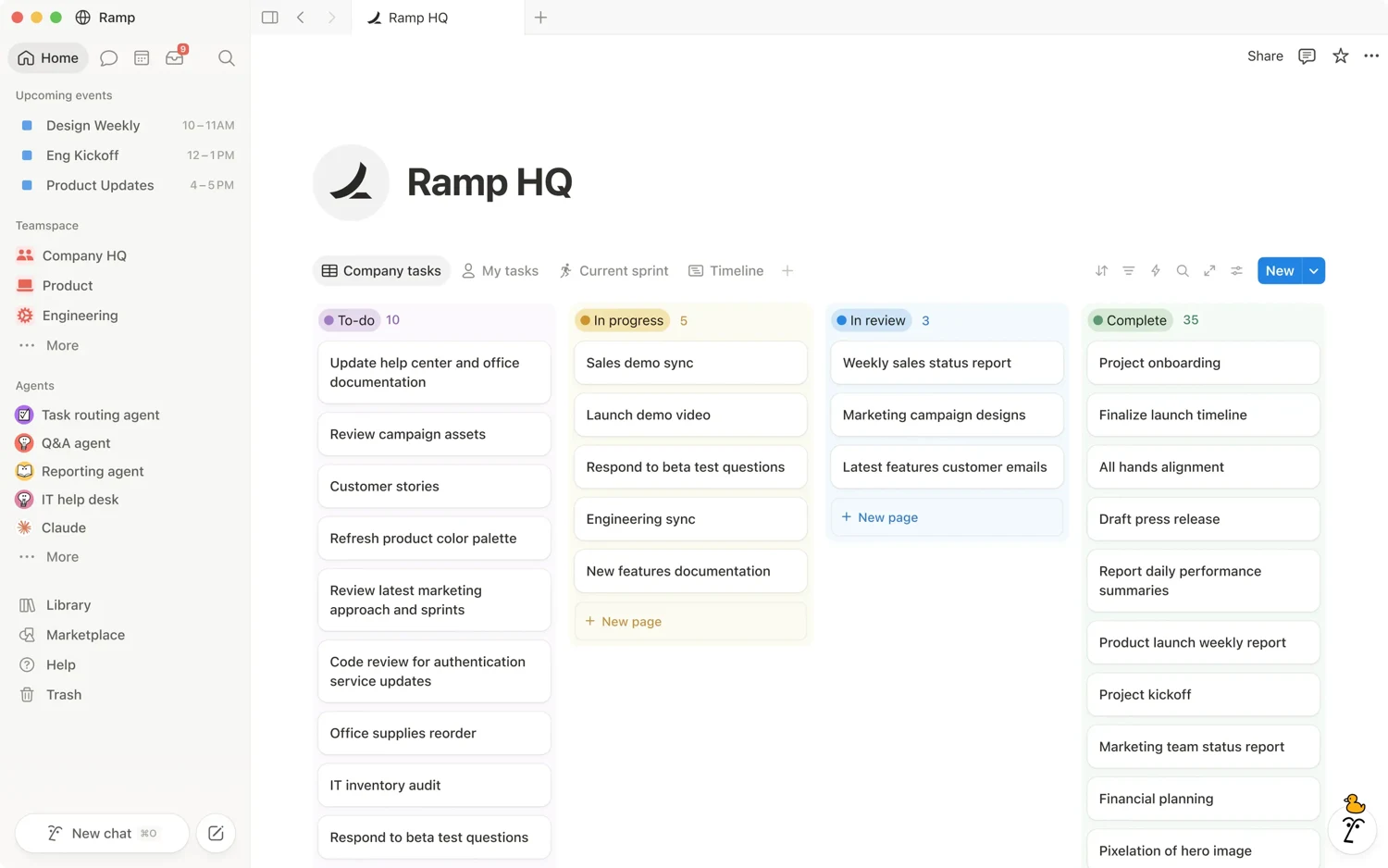 Teamspaces, agents and a task board in Notion
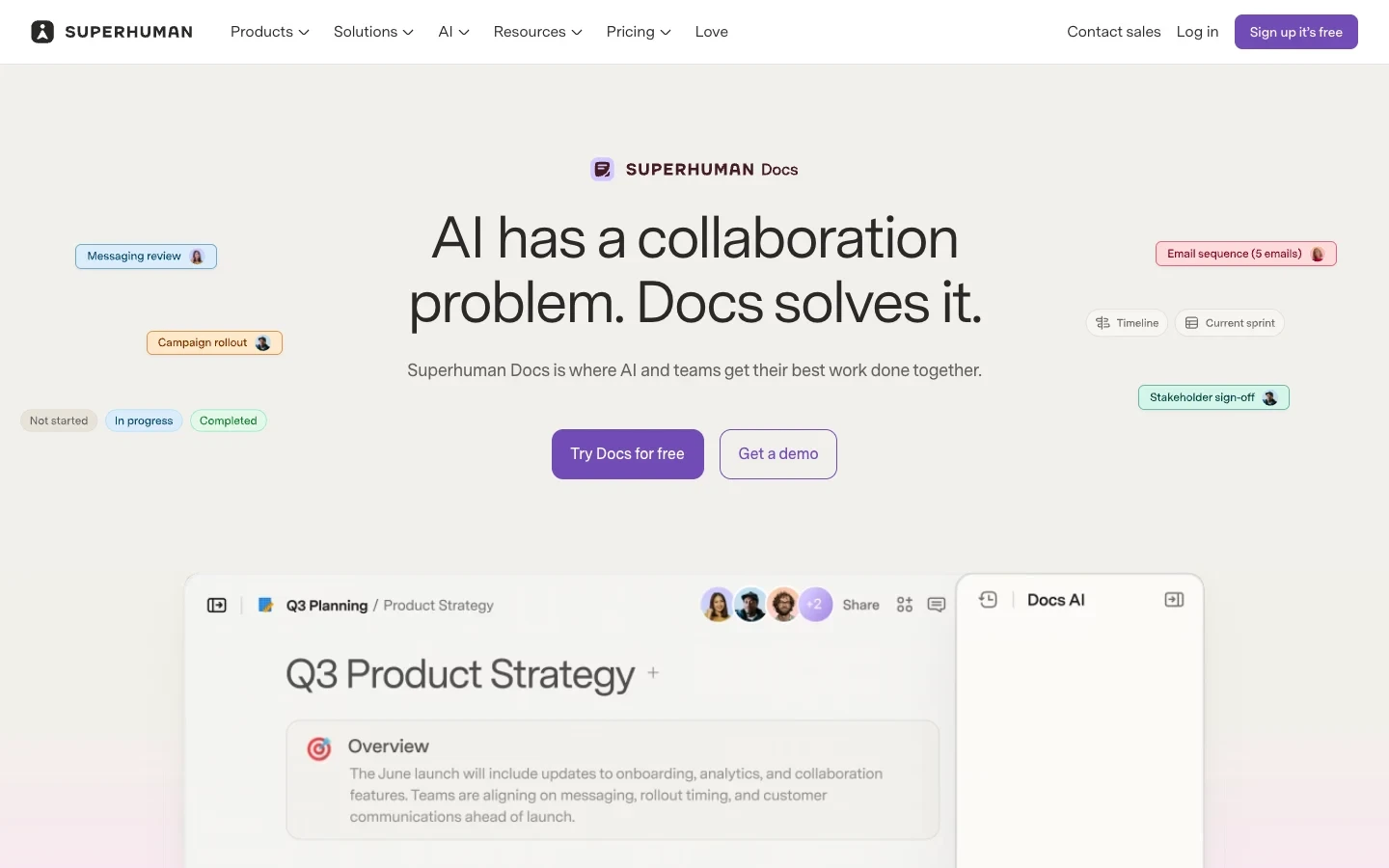 A collaborative product strategy doc with Docs AI in Superhuman Docs
What to look for in an AI knowledge base
- 01
Import formats
Notion imports TXT, Markdown, DOCX, CSV, HTML and PDF files, and Gemini Notebook also takes Google Docs, YouTube links and audio.
- 02
Cited answers
Gemini Notebook adds inline citations, while Notion and ClickUp Brain link answers to the pages and tools they came from.
- 03
Connected tools
ClickUp Brain searches Drive, GitHub and Salesforce, and Notion works across Slack and Google Drive.
- 04
Tables and forms
Superhuman Docs combines tables, buttons and forms for intake and approvals; Notion writes form responses into a database.
- 05
Personal capture
Readwise syncs Kindle and Apple Books highlights and exports them to Obsidian, and Gemini Notebook turns uploaded PDFs and notes into cited briefs.
- 06
Limits to check
Notion exports one database view at a time, and free shared Superhuman Docs documents stop at 1,000 table rows.
Which AI knowledge base fits your work
Knowledge managers
Maintain verified reference pages that colleagues can trust.
NotionOperations process owners
Build intake and approval forms beside written procedures.
Superhuman DocsProject delivery managers
Keep specifications next to tasks and ask questions about progress.
ClickUpResearch writers
Revisit annotated reading and bring source notes into a draft.
ReadwiseHow does an AI knowledge base work?
Notion, ClickUp and Superhuman Docs can take a team from scattered files to a searchable wiki in three steps.
- 01
Collect
InputDocuments and notes from other toolsOutputPages in one workspace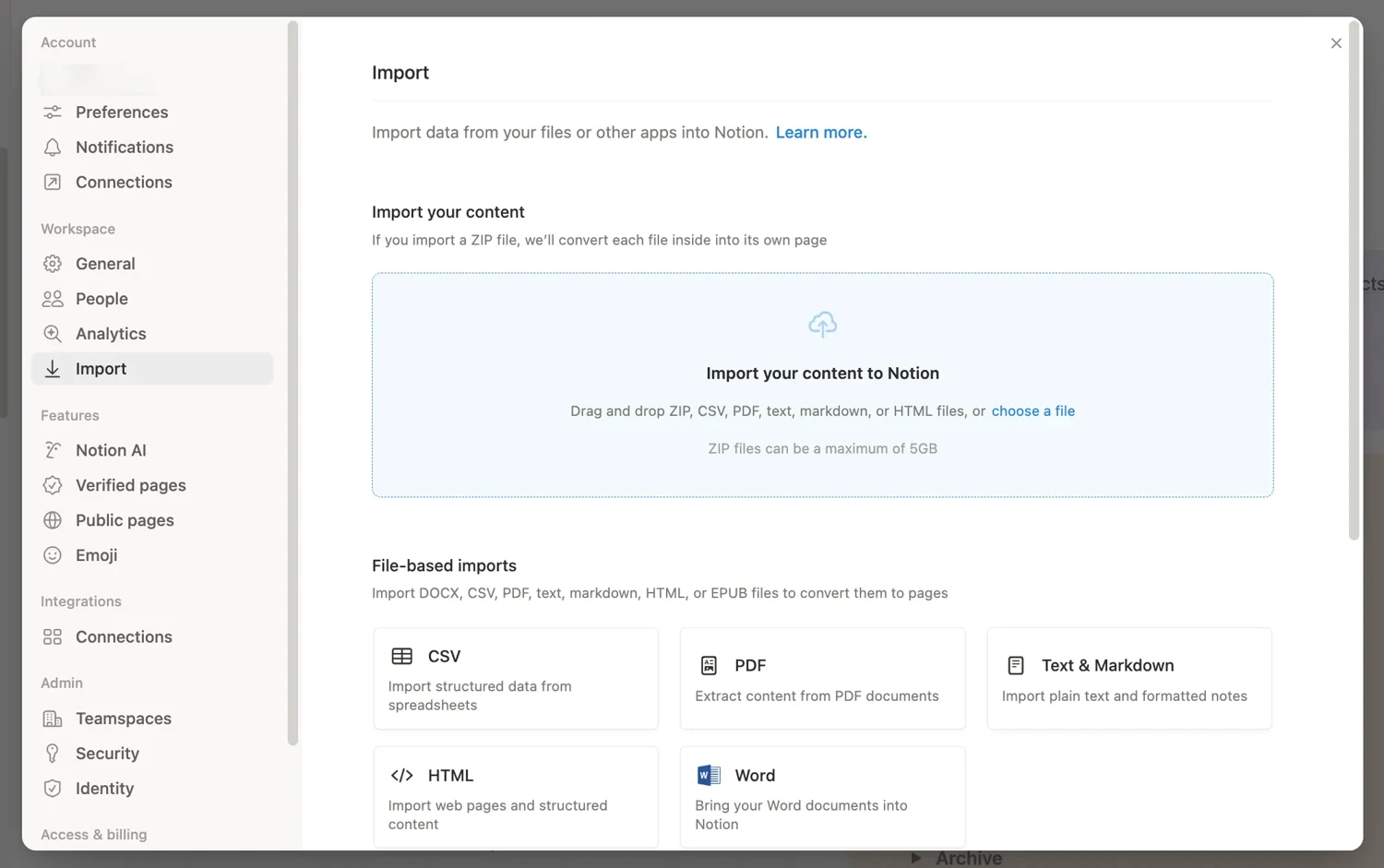 Import options for CSV, PDF and Markdown files in Notion
- 02
Organize
InputPages, tables and tagsOutputA structured wiki or tracker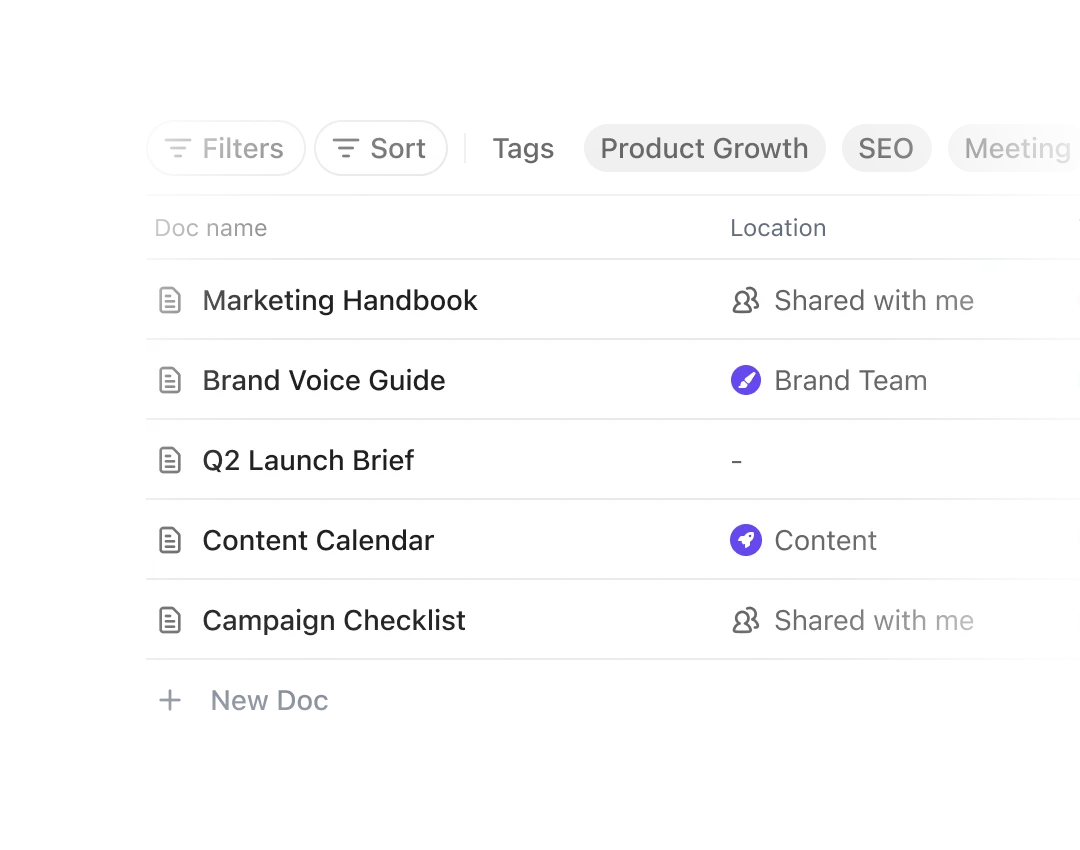 A Docs list with locations and tags in ClickUp
- 03
Ask
InputA question and the pages to useOutputAn answer with source links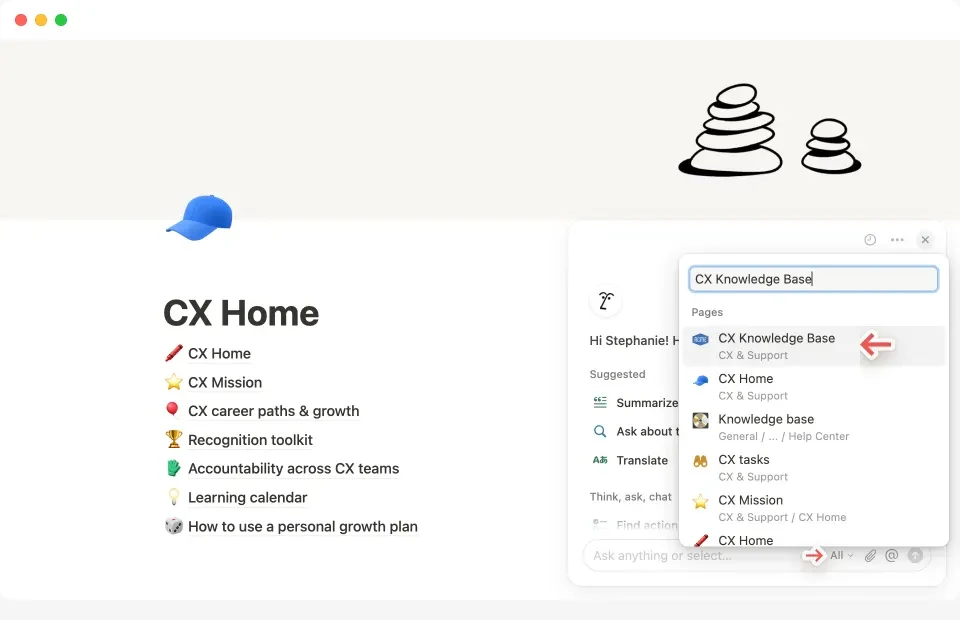 Choosing a workspace page as the source for a question in Notion
Frequently asked questions
Are there free AI knowledge base tools?
Yes. 4 listed AI knowledge base tools offer a free plan, including Notion, Gemini Notebook, ClickUp. Use the Pricing filter to compare free, freemium, and paid options.
Which AI knowledge base tools have an iOS app?
5 have an iOS app, including Notion, Gemini Notebook, Readwise. Use the Platform filter to check other platforms.
How are these tools ranked?
Recommended order shows matching Pro listings first, then Basic, then free and editorial listings. Listings within each group are ordered by publication date. You can also sort by newest or by name.