Best AI Project Management Tools
Discover AI project tools for tasks, scheduling and team planning.
Updated Nov 24, 2026
Keep documents, project records and company knowledge together

Turn project tasks and deadlines into an adjustable daily schedule

Build business apps backed by project data, AI agents and automation

Manage delivery and use project context to answer questions or create work
Related categories
What is an AI project management tool?
An AI project management tool tracks tasks, owners and deadlines in one place and produces schedules, status updates and project plans. The tools here cover boards, timelines, calendars and documents, with AI that answers questions about the work.
What to look for in an AI project management tool
- 01
Task views
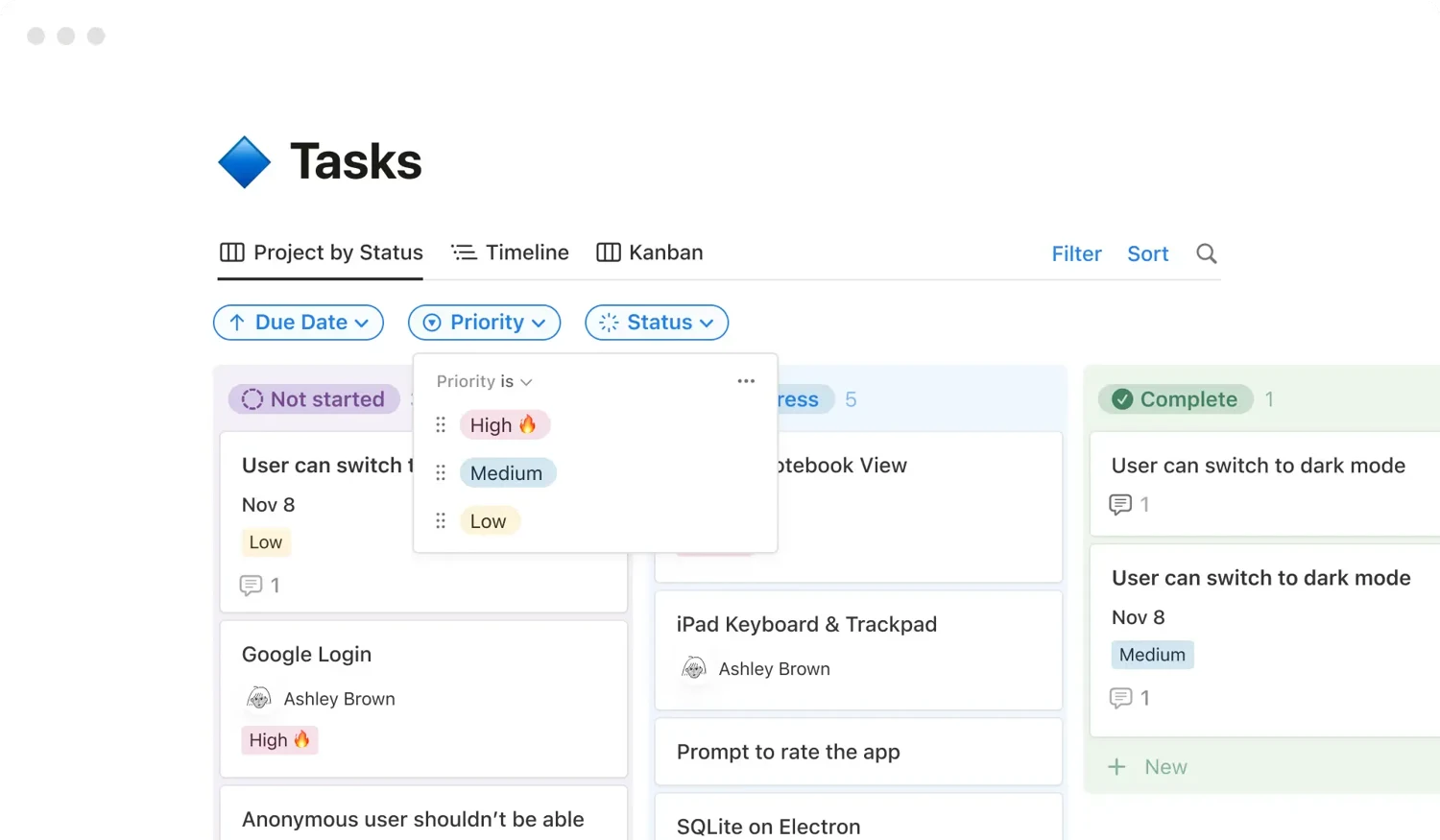
ClickUp shows one set of tasks as lists, boards or timelines, and Notion databases add filters, relations and multiple views.
- 02
Automatic scheduling
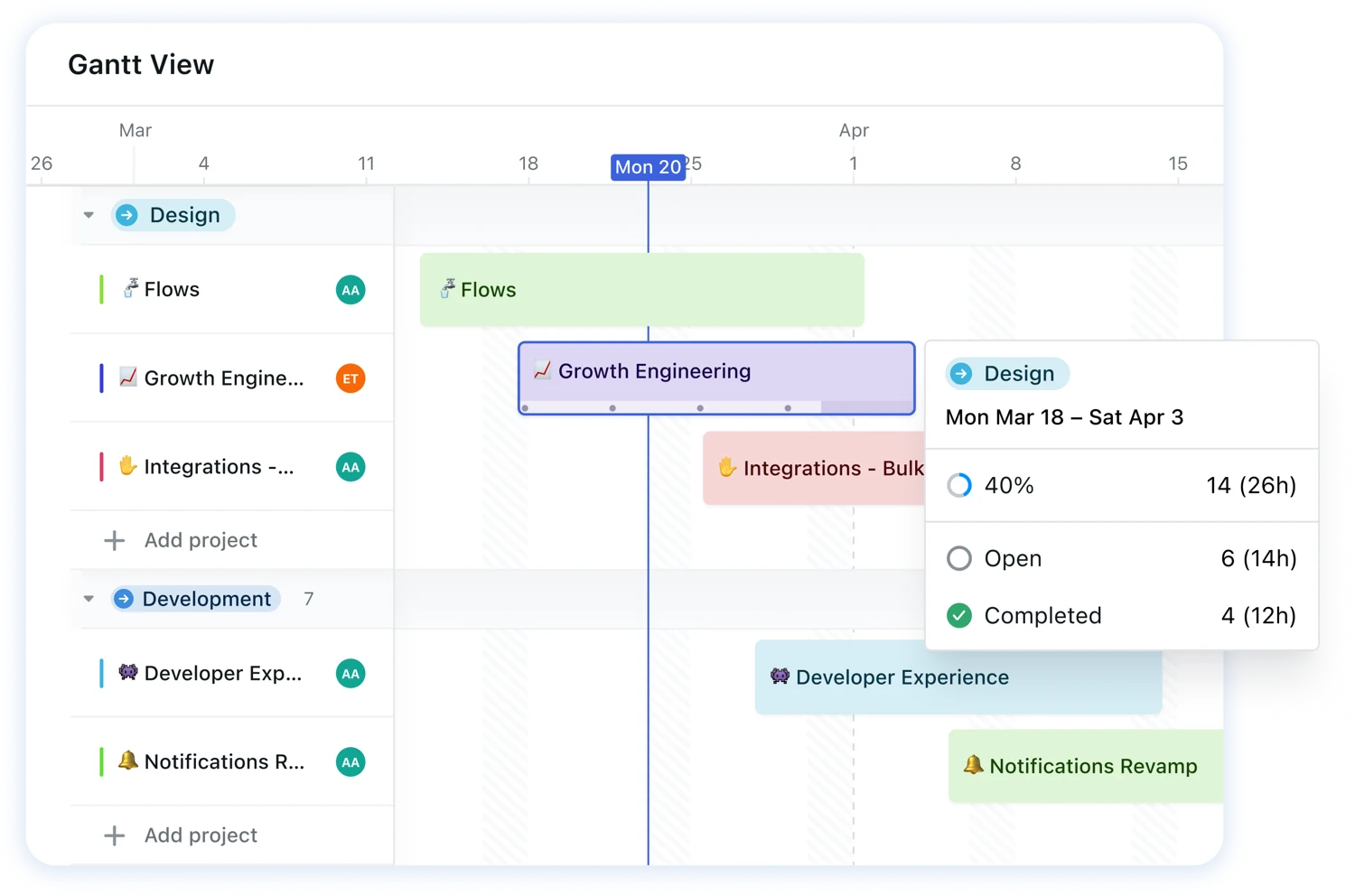
Motion builds a plan from a brief, fits tasks into open calendar time, orders dependent tasks and flags work that may finish late.
- 03
Questions about the work
ClickUp Brain answers from tasks and Docs with links to sources, and Notion AI answers from workspace pages.
- 04
Docs beside tasks
ClickUp Docs and Notion pages keep specifications next to the tasks they describe, and Motion documents can hold tasks.
- 05
Trackers from a prompt
Taskade Genesis turns a written brief into a tracker or portal, with agents and automations behind it.
- 06
Meeting follow-ups
Motion connects meeting notes to project tasks and owners, and Notion keeps transcripts beside project knowledge.
- 07
Connected apps
ClickUp connects to Slack, Figma and Miro, and Taskade to Slack, Gmail and Google Sheets.
Which AI project management tool fits your work
Project coordinators
Keep specifications beside task records.
NotionProject delivery leads
Schedule assigned work and new requests around deadlines.
MotionClient-service operators
Build a portal around requests and project records.
TaskadeOperations analysts
Pull answers from Drive, GitHub or Salesforce without switching tools.
ClickUpHow does an AI project management tool work?
ClickUp, Notion and Motion run this loop on one set of tasks, from the first entry to a progress view.
- 01
Create
InputA task name and detailsOutputA task in a list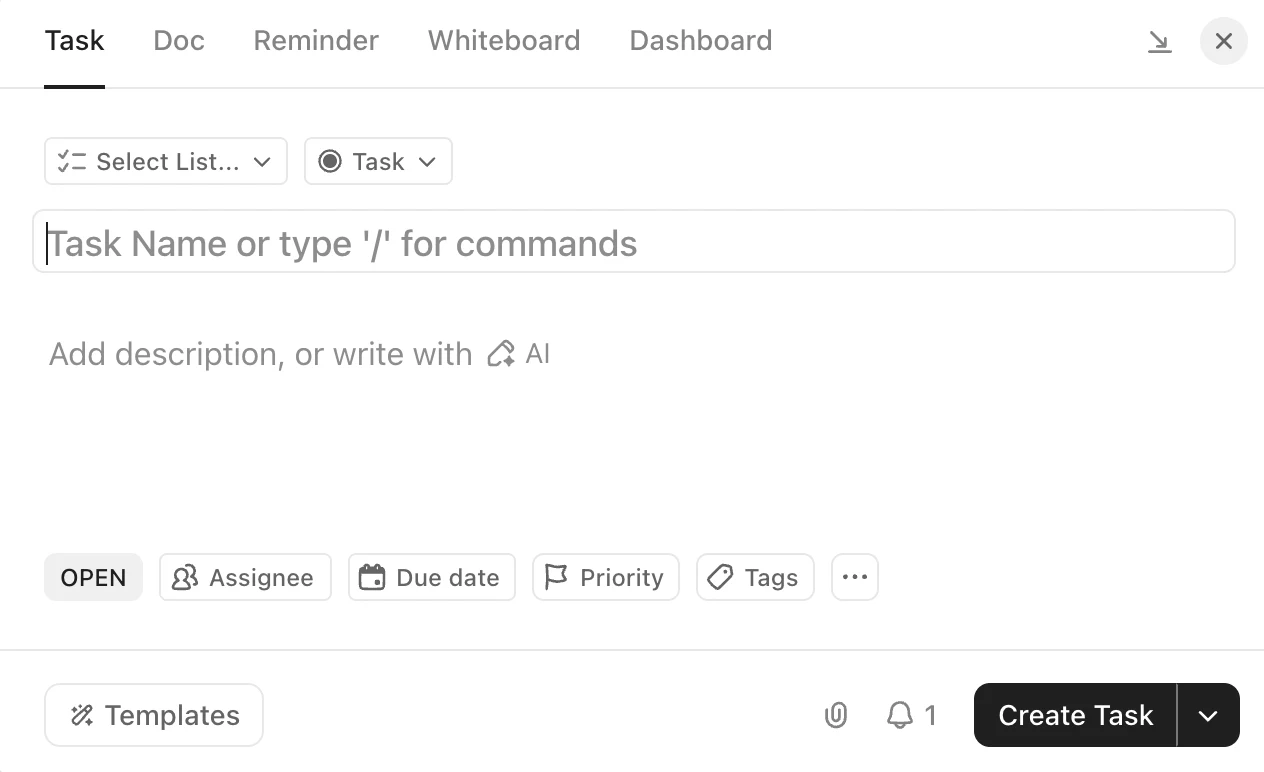 The new task form in ClickUp
- 02
Assign
InputAn owner, dates and priorityOutputA scheduled task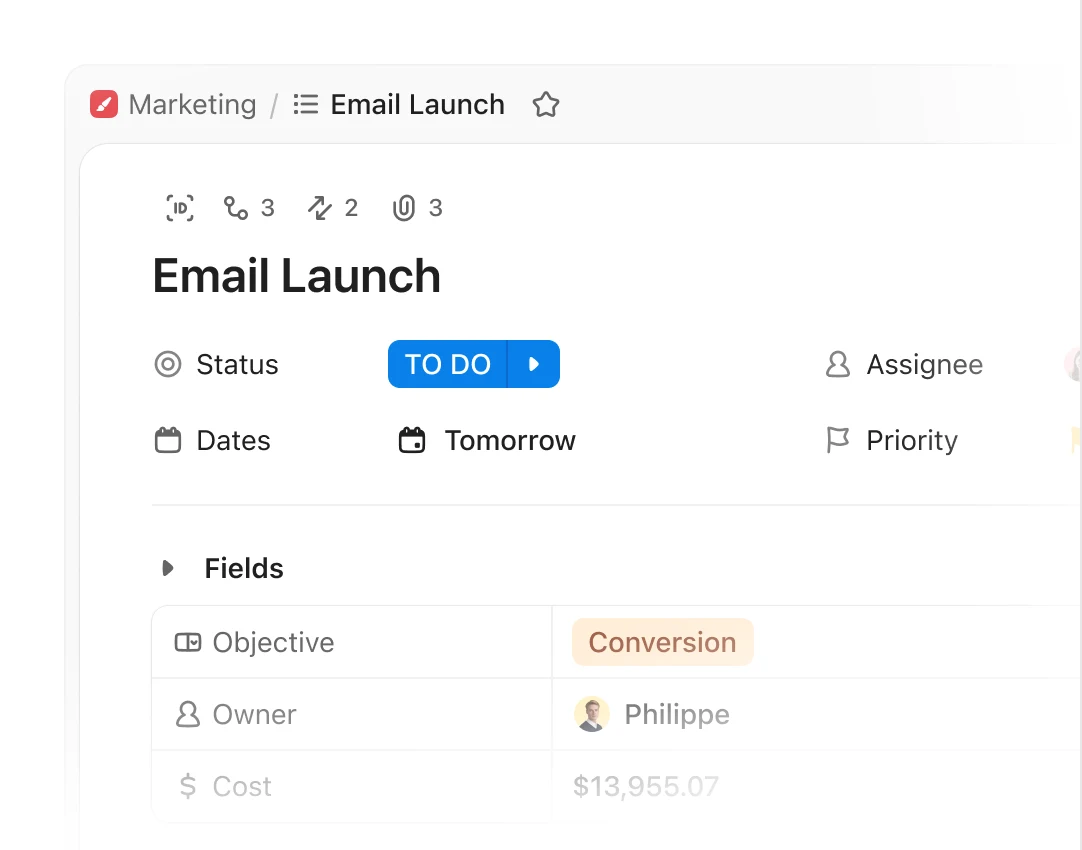 Status, date and owner fields on a task in ClickUp
- 03
Track
InputTask statuses and ownersOutputCharts and progress views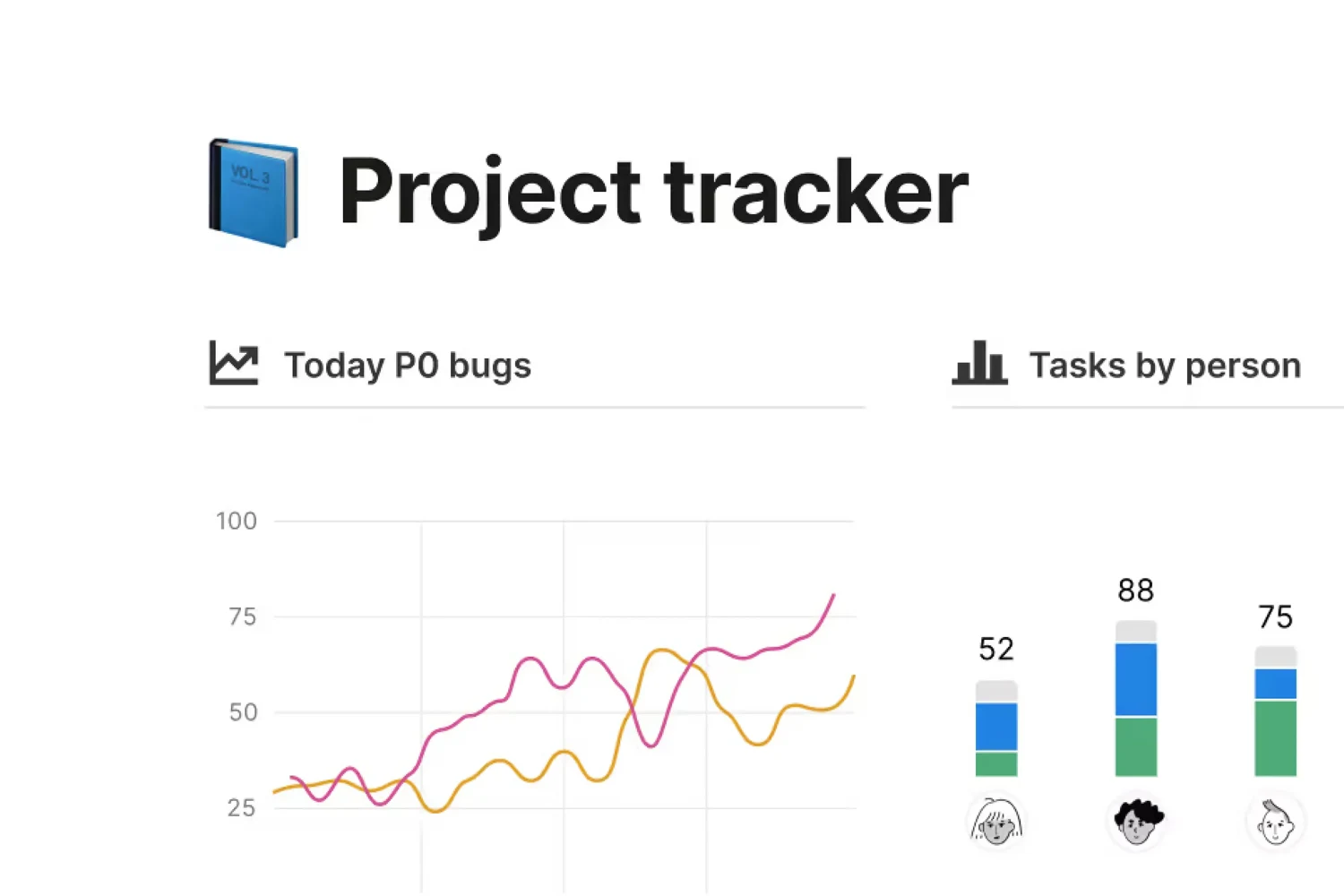 Charts of P0 bugs and tasks by person in Notion
Frequently asked questions
Are there free AI project management tools?
Yes. 3 listed AI project management tools offer a free plan, including Notion, Taskade, ClickUp. Use the Pricing filter to compare free, freemium, and paid options.
Which AI project management tools have an iOS app?
4 have an iOS app, including Notion, Motion, Taskade. Use the Platform filter to check other platforms.
How are these tools ranked?
Recommended order shows matching Pro listings first, then Basic, then free and editorial listings. Listings within each group are ordered by publication date. You can also sort by newest or by name.