Best AI Note Takers
Discover AI note takers, from meeting bots to personal notes.
Updated Nov 24, 2026

Turn recorded conversations into searchable notes and follow-up material
Keep documents, project records and company knowledge together
Turn meetings and interviews into searchable notes and transcripts
Study and brief from a notebook of your own research sources

Keep reading highlights available for review and later writing

Transcribe conversations and turn their findings into working documents
Related categories
What is an AI note taker?
An AI note taker captures what you hear, read and type, then organizes it into searchable notes with summaries and tasks. The tools here cover typed notes, clipped pages, book highlights, uploaded sources and voice recordings.
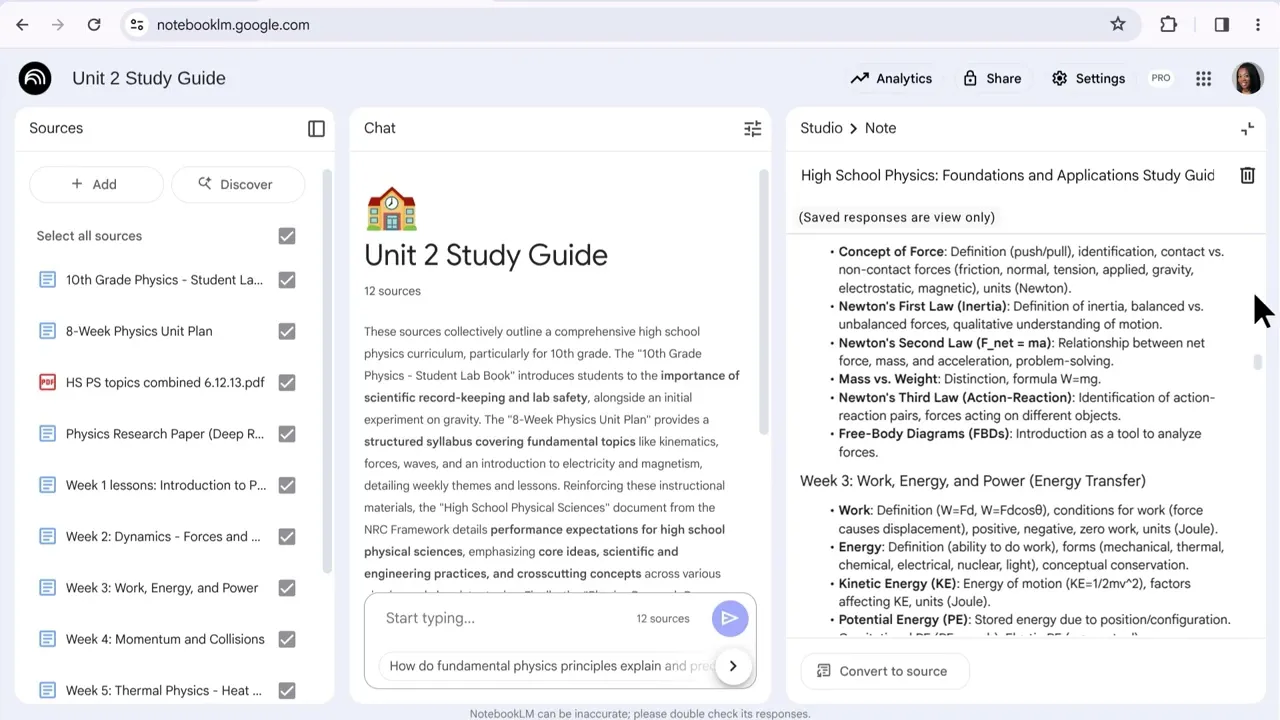 Twelve uploaded sources, grounded chat and a structured study note in Gemini Notebook
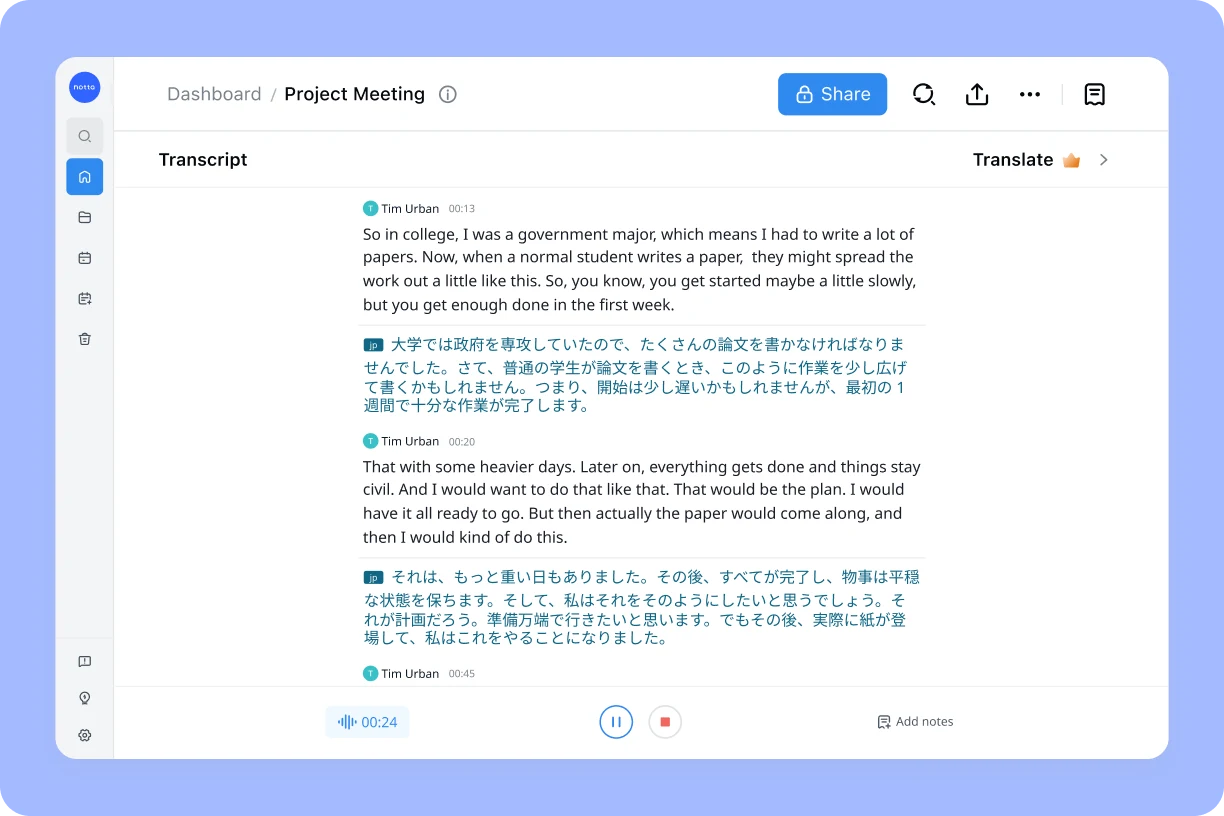 A bilingual transcript with timestamps in Notta
What to look for in an AI note taker
- 01
Capture sources
Notion takes typed notes, clipped webpages and AI meeting notes, and Readwise pulls in Kindle and Apple Books highlights.
- 02
Notes beside work
Notion keeps transcripts and summaries on the same pages as project plans, and Otter.ai attaches decisions and follow-up actions to each call.
- 03
Find by meaning
Gemini Notebook answers questions across uploaded sources with inline citations, and Fireflies.ai searches past meetings by topic or action item.
- 04
Spaced review
Readwise resurfaces saved highlights by email or in the app, and Fireflies.ai sends a Daily Brief of the last 24 hours of action items.
- 05
Export to other apps
Readwise exports to Notion, Obsidian, Evernote and Logseq, and Notta exports DOCX, PDF and SRT or sends notes to Notion.
- 06
Recordings you already have
Otter.ai imports MP3, M4A, WAV and MP4 files, and Notta transcribes uploaded audio, video or a YouTube link.
Which AI note taker fits your work
Course note-takers
Turn assigned readings into study guides and audio overviews.
Gemini NotebookClient consultants
Search earlier call transcripts and action items before the next deliverable.
Otter.aiResearch writers
Pull source notes from annotated reading into a draft.
ReadwiseProject coordinators
Keep meeting notes and specifications beside task records.
NotionHow does an AI note taker work?
Notion, Gemini Notebook and Readwise each handle these steps for a different kind of material: meetings, sources and reading.
- 01
Capture
InputTyped notes, clips or a recordingOutputRaw notes in one workspace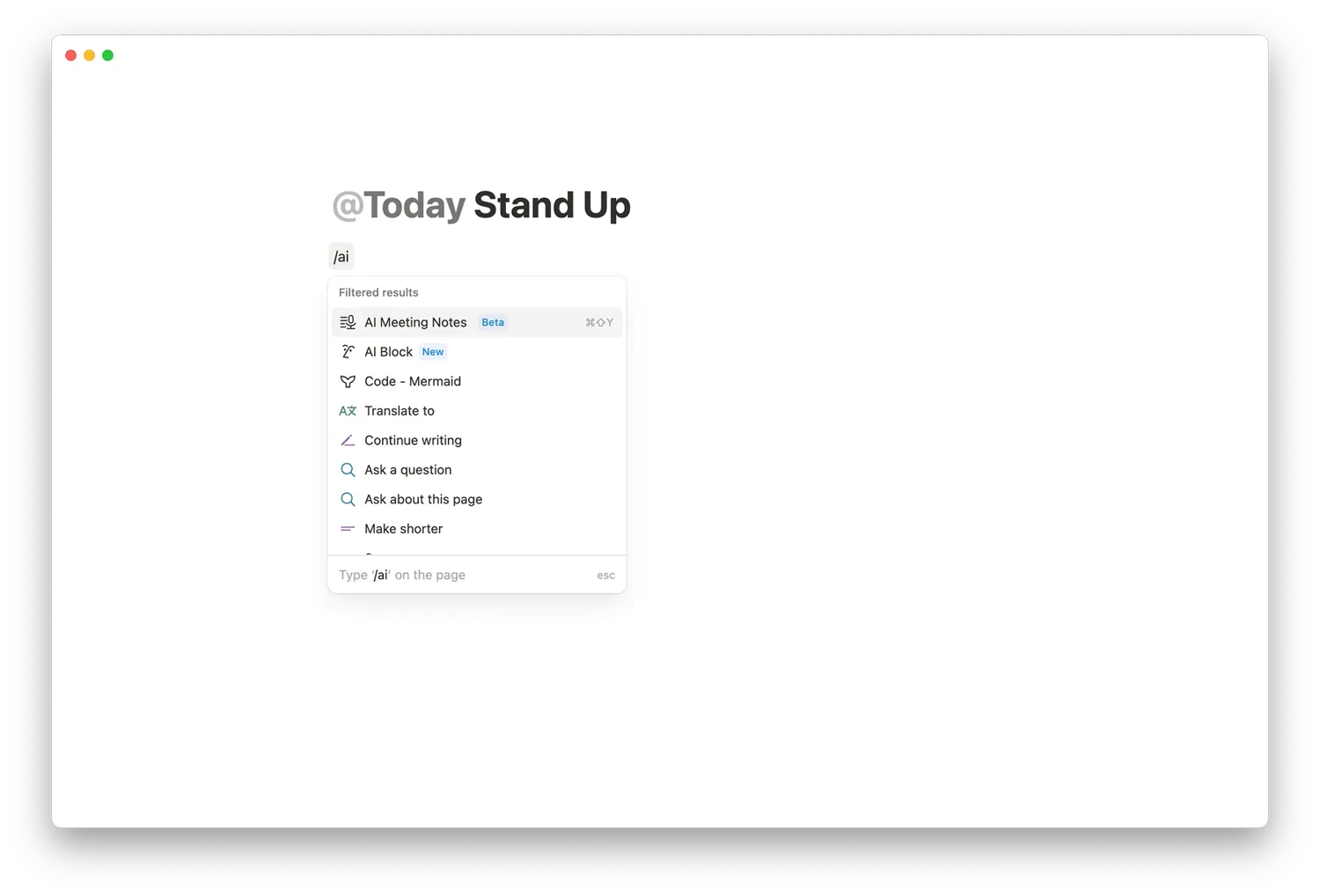 The AI Meeting Notes option in the /ai menu of Notion
- 02
Organize
InputRaw notes and transcriptsOutputSummaries, decisions and tasks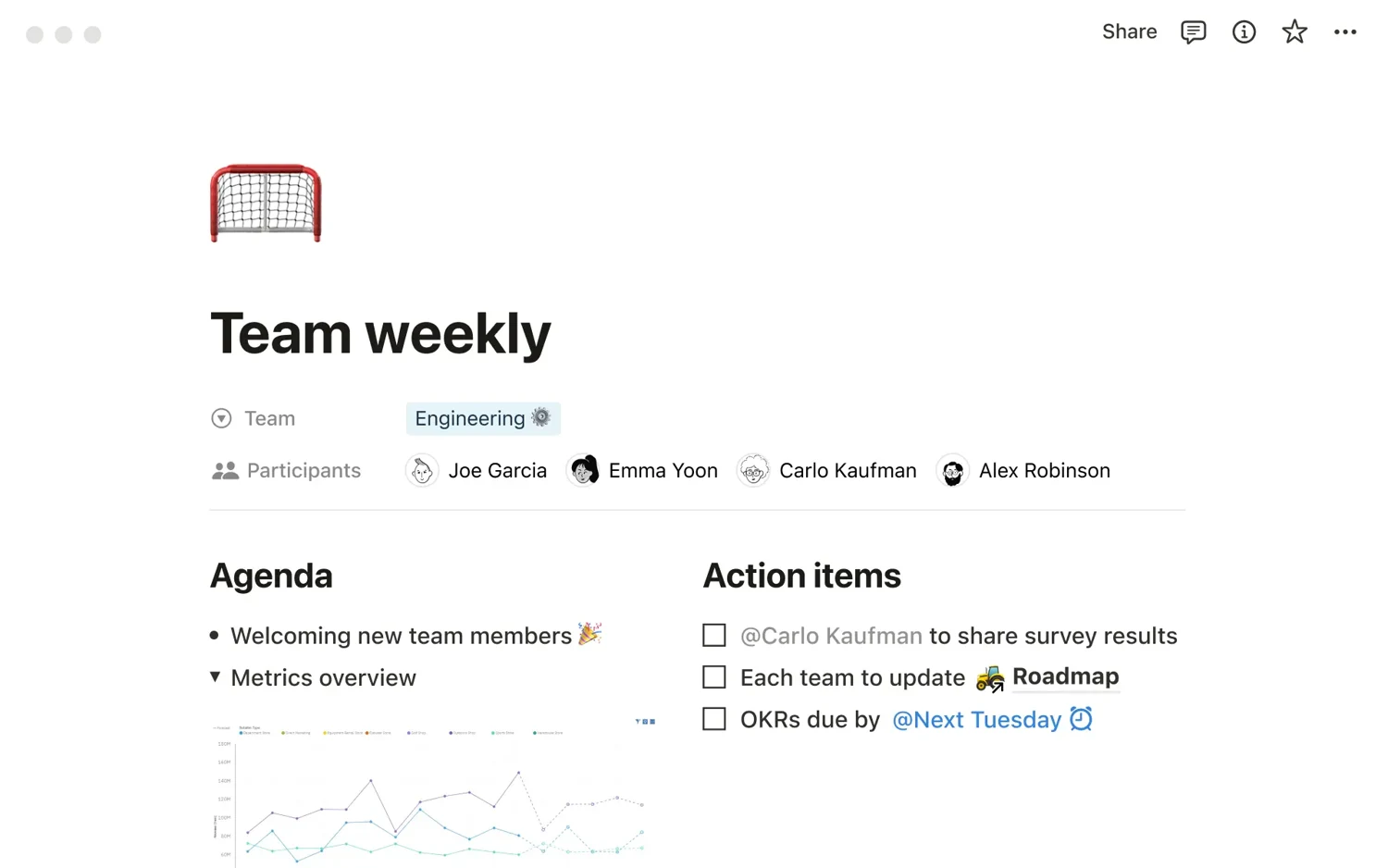 Agenda and action items on a meeting page in Notion
- 03
Revisit
InputA keyword or a questionOutputMatching notes and highlights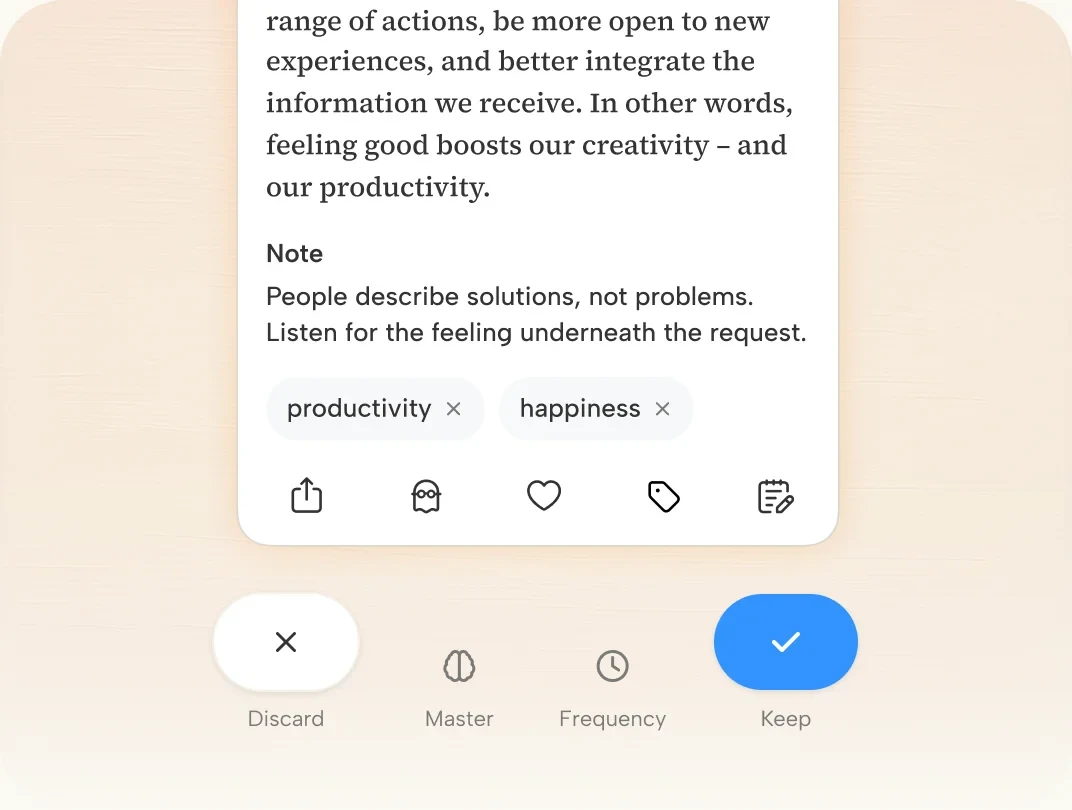 A saved highlight with a note and tags in Readwise
Frequently asked questions
Are there free AI note takers?
Yes. 5 listed AI note takers offer a free plan, including Fireflies.ai, Notion, Otter.ai. Use the Pricing filter to compare free, freemium, and paid options.
Which AI note takers have an iOS app?
6 have an iOS app, including Fireflies.ai, Notion, Otter.ai. Use the Platform filter to check other platforms.
How are these tools ranked?
Recommended order shows matching Pro listings first, then Basic, then free and editorial listings. Listings within each group are ordered by publication date. You can also sort by newest or by name.