
CapCut
Edit social videos with captions, generated media and voice tools
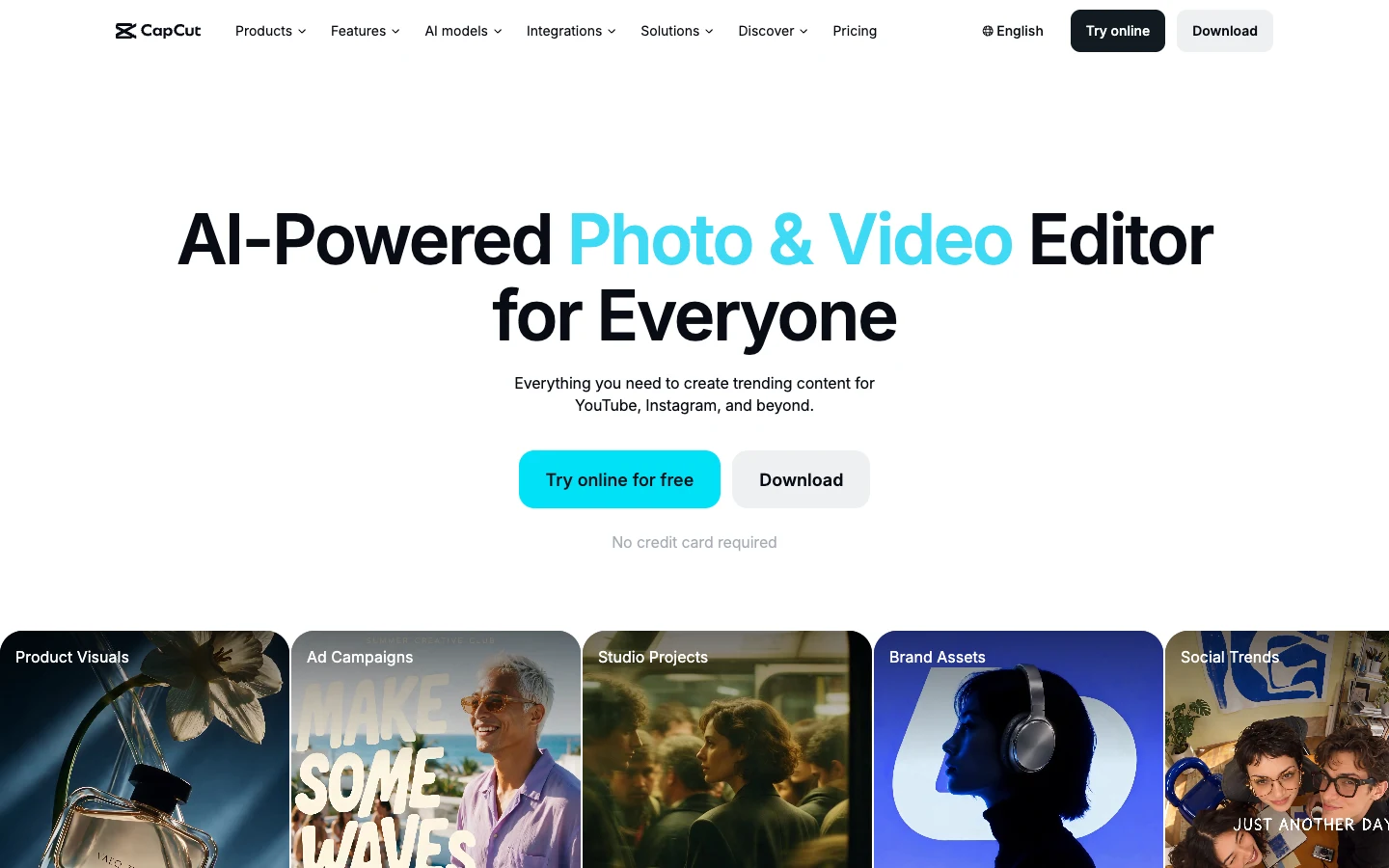
What is CapCut?
CapCut is a video editor for assembling clips, captions, sound and effects into finished videos. Creators can edit directly on a timeline or use AI to generate media, clean up speech and translate subtitles. Auto Cut provides an optional first edit based on music beats or speech pauses, while supported desktop versions accept written editing instructions.
Assemble the story from your footage
Bring clips into a project, arrange the sequence and trim away material that does not belong in the finished video. Music, voice and effects can be combined around the picture. Auto Cut offers an optional first arrangement using music beats or speech pauses; the timeline remains editable when you want to change the pacing yourself.
Make the dialogue readable and audible
Automatic captions turn spoken material into timed text that can be corrected and styled. Translation adapts subtitles for another audience, while text-to-speech creates narration from a script. Speech cleanup helps refine recorded voice. These tools support tutorials and social videos where the message needs to work with both sound and on-screen text.
Adapt the edit for its destination
Change the framing, remove backgrounds or generate supporting images and video when the sequence needs more material. Supported desktop versions also accept editing directions through EditPilot. Finish by reviewing the picture, captions and audio together, then export the completed video in a size and quality supported by the device and platform.
What can CapCut do?
- 01
Edit clips on a timeline
Trim, arrange and combine source footage
- 02
Direct edits with EditPilot
Turn a creative instruction into timeline changes
- 03
Generate supporting media
Create images or video from text and image references
- 04
Caption a recording
Generate, translate and style subtitles
- 05
Produce narration
Turn a script into speech and clean up recorded voice
- 06
Refine the picture
Remove backgrounds, resize and enhance images or video
How do I get started with CapCut?
- 1
Create a project
Open CapCut and import the footage you want to edit
- 2
Build the sequence
Place clips on the timeline, trim them and arrange their order
- 3
Add the supporting material
Include audio, text or captions and preview the complete video
- 4
Export the video
Choose Export, set the output options and save the finished file
What does CapCut work with?
- SRT
- TXT
- MP4
- MOV
- AVI
- WMV
- BMP
- JPEG
- PNG
- WEBP
- HEIC
- MKV
- MP4
- MOV
Who is CapCut for?
- Short-video producers
Combine footage, captions and narration for social posts or tutorials
How much does CapCut cost?
- Free plan · Basic editing tools and templates.
- Minimum 2 seats; checkout price varies by region and offers
What are CapCut's limitations?
Auto Cut availability
The feature is supported on desktop and mobile, but not in CapCut Web
Subtitle import
Desktop accepts SRT or timed TXT; the web editor accepts SRT only, and mobile cannot import subtitle files directly
Online 4K export
It requires hardware-accelerated encoding support and source media at the target resolution
Desktop requirements
MacOS Monterey 12 or newer, or 64-bit Windows 10 or newer
More tools like CapCut
 Kapwing
Create and localize video in a shared browser timeline
 invideo
Direct video edits through conversation while retaining timeline control
 AI Rap Duo
Turn two photos into a rap duo video.
 Krea
Explore image and video ideas on a live canvas
 Synthesia
Produce presenter-led training and onboarding videos from source material
 Pika
Generate, revise and score short video scenes
 HeyGen
Make presenter videos for lessons, product updates and localization
 D-ID
Create digital presenters for scripted videos and live conversations