
ChatGPT
Work through questions, files and creative tasks in conversation
What is ChatGPT?
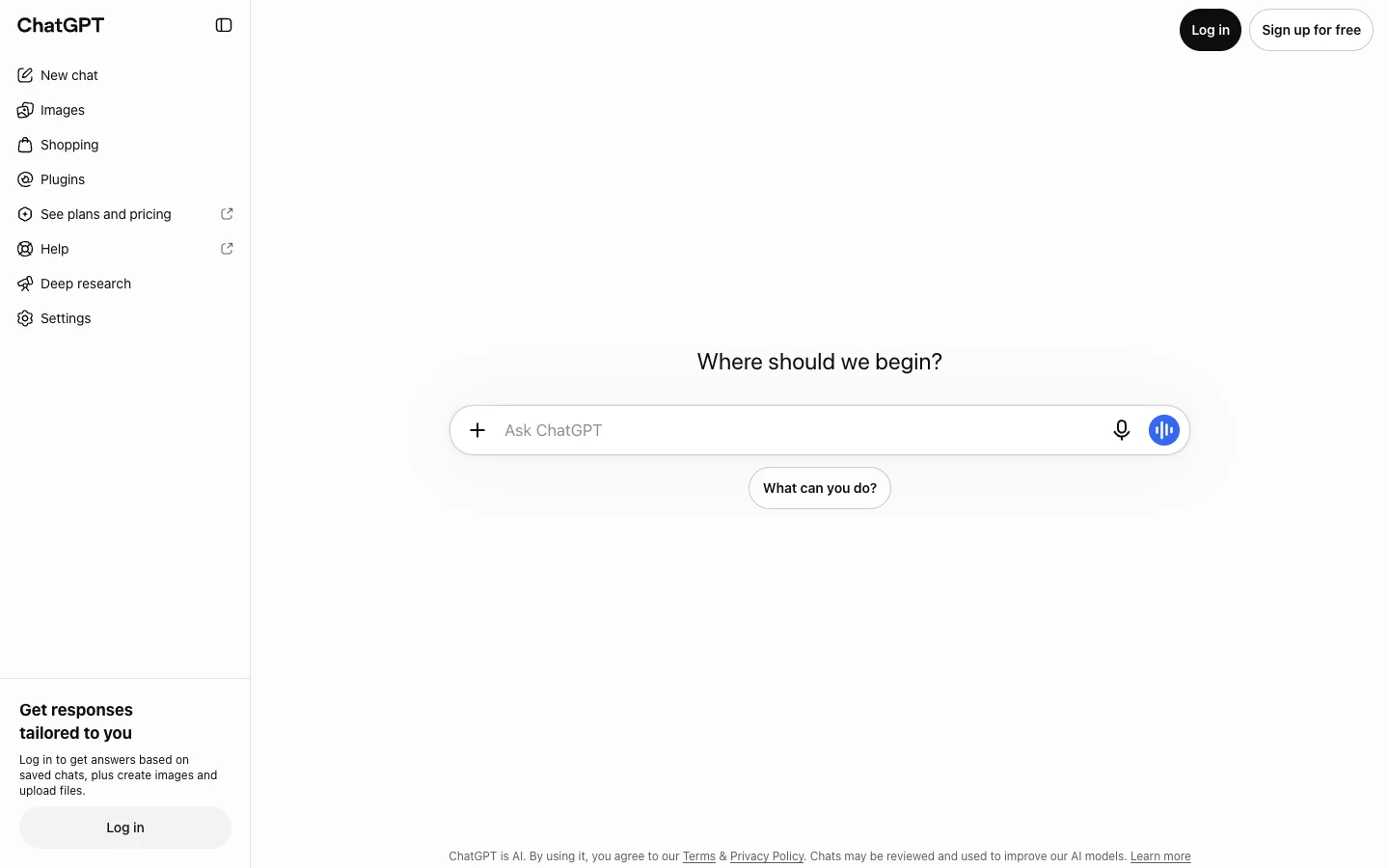
ChatGPT is a conversational assistant that adapts a response to instructions and the preceding discussion. Files, web material and app information can provide context for a task. The result can be refined through follow-up questions or taken into a more structured mode for analysis and research.
Work from a question or your own material
A conversation can start with a short question, a draft or an uploaded document. Ask for an explanation, compare the material or request a revised version, then use follow-up messages to adjust the result. Images and spreadsheets provide other kinds of input: a picture can be discussed, while tabular data can become an analysis with charts.
Research a subject with sources
Web search brings current information into an answer. Deep research supports a broader investigation, with a proposed plan that can be narrowed to particular sources or topics. The completed report includes references so you can return to the material behind its findings. This route suits a question that needs more than a short conversational response.
Turn the answer into something to use
The work can become a written document, revised code or a generated image. Apps bring authorized service information and supported actions into the conversation, allowing a request to use material outside the chat. For learning, Study Mode uses guided interaction to work through a concept; ongoing requests can also use supported task and scheduling features.
What can ChatGPT do?
- 01
Research a question
Search the web or use deep research for a larger investigation
- 02
Analyze uploaded material
Work with documents, images and spreadsheets, including tables and charts
- 03
Generate and edit images
Turn visual instructions into new or revised pictures
- 04
Write and revise code
Work through software questions and changes
- 05
Study through guided interaction
Use Study Mode to explore a concept
- 06
Delegate and schedule tasks
Use ChatGPT Work and scheduling for ongoing requests
How do I get started with ChatGPT?
- 1
Start a conversation
Open ChatGPT and describe the question or task in the message box
- 2
Add context
Attach relevant material if needed, then send the request
- 3
Refine the answer
Read the result and ask follow-up questions or request changes in the same chat
What does ChatGPT work with?
- Google Drive
- Slack
- SharePoint
- Microsoft Teams
- Outlook Email
- Outlook Calendar
- OneNote
- GitHub
- GitLab
- Box
- Notion
- Canva
- DOCX
- TXT
- PPTX
- XLSX
- CSV
- PNG
- JPEG
- WAV
- MP3
- Google Drive
- OneDrive
- Markdown
- Word document
How much does ChatGPT cost?
- Free plan · Limited file uploads, image generation, voice access and research.
- US price; local pricing varies
What are ChatGPT's limitations?
Document uploads
Each document or presentation can be 512 MB; text and document files also have a two-million-token cap
Spreadsheet uploads
CSV and spreadsheet files are limited to roughly 50 MB, depending on row size
Image uploads
Each image is limited to 20 MB
Uploaded-audio transcription
Paid-plan GPT-6 at Instant in Chat supports recordings up to six minutes; this is unavailable in Work or Codex
Deep research apps
Only read actions are used during research; app write actions are not available in that mode
More tools like ChatGPT
 Tidio
Combine an AI support agent with live chat and tickets for online stores
 Merlin
Research and write with webpages, videos and files beside your browser
 Character.AI
Improvise conversations and stories with fictional characters
 Gemini
Research, write and create media with Google’s conversational assistant
 Microsoft Copilot
Draft, research and analyze information across Microsoft 365
 Reclaim
Reserve calendar time for tasks, focus work and flexible routines