
Tidio
Combine an AI support agent with live chat and tickets for online stores
What is Tidio?
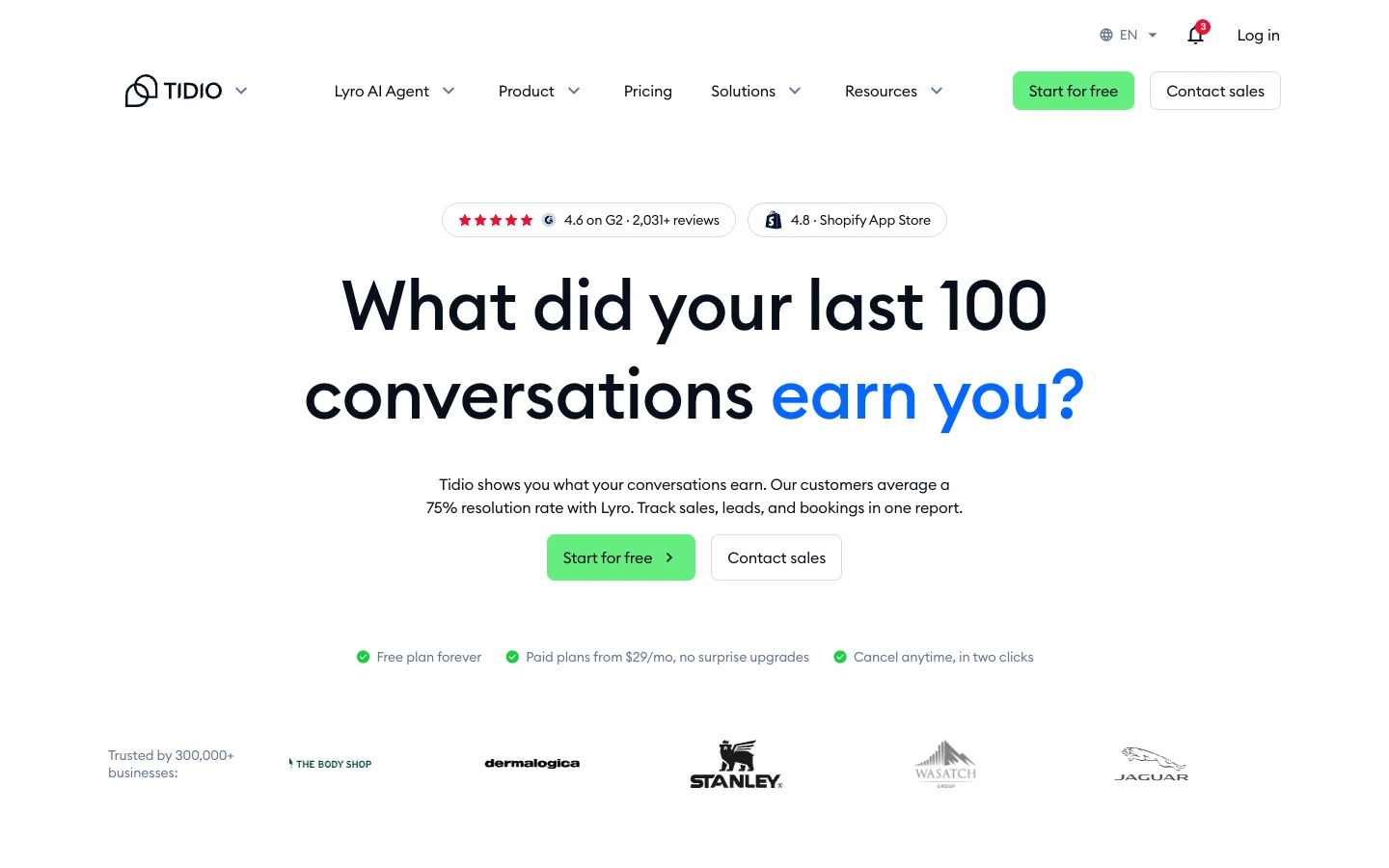
Tidio combines live chat, a help desk and AI support for businesses handling customer questions. Lyro answers from company knowledge and can perform configured tasks, while Flows trigger visitor messages and human operators handle handoffs. Website, email and social channels bring these conversations into the support Inbox.
Answer shoppers and support customers
A visitor can ask a question through website chat, while email and social messages enter the support team's Inbox. Lyro uses the business's own knowledge to answer routine questions. Human operators can take over cases that need judgment or a more personal response, with the conversation context available for the handoff.
Help a conversation reach a result
For a store, an answer can lead into checking an order or recommending products from its inventory. Configured tasks let Lyro work with business systems, while Flows start conversations at relevant moments, such as a cart interaction. This gives the team a route from a visitor's question to a lead, sale or resolved support request.
Improve the answers before going live
Support content supplies the facts behind Lyro's replies. Keep that material aligned with the business, and use audience rules where different customers need different information. Playground testing lets the team try real customer questions before activating the agent. Conversation reporting then helps it see what support interactions and sales conversations are producing.
What can Tidio do?
- 01
Answer from company knowledge
Use supplied support information for Lyro replies
- 02
Check orders and qualify leads
Perform configured tasks in integrated systems
- 03
Recommend store products
Use inventory information to suggest items
- 04
Trigger visitor messages
Use Flows for moments such as cart interactions
- 05
Hand off to an operator
Route questions and let a person take over the chat
How do I get started with Tidio?
- 1
Open your checklist
Create a Tidio account and select AI support as your sign-up goal
- 2
Supply knowledge
Open Set up Lyro AI Agent and add material for answering customer questions
- 3
Check replies
Choose Test Lyro to open the Playground and ask sample questions
- 4
Go live
Choose Activate Lyro, then use Install widget to customize the widget and follow your website platform's installation steps
What does Tidio work with?
- Shopify
- WordPress
- WooCommerce
- Facebook Messenger
- HubSpot
- Zendesk
- Klaviyo
- Zapier
- Google Analytics
- CSV
- Website URL
- Zendesk
Who is Tidio for?
- Ecommerce support operators
Handle order questions and escalated chats
- Store conversion specialists
Help visitors choose products and continue a purchase
How much does Tidio cost?
- Free plan · 50 customer conversations, 50 one-time Lyro conversations and Flows for 100 visitors.
- or $24.17/mo billed yearlySave 17%
- Includes 10 seats
What are Tidio's limitations?
Website scans
Priority-page scanning covers up to 100 pages; the standard collection accepts up to 500 URLs
CSV knowledge
Each file supports 500 entries and 512 KB; questions have a 500-character cap and the total collection allows 10,000 entries
PDF knowledge
One upload accepts up to 10 files, with 30 MB per file and 50 MB combined
Zendesk knowledge
Imported help-center articles must be publicly accessible
Tidio FAQ
What happens after the trial finishes?
The account moves to Free unless you choose a subscription.
More tools like Tidio
 Claude
Research, analyze files and create editable work through conversation
 Merlin
Research and write with webpages, videos and files beside your browser
 Character.AI
Improvise conversations and stories with fictional characters
 ChatGPT
Work through questions, files and creative tasks in conversation
 Gemini
Research, write and create media with Google’s conversational assistant
 Microsoft Copilot
Draft, research and analyze information across Microsoft 365