
What is n8n?
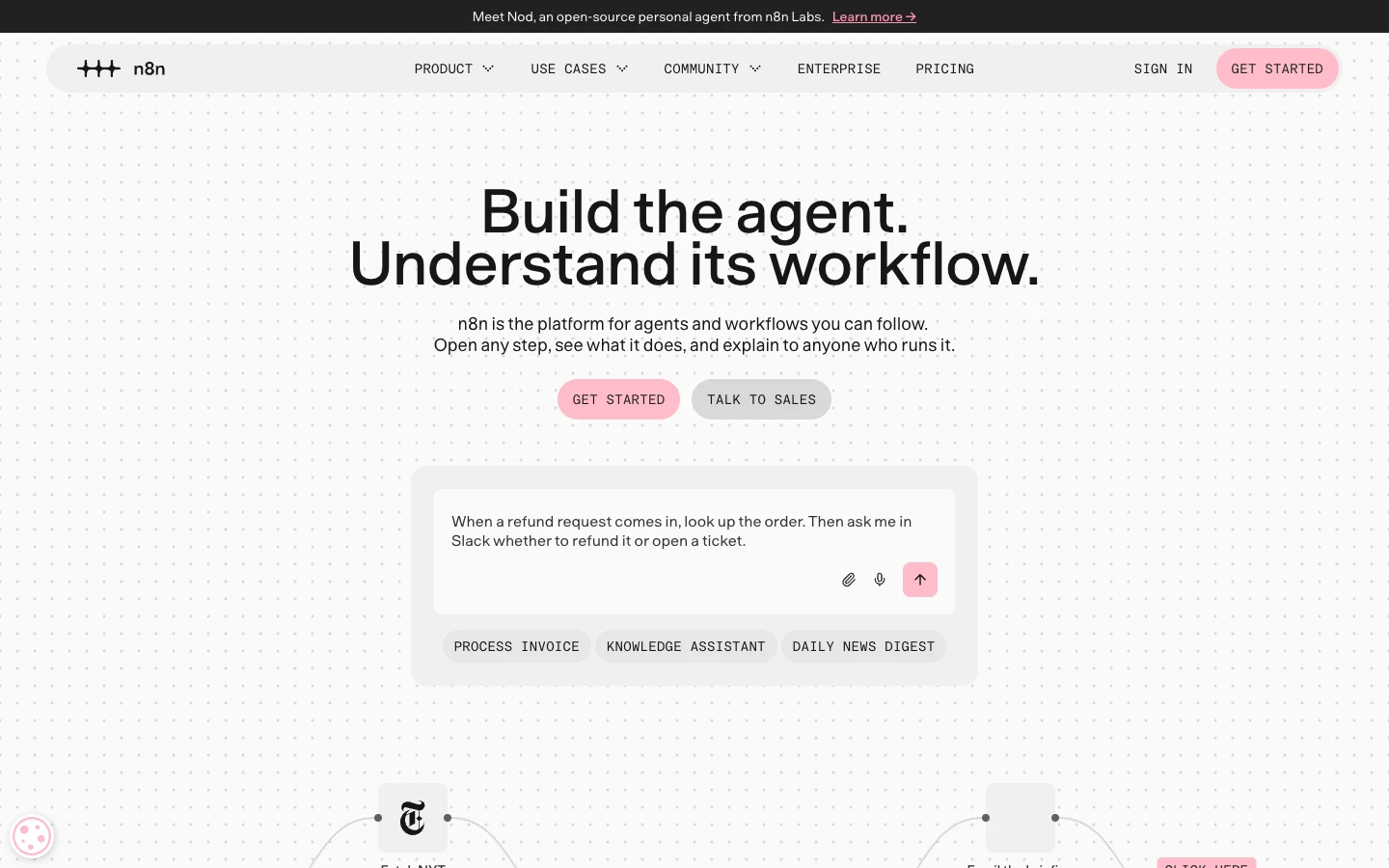
n8n is a visual automation platform for connecting apps, data and AI agents. Technical teams build workflows from triggers and processing nodes, with code and HTTP requests available when a native integration does not cover the task. Each step exposes its inputs and outputs so the automation can be inspected.
Choose cloud hosting or your own installation
n8n Cloud provides a managed service that you can use without installing the platform. Self-hosting runs n8n on your own infrastructure, with deployment options such as Docker. The latter gives your team control over the environment, while responsibility for operating and maintaining it stays with you.
Build the path from an event to a result
A trigger begins the workflow when an event occurs or a schedule runs. Later nodes retrieve information, transform it and send the result to another app. For example, an incoming request can lead to a record lookup and a message asking a colleague to approve the next action. Model calls can participate in that same sequence alongside ordinary business rules.
Test the data and automate the work
Expressions pass values between steps, with code available for specialized processing. Inspect a test run to see what each step received and produced, then activate the finished automation. Past execution records help locate failures, and saved workflow definitions can be reused or moved between instances.
What can n8n do?
- 01
Connect triggers and actions
Assemble application steps in the visual editor
- 02
Write custom processing
Use JavaScript or Python inside a flow
- 03
Call an external API
Combine native integrations with custom HTTP requests
- 04
Give agents tools
Connect model calls to actions and structured logic
- 05
Pause for human approval
Wait for a person before continuing an agent action
- 06
Inspect previous runs
Trace inputs and failures back to their steps
How do I get started with n8n?
- 1
Choose an instance
Sign up at n8n.io/cloud, or install n8n using docs.n8n.io/deploy/host-n8n and open your self-hosted instance
- 2
Add the trigger and actions
Choose when it runs, add the processing nodes and configure their inputs
- 3
Map and test
Pass values between nodes, execute the steps and inspect their outputs
- 4
Publish the automation
Check the final result at its destination, then publish to enable scheduled operation
What does n8n work with?
- Google Sheets
- Gmail
- OpenAI
- Slack
- Telegram
- Google Gemini
- Anthropic
- Airtable
- Google Drive
- Microsoft Excel 365
- Notion
- Supabase
- JSON
- N8NP
- JSON
- N8NP
Who is n8n for?
- IT administrators
Automate account provisioning across workplace apps
- Operations engineers
Route incoming requests through lookups and approvals
How much does n8n cost?
- Free plan · Self-host the Community edition at no charge.
- or €20/mo billed yearlySave 17%
n8n FAQ
Is n8n open source?
No. Its source is available under the Sustainable Use License and enterprise terms, which restrict permitted uses.
What counts as an execution?
A complete workflow run counts as one execution, regardless of the number of steps.
Can I control n8n through an API?
Yes. n8n provides a public API for controlling workflows. The public API is excluded from the Cloud trial.
More tools like n8n
 Taskade
Build business apps backed by project data, AI agents and automation
 Superhuman Docs
Build collaborative documents that also run trackers and business processes
 Dify
Build AI applications from visible logic, knowledge and reusable tools
 Jasper
Create marketing campaigns using company knowledge and brand guidance
 Devin
Delegate repository changes and engineering maintenance to coding agents
 Cline
Plan and implement repository changes with a configurable coding agent
Usage-based pricing
 D-ID
Create digital presenters for scripted videos and live conversations
 GitHub Copilot
Implement and review repository work across editor and agent sessions