
Bardeen
Collect and qualify web-sourced lead lists for sales operations
What is Bardeen?
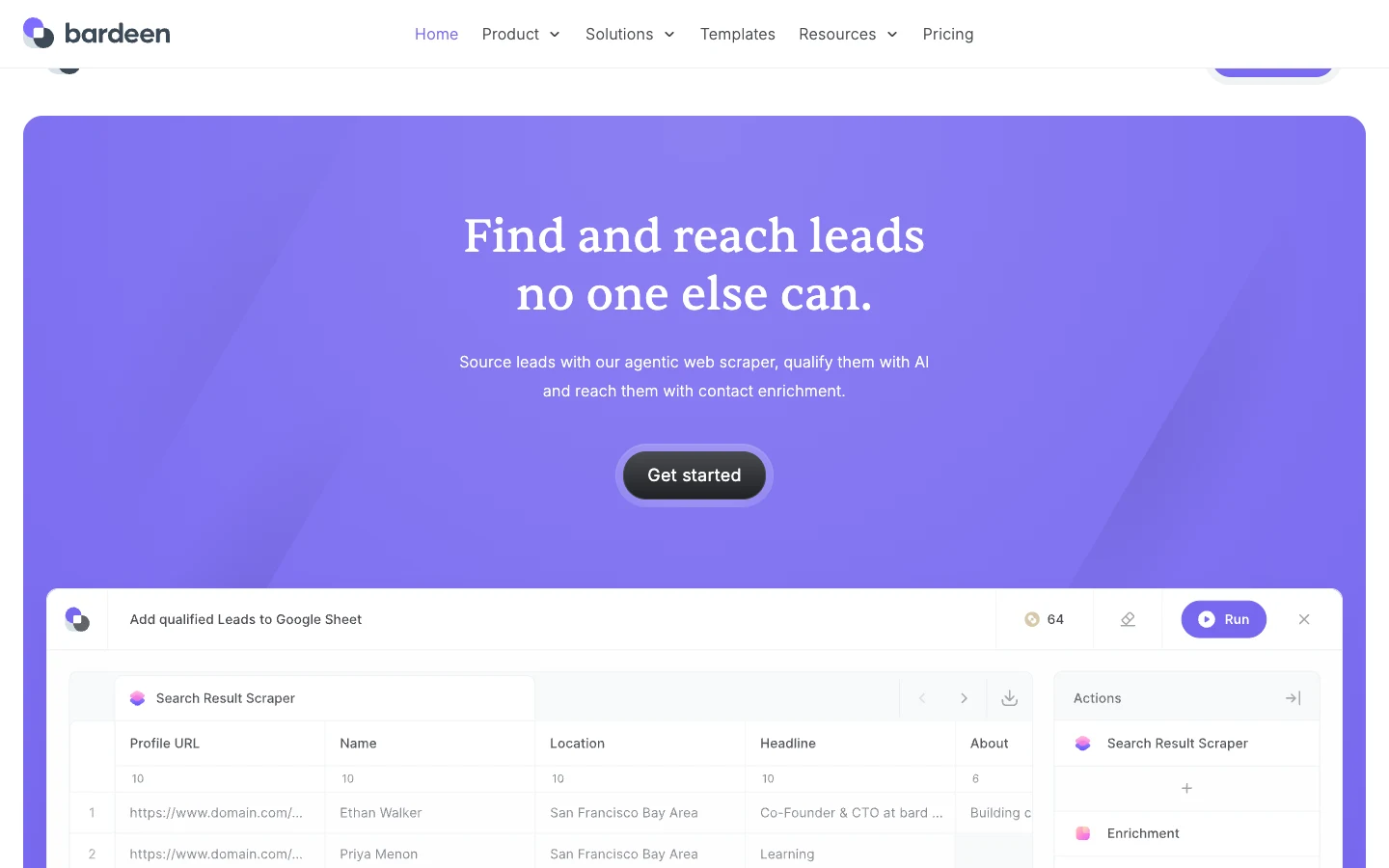
Bardeen assembles prospecting data from webpages and supplied records, then applies research and qualification before the results are used elsewhere. A task can start from a prepared automation or from a description of what should be collected. The browser extension provides the place to run it.
Define what the scraper should find
A natural-language request can produce a scraper template that remains editable. Collection can include visible text, links, images and information revealed through page interactions. The scraper can move through paginated results and perform further extraction on linked pages, allowing a list page to lead into more detailed records. The collected records form the input for further research and qualification.
Add research to the records
Web search can process several queries in parallel, and AI search can examine a lead list and summarize its findings. Imported records can enter the same process without being scraped again. Qualification then uses the user's criteria to identify relevant prospects; extracted information can also supply the content for individualized outreach drafts.
Choose the destination for the finished data
The prepared records can return to a spreadsheet or be downloaded for another system. Some CRM handoffs use a file import rather than a direct account connection, so the destination's import step remains part of that route. A saved automation can instead connect supported applications and run the chosen sequence from the extension.
What can Bardeen do?
- 01
Scrape website records
Use templates or a custom scraper for the chosen source
- 02
Research prospective accounts
Add context through web and AI search
- 03
Enrich contact details
Add validated email addresses and phone numbers
- 04
Qualify leads with a brief
Evaluate records against the desired customer description
- 05
Export researched records
Send CSV files or write to Sheets, Airtable and Notion
How do I get started with Bardeen?
- 1
Install Bardeen
Add its extension from the Chrome Web Store
- 2
Choose the automation
Select a prepared automation, build one yourself or describe it for the AI builder
- 3
Run it
Start the automation to perform the selected app or data task
What does Bardeen work with?
- Google Docs
- Google Sheets
- Airtable
- Notion
- CSV
- Google Sheets
- Airtable
- Notion
- CSV
- Google Sheets
- Airtable
- Notion
Who is Bardeen for?
- Sales prospecting analysts
Build enriched account lists before outreach
- Recruiting sourcers
Collect candidate records from relevant sites
- Property research assistants
Gather listing data and organize prospective contacts
How much does Bardeen cost?
- Free plan · 100 credits to try scraping and AI actions.
Bardeen FAQ
Do unused credits carry into the next billing period?
No. Unused credits expire when the billing period ends.
More tools like Bardeen
 Taskade
Build business apps backed by project data, AI agents and automation
 Superhuman Docs
Build collaborative documents that also run trackers and business processes
 Dify
Build AI applications from visible logic, knowledge and reusable tools
 Jasper
Create marketing campaigns using company knowledge and brand guidance