
Taskade
Build business apps backed by project data, AI agents and automation
What is Taskade?
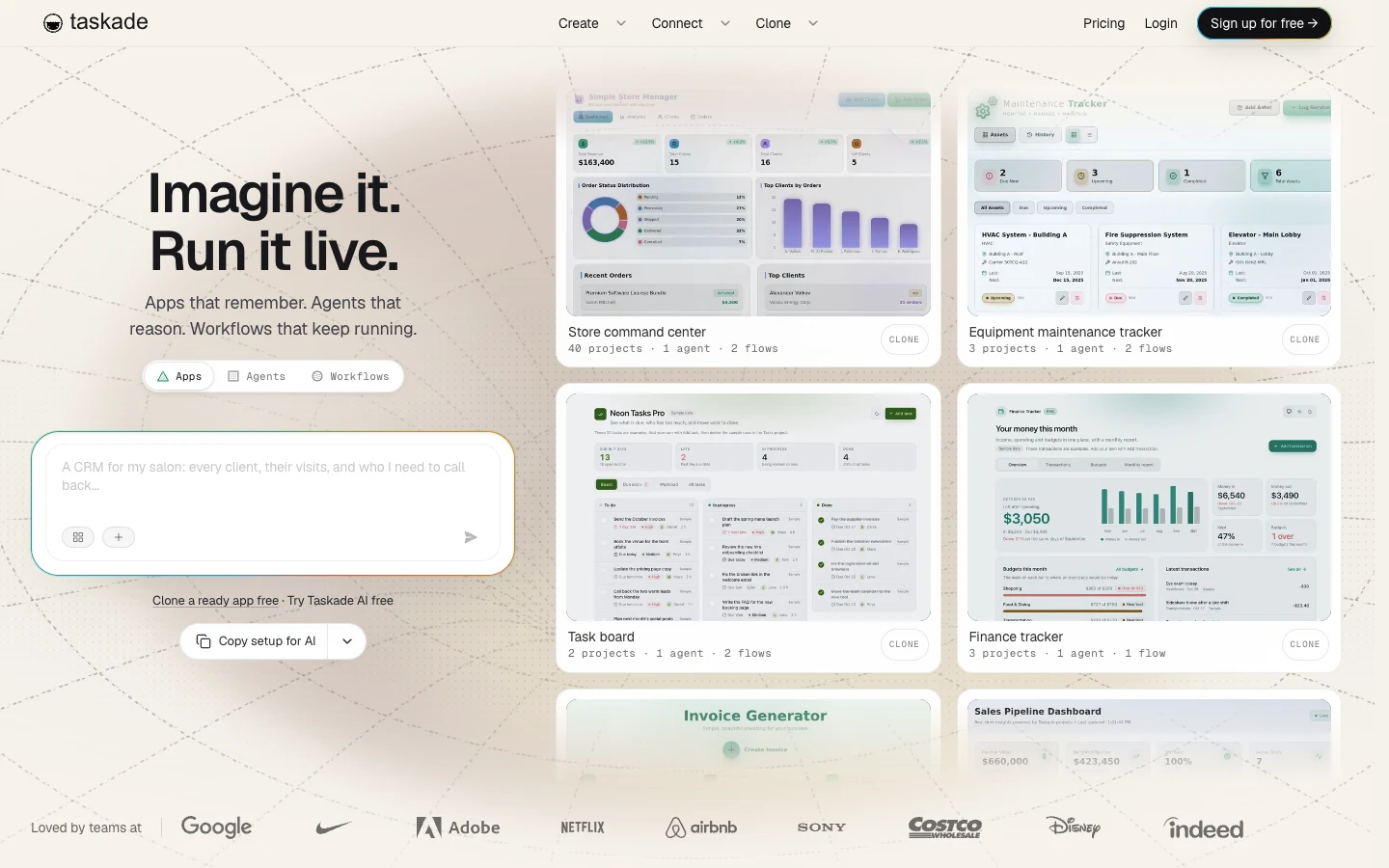
Taskade Genesis builds applications around a written description of a business problem. A request can become a portal, dashboard or tracker, with project data behind it and agents or automations handling parts of the process. Reference material can be attached before generation to give the app more context.
Describe the job and choose the scope
A prompt, template or supplied reference material can establish the intended app. Genesis builds the complete application, while separate project, agent and automation work can address more focused tasks. Project knowledge acts as the database from which an app stores and retrieves information, while an agent can be embedded in the application itself.
Test the experience and direct the changes
The generated app has a Preview tab where its forms, navigation and data entry can be tried. The same review can check a phone-sized experience and whether notifications or automated actions behave as intended.
Revisions are described in the adjacent chat. A request can change the brand styling, add a submission confirmation or restrict a view to particular participants. A targeted visual request can refine an individual element while the rest of the app remains available for testing.
Choose the audience
Publishing provides private, link-only and public visibility options. The result can be shared directly or embedded in another website. These choices let the same app reach a restricted audience or a broader group after its behavior has been tested.
What can Taskade do?
- 01
Generate a hosted app
Turn a written brief into an interface and application behavior
- 02
Configure task-specific agents
Supply instructions, knowledge and tools
- 03
Automate process steps
Combine triggers, branches, loops, filters and actions
- 04
Embed an agent on a site
Publish branded assistance where visitors need it
How do I get started with Taskade?
- 1
Open Genesis
Visit taskade.com/generate, describe the app and choose Genesis mode; attach reference material if needed
- 2
Test the preview
Open Preview and try the forms, navigation and data entry as a visitor would
- 3
Refine the app
Describe a change in chat or use Element Selector, then test that change
- 4
Publish and share
Click Publish, choose Private, Secret or Public, then share the link or embed the app
What does Taskade work with?
- Shopify
- Stripe
- Slack
- Gmail
- Google Sheets
- JPG
- PNG
- GIF
- SVG
- TXT
- DOCX
- PPTX
- XLSX
- ZIP
- Text
- Markdown
Who is Taskade for?
- Client-service operators
Build a portal around requests and project records
- Support knowledge owners
Embed an assistant grounded in company material
How much does Taskade cost?
- Free plan · Deploy 3 AI apps in 1 workspace with 250 MB of storage.
- Includes 3 users
What are Taskade's limitations?
Image export
Export as Image requires a paid personal or business plan
More tools like Taskade
 Cline
Plan and implement repository changes with a configurable coding agent
Usage-based pricing
 D-ID
Create digital presenters for scripted videos and live conversations
 Dify
Build AI applications from visible logic, knowledge and reusable tools
 GitHub Copilot
Implement and review repository work across editor and agent sessions
 HARPA AI
Read pages, extract web data and automate browser tasks
 Bardeen
Collect and qualify web-sourced lead lists for sales operations
 Notion
Keep documents, project records and company knowledge together
 Motion
Turn project tasks and deadlines into an adjustable daily schedule