
Cline
Plan and implement repository changes with a configurable coding agent
What is Cline?
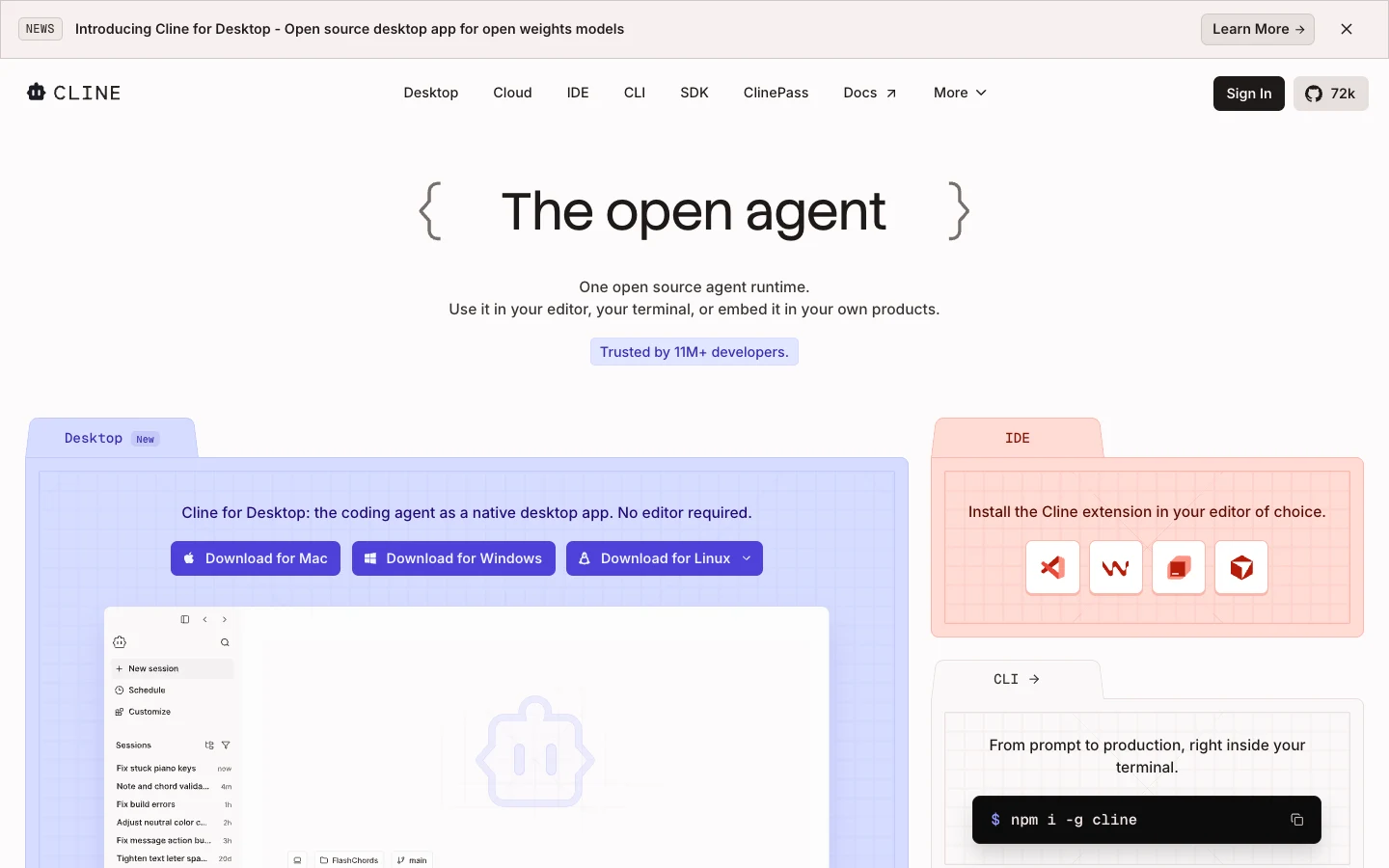
Cline is an AI coding agent that works with your project in an editor or terminal. It can inspect code, plan changes, edit several files and run commands, with approval controls and checkpoints around its actions.
Investigate the code before making an edit
A task can start with a question about an unfamiliar module or the output of a failing test. Cline reads project files and dependencies to establish the context. Plan mode supports discussion of an implementation and its tradeoffs, letting you settle the intended change before the agent begins writing it.
Implement and test the change
Act mode uses that plan to edit files and run commands. Terminal results give the agent feedback from tests and other project tools, so it can respond to failures during implementation. Repository instructions provide coding standards, while authorized tools extend what the agent can use for the task. Model choice can suit the planning and implementation stages separately.
Inspect the patch and undo an attempt
Diffs show the proposed changes for review. Checkpoints preserve project snapshots during the task, allowing an unsuccessful attempt to be rolled back without replacing the project's normal commit history. Files and conversation context can be restored separately when a useful discussion should survive a discarded implementation.
What can Cline do?
- 01
Edit across project files
Implement related changes with visible diffs and checkpoints
- 02
Run terminal commands
Use build, test and other command output during the task
- 03
Choose the model provider
Use API credentials, compatible endpoints or local Ollama and LM Studio models
- 04
Add tools through MCP
Connect databases, services and infrastructure
- 05
Automate agent work
Use SDK integrations, headless execution and schedules
How do I get started with Cline?
- 1
Install and connect
Install Cline in VS Code, open its sidebar Settings, choose a provider, sign in or enter its key, and select a model
- 2
Plan the change
Select Plan mode, describe the task, and add relevant files with @ mentions
- 3
Implement the plan
Switch to Act mode and review the proposed file changes and commands as the task proceeds
- 4
Review the result
Use Compare at a checkpoint to inspect the diff; choose Restore if you want to undo part of the attempt
What does Cline work with?
- VS Code
- Cursor
- Windsurf
- JetBrains
- Antigravity
- Zed
- Neovim
- CSV
- Excel
Who is Cline for?
- Software engineers
Implement and test a change across repository files
- Developer-platform engineers
Embed agent work in CI or internal tools
How much does Cline cost?
- Free plan · The open-source extension is free; AI inference is billed by usage.
What are Cline's limitations?
Image context
Image inputs require a multimodal model
CLI runtime
The command-line application requires Node.js 20 or later
Cline FAQ
Which license covers the Cline repository?
The Cline repository uses Apache 2.0.
More tools like Cline
 GitHub Copilot
Implement and review repository work across editor and agent sessions
 Zapier
Automate handoffs between business apps, forms and AI tools
 Make
Map app integrations and AI agents on a visual automation canvas
 n8n
Connect apps, APIs and AI agents with visual automation
 Taskade
Build business apps backed by project data, AI agents and automation
 CodeRabbit
Review code changes and prioritize the pull requests that need attention
 D-ID
Create digital presenters for scripted videos and live conversations
 Dify
Build AI applications from visible logic, knowledge and reusable tools