
CodeRabbit
Review code changes and prioritize the pull requests that need attention
What is CodeRabbit?
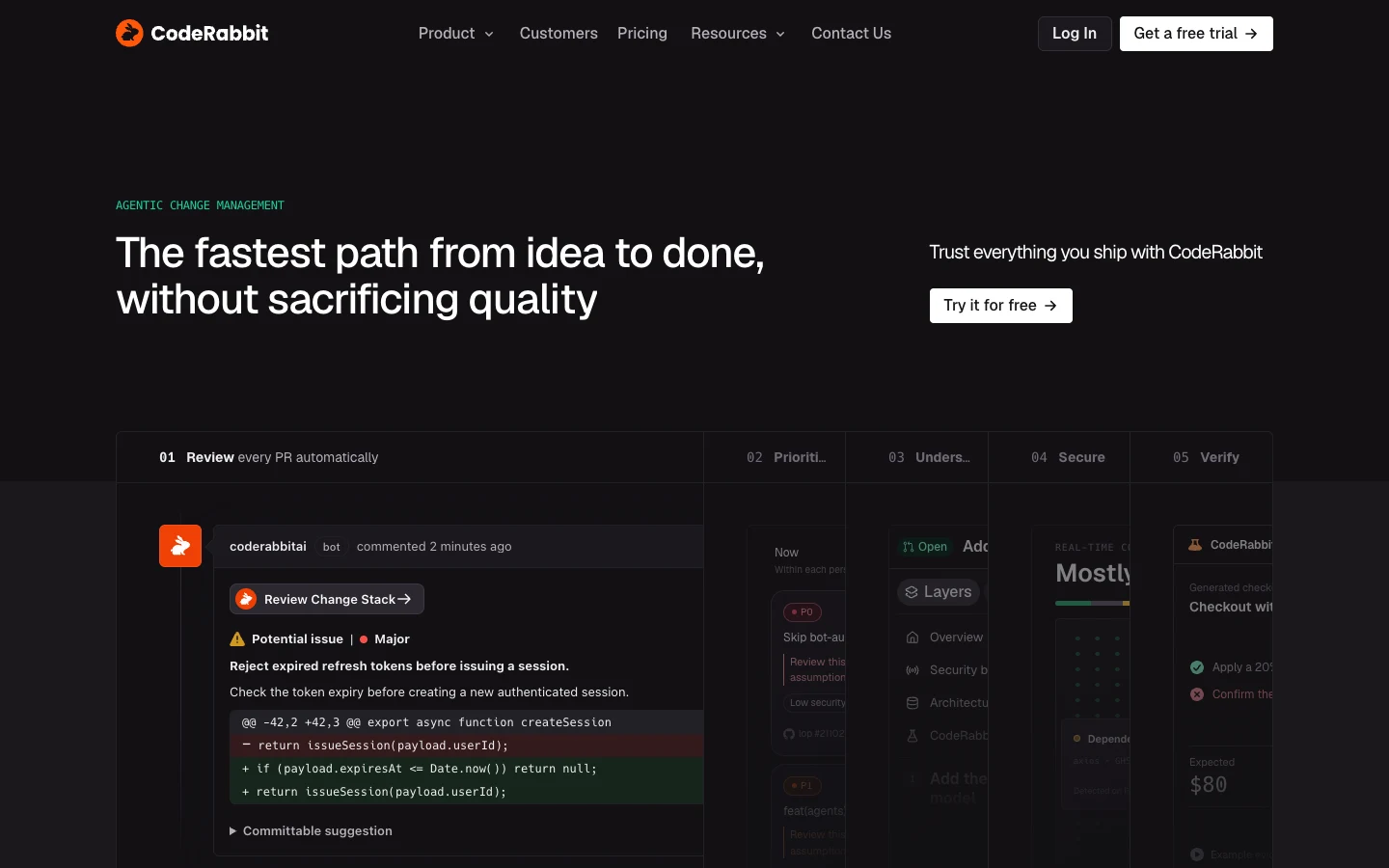
CodeRabbit adds an automated review conversation to a repository's pull requests. After repository access is configured, a new pull request starts the review. Later commits receive incremental attention, so the discussion can follow the implementation as it changes rather than restarting with every push.
Work through the feedback in the pull request
A review comment can lead to a question about the reasoning, a request for a code example, or a discussion of another approach. CodeRabbit can revise its suggestion in response, and an applicable fix can be accepted directly in the pull request. Resolved comments are not repeated with every update.
Issue connections extend that conversation into follow-up work. A reviewer can ask CodeRabbit to create a tracker issue from a finding, preserving the discussion's context for a separate task. Repository settings control which issue projects or teams are available as reference material.
See which changes need attention
CodeRabbit also helps teams prioritize pull requests and understand their architectural impact. Change Stack examines semantic differences and affected components, while configured checks establish requirements before merging. Review history and repository guidelines provide context for evaluating a change beyond the lines in its patch.
Dashboard reporting offers a separate view of review activity over time. Exported records can support offline analysis of review timing and findings, without replacing the discussion where individual issues are resolved. Follow-up actions after a merge can update a changelog or send a notification.
What can CodeRabbit do?
- 01
Review repository changes
Use code, history, guidelines and requirements as context
- 02
Triage pull requests
Rank changes by risk and importance and help select reviewers
- 03
Explain architectural impact
Inspect semantic differences and affected components with Change Stack
- 04
Enforce merge checks
Run configured requirements before merging
- 05
Run post-merge actions
Update changelogs or trigger notifications
- 06
Scan for vulnerabilities
Examine code and dependencies on a schedule or pull request
How do I get started with CodeRabbit?
- 1
Connect GitHub
Open CodeRabbit login, choose Login with GitHub, authorize access, and select your account or organization
- 2
Choose repositories
Select all or specific repositories and complete Install & Authorize
- 3
Start a review
Open a pull request in an enabled repository and read the generated feedback
- 4
Resolve a finding
Reply to a review comment for clarification or a code example, then apply a suitable suggested fix
What does CodeRabbit work with?
- GitHub
- GitLab
- Azure DevOps
- Bitbucket Cloud
- Bitbucket Data Center
- Jira
- Linear
- GitHub
- GitLab
- Azure DevOps
- Bitbucket Cloud
- Bitbucket Data Center
- Jira
- Linear
- CSV
- Jira
- Linear
Who is CodeRabbit for?
- Repository maintainers
Prioritize incoming changes and apply project conventions
- Application security reviewers
Investigate code and dependency findings beside proposed fixes
How much does CodeRabbit cost?
- Free trial · 14-day trial; eligible public open-source repositories receive free reviews.
- or $24/user/mo billed yearlySave 20%
What are CodeRabbit's limitations?
GitHub setup
Requires repository owner-level permission; organization repositories also require organization-owner permission
Dashboard CSV
Export is available on Essentials, Team, Advanced, and Enterprise
Historical metrics
Severity and category fields are empty for pull requests reviewed before October 10, 2025
Jira Cloud setup
The installation secret expires after 15 minutes; an expired secret requires starting setup again
More tools like CodeRabbit
 Cline
Plan and implement repository changes with a configurable coding agent
Usage-based pricing
 Replit
Build, test and publish applications through an AI coding agent
 v0
Build web interfaces and full-stack apps from designs or instructions
 Lovable
Build working web apps from requirements written in plain language
 Bolt
Build and publish web applications from a conversational brief
 Framer
Design, manage and publish responsive websites on a visual canvas