
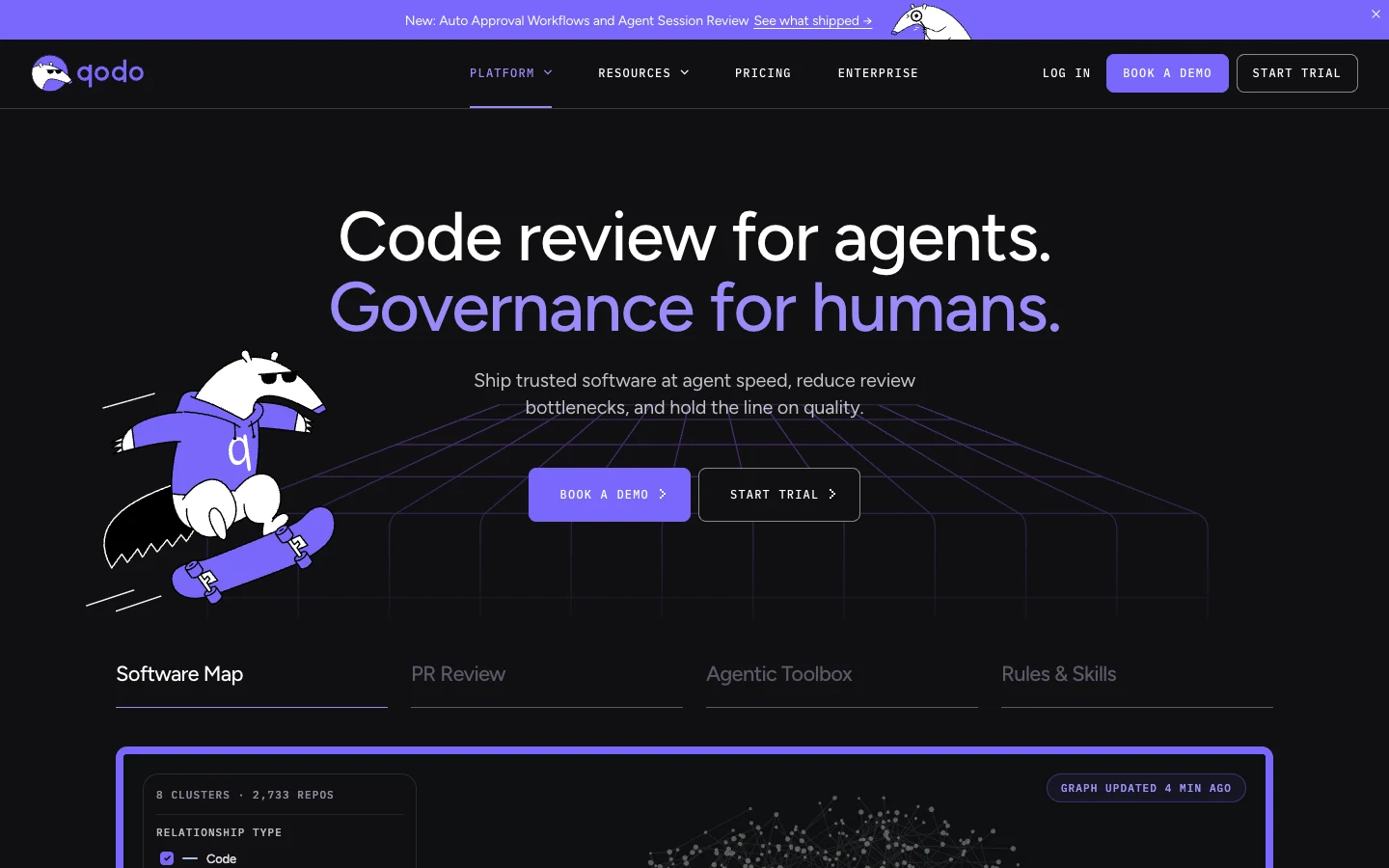
What is Qodo?
Qodo reviews code changes in pull requests, using repository context and an organization's engineering standards. The current product also provides an Agentic Toolbox for local review through supported coding agents.
Review a pull request in its codebase context
Qodo examines the change alongside repository architecture, earlier work and linked requirements. Specialized review agents look for logic errors, engineering-rule violations and missing parts of the requested behavior. The resulting findings explain the issue and a direction for fixing it, giving the author concrete work to address before the change is merged.
Check effects beyond the changed files
Cross-repository analysis looks at services and consumers that a change could affect. Requirements from a linked ticket help distinguish a technically plausible implementation from one that fulfills the actual request. Engineering standards drawn from code and review history provide another basis for evaluation, keeping repeated review decisions available to later changes.
Bring review into an agent's coding task
Agentic Toolbox supplies repository knowledge, standards and local-change review through supported coding agents. A developer can investigate a finding, revise the code and validate it within that task. Team-level tracking follows unresolved findings and their resolutions, so quality work can continue across pull requests and repositories without relying solely on individual review comments.
What can Qodo do?
- 01
Review PRs for bugs
Checks logic, team rules and linked requirements using repository context
- 02
Trace breaking changes (Beta)
Flags affected code in related repositories, including across Git providers
- 03
Enforce coding standards (Beta)
Applies organization rules and reusable review skills to pull requests
- 04
Learn rules from PR history (Beta)
Turns accepted review comments into standards as patterns emerge
- 05
Review local changes
Agentic Toolbox lets coding agents inspect edits and resolve pull request findings
- 06
Track review outcomes
Compares finding responses and unresolved high-severity issues across repositories
How do I get started with Qodo?
- 1
Create your account
Sign in at app.qodo.ai/signin; organization admins should complete their organization setup first
- 2
Connect the repositories
An admin installs Qodo through the Git-provider onboarding wizard or Integrations page
- 3
Link your Git identity
Open your name menu and select Link your Git user account
- 4
Open a pull request
Submit a change in an enabled repository and inspect Qodo’s findings alongside the code
What does Qodo work with?
- GitHub
- GitLab
- Bitbucket
- Azure DevOps
- Gerrit
- Jira
- Linear
- Claude Code
- Codex
- Kiro
Who is Qodo for?
- Platform code reviewers
Assess cross-repository changes against shared engineering rules
How much does Qodo cost?
- Free trial · Try the full product for 14 days without a credit card.
- Includes 2,000 shared credits each month; extra usage is billed up to your spending cap
What are Qodo's limitations?
Agentic Toolbox access
Using its skills requires a Qodo account and workspace access
Toolbox CLI
Node.js 20 or newer is required
Qodo FAQ
Does Qodo use my code to train models?
No. Code is processed for the team’s reviews and is not used for AI model training.
Do review credits roll over?
No. Unused review credits expire with the monthly cycle.
How are review credits shared?
Team reviews draw from a common credit pool, and a configurable spending limit governs additional usage.
More tools like Qodo
 Cline
Plan and implement repository changes with a configurable coding agent
Usage-based pricing
 Replit
Build, test and publish applications through an AI coding agent
 v0
Build web interfaces and full-stack apps from designs or instructions
 Lovable
Build working web apps from requirements written in plain language
 Bolt
Build and publish web applications from a conversational brief
 Framer
Design, manage and publish responsive websites on a visual canvas