
Framer
Design, manage and publish responsive websites on a visual canvas
What is Framer?
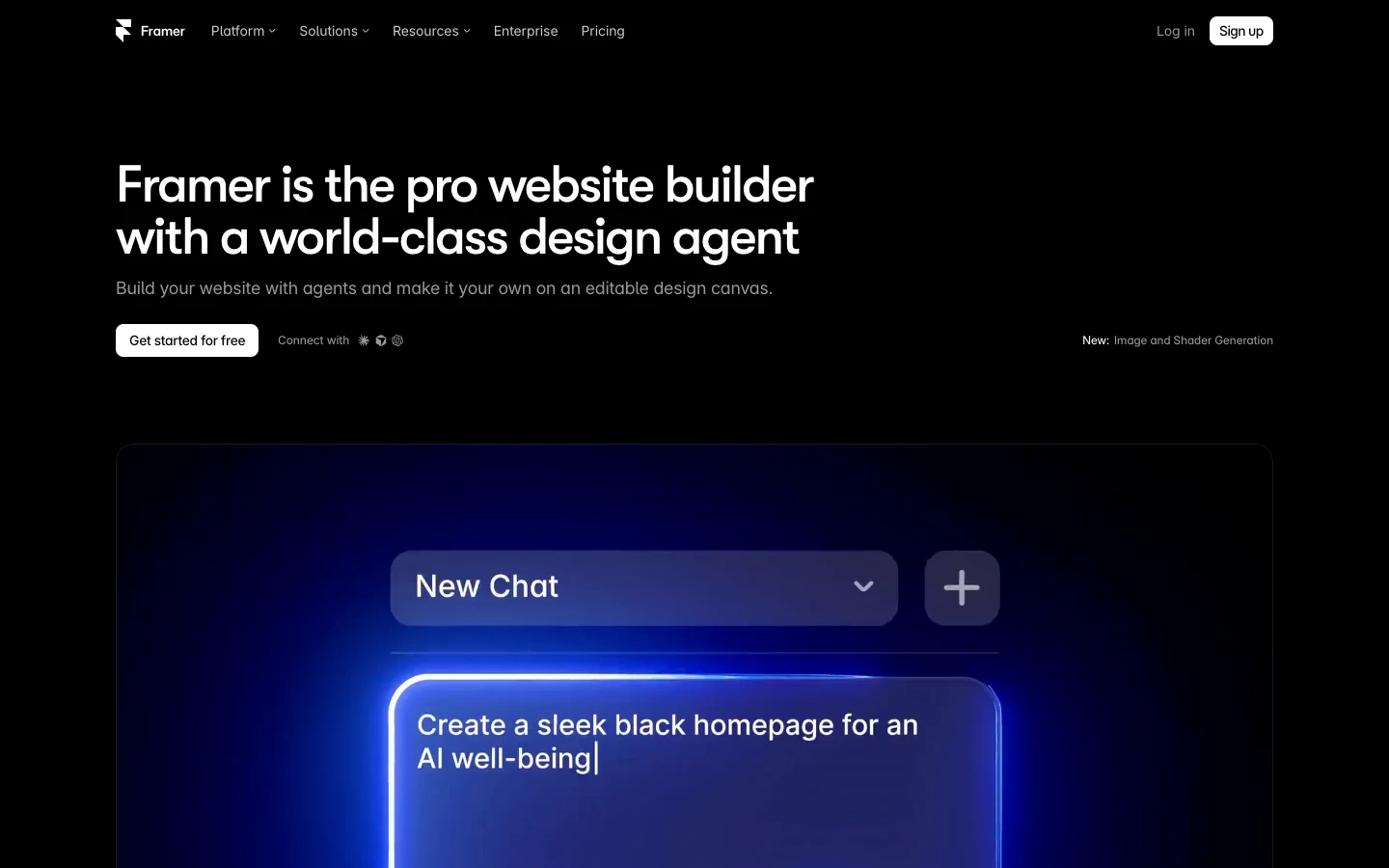
Framer turns a site brief into native page structure that remains editable on a visual canvas. A starting request can describe the organization, required pages, content, reusable components, and visual direction. Generated sections become part of the project, where their layers and content can be inspected before further changes.
Move between broad direction and small edits
A selected section gives the Agent a specific area to rethink. You can request another layout or interaction, then adjust smaller details directly on the canvas. Text, spacing, section order, and visibility at a smaller screen size can be changed without making another AI request.
An imported design is another starting point. The Figma plugin preserves layers and grouping, after which the page can gain the behavior and content needed for a live site. Preview provides a place to test navigation, interactions, and the overall page flow across screen sizes before publication.
Give repeated content a shared layout
A CMS collection separates records from their presentation. Fields supply the text, images, dates, and links; one detail-page layout can display each record. A collection list provides the corresponding index or featured section. Updating a field then changes the places where it appears.
Content can remain in draft while its writing and design are reviewed, then become part of the published site when ready. Forms can then send visitor submissions to an external destination for follow-up.
What can Framer do?
- 01
Tune responsive designs
Adjust typography, breakpoints and effects directly
- 02
Manage CMS collections
Structure articles, events and other repeated content
- 03
Add coded interactions
Use code-based components for custom behavior
- 04
Connect outside agents
Automate site work through MCP or the Server API
How do I get started with Framer?
- 1
Describe the site
Open a blank Framer project and use the Agent panel to explain the pages, content, and visual direction
- 2
Refine the draft
Select a section for an Agent revision or edit its text and layout directly on the canvas
- 3
Check and publish
Use Preview to test navigation and screen sizes, then publish to a Framer subdomain or your custom domain
What does Framer work with?
- Google Tag Manager
- Google Analytics
- Formspark
- Hotjar
- HubSpot
- Intercom
- Mailchimp
- Marketo
- Meta Pixel
- Typeform
- Clay
- Figma
- CSV
- Markdown
- Figma
- PNG
- JPEG
- CSV
- JSON
- Clay
- HubSpot
- Mailchimp
- Google Sheets
Who is Framer for?
- Website designers and editors
Publish responsive pages and maintain their CMS content
How much does Framer cost?
- Free plan · A Framer subdomain, 1 GB of bandwidth and 500 AI credits per month.
- or $10/site/mo billed yearlySave 33%
What are Framer's limitations?
Canvas access
Editing requires an internet connection and a recent supported desktop browser
HubSpot form editing
Visual and functional changes to an embedded HubSpot form must be made in HubSpot
More tools like Framer
 Replit
Build, test and publish applications through an AI coding agent
 Dify
Build AI applications from visible logic, knowledge and reusable tools
 Devin
Delegate repository changes and engineering maintenance to coding agents
 Cursor
Implement and review code changes with repository-aware agents
 CodeRabbit
Review code changes and prioritize the pull requests that need attention
 Cline
Plan and implement repository changes with a configurable coding agent
Usage-based pricing
 GitHub Copilot
Implement and review repository work across editor and agent sessions
 Qodo
Review code against repository context and shared engineering rules