
What is Replit?
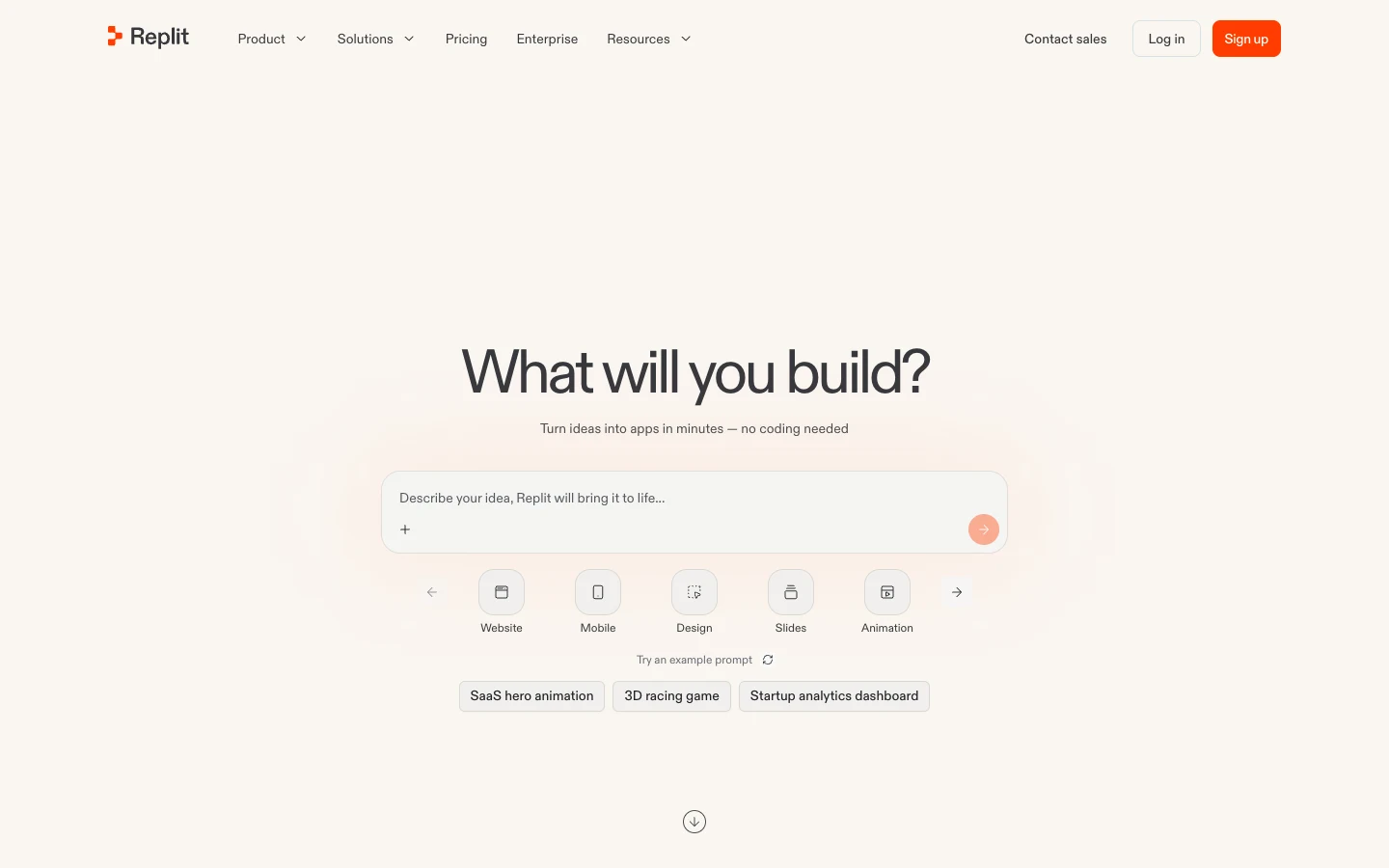
Replit takes an app idea through a conversation with Agent, a running preview and a separate published release. A project can begin with a prompt or imported code. The first version can stay narrowly scoped, with further capabilities added after its main interaction works.
Define a result that can be tested
A useful initial request describes what a visitor should accomplish and what a successful result looks like. It can also name the parts to postpone, such as account creation or persistent data. Agent plans the requested app, creates it, starts it and checks the result.
The preview is where the builder tries the app as a visitor would. A form submission, navigation path or phone-sized layout can be checked against the original request. Follow-up prompts describe a visible problem or ask for one specific improvement, keeping each round of changes focused.
Turn the tested version into a release
Publishing prepares the app's cloud resources, builds its package and gives the release a stable address. Access settings determine who can open that version. Editing can continue separately, and a later release updates the same address when the changes are ready.
After launch, production monitoring shows requests, response times and resource use. Traffic reports answer a different question: which pages attract visitors and where those visitors came from. These views let the builder inspect both the app's operation and its audience after it leaves the preview.
What can Replit do?
- 01
Build from instructions
Generate and revise application code through Agent
- 02
Explore interface designs
Make visual changes on the design canvas
- 03
Test with a browser
Let Agent exercise the app, report findings and address issues
- 04
Add authentication and data
Use built-in sign-in and managed SQL services
- 05
Manage the database
Run queries, change schemas and inspect records beside the app
How do I get started with Replit?
- 1
Start a Website
Sign in to Replit, open a new chat, choose Website as the output and select Free mode
- 2
Describe the app
State the visitor outcome, success criteria and features to postpone, then send the prompt
- 3
Test and refine
Try the running Preview, compare it with your criteria and ask Agent for one focused change
- 4
Publish the result
Select Publish, review domain, access and security settings, then confirm and test the live URL
What does Replit work with?
- Google Drive
- Notion
- Salesforce
- GitHub
- Bitbucket
- Figma
- ZIP
- XLSX
- CSV
- Google Sheets
- Replit Cloud
Who is Replit for?
- Product prototypers
Build and test working apps for stakeholder review
How much does Replit cost?
- Free plan · A daily Agent allowance with a monthly cap, plus 1 published app.
- or $18/mo billed yearlySave 10%
What are Replit's limitations?
Preview sharing
The development URL is temporary and private by default; sending its link does not give another person access
Lovable imports
Database records and secrets are excluded; add API keys and environment variables separately
Replit FAQ
Are development and production data separated?
Yes. Replit apps have distinct development and production databases for testing changes before deployment.
More tools like Replit
 Devin
Delegate repository changes and engineering maintenance to coding agents
 Make
Map app integrations and AI agents on a visual automation canvas
 Cursor
Implement and review code changes with repository-aware agents
 Cline
Plan and implement repository changes with a configurable coding agent
Usage-based pricing
 Framer
Design, manage and publish responsive websites on a visual canvas
 Dify
Build AI applications from visible logic, knowledge and reusable tools
 GitHub Copilot
Implement and review repository work across editor and agent sessions
 CodeRabbit
Review code changes and prioritize the pull requests that need attention