Best AI Coding Assistants
Discover AI coding assistants, from editor plugins to terminal agents.
Updated Nov 24, 2026

Research, analyze files and create editable work through conversation

Delegate repository changes and engineering maintenance to coding agents

Build, test and publish applications through an AI coding agent

Implement and review code changes with repository-aware agents


Implement and review repository work across editor and agent sessions
Related categories
What is an AI coding assistant?
An AI coding assistant reads your project and returns explanations, edits and tested changes instead of only completions. The tools here run inside editors such as VS Code, in a terminal, or as agents that prepare pull requests.
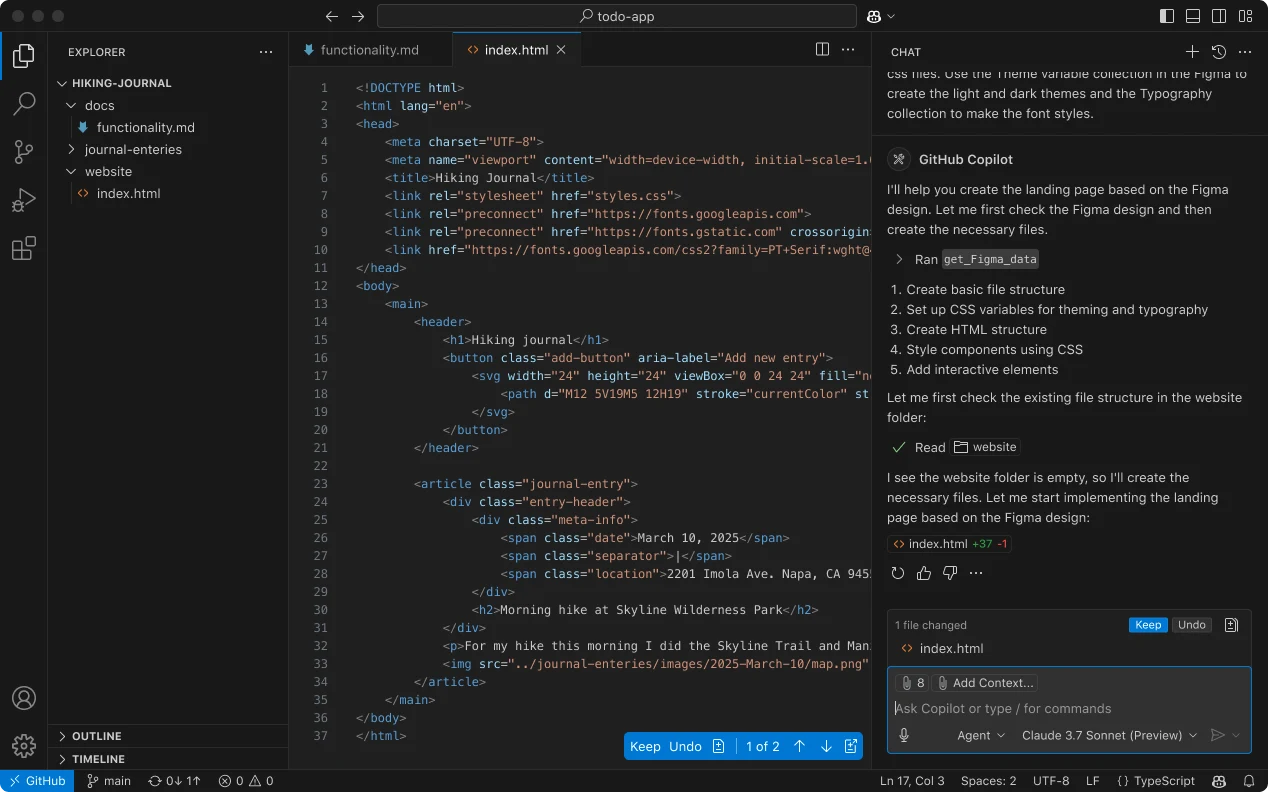 A chat panel listing planned steps beside the open file in GitHub Copilot
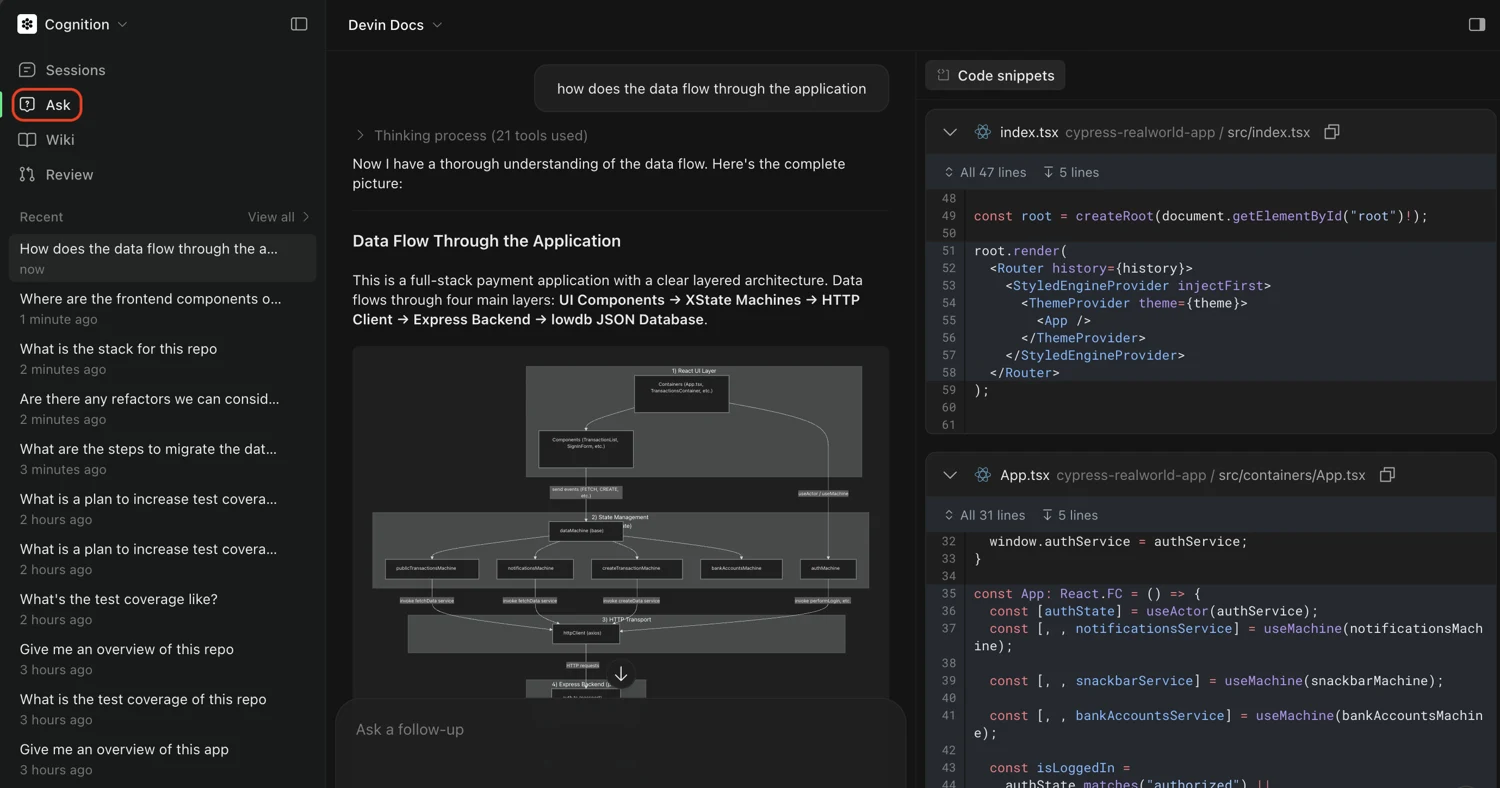 Cited code snippets beside a repo answer in Devin
What to look for in an AI coding assistant
- 01
Editor support
GitHub Copilot runs in VS Code, Visual Studio and JetBrains, and Cline also supports Cursor, Windsurf, Zed and Neovim.
- 02
Plan before editing
Cline’s Plan mode and Cursor’s Plan Mode let you settle the approach and resolve open questions before any file changes.
- 03
Diffs and rollback
Cline shows diffs with checkpoints you can restore, and Cursor lets you reject individual edits before accepting the rest.
- 04
Your own tools
Cline, Cursor and GitHub Copilot can all add databases, services and other tools through MCP.
- 05
Browser testing
Devin exercises the application in its browser, and Replit’s Agent tests the running app, reports findings and fixes issues.
- 06
Cloud agents
Cursor runs cloud agents in isolated environments with logs, and Devin works in the cloud or on your machine.
- 07
Repo permissions
GitHub Copilot needs write permission to change a repository, and Devin’s GitHub setup needs an organization administrator.
Which AI coding assistant fits your work
Software engineers
Investigate bugs and implement features inside a repository.
CursorDependency maintainers
Hand version updates to an agent and review its pull request.
DevinSoftware contributors
Implement changes and address review feedback.
GitHub CopilotDeveloper-platform engineers
Embed agent work in CI or internal tools.
ClineHow does an AI coding assistant work?
Cline, GitHub Copilot and Cursor follow these steps for most tasks.
- 01
Brief
InputA task, with @ file mentions for contextOutputA scoped request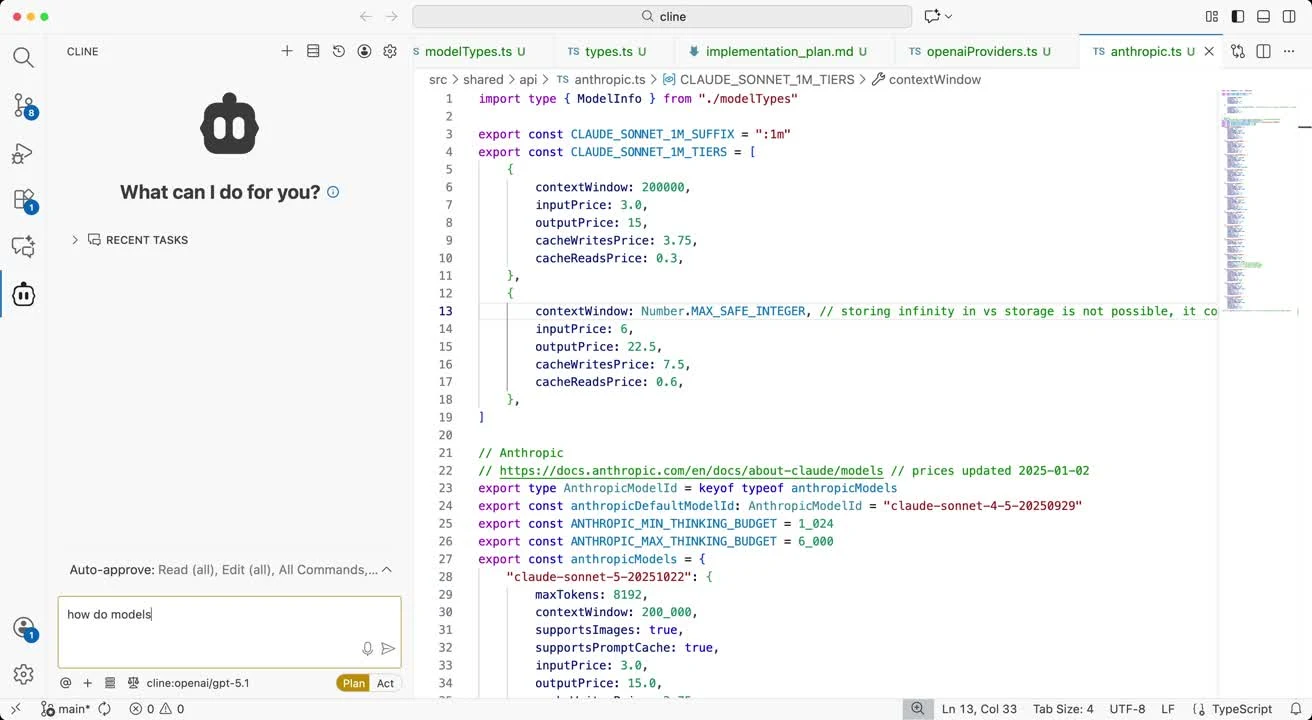 A prompt box beside the open code in Cline
- 02
Generate
InputThe request and project contextOutputEdits across several files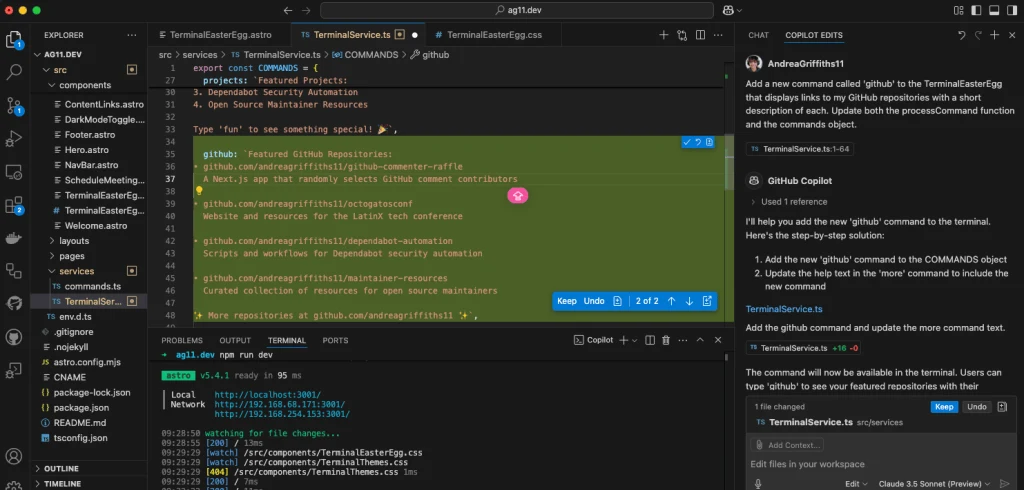 Generated edits to keep or undo in GitHub Copilot
- 03
Check
InputThe diff and test outputOutputAccepted, rejected or revised edits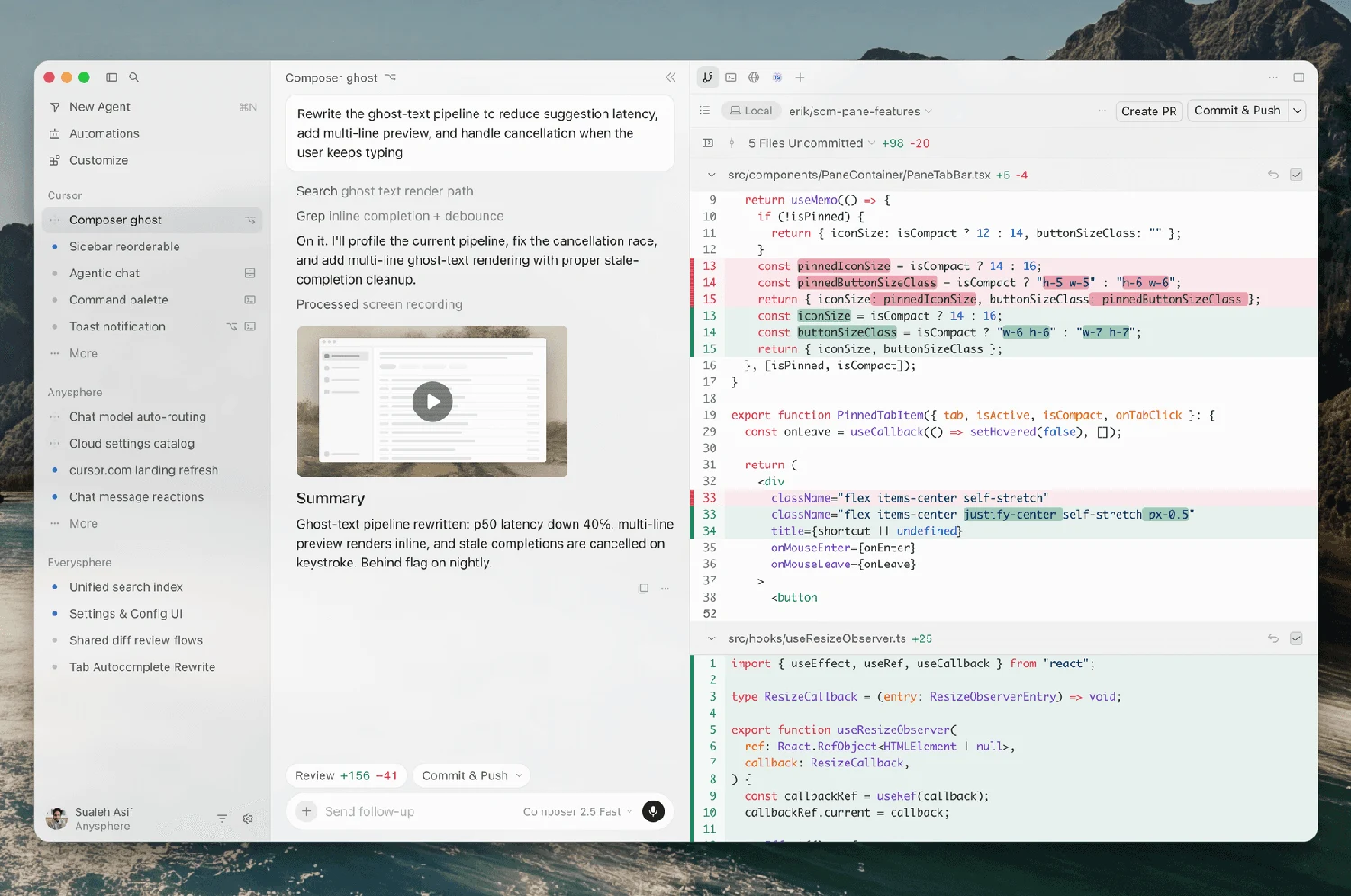 Changed files with a line-by-line diff in Cursor
Frequently asked questions
Are there free AI coding assistants?
Yes. 6 listed AI coding assistants offer a free plan, including Claude, Devin, Replit. Use the Pricing filter to compare free, freemium, and paid options.
Which AI coding assistants have an iOS app?
2 have an iOS app, including Claude, Cursor. Use the Platform filter to check other platforms.
How are these tools ranked?
Recommended order shows matching Pro listings first, then Basic, then free and editorial listings. Listings within each group are ordered by publication date. You can also sort by newest or by name.