Best AI Website Builders
Discover AI website builders for prompts, visual editing and hosting.
Updated Nov 24, 2026

Build web interfaces and full-stack apps from designs or instructions

Build working web apps from requirements written in plain language

Build and publish web applications from a conversational brief

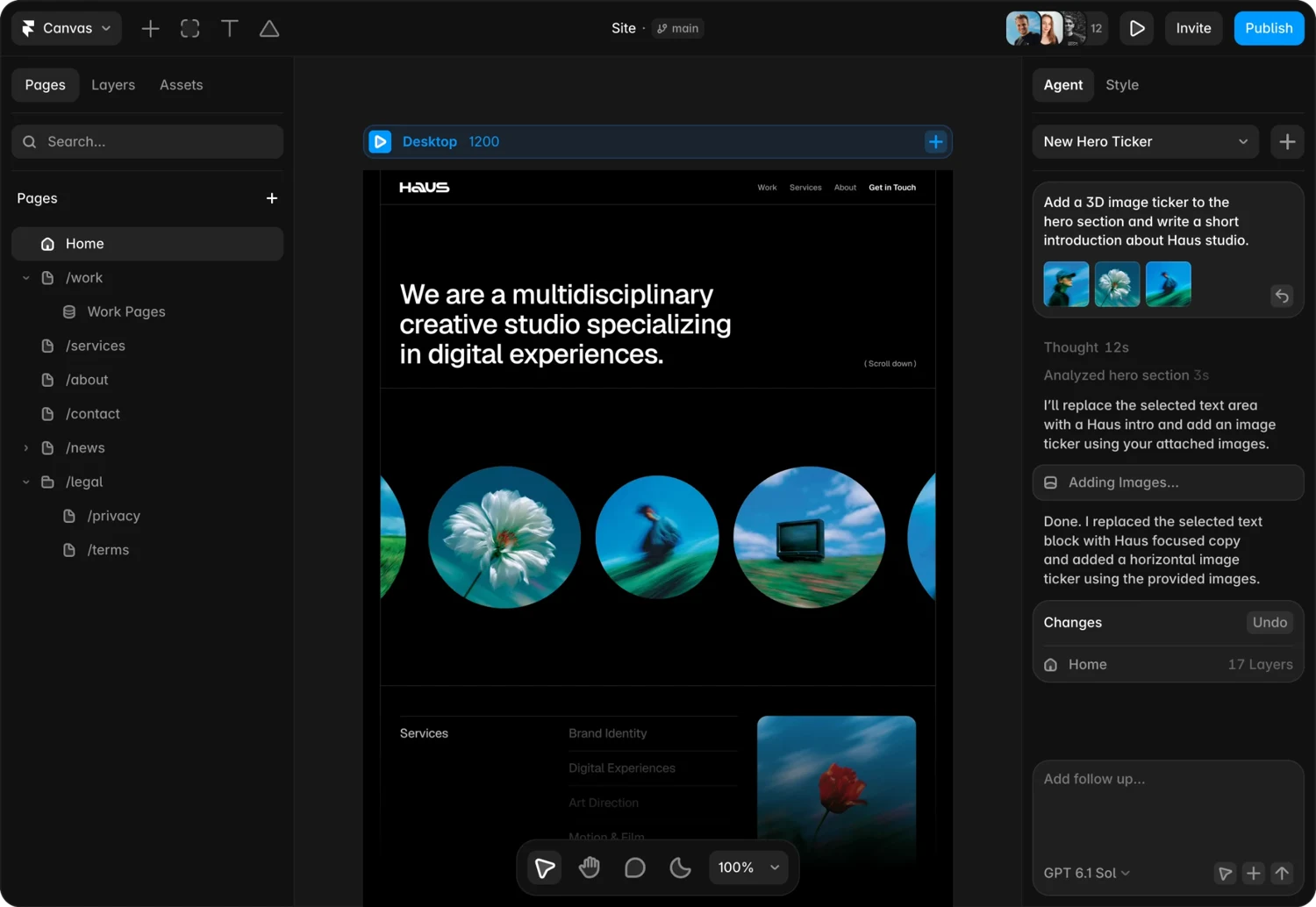
Design, manage and publish responsive websites on a visual canvas
Related categories
What is an AI website builder?
An AI website builder turns a brief into designed pages you can edit and publish. Some tools generate the site as code from a chat prompt, while Framer builds native page layers on a visual canvas.
What to look for in an AI website builder
- 01
Starting design
v0 and Bolt import Figma files, and Framer’s Figma plugin keeps layers and grouping intact.
- 02
Brief to site
Lovable takes a written idea, a screenshot or a sketch, and Framer’s Agent panel takes pages, content, components and visual direction in one brief.
- 03
Responsive checks
Lovable has a mobile view for the smaller-screen layout, and Framer’s Preview tests navigation across screen sizes.
- 04
Hand edits
Framer changes text, spacing and section order on the canvas without another AI request, and v0’s Design Mode adjusts elements beside the code.
- 05
Analytics and forms
Framer connects Google Analytics, Hotjar, Typeform and Mailchimp, and Bolt shows site analytics on its own hosting.
- 06
Data and payments
v0 connects Neon and Supabase databases, and Bolt connects Supabase and Stripe.
- 07
Domains and export
Framer and Bolt publish to a custom domain, Bolt also exports to Netlify, and v0 exports to Vercel or GitHub.
Which AI website builder fits your work
Website designers and editors
Publish responsive pages and maintain their CMS content.
FramerClient-site agencies
Adapt templates into sites and storefronts.
BoltProduct designers
Turn a design reference into an interactive app.
v0Founders launching a first site
Describe the site, check the mobile view and publish.
LovableHow does an AI website builder work?
Lovable, Framer and Bolt take a site from a written brief to a live address.
- 01
Describe
InputA brief or a promptOutputDraft pages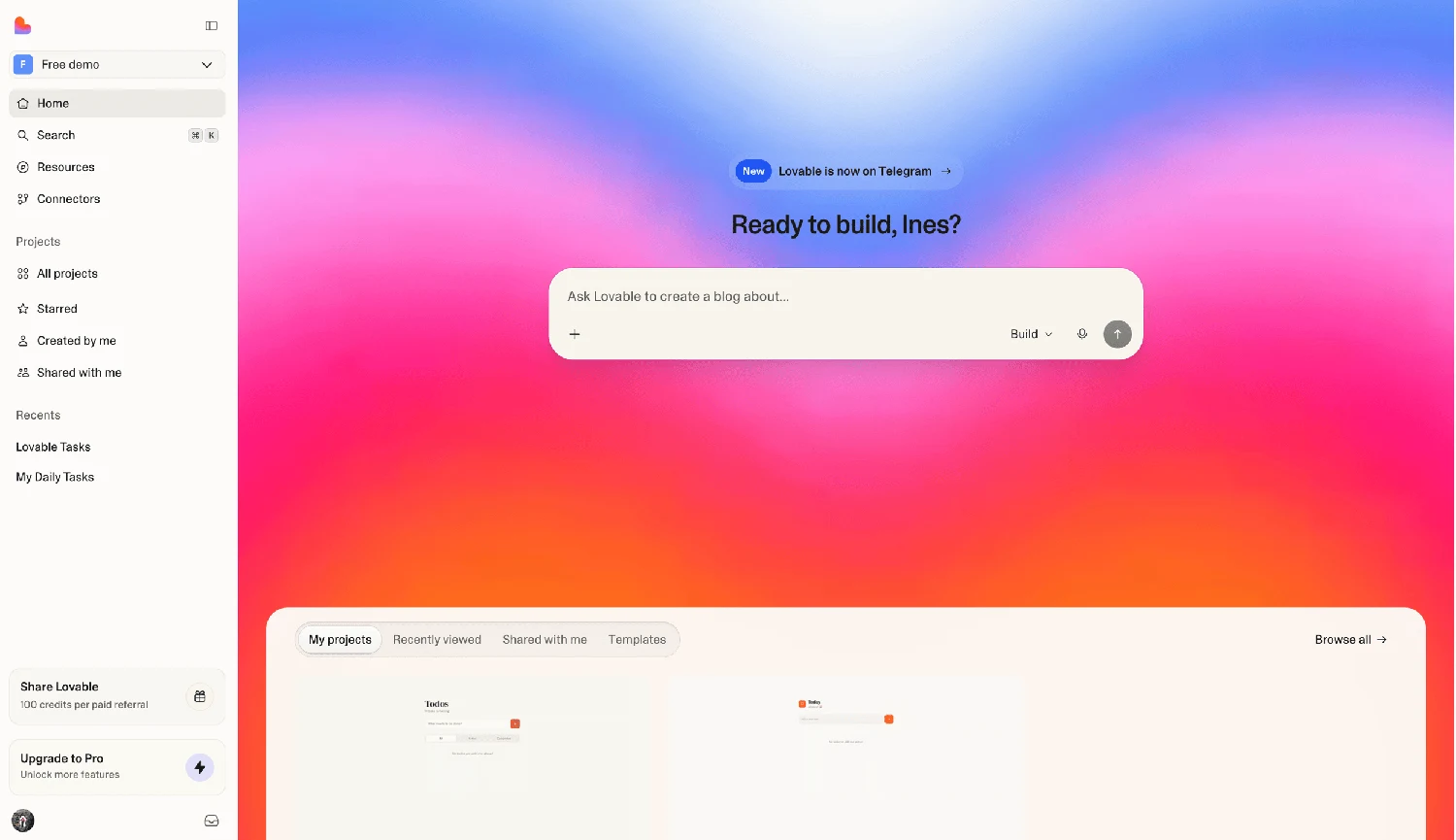 The prompt box for a new site in Lovable
- 02
Edit
InputSelected elements and changesOutputUpdated pages in preview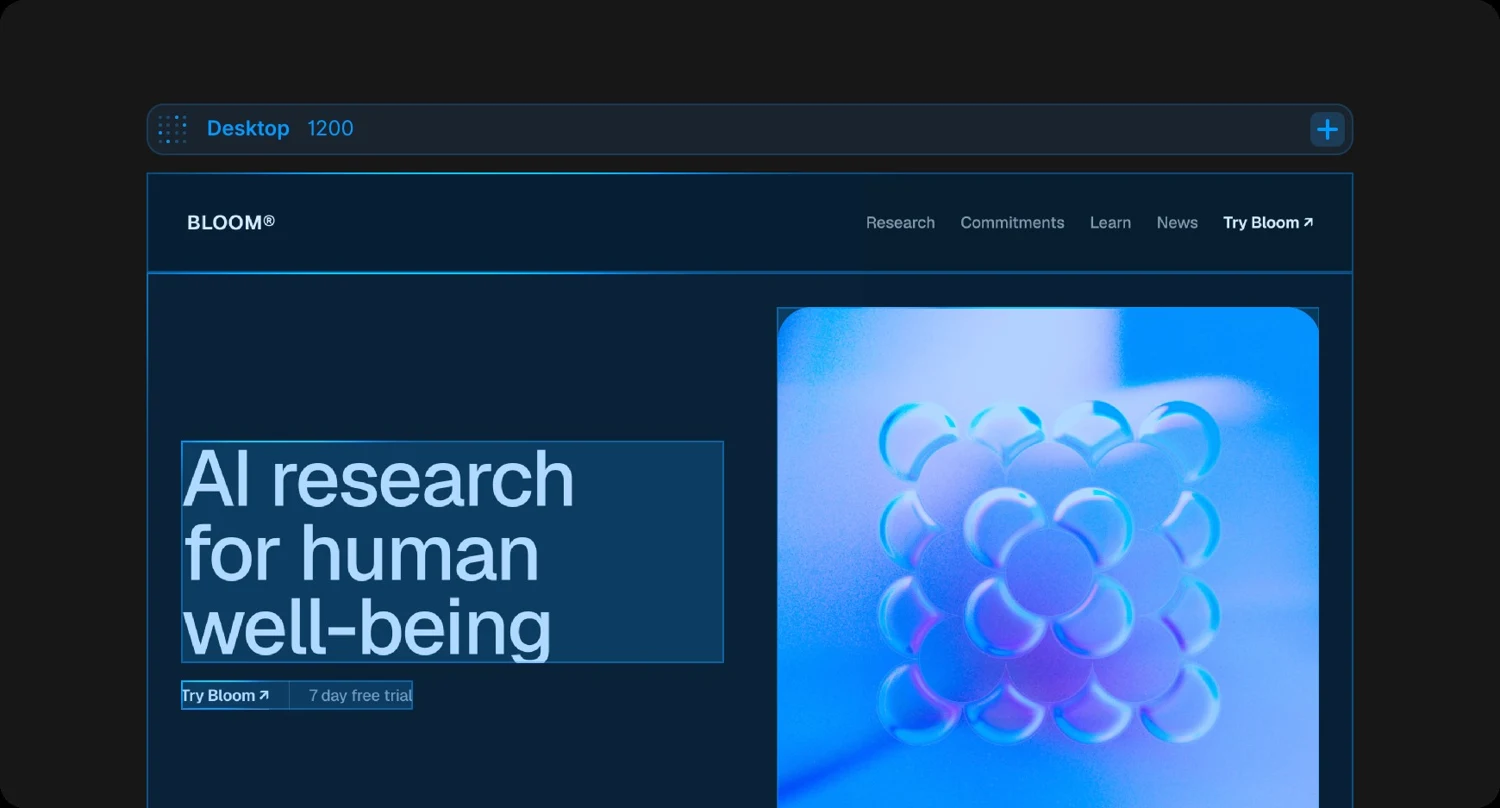 A selected headline and button on the canvas in Framer
- 03
Publish
InputA staging or production targetOutputA live site address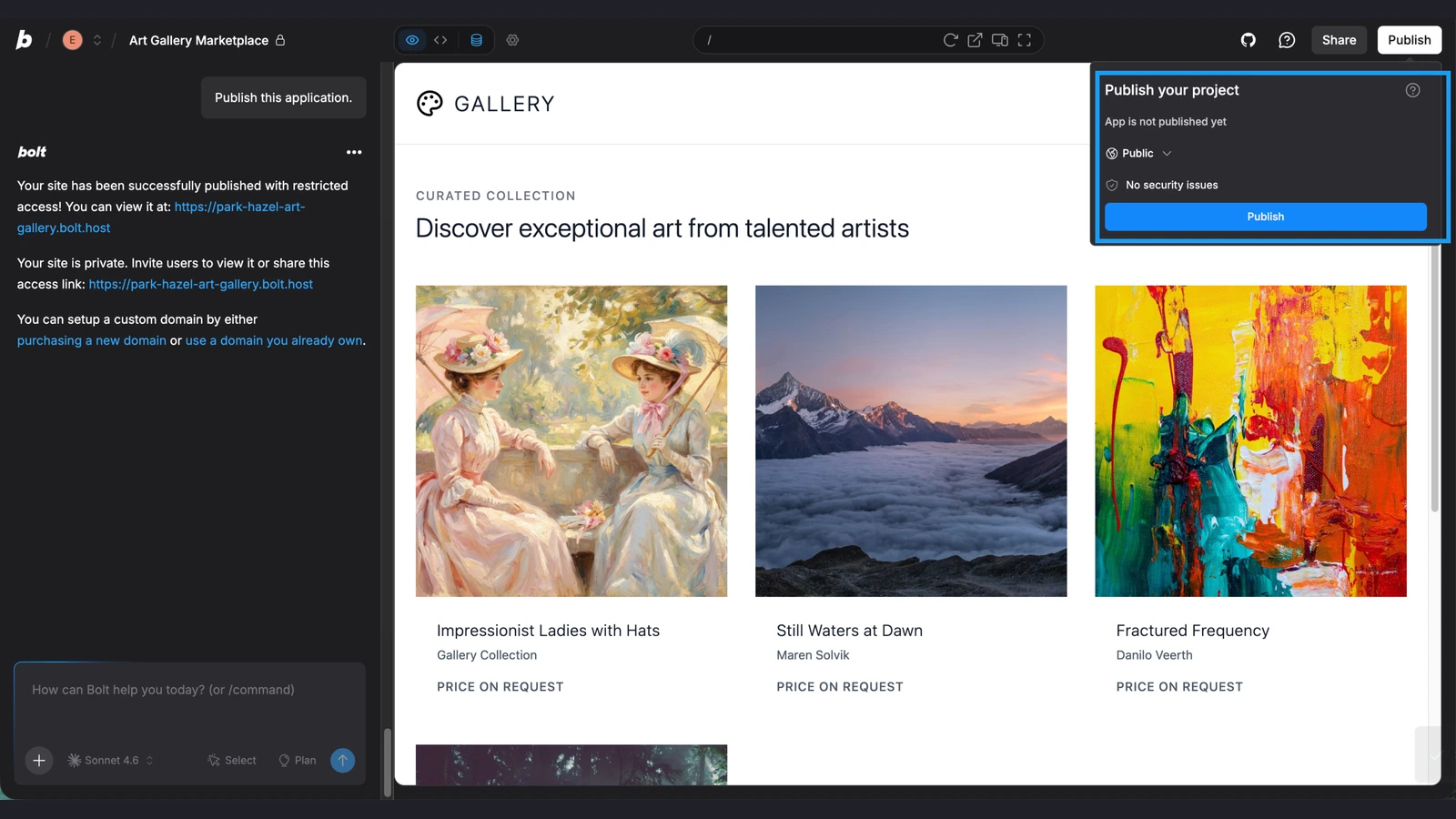 Live site preview and one-click publish settings in Bolt
Frequently asked questions
Are there free AI website builders?
Yes. 4 listed AI website builders offer a free plan, including v0, Lovable, Bolt. Use the Pricing filter to compare free, freemium, and paid options.
Which AI website builders have an iOS app?
2 have an iOS app, including v0, Lovable. Use the Platform filter to check other platforms.
How are these tools ranked?
Recommended order shows matching Pro listings first, then Basic, then free and editorial listings. Listings within each group are ordered by publication date. You can also sort by newest or by name.