
What is v0?
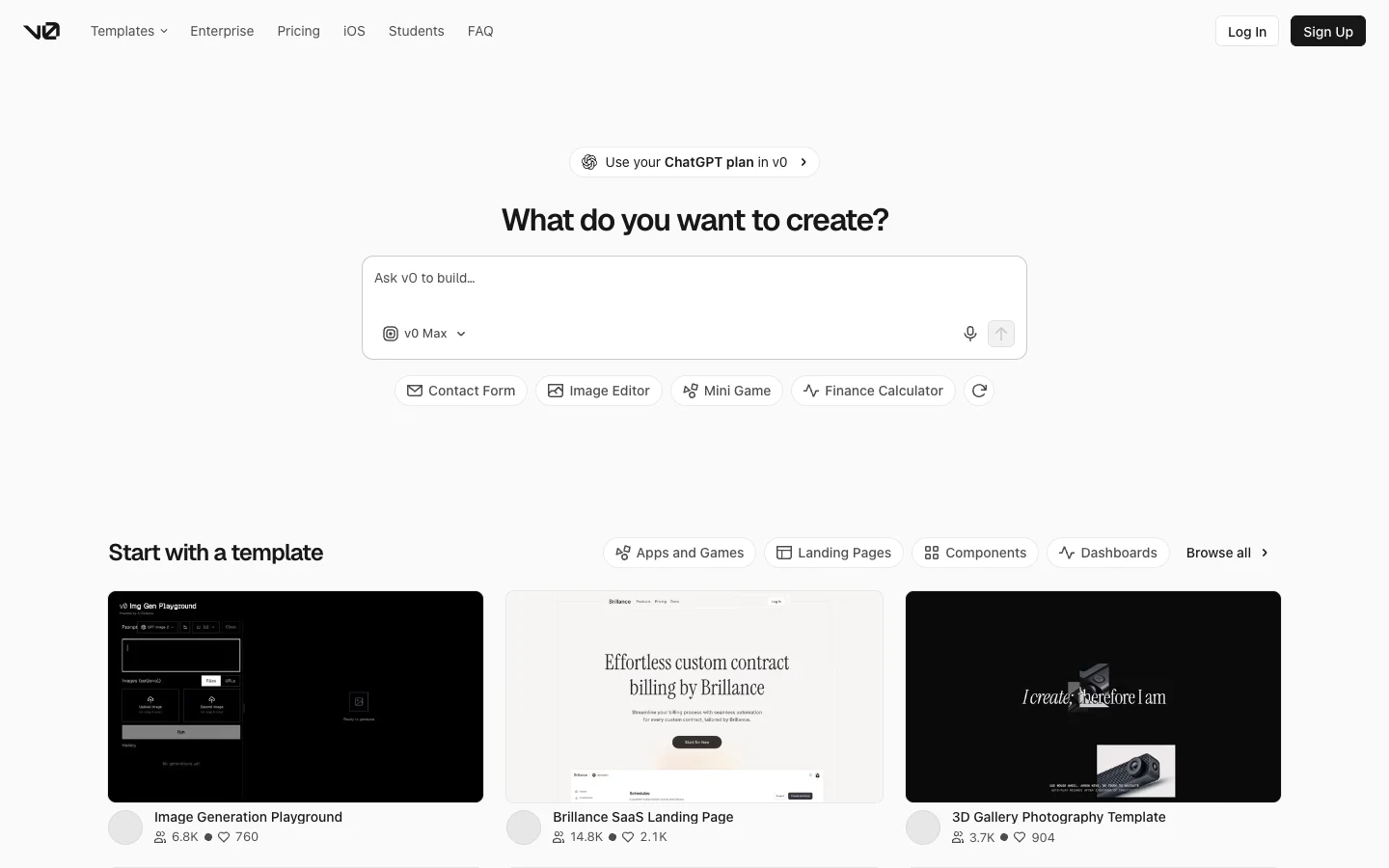
v0 turns an app description or a design reference into working code, with a preview for inspecting the result. A project can also begin with imported source code. Conversation, code comments and visual selection provide different ways to direct the next revision.
Build and refine a working application
Start with the app’s intended behavior or a design reference, then try the generated version in its preview. Follow-up requests can add a feature or fix a problem. Visual selection focuses a design change on an element, while code comments supply precise implementation context. Project service connections and environment settings support the app beyond its visible interface.
Test a branch before publishing
For a GitHub-backed project, generated edits are kept on a working branch with a preview deployment. Review the code changes and check the app’s behavior before the pull request moves the work into the base branch. Publishing then deploys that version to production. Later edits can follow the same review process, keeping an in-progress revision separate from the released application.
What can v0 do?
- 01
Generate app code
Create interfaces and backend logic from instructions
- 02
Edit visually in Design Mode
Adjust the interface alongside direct code changes
- 03
Apply a design system
Guide the result with project components and styling
- 04
Connect data and services
Add database access and external integrations
- 05
Run full-stack previews
Exercise server logic and API routes in an isolated Vercel Sandbox
How do I get started with v0?
- 1
Open a project
Sign in at v0.app and start a chat or create a project
- 2
Describe the app
Enter the behavior you want, then inspect the generated application
- 3
Refine the result
Add code comments to your next prompt, or select elements in Design mode and click Apply
- 4
Publish the app
Select Publish, confirm the project, domain and visibility, then publish; satisfy any required repository checks
What does v0 work with?
- GitHub
- Neon
- Supabase
- Upstash for Redis
- Vercel Blob
- Vercel AI Gateway
- GitHub
- ZIP
- Figma
- Vercel
- GitHub
Who is v0 for?
- Frontend engineers
Extend a repository with previewable interface changes
- Product designers
Turn a design reference into an interactive app
How much does v0 cost?
- Free plan · 7 messages per day, plus a one-time credit grant for new accounts.
What are v0's limitations?
Online generation
An internet connection is required for processing prompts and generating code
GitHub release rules
Required checks, reviews and branch protections can stop a publish until their requirements are met
v0 FAQ
Must I connect GitHub?
No. GitHub integration is optional, and projects can be published without it.
Can I deploy outside Vercel?
Yes. You can export the code and deploy it elsewhere.
More tools like v0
 Figma
Design interfaces and explore working prototypes with product collaborators
 Uizard
Turn interface sketches and descriptions into clickable prototypes
 Devin
Delegate repository changes and engineering maintenance to coding agents
 Cursor
Implement and review code changes with repository-aware agents
 CodeRabbit
Review code changes and prioritize the pull requests that need attention
 Cline
Plan and implement repository changes with a configurable coding agent
Usage-based pricing
 GitHub Copilot
Implement and review repository work across editor and agent sessions
 Qodo
Review code against repository context and shared engineering rules