
What is Uizard?
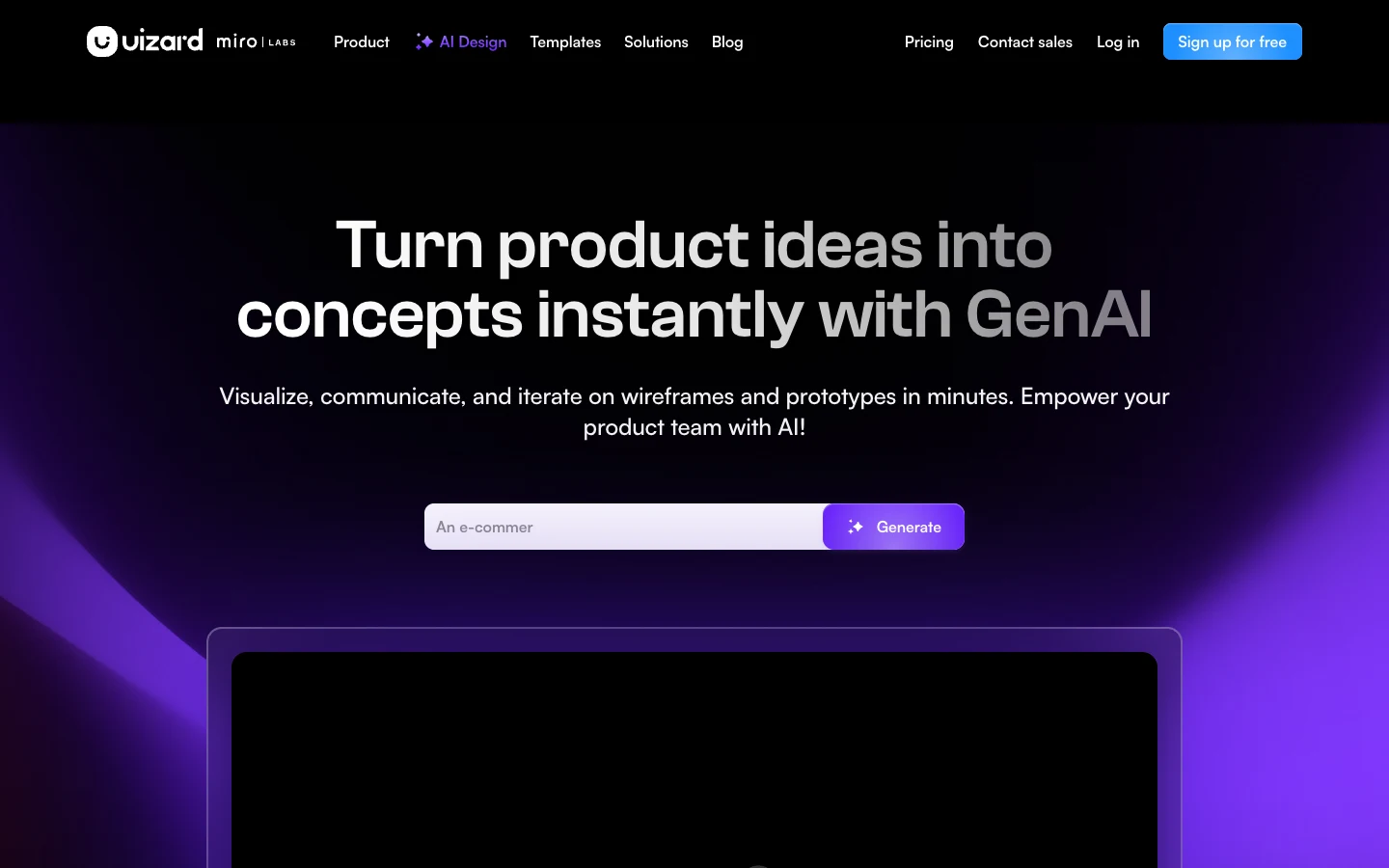
Uizard is an AI interface-design tool for creating app and website mockups. Product teams can turn a text description, screenshot or sketch into editable screens, then refine the design together before implementation.
Turn an app idea into editable screens
Describe the product and its target device, then supply a styling direction or visual reference. Autodesigner generates a multi-screen design that can be revised before implementation. Screenshots and hand-drawn wireframes provide other routes into editable mockups when the idea already has a visual form.
Explore alternatives with the product team
Generate another screen to expand the journey or describe a change to a selected component. Different design directions can be compared before the preferred version becomes part of the project. Themes change the overall styling, while direct revisions refine particular areas. The result gives colleagues a concrete interface to discuss beyond the initial written product brief.
Prepare the design for review or implementation
Export screens to present the proposed experience, or select individual components for a more focused handoff. Component code provides CSS or React material for implementation work. That handoff is distinct from exporting the visual screens: one supports building the interface, while the other communicates the proposed design and its flow.
What can Uizard do?
- 01
Generate several screens
Use Autodesigner to create a project or add a screen
- 02
Revise selected components
Describe a change to one interface element
- 03
Convert screenshots and sketches
Turn visual references into editable mockup content
- 04
Generate design themes
Explore another visual treatment across the project
- 05
Link prototype interactions
Make the proposed journey clickable
How do I get started with Uizard?
- 1
Start Autodesigner
Sign in to Uizard, select Generate with Autodesigner, choose a device, describe the project, and click Continue
- 2
Set the visual direction
Choose a style prompt, screenshot, or URL, then select Generate my project
- 3
Refine a section
Select components, open the assistant, choose Modify selection, and accept Replace in design or request Make changes
- 4
Export the design
Select the screens, open Handoff Mode, choose format and scale, inspect Preview, and click Export
What does Uizard work with?
- Figma
- Unsplash
- Giphy
- Figma
- Adobe XD
- Sketch
- JPEG
- PNG
- HEIC
- GIF
- JPEG
- PNG
- SVG
- CSS
- React
Who is Uizard for?
- Product discovery designers
Turn descriptions and sketches into clickable proposals
How much does Uizard cost?
- Free plan · 3 AI generations per month, 2 projects and 10 templates.
- or $12/creator/mo billed yearlySave 37%
What are Uizard's limitations?
Prompt length
Autodesigner accepts up to 300 characters, regardless of subscription tier
Screen imports
Screens must be imported individually rather than as a batch
Full-project code
HTML, JavaScript, and whole-project code exports are unavailable; React downloads cover individual components
Interactive output
Exported PDFs do not retain clickable prototype interactions
Large exports
Projects with 100 or more screens exceed the supported export size
More tools like Uizard
 v0
Build web interfaces and full-stack apps from designs or instructions
 Figma
Design interfaces and explore working prototypes with product collaborators
 Looka
Create a logo and matching brand material for a new business
 Meshy
Turn descriptions and reference images into editable 3D assets
 Spline
Build interactive 3D scenes for websites and applications
 Napkin AI
Turn written explanations into editable diagrams and presentation visuals