
Figma
Design interfaces and explore working prototypes with product collaborators
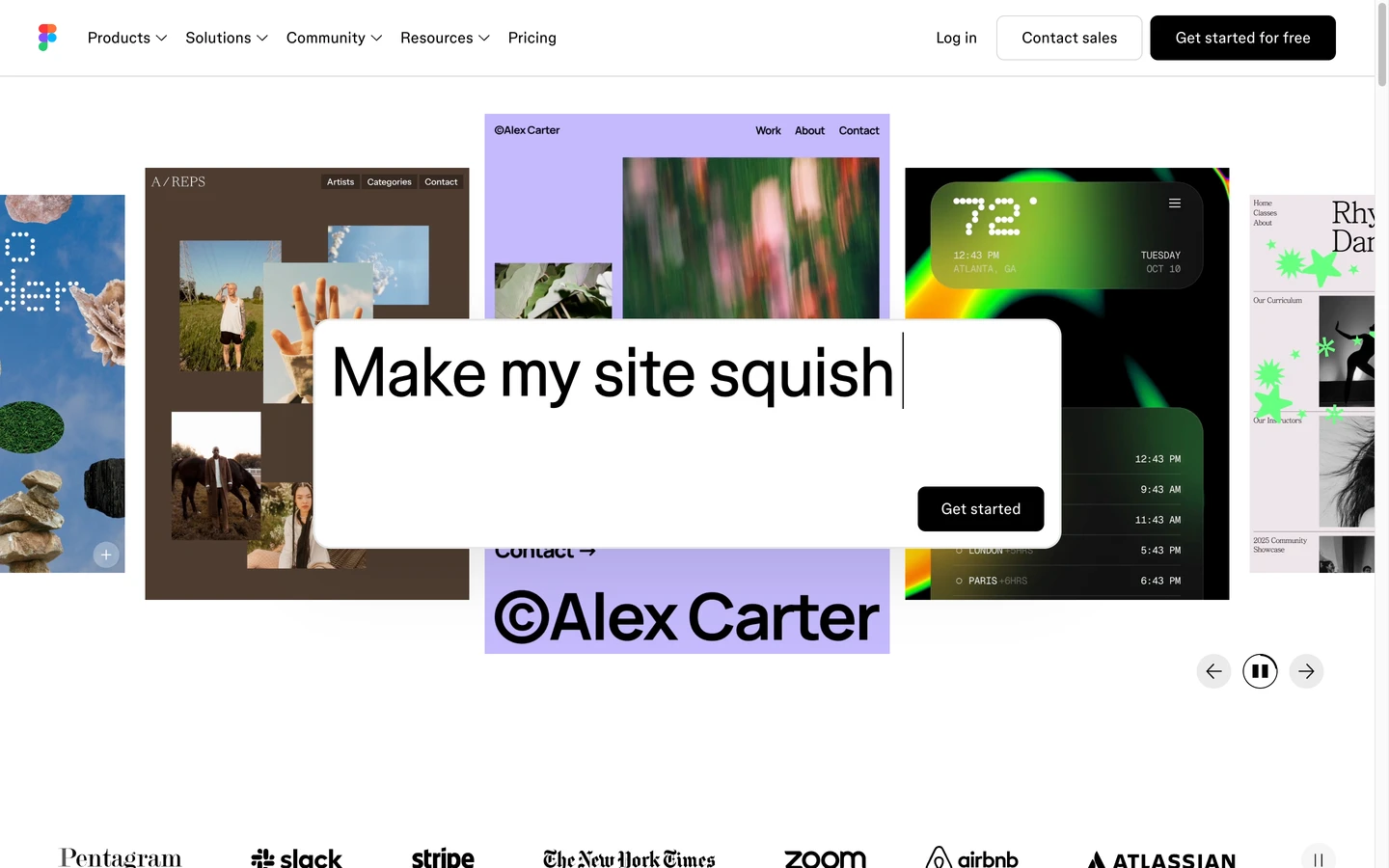
What is Figma?
Figma is a collaborative design platform for teams creating interfaces, prototypes and working digital experiences. Figma Design keeps editable layouts, reusable components and interactions on a shared canvas. Figma Make turns prompts and design-system context into code-backed experiences, while agents can help revise the design itself.
Develop the interface and test its flow
A design file holds the screens and the components they reuse. Layout and styling decisions can be refined directly on the canvas, and prototype connections make the proposed journey clickable. That gives the team a way to discuss the experience before implementing it.
For an AI-assisted change, select the relevant design or attach a library to the conversation. References to components, styles and variables guide the agent toward the system already used in the file. Images can supply a visual reference, while documents and sample data explain the content the interface needs to support.
Inspect changes without losing the comparison
Prompts can run on different frames at the same time. Each task has a canvas indicator that opens its progress and conversation. The sidebar collects those chats with recent messages, so a designer can return to a particular discussion.
Undo in the chat reverses the latest change. Duplicating the changed design first preserves a comparison version alongside the restored original. External coding agents provide a further route through MCP: they can read layout and design-system details, then create or update canvas objects using Figma's native structures.
What can Figma do?
- 01
Design screens and prototypes
Create interface layouts and clickable interactions
- 02
Apply feedback with an agent
Revise designs, add motion and document system work
- 03
Build code-backed experiences
Generate working layouts and interactions in Figma Make
- 04
Edit by prompt, controls or code
Choose the level of change needed in a Make file
- 05
Generate with your design system
Supply components and guidance through Make kits
How do I get started with Figma?
- 1
Create a design file
Open Figma Design and start the screens for your interface
- 2
Build the layout
Add and arrange text, shapes and components on the canvas
- 3
Connect the journey
Link the screens into a prototype and preview its interactions
- 4
Share for feedback
Invite collaborators to inspect the file and refine the design
What does Figma work with?
- Claude Code
- Codex
- Cursor
- Gemini CLI
- VS Code
- Xcode
- JPEG
- PNG
- GIF
- SVG
- DOCX
- TXT
- MD
- JSON
- CSV
- PPTX
- XLSX
- FIG
- PNG
- JPEG
- SVG
Who is Figma for?
- Product interface designers
Compare directions and refine the selected experience
- Frontend engineers
Use design context during implementation and review
How much does Figma cost?
- Free plan · 150 AI credits per day, capped at 500 per month.
- or $3/seat/mo billed yearlySave 40%
- Collab seat: FigJam, Slides, Buzz and Specs; Figma Design access is limited to viewing and commenting
What are Figma's limitations?
Design-agent edits
Outside Drafts, editing needs a Full seat plus edit access; other seat or view-only combinations can chat only
Agent image attachments
The general limit is 50 MB, while SVG attachments have a separate 1 MB cap
Reference attachments
Text files are capped at 1 MB, PDFs at 5 MB, and spreadsheets or presentations at 20 MB
Make media attachments
Audio and video can be embedded, but their content cannot be analyzed as reference material
Desktop MCP server
It cannot write to the canvas or send an interface into Figma
More tools like Figma
 Looka
Create a logo and matching brand material for a new business
 Spline
Build interactive 3D scenes for websites and applications
 Napkin AI
Turn written explanations into editable diagrams and presentation visuals
 Fotor
Retouch photos and turn them into layouts and generated imagery
 Kittl
Design merchandise artwork, product mockups and related brand assets
 Meshy
Turn descriptions and reference images into editable 3D assets