
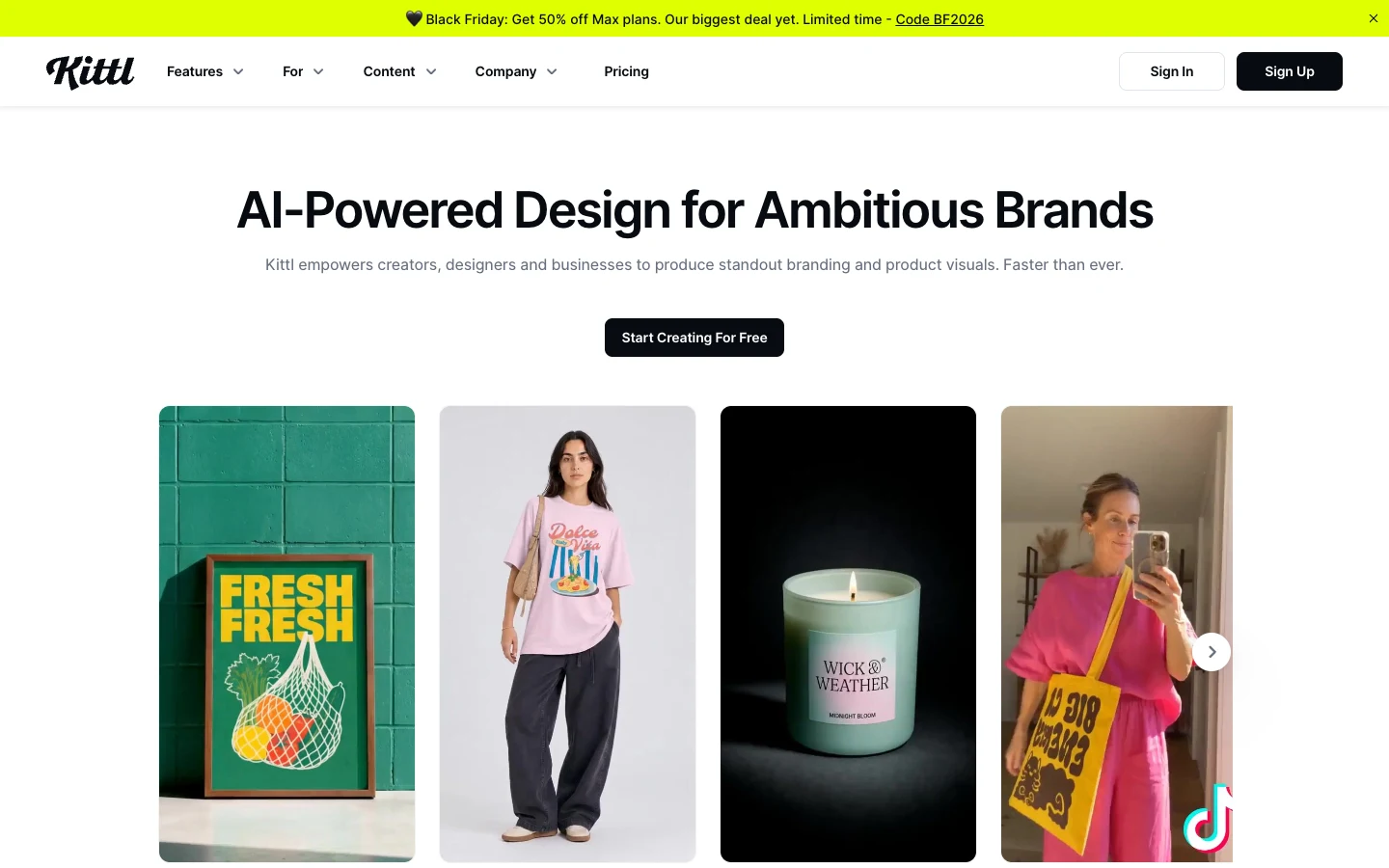
What is Kittl?
Kittl is a browser-based design tool for people with products to sell. Merch makers, Etsy sellers and small brands use it to create product artwork, mockups and marketing visuals on one canvas, combining thousands of templates and curated typefaces with AI image, vector and video generation.
Start from a template built for selling
Templates cover print-on-demand products such as t-shirts, mugs, stickers and posters, plus branding, print and social designs. Print-on-demand templates are sized for Printful, Printify and direct Etsy upload. Text, colors, images and layout can all be changed, and text effects handle lettering-heavy designs.
Generate artwork into the design
AI Mode creates images from a prompt, with a choice of model, proportions and style, and a reference image can guide the subject. Results land on the canvas, where they can be remixed or edited in a selected area. Raster images can also be turned into editable vector paths, cut out from their background or enlarged from low resolution.
Show it on the product and export
Mockups place the design on merchandise and other items for listings and presentations. Export sets the size, resolution and color profile, and several artboards can be downloaded together.
What can Kittl do?
- 01
Edit design typography
Arrange lettering and apply text effects
- 02
Generate vector artwork
Create editable paths or vectorize a raster image
- 03
Prepare source images
Remove backgrounds and enlarge pictures
- 04
Create product mockups
Show the design on merchandise and other items
- 05
Generate branded campaign media
Use shared visual context for images and video
How do I get started with Kittl?
- 1
Choose a design
Open Templates and search by subject or style
- 2
Open the template
Select Use Template and adjust the text, colors and layout
- 3
Set up an image
Open AI Mode, switch to Image and enter a prompt with your chosen model and proportions
- 4
Generate and refine
Press Enter, inspect the result and use Remix or area editing if needed
- 5
Download the design
Open Export, select the artboards and configure the file settings before exporting
What does Kittl work with?
- ChatGPT
- Claude
- TTF
- OTF
- PNG
- JPEG
- SVG
- MP4
- ZIP
Who is Kittl for?
- Merchandise and packaging designers
Create artwork, product mockups and launch graphics
How much does Kittl cost?
- Free plan · 100 one-time AI tokens, 5 projects and 500 MB of storage.
- or $14/editor/mo billed yearlySave 26%
What are Kittl's limitations?
Generation privacy
Images generated on the Free plan are public; privacy requires a paid plan and an explicit private choice
Mobile export size
Mobile-browser exports cannot exceed 4,096 × 4,096 pixels on any plan
Font uploads
Custom font uploads require Pro, Expert or Max
More tools like Kittl
 Figma
Design interfaces and explore working prototypes with product collaborators
 Napkin AI
Turn written explanations into editable diagrams and presentation visuals
 Fotor
Retouch photos and turn them into layouts and generated imagery
 Krea
Explore image and video ideas on a live canvas
 Ideogram
Create illustrated designs with editable lettering for posters and campaigns
 Meshy
Turn descriptions and reference images into editable 3D assets