
Ideogram
Create illustrated designs with editable lettering for posters and campaigns
What is Ideogram?
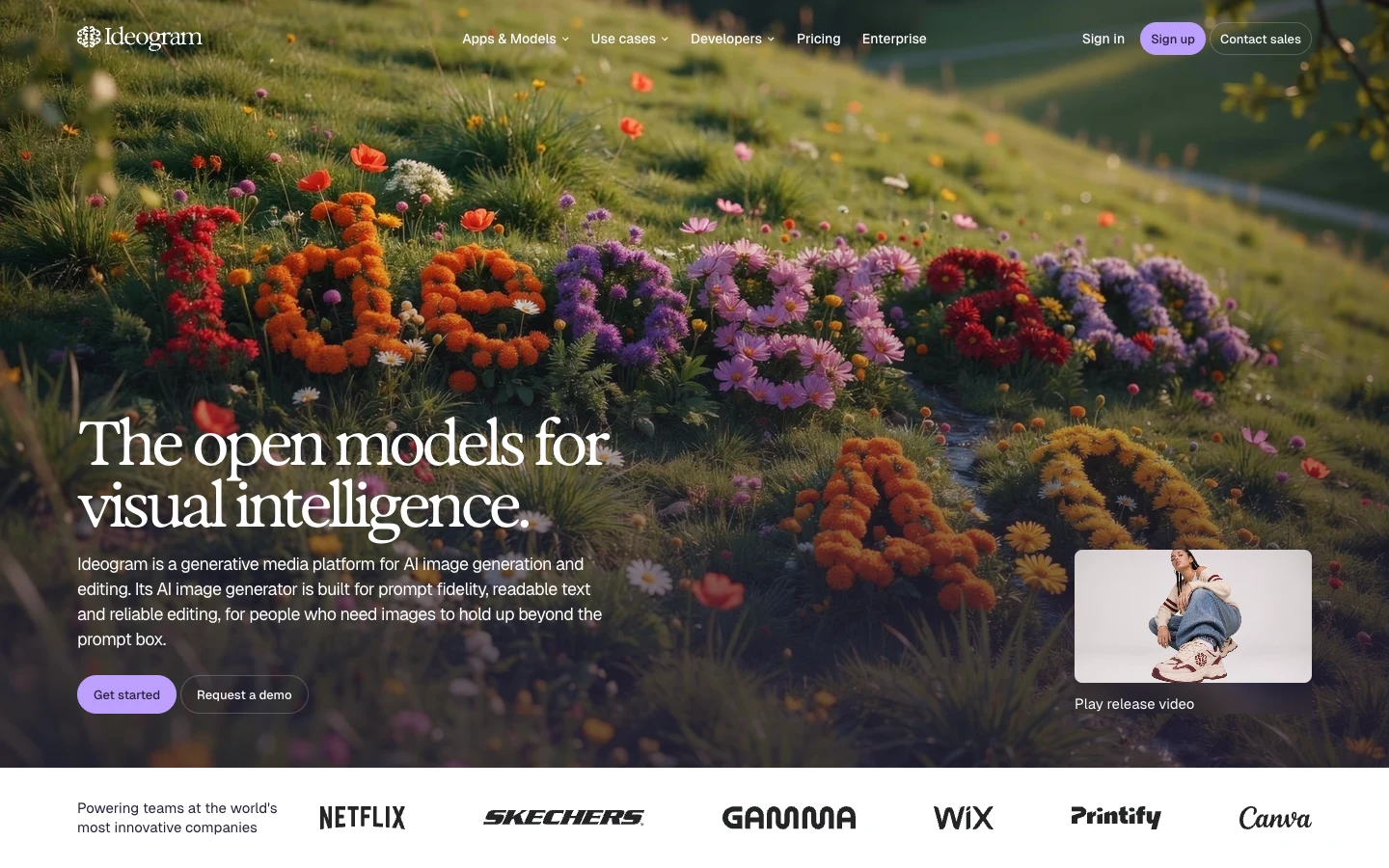
Ideogram is a visual creation platform with image models, editing apps and Studio. Its creative workspace takes a written idea toward a finished asset, with typography and image revision central to the product's design. It also offers separate entry points for software and agent-driven production.
Generate images with readable lettering
Describe the scene or design you need, including the words that should appear in it. Ideogram generates visual alternatives with typography as part of the image. The chosen result can then be revised in Studio, letting a poster, campaign graphic or other asset progress beyond the first generated proposal.
Revise an asset for its destination
Focused editing tools can change a selected area, remove a background, explore colors or adapt an ad to another size. These tasks let you preserve a useful image while preparing variations for different placements. An enlarged download provides a larger delivery file, and grouped exports can retain the prompts and settings used to make the assets.
Use the same service from software
The API provides a common entry point for supported models, including image and video generation. Model selection is a request setting, while authentication and billing stay together. Agent access provides a different route for bringing visual creation into an ongoing coding or assistant conversation.
What can Ideogram do?
- 01
Generate images from prompts
Combine illustrated scenes and lettering in a visual concept
- 02
Edit lettering as text layers
Layerize Text rebuilds detected words with font, color and placement controls
- 03
Adapt the artwork
Remove backgrounds, resize compositions and try color or material changes
- 04
Generate through an API
Add image creation and editing to your own application
How do I get started with Ideogram?
- 1
Sign in at ideogram.ai
Select an account method, choose a username, and complete or skip the onboarding questions
- 2
Describe the image
On Home, choose Image under What will you design?, write a prompt and press Enter
- 3
Choose a result
Open the generated asset from the Image app's Assets tab
- 4
Save the image
Choose Download, select File type and Size, then confirm the download
What does Ideogram work with?
- Claude
- Cursor
- JPEG
- PNG
- WEBP
- MP4
- ZIP
- CSV
Who is Ideogram for?
- Graphic designers
Revise event details or personalized lettering in posters and merchandise artwork
How much does Ideogram cost?
- Free plan · 30 credits each week with Google, Apple or Microsoft sign-in; email-only accounts receive no free credits.
- or $15/mo billed yearlySave 25%
What are Ideogram's limitations?
Fixed username
The username chosen during signup cannot be changed, including by support
Free image downloads
Original-size JPEG is available; PNG and WEBP need a plan except transparent images at 1K PNG
Library selection
Bulk selections are capped at 250 items; some subscribed collection views allow more
iOS collection downloads
Collection ZIP downloads require the web app
Ideogram FAQ
Are free generations private?
No. Free-plan images are public. New images on Plus, Pro, Team and Enterprise stay private unless their creator publishes them.
More tools like Ideogram
 Photoroom
Turn product photos into listing images and ads for online stores
 Upscayl
Enlarge photos and illustrations on your desktop
 Pixelcut
Turn product photos into listing imagery and campaign media
 remove.bg
Cut photo subjects out and prepare new backgrounds in bulk
 Topaz Photo
Restore detail and prepare larger photographs for delivery or print
 VanceAI
Enhance photos, restore damaged images and improve video footage