
Photoroom
Turn product photos into listing images and ads for online stores
What is Photoroom?
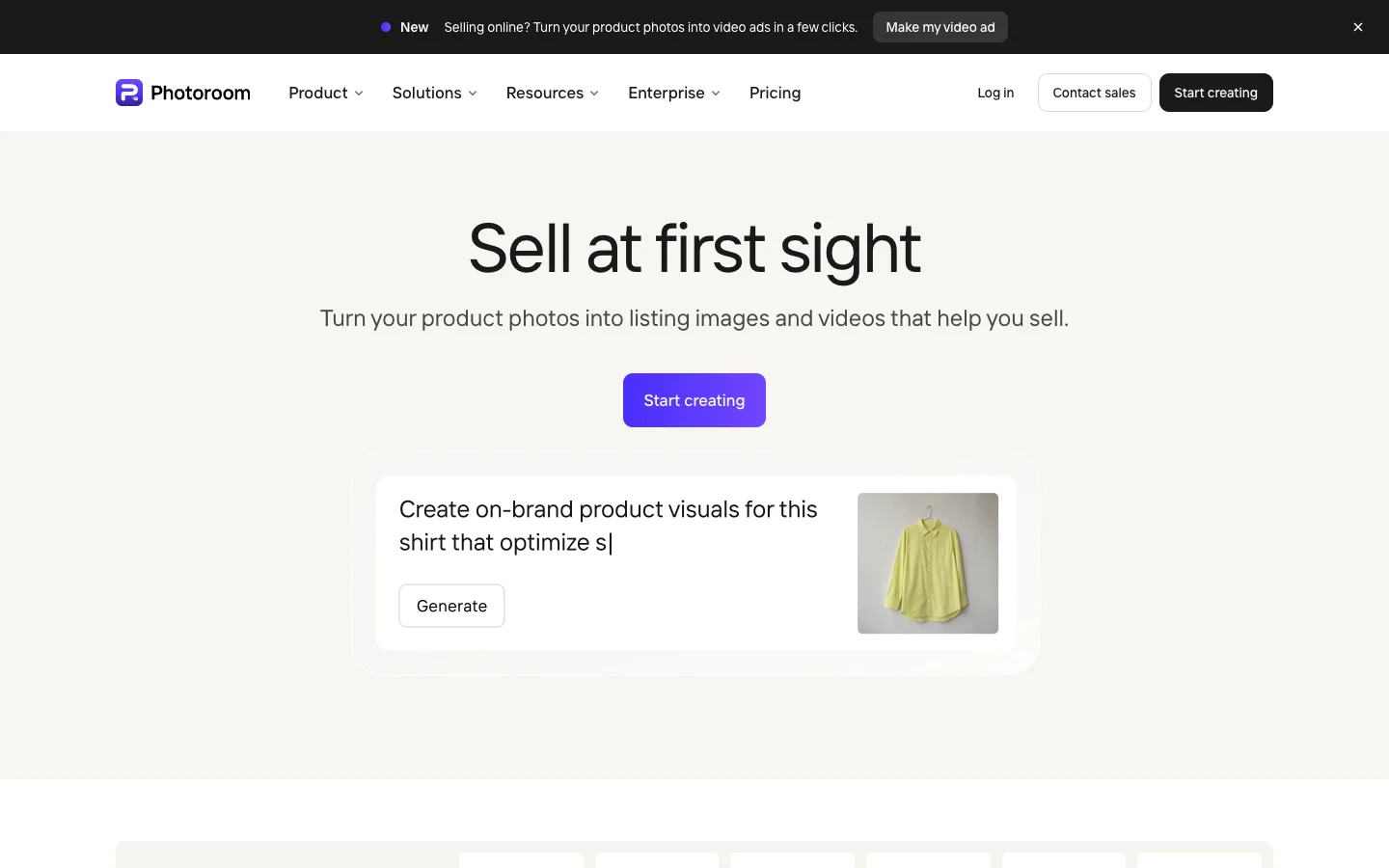
Photoroom is an AI photo editor for online sellers and brands preparing product listings and ads. It isolates the item in a source photo, then helps change its background, lighting and presentation while keeping the product at the center of the design.
Start with the product's cutout
A plain listing photo begins by separating the foreground item from its original setting. The cutout remains editable: areas can be added or removed when the initial boundary needs adjustment. Selecting the item exposes its layer settings, where its position and appearance can be changed before the final composition is saved.
Explore a different setting
AI Backgrounds offers a separate route when a plain backdrop is not the desired result. It can begin from an uploaded photo or an image already in the account, then use a written or visual prompt to explore the surroundings. Model selection and new generations provide alternatives to the first pair of results. A chosen version can continue into the editor for further changes.
Prepare a catalog or campaign
Batch editing applies a common treatment across a collection of product photos, helping a catalog use consistent framing and backgrounds. Product video tools take those photographs into moving ads with actors, music and narration. Individual designs stay in a Space for later revisions, while downloaded images become the files used in listings and promotions.
What can Photoroom do?
- 01
Remove photo backgrounds
Isolate the item on transparent, white or colored backdrops
- 02
Stage products in new scenes
Change setting, position and lighting, including people holding or wearing the item
- 03
Add product shadows
Choose soft, hard or floating shadows to give a cutout depth
- 04
Edit a catalog in batches
Apply the same cleanup and framing settings to a group of photos
- 05
Create product video ads
Combine item photos with actors, music and narration
How do I get started with Photoroom?
- 1
Open the web app
Sign in at app.photoroom.com, select a Space and choose Create
- 2
Add the product photo
Click Select photos and let Photoroom remove the original background
- 3
Set the white backdrop
Open Templates > Classics > White, then refine the item with Edit Cutout if needed
- 4
Save the result
Click Download, choose the file type and confirm; select Home to save the editable design
What does Photoroom work with?
- JPEG
- PNG
- WEBP
- AVIF
- JPEG
- PNG
- WEBP
- AVIF
Who is Photoroom for?
- Marketplace sellers
Prepare a matching set of listing photos for a new collection
- Commerce app engineers
Add product-image processing to a seller dashboard
How much does Photoroom cost?
- Free plan · 100 exports per month for personal, non-commercial use.
- or $7.50/mo billed yearlySave 42%
What are Photoroom's limitations?
Web image uploads
HEIF/HEIC, BMP, GIF and TIFF are unsupported
AVIF download
Requires a browser that can encode AV1 with WebCodecs; Safari and Firefox do not show the option
AI Backgrounds on web
Accepts one prompt at a time
Photoroom FAQ
Does an app plan include API usage?
No. API use requires a separately billed API plan; an account can hold both subscriptions.
More tools like Photoroom
 Fotor
Retouch photos and turn them into layouts and generated imagery
 TatSketchFeatured
Turn text prompts into custom tattoo concepts
 Recraft
Create illustrations and editable vector assets for design projects
 Krea
Explore image and video ideas on a live canvas
 Ideogram
Create illustrated designs with editable lettering for posters and campaigns
 Upscayl
Enlarge photos and illustrations on your desktop