
remove.bg
Cut photo subjects out and prepare new backgrounds in bulk
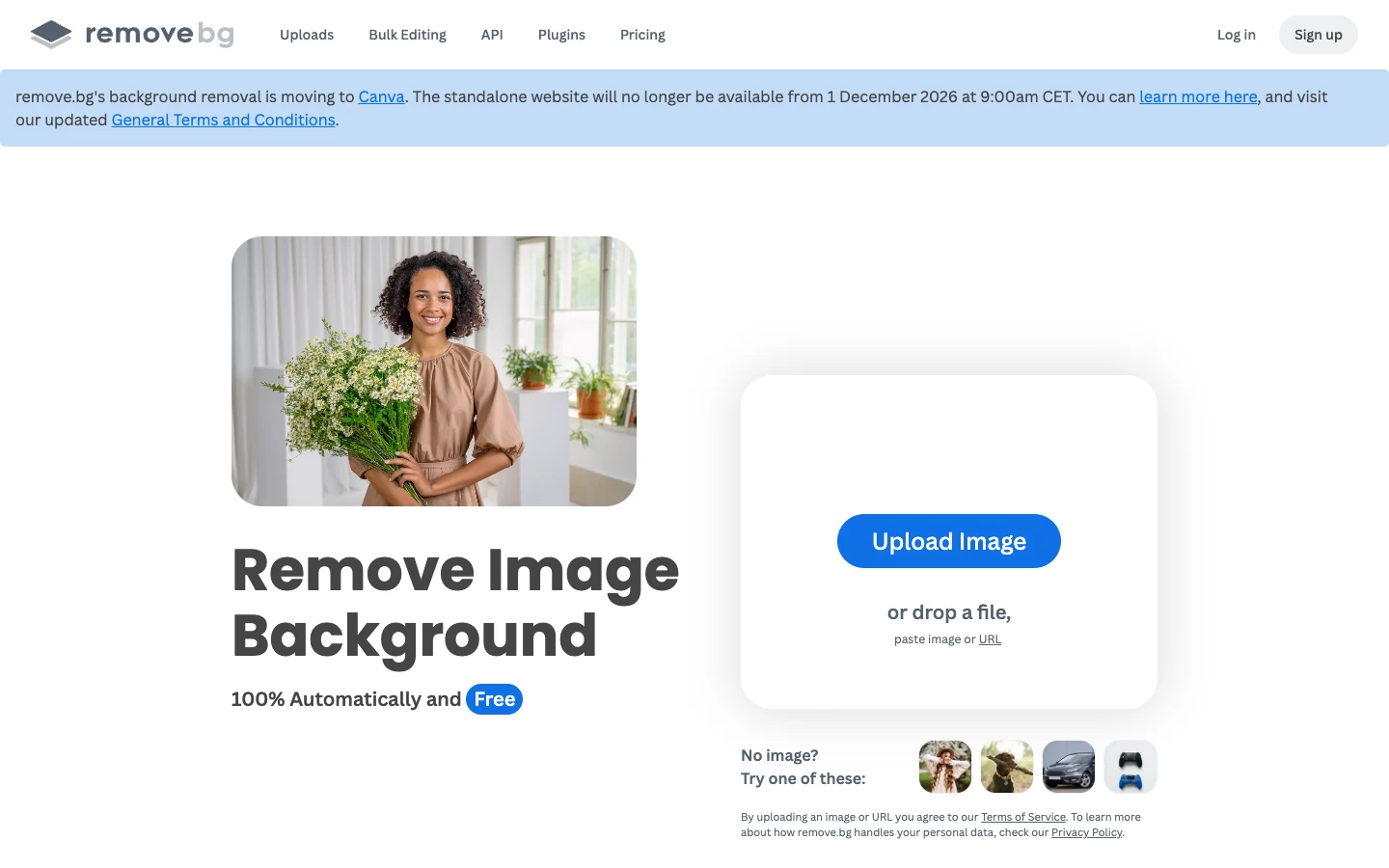
What is remove.bg?
remove.bg separates a photographed subject from its setting, then lets that cutout continue into a different composition. A transparent cutout can be reused in a product listing, design or another photograph, without retaining the original background.
Choose the surroundings after isolating the subject
The editor provides photographic backdrops and plain colors as different starting points. A scene can supply a location or mood, while a color creates a simpler background. An exact brand color can provide a consistent backdrop across several images.
A supplied background photo offers another option. It can be uploaded after the original backdrop has been removed, combining the foreground with a separate image from your own collection. The result remains available for download and further editing in another application.
Reuse a product-photo treatment
The product photo editor adds a choice of shadow strength, including no shadow. A background and shadow combination can be saved as a preset, then selected in the desktop app to apply the same treatment across multiple pictures.
API processing accepts either uploaded images or image URLs. This lets software prepare cutouts from source images as part of its own production process. The API is scheduled to move to Leonardo.Ai beginning December 1, 2026.
What can remove.bg do?
- 01
Remove a photo background
Isolate the subject automatically
- 02
Export transparent PNGs
Take a cutout into another composition
- 03
Replace the backdrop
Choose white or generate surroundings without a prompt
- 04
Process image collections
Apply removal in bulk
How do I get started with remove.bg?
- 1
Upload the photo
Open remove.bg and drag your image into the upload area
- 2
Set the background
Review the cutout, then use Edit to choose a photo, a color, or your own background image
- 3
Save the result
Use Download to save the finished image for your next composition
What does remove.bg work with?
- Figma
- Adobe Photoshop
- Zapier
- JPEG
- PNG
- WEBP
- PNG
- JPEG
- WEBP
- ZIP
Who is remove.bg for?
- Catalog and layout image editors
Isolate photographed subjects for reuse on new backgrounds
How much does remove.bg cost?
- Free plan · Basic editing, plus 1 credit to try AI editing.
What are remove.bg's limitations?
remove.bg announced that its standalone website moves to Canva starting December 1, 2026.
Image uploads
The file-size ceiling is 22 MB
Resolution
Input and output support up to 50 megapixels; larger images are resized automatically
API PNG output
PNG is limited to ten megapixels; larger transparent results require WebP or ZIP
API ZIP output
The color image and transparency mask must be combined to produce the final transparent image
remove.bg FAQ
Can I choose whether an image contributes to improvements?
Yes. The optional improvement program provides a choice to contribute the image or decline.
More tools like remove.bg
 Fotor
Retouch photos and turn them into layouts and generated imagery
 TatSketchFeatured
Turn text prompts into custom tattoo concepts
 Recraft
Create illustrations and editable vector assets for design projects
 Krea
Explore image and video ideas on a live canvas
 Ideogram
Create illustrated designs with editable lettering for posters and campaigns
 Upscayl
Enlarge photos and illustrations on your desktop