Best AI Graphic Design Tools
Compare layout editors and prompt-based tools for design work.
Updated Nov 25, 2026
Turn text prompts into custom tattoo concepts

Create illustrations and editable vector assets for design projects
Create a logo and matching brand material for a new business
Build interactive 3D scenes for websites and applications

Design interfaces and explore working prototypes with product collaborators

Turn written explanations into editable diagrams and presentation visuals

Retouch photos and turn them into layouts and generated imagery

Design merchandise artwork, product mockups and related brand assets
Related categories
What is an AI graphic design tool?
An AI graphic design tool turns a brief, a template or a pasted passage into logos, layouts, vector artwork or diagrams you can keep editing. The tools here cover brand identities, product artwork, interface screens and 3D scenes, each on its own canvas.
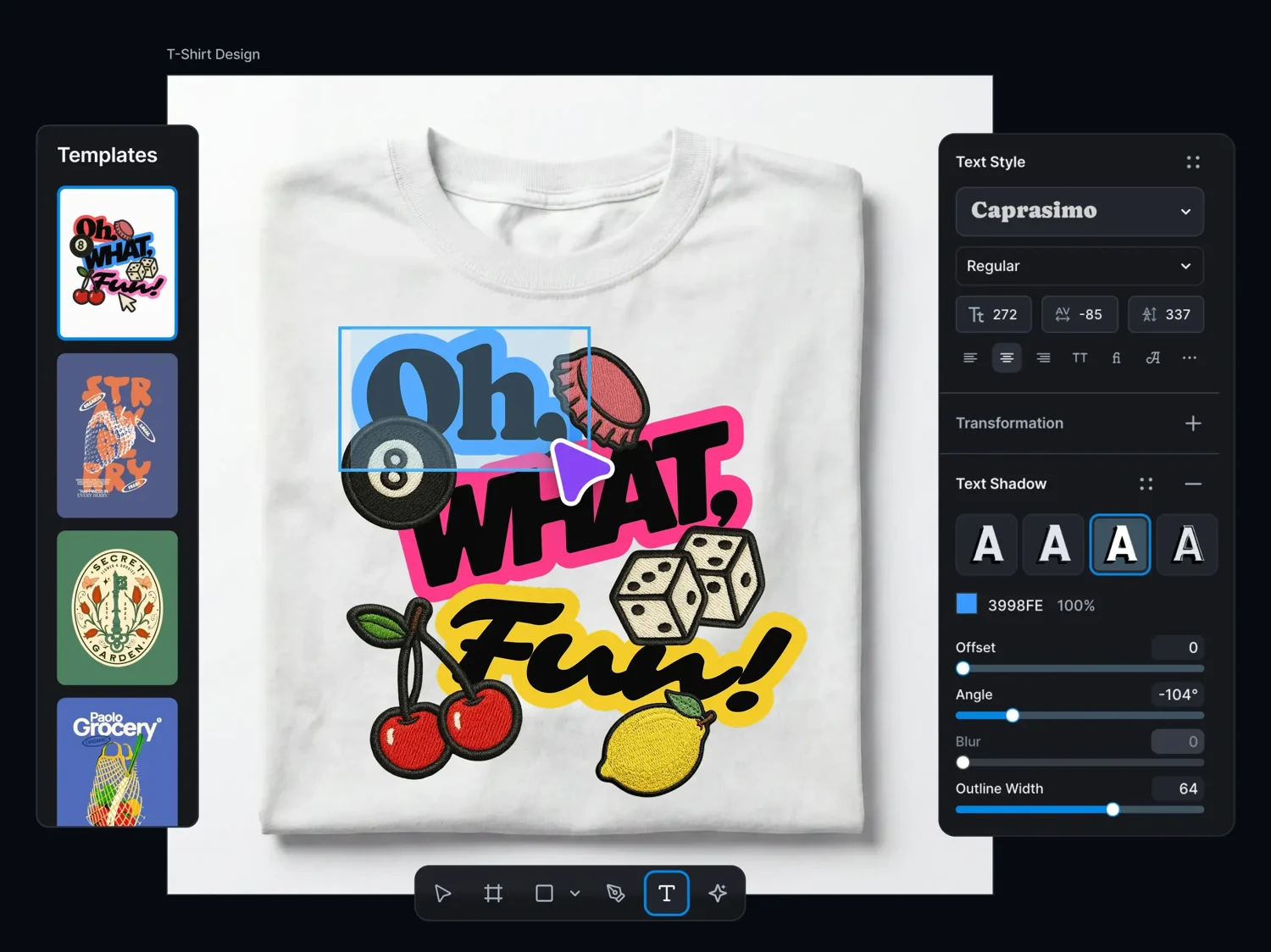
What to look for in an AI graphic design tool
- 01
Design type
Looka makes logos and matching brand kits, Napkin AI turns pasted text into diagrams, and Spline builds interactive 3D scenes for websites.
- 02
Editable vectors
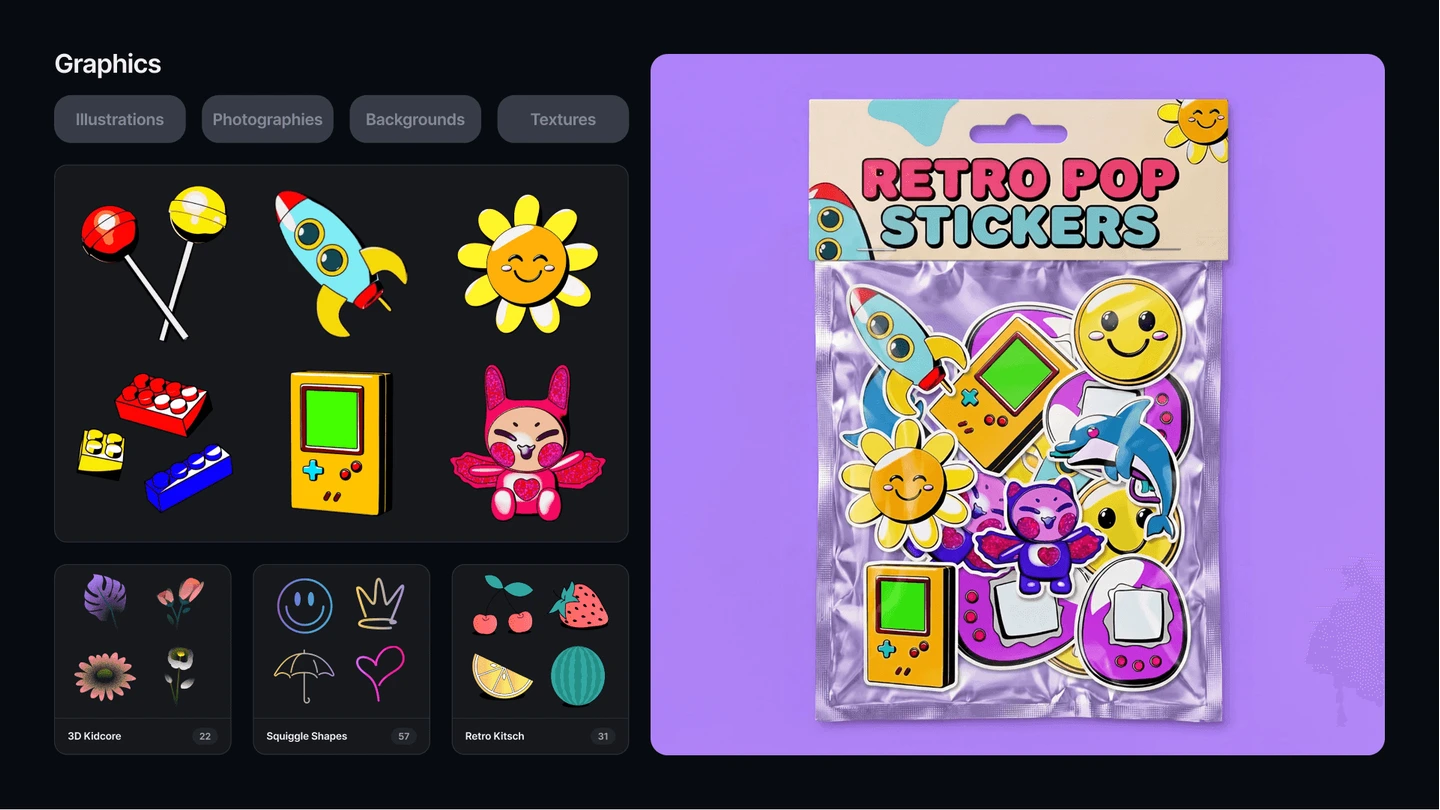
Recraft generates vector artwork that stays editable as paths, and Kittl converts a raster image into vector paths.
- 03
Prompt-based edits
Figma agents revise a selected design from a written prompt, and follow the components, styles and variables already in your file.
- 04
Fonts and lettering
Kittl applies text effects to lettering but needs a paid plan for font uploads; Fotor accepts them in Design and Collage, not Photo Editor.
- 05
Product mockups
Looka previews a logo on shirts and business cards before you buy, and Kittl places artwork on merchandise for listings.
- 06
Export formats
Napkin AI saves PNG, SVG, PDF or PowerPoint, and Figma exports FIG, PNG, JPEG, SVG or PDF.
- 07
Code handoff
Spline exports React and Vanilla JS for the web, and Figma connects to Claude Code, Cursor and VS Code.
Which AI graphic design tool fits your work
Merchandise designers
Turn lettering into artwork and preview it on a T-shirt.
KittlNew-business owners
Pick a logo and prepare matching launch materials.
LookaProduct interface designers
Compare screen directions and revise the chosen one.
FigmaExplanatory-content authors
Turn process notes into flowcharts or mind maps for a report or deck.
Napkin AIHow does an AI graphic design tool work?
Kittl and Figma take a design from a starting canvas to an exported file in three steps.
- 01
Choose style
InputA prompt or a templateOutputA starting design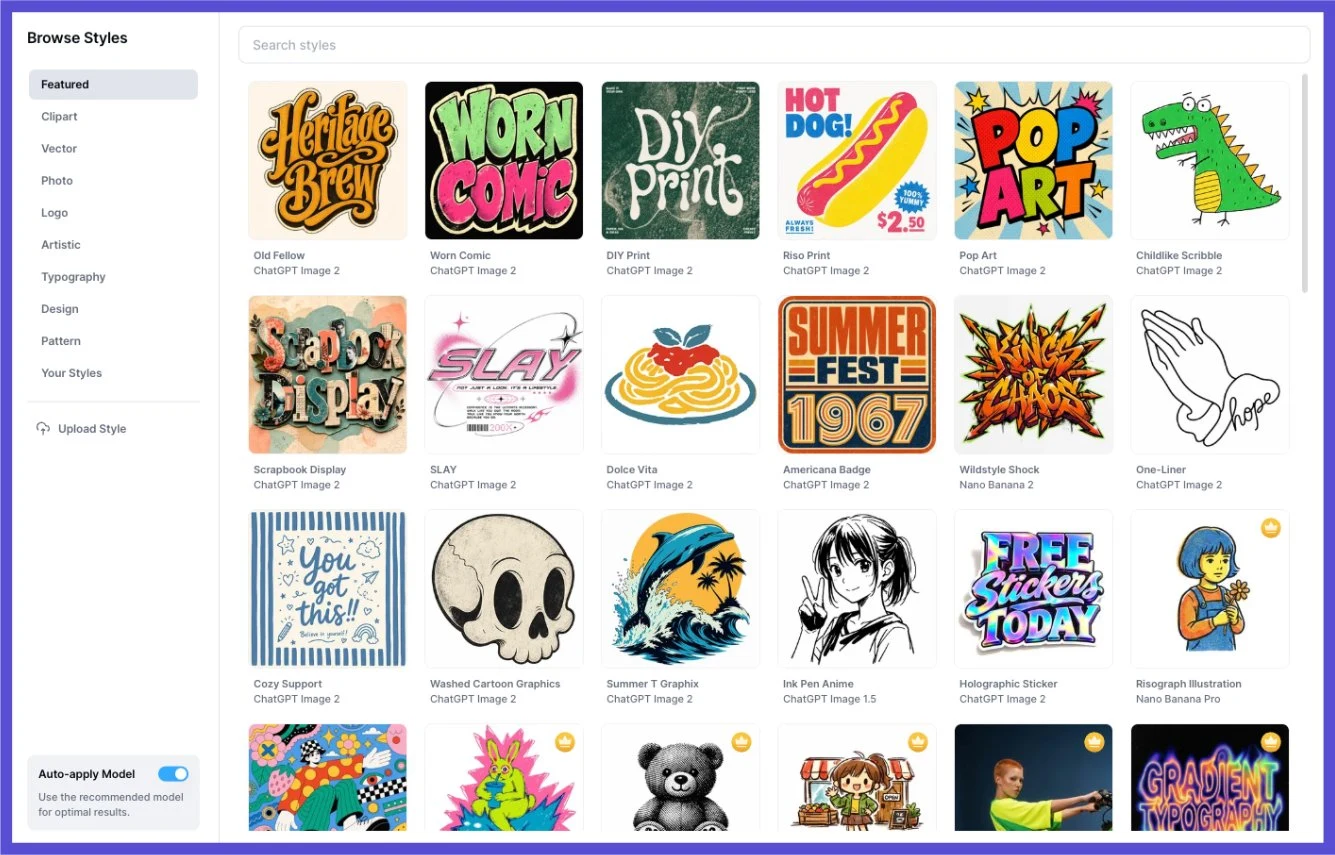 Browsing image styles in Kittl
- 02
Edit
InputText, images and layout, or a promptOutputA revised design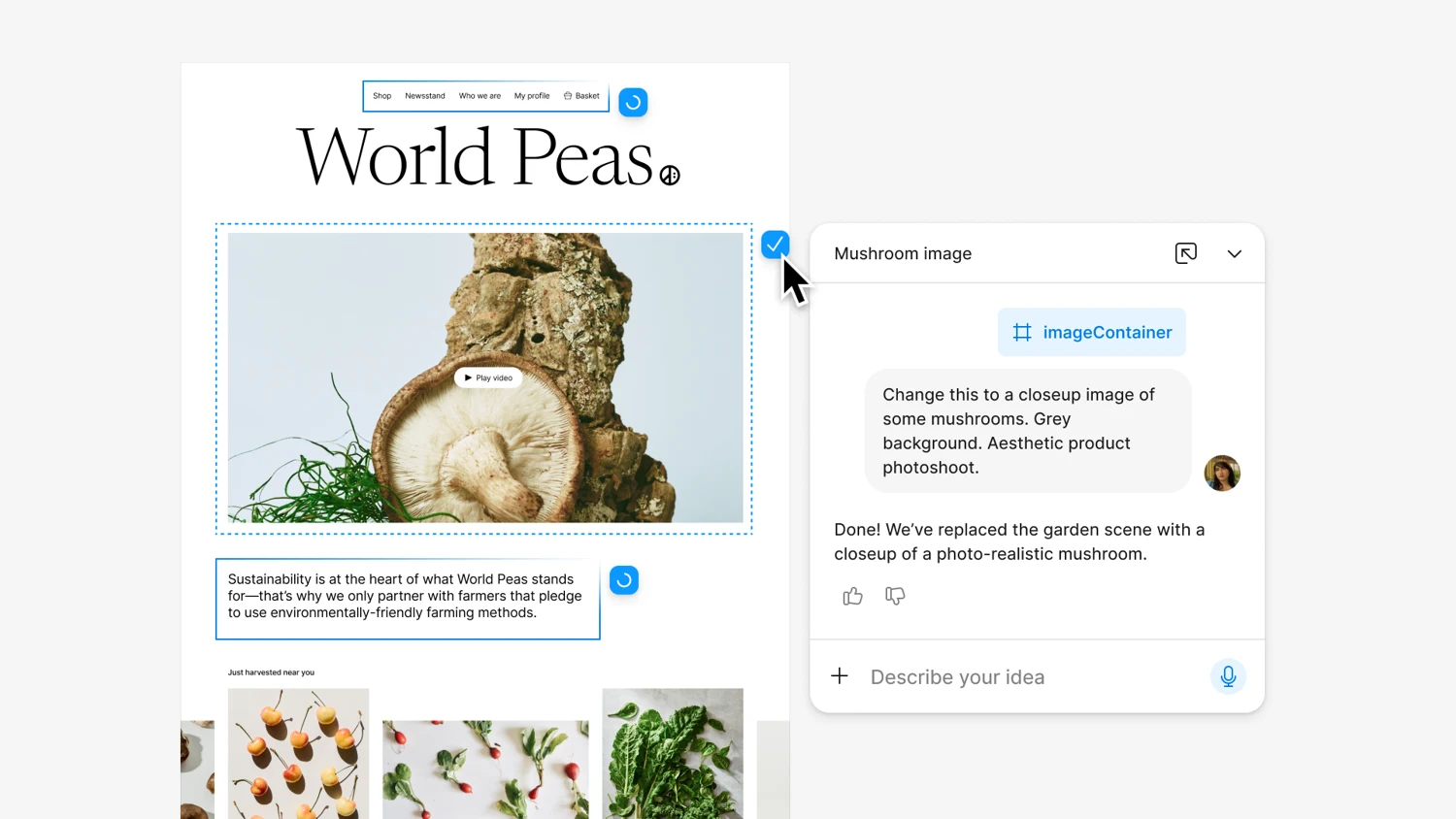 A prompt replacing a layout image in Figma
- 03
Export
InputSelected frames or artboardsOutputPNG, SVG or PDF files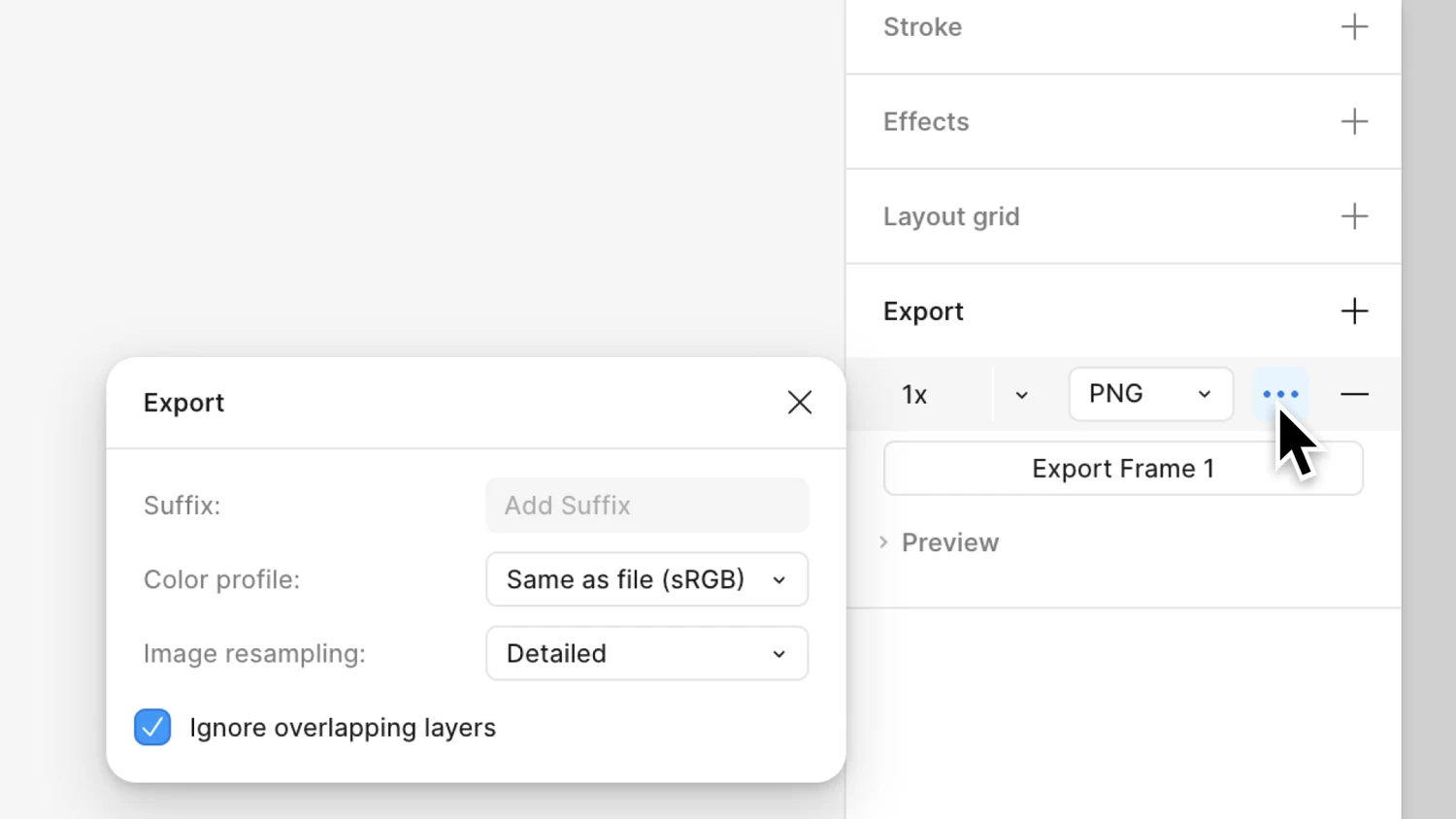 Export settings for a frame in Figma
Frequently asked questions
Are there free AI graphic design tools?
Yes. 7 listed AI graphic design tools offer a free plan, including TatSketch, Recraft, Spline. Use the Pricing filter to compare free, freemium, and paid options.
Which AI graphic design tools have an iOS app?
2 have an iOS app, including Figma, Fotor. Use the Platform filter to check other platforms.
How are these tools ranked?
Recommended order shows matching Pro listings first, then Basic, then free and editorial listings. Listings within each group are ordered by publication date. You can also sort by newest or by name.