Best AI Image Upscalers & Enhancers
Discover AI upscalers that enlarge images and restore detail.
Updated Nov 24, 2026

Enlarge photos and illustrations on your desktop

Restore detail and prepare larger photographs for delivery or print

Enhance photos, restore damaged images and improve video footage

Retouch photos and turn them into layouts and generated imagery
Related categories
What is an AI image enhancer?
An AI image enhancer takes a small, noisy or soft picture and returns a larger, cleaner version of the same image. The tools here are desktop apps, browser editors and editor plugins, and they differ in whether they only enlarge or also repair.
What to look for in an AI image enhancer
- 01
Enlarge or repair
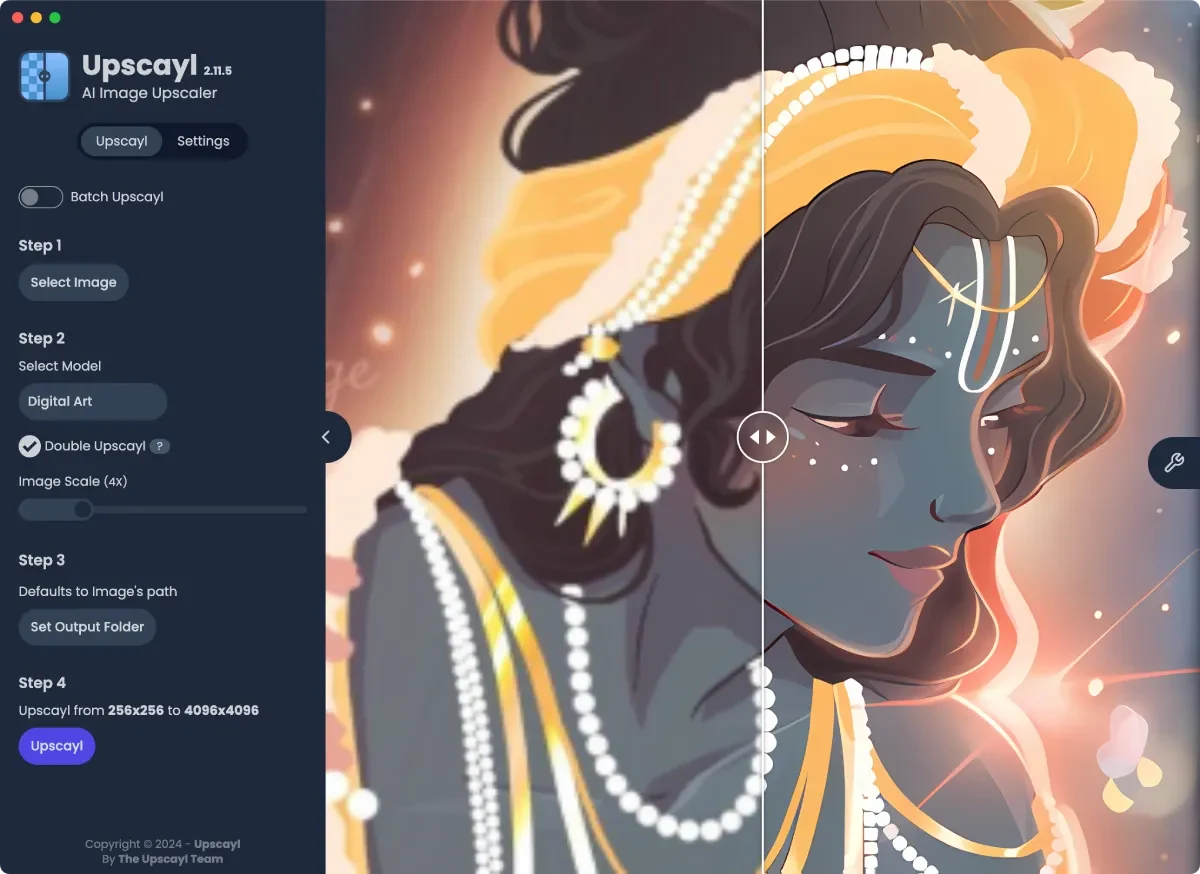
Upscayl only enlarges and does not deblur, while Topaz Photo also reduces noise and blur, restores faces and repairs dust and scratches.
- 02
Local or browser
Upscayl is open source and runs offline but needs a Vulkan-compatible graphics card; VanceAI and Fotor offer browser editors.
- 03
Model choice
Fotor offers Standard, Advanced and two Topaz upscaling models, and Upscayl can load custom models.
- 04
Editor plugins
Topaz Photo works inside Lightroom Classic, Photoshop and Capture One, then returns the enhanced photo to the host editor for the rest of your edit.
- 05
Old photos and video
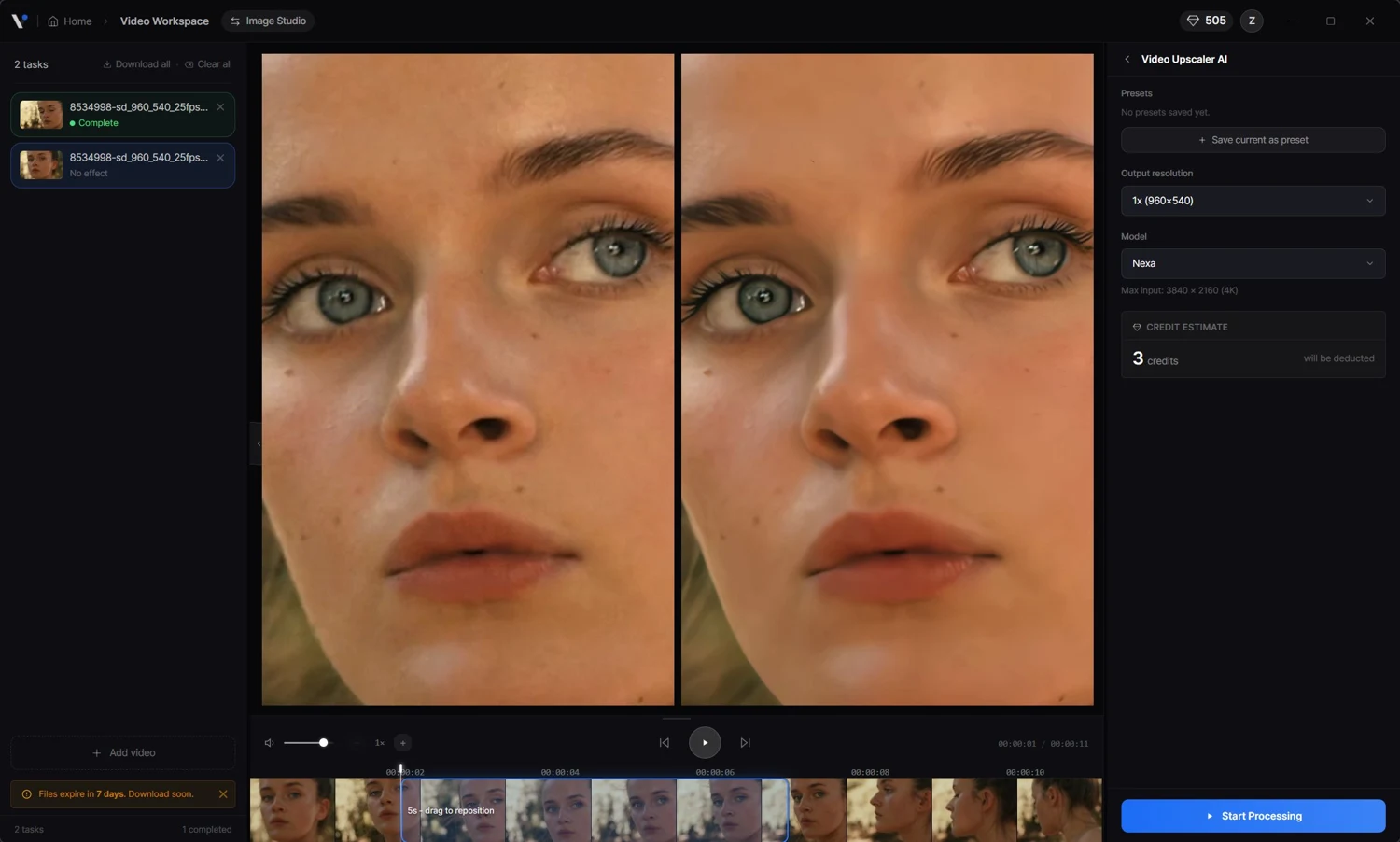
VanceAI restores scratched prints, colorizes monochrome images and upscales video footage, and Fotor repairs and colorizes older photographs.
- 06
Output formats
Topaz Photo saves JPEG, PNG, TIFF or DNG for further editing, while Upscayl writes PNG, JPEG or WEBP.
Which AI image enhancer fits your work
Print-layout designers
Enlarge small illustrations before placing them in a layout.
UpscaylPhoto finishers
Rescue low-light or soft-focus shots before delivery.
Topaz PhotoPhoto-archive operators
Restore damaged and faded prints.
VanceAIProduct-photo editors
Enhance a set of images for an online catalog.
FotorHow does an AI image enhancer work?
Upscayl, Topaz Photo, Fotor and VanceAI all run these four steps on a single photo.
- 01
Import
InputA JPG, PNG or WEBP photoOutputA source image in the editor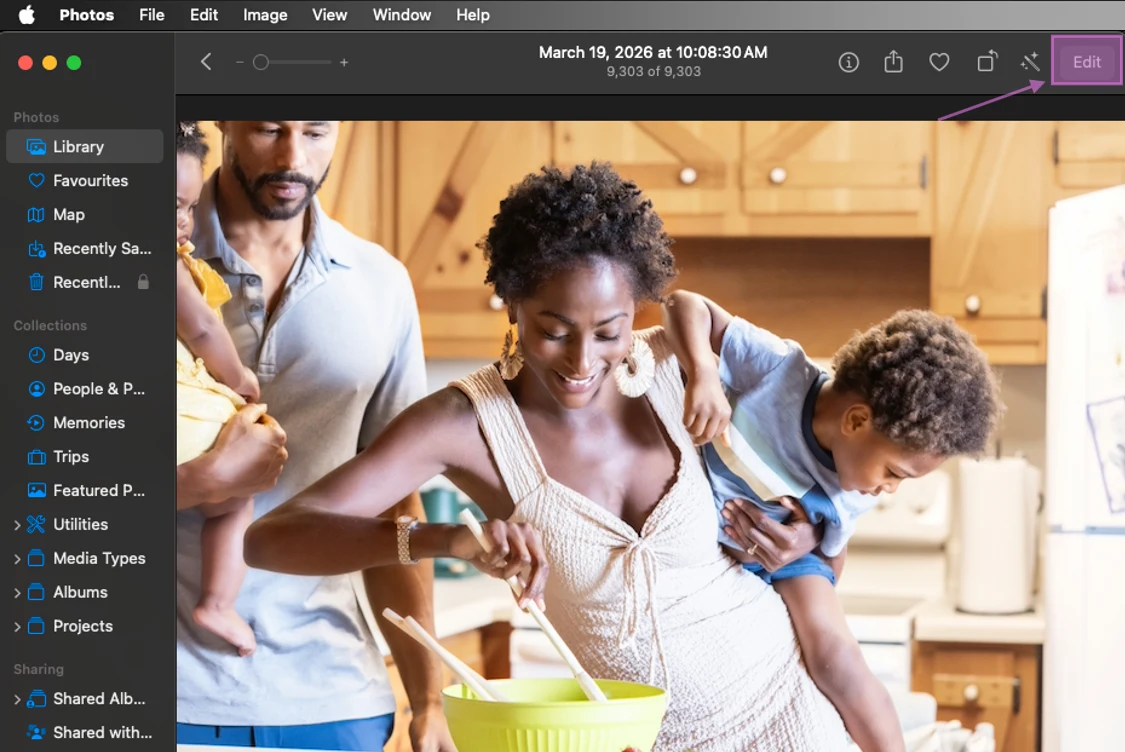 A photo opened in Apple Photos, ready to edit with Topaz Photo
- 02
Choose model
InputA scale factor and modelOutputEnhancement settings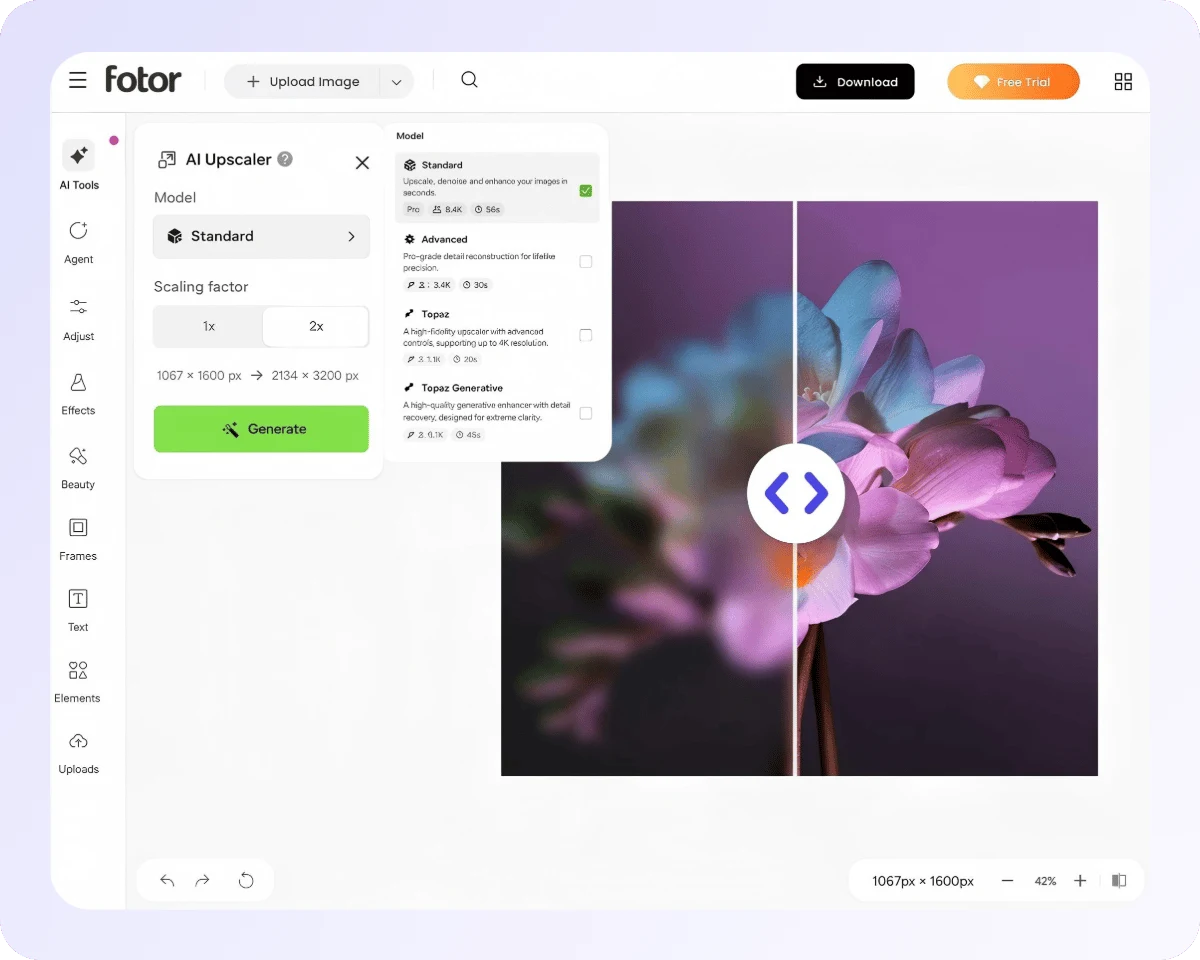 Upscaling models and scale factor in Fotor
- 03
Compare
InputThe processed previewOutputA side-by-side check against the original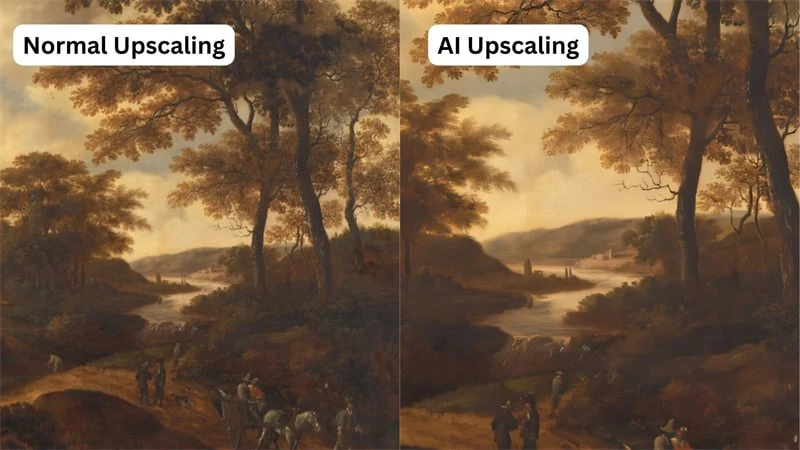 Normal and AI upscaling of a painting in VanceAI
- 04
Export
InputThe approved resultOutputA PNG, JPEG or TIFF file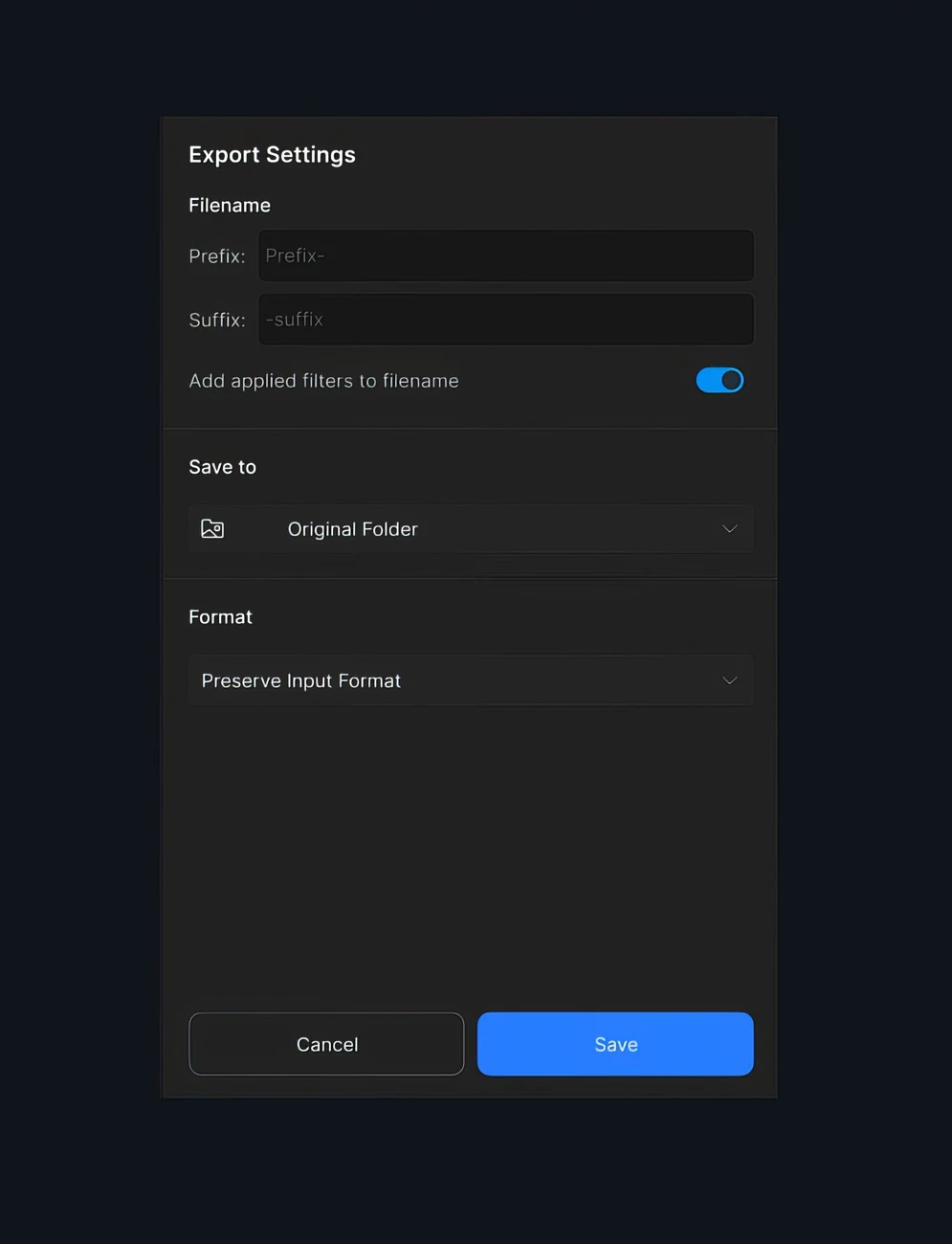 Export settings for filename, folder and format in Topaz Photo
Frequently asked questions
Are there free AI image upscalers & enhancers?
Yes. 3 listed AI image upscalers & enhancers offer a free plan, including Upscayl, VanceAI, Fotor. Use the Pricing filter to compare free, freemium, and paid options.
Which AI image upscalers & enhancers have an iOS app?
Fotor has an iOS app. Use the Platform filter to check other platforms.
How are these tools ranked?
Recommended order shows matching Pro listings first, then Basic, then free and editorial listings. Listings within each group are ordered by publication date. You can also sort by newest or by name.