Best AI Photo Editors
Compare AI photo editors for retouching, cutouts and product photos.
Updated Nov 24, 2026

Turn product photos into listing images and ads for online stores

Turn product photos into listing imagery and campaign media

Cut photo subjects out and prepare new backgrounds in bulk

Restore detail and prepare larger photographs for delivery or print

Enhance photos, restore damaged images and improve video footage

Retouch photos and turn them into layouts and generated imagery
Related categories
What is an AI photo editor?
An AI photo editor changes what is in a picture, such as the background, lighting or unwanted objects, and returns a cleaned-up image ready to publish. The tools here cover cutouts and product scenes, portrait retouching and detail repair.
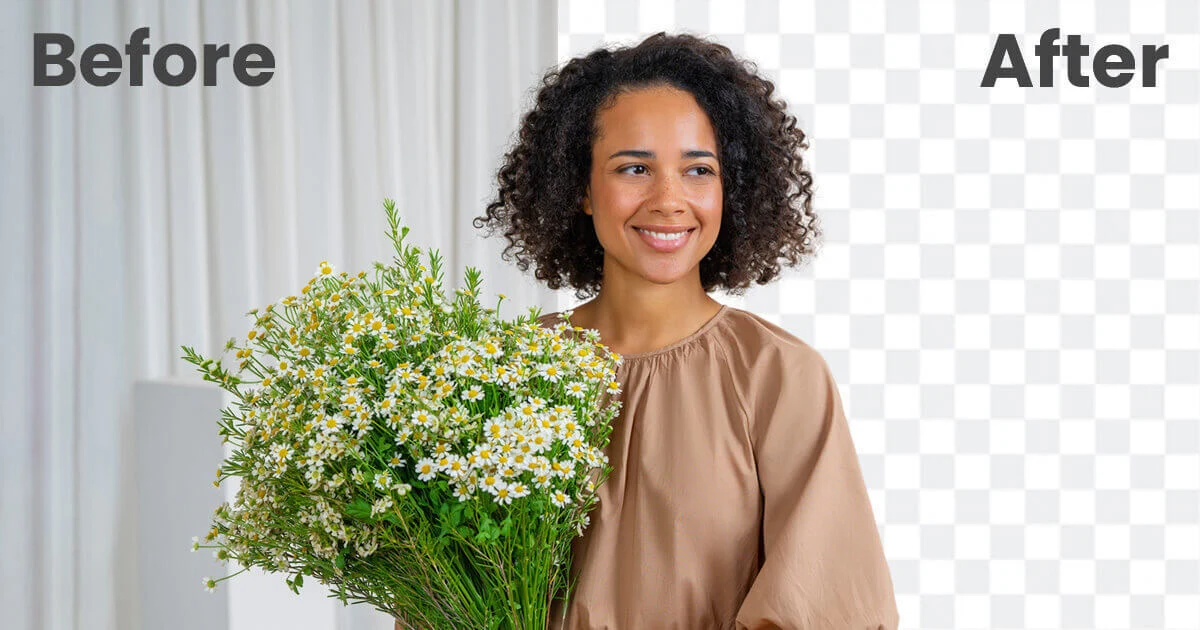

What to look for in an AI photo editor
- 01
Cutout touch-up
Photoroom lets you add or remove areas of a cutout, and Pixelcut offers erase and restore brushes.
- 02
Backdrops and shadows
Photoroom adds soft, hard or floating shadows, and remove.bg saves a background and shadow combination as a preset.
- 03
Batch editing
Pixelcut applies sizes, padding and backgrounds across a set of product photos, though its batch editor only changes backgrounds and upscales.
- 04
Retouch and repair
Fotor retouches portraits and removes unwanted objects, and Topaz Photo clears grain, dust and scratches from older pictures.
- 05
Upload formats
Photoroom on the web rejects HEIC, BMP, GIF and TIFF uploads, while Fotor accepts HEIC and HEIF phone photos.
- 06
Size limits
remove.bg accepts files up to 22 MB, and Pixelcut caps background-remover uploads at 50 MB or 6000 by 6000 pixels.
- 07
Plugins and API
remove.bg connects to Figma, Photoshop and Zapier, and Topaz Photo runs inside Lightroom Classic and Photoshop.
Which AI photo editor fits your work
Marketplace sellers
Prepare a matching set of listing photos for a new collection.
PhotoroomPhoto finishers
Prepare low-light or soft-focus shots for delivery.
Topaz PhotoLayout image editors
Isolate photographed subjects for reuse on new backgrounds.
remove.bgPhoto-album makers
Restore older pictures and combine them in layouts.
FotorHow does an AI photo editor work?
Photoroom, Fotor and remove.bg all follow this upload, edit and download path.
- 01
Import
InputA JPG, PNG or WEBP photoOutputA photo loaded in the editor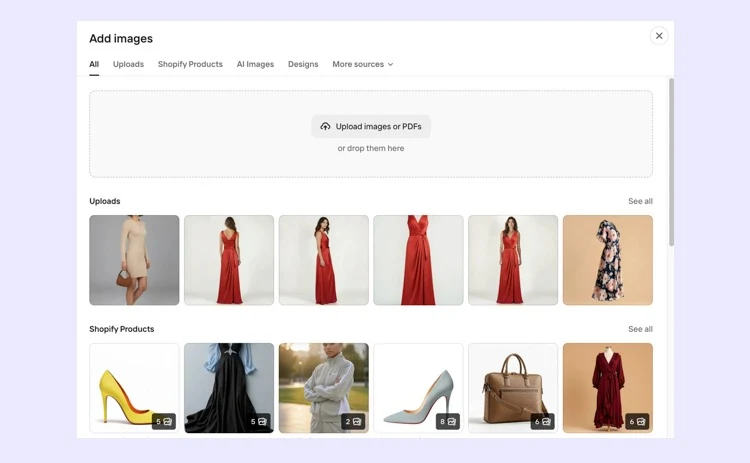 Choosing from uploads and Shopify products in Photoroom
- 02
Edit
InputA prompt, brush or one-click toolOutputA new background or retouched area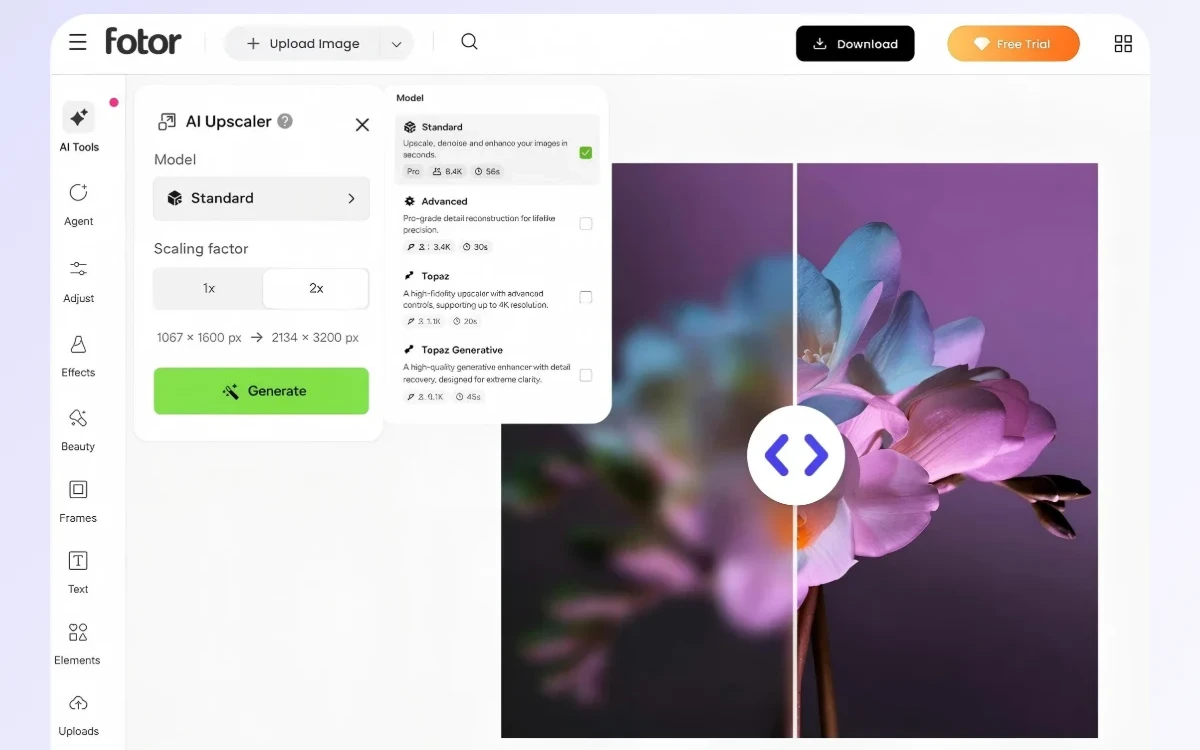 An AI upscaler with before-and-after comparison in Fotor
- 03
Save
InputThe edited image beside the originalOutputA downloaded image file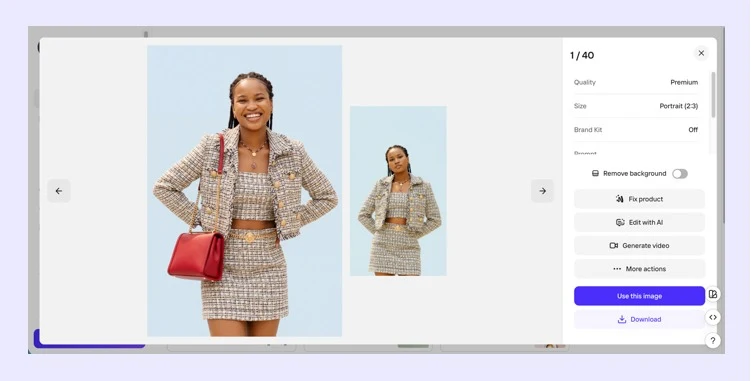 An edit beside the original, with Download, in Photoroom
Frequently asked questions
Are there free AI photo editors?
Yes. 5 listed AI photo editors offer a free plan, including Photoroom, Pixelcut, remove.bg. Use the Pricing filter to compare free, freemium, and paid options.
Which AI photo editors have an iOS app?
3 have an iOS app, including Photoroom, Pixelcut, Fotor. Use the Platform filter to check other platforms.
How are these tools ranked?
Recommended order shows matching Pro listings first, then Basic, then free and editorial listings. Listings within each group are ordered by publication date. You can also sort by newest or by name.