
Grammarly
Revise grammar, clarity and tone while you write
What is Grammarly?
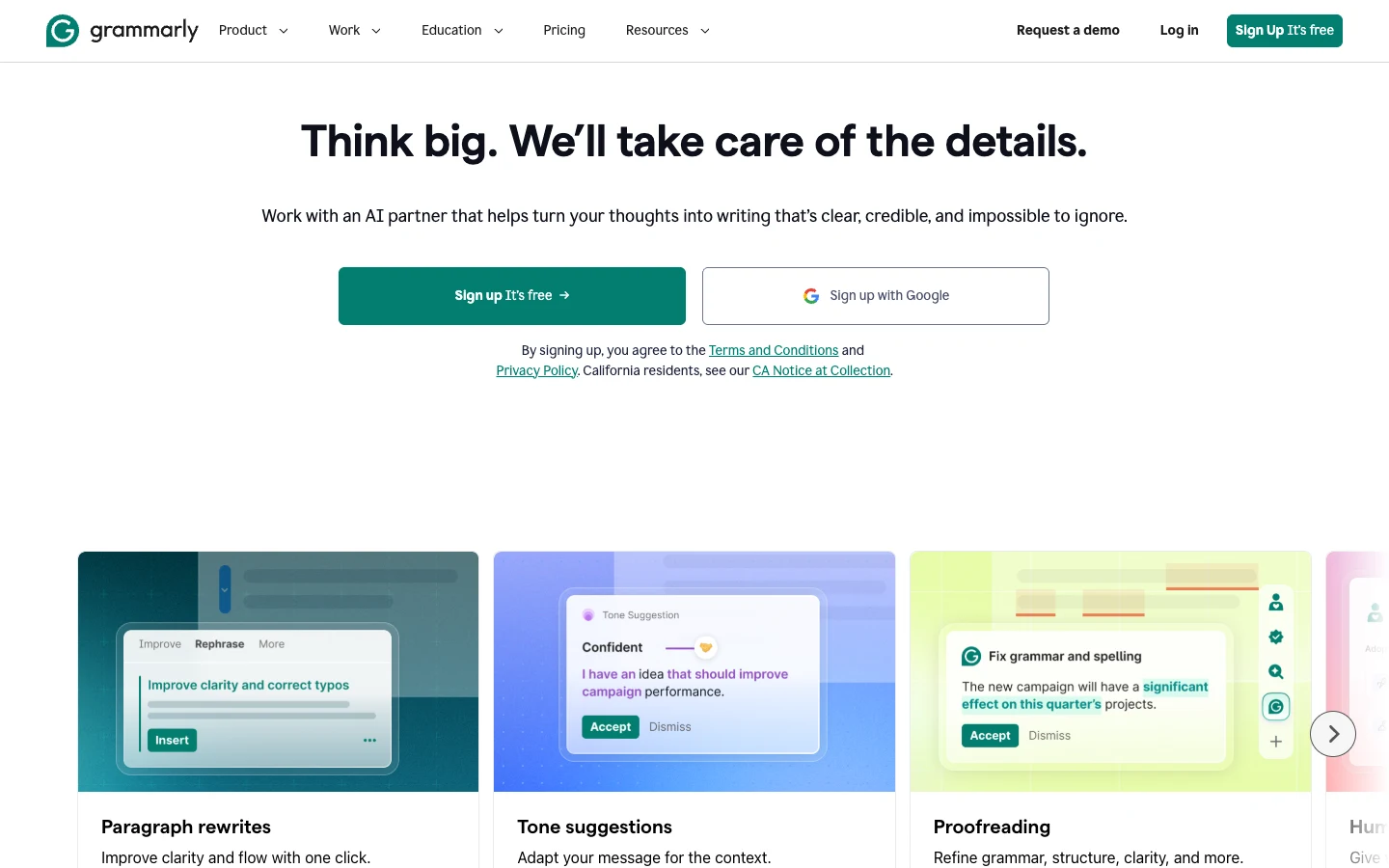
Grammarly is a writing assistant that works with the text of a message or document as it is being composed. It offers its own browser editor as well as software that brings suggestions into other writing environments. The account connects these entry points with the writer's preferences.
Revise a document where you write
The browser-based Grammarly Editor provides a place to draft and revise a document. Desktop software brings assistance into other applications and websites, helping with messages and documents where they are already being composed. Review the suggested changes in context and keep the wording that fits the intended meaning.
Make the message clear for its reader
Feedback distinguishes correctness from clarity, engagement and delivery. A revision can fix a language error, make a sentence more concise or adjust how it addresses its audience. Organizational guidance can also apply a company’s writing conventions, giving business writing a reference beyond general grammar rules.
Keep terminology and English conventions consistent
A personal dictionary retains specialist words and names, while regional English preferences guide spelling conventions. Eligible accounts can customize suggestion preferences. These choices help later drafts follow the same terminology and language conventions without resolving the same issue again in each document.
What can Grammarly do?
- 01
Correct and clarify writing
Flag grammar or spelling issues and suggest clearer sentence phrasing
- 02
Adjust the tone
Inspect how a message sounds and revise it for the reader
- 03
Draft from a prompt
Produce text to revise within plan allowances
- 04
Apply a style guide
Use shared conventions and brand-tone settings across contributors
How do I get started with Grammarly?
- 1
Create an account
Sign up at grammarly.com, then open the Grammarly Editor at app.grammarly.com
- 2
Write or revise a draft
Compose in the browser editor and inspect the underlined passages
- 3
Review the suggestions
Click the Grammarly icon to open the full set of recommendations for your text
What does Grammarly work with?
- Gmail
- Outlook
- Google Docs
- Google Sheets
- Slack
- Microsoft Word
- Microsoft Teams
- Salesforce
- Zendesk
- Jira
- Figma
Who is Grammarly for?
- Editorial managers
Apply shared terminology and tone across contributor drafts
How much does Grammarly cost?
- Free plan · 100 AI prompts per month.
- or $12/member/mo billed yearlySave 60%
What are Grammarly's limitations?
Internet required
Grammarly processes writing through its cloud service and does not work offline
More tools like Grammarly
 Merlin
Research and write with webpages, videos and files beside your browser
 Teal
Tailor resumes and track applications throughout a job search
 Jenni
Write academic drafts with a research library and linked citations
 Wordtune
Refine English drafts through alternate wording, tone and length
 Sudowrite
Plan fictional worlds, draft scenes and revise prose
 Jasper
Create marketing campaigns using company knowledge and brand guidance